
Three.js · Web Audio
效果复现
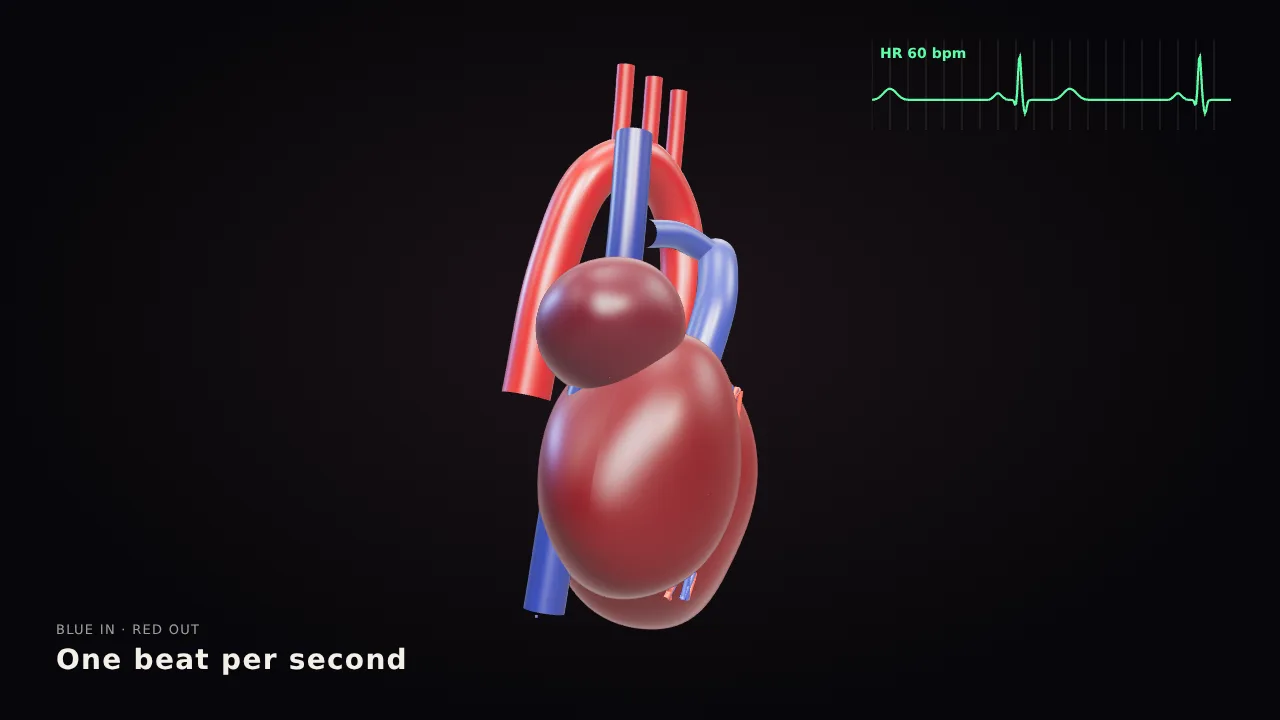
跳动的 3D 人体心脏
@aichrislee讲解动画
- Three.js
- Web Audio
Opus 5.5 · 讲解动画
Three.js · GLSL
效果复现
把专业变焦镜头从侧面剖开:镜片组、光圈叶片,以及弯折后汇聚到传感器上的彩色光线。
Build me a camera lens in interactive 3D, in one HTML file with Three.js.
Make it look real: a big black pro zoom lens with its glass front, the rubber focus and zoom rings, the red stripe and the white numbers, and inside it the parts you never get to see. The stack of glass elements in their groups, the aperture blades that open and close, the focus motor, the image stabilizer, the zoom cams, and the gold contacts on the mount. Cut it open down the side so I can see the glass inside, with light passing through it as colored beams that bend and meet on the camera sensor behind it. The aperture blades open and close slowly. I can drag to orbit around it and scroll to zoom.
Add an Explode button. When I press it, every part slides apart along the lens with its name on a label. Press it again and it all snaps back together. When I hover a part, it lights up and shows one line on what it does.
No images. Do not ask me any questions. Just build it.
节选,完整提示词见原帖
以本案例为创意起点,修改提示词并选择模型,即可在 loveimage 生成同类视频。
视频生成仅对付费套餐开放。提示词与设置会在登录后恢复。 查看套餐
Three.js · Web Audio
效果复现
Three.js · GLSL
效果复现
Three.js · Web Audio
效果复现
指由 Anthropic 的 Claude Opus 5.5 编写代码(Three.js、WebGL、Canvas、Remotion 等)并渲染出的视频。与扩散式视频模型不同,它的每一帧都由程序绘制。
Claude Opus 5.5 输出的是代码,需要在浏览器或 Remotion、HyperFrames 等工具中渲染,才能得到 MP4 等视频文件。
在这里查看和复制提示词无需付费。提示词归创作者所有;复制提示词并不代表获得原视频的使用许可,请遵守原帖中的使用条款。
原作由署名创作者在 X 上发布,每个案例都链接到作者主页与原帖。“使用 Claude Opus 5.5 制作”为创作者的声明。
我们依据创作者公开分享的提示词,使用 Three.js、WebGL、Canvas 等技术编写代码并逐帧渲染。效果复现与原作分别标注,原作版权归创作者所有。
可以。在页面的生成框中修改提示词并选择视频模型,即可生成同类风格的 AI 视频;所选模型的套餐与积分规则照常适用。
科普讲解、产品发布、品牌片头、数据可视化、艺术短片和游戏风格动画。
会。我们持续收录创作者新分享的 Claude Opus 5.5 视频,并陆续补充效果复现。
视频与提示词归原作者所有。“使用 Opus 5.5 制作”为创作者的声明。loveimage 与 Anthropic 无关联。 如需移除,请联系我们.