
用 MiniMax H3 Image 排出清晰海报文字
把需要的标题、副标题和日期分别放在引号中,再说明字体风格、文字层级和位置。花市海报将“春日花市”与“SPRING FLOWER MARKET”组合,咖啡海报则以“MORNING BREW”为视觉重点。短句、清晰留白和简洁背景更方便检查文字,发布前请放大核对汉字、英文拼写和标点。
海报文字、写实摄影与参考图编辑
用 MiniMax H3 Image 呈现清晰文字、自然人像和产品细节。
MiniMax H3 Image 精准呈现中英文海报文字,1K/2K每张6积分。支持写实人像、产品图与参考图 Edit 编辑,最高4K输出。
这个模型实际接受的参数。选中它时创作台显示的就是这些选项——不多不少,也不会给出它会拒绝的选项。
文生图 · 1K/2K/4K · PNG/JPEG
在创作台打开 MiniMax H3 Image →提示词与设置会在登录后恢复,确认后再生成。
01 / 能力与用法
把需要的标题、副标题和日期分别放在引号中,再说明字体风格、文字层级和位置。花市海报将“春日花市”与“SPRING FLOWER MARKET”组合,咖啡海报则以“MORNING BREW”为视觉重点。短句、清晰留白和简洁背景更方便检查文字,发布前请放大核对汉字、英文拼写和标点。
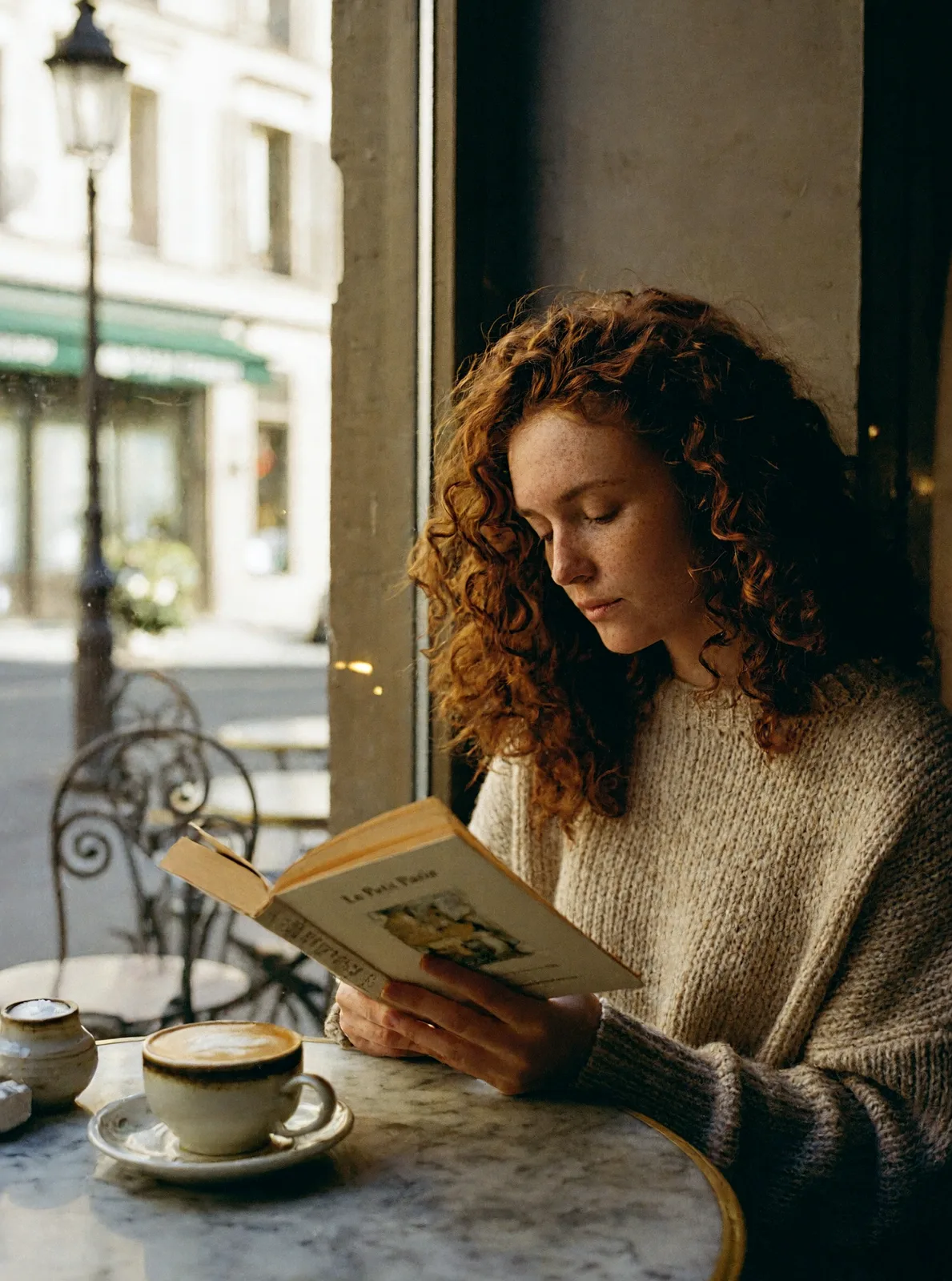
描述雀斑、卷发、窗边柔光、磨砂表面和皮革耳垫等细节,让画面有明确的质感。咖啡馆人像和棚拍耳机分别展示人物与商品场景。先确定角度、构图和光线,再补充材质与环境;检查人像五官、手部、产品轮廓和反光是否符合预期。
在工作台选择 Edit,上传一张参考图,写明要保留和修改的内容。水彩样例以咖啡馆人像为输入;耳机场景通过 API 合成了两张参考图。模型本身可组合最多16张参考图,但本站工作台每次编辑只接受一张。样例上方展示实际输入,方便对照主体、背景和编辑结果。
文生图1K和2K均为每张6积分,4K为19积分;编辑1K和2K均为10积分,4K为24积分。内嵌生成框默认1K、1:1和PNG。可按用途选择竖版海报或横版插画画幅,输出PNG或JPEG。画廊中七张样图以2K生成,小笼包样图为1K JPEG;页面图片已做浏览优化。
02 / 作品展示
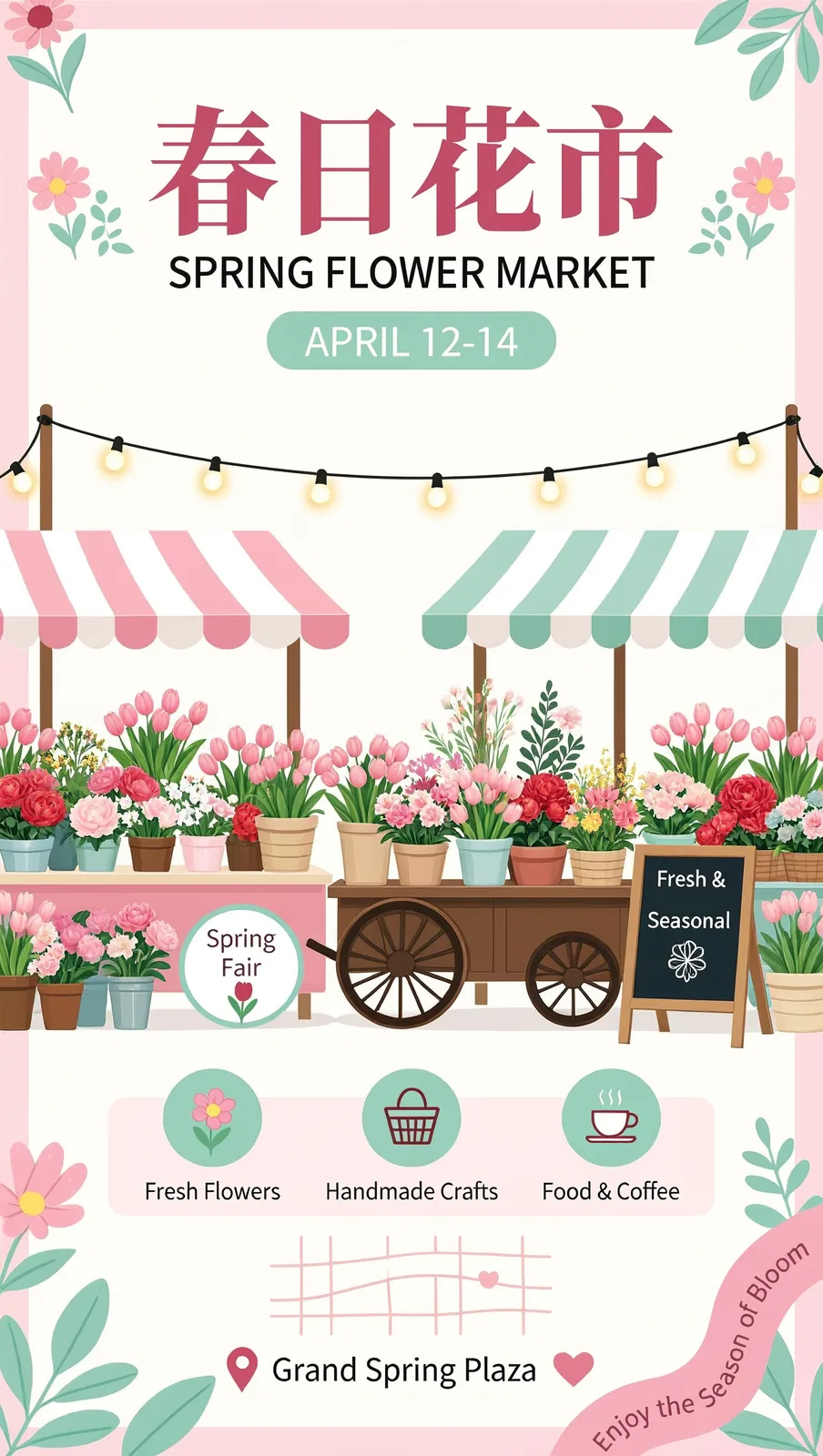
文生图 · 2K · 9:16。中英文标题、日期与粉彩花摊组成竖版海报,原始提示词逐行指定文字。
Vertical event poster for a spring flower market. Big Chinese title "春日花市" and English subtitle "SPRING FLOWER MARKET", date line "APRIL 12-14". Flat illustration of flower stalls with tulips, peonies and baskets under string lights, soft pastel pink and mint palette, modern layout.
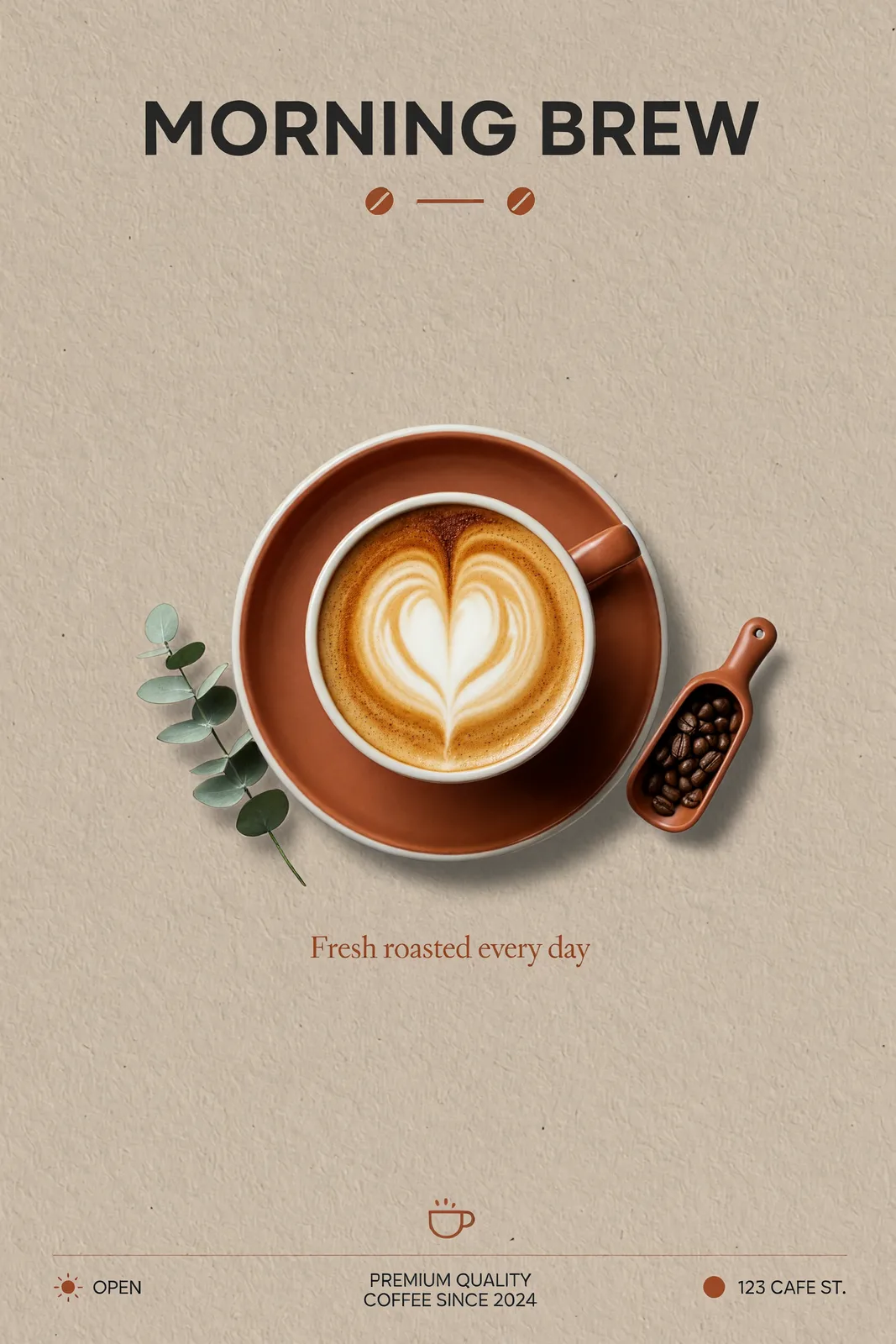
文生图 · 2K · 2:3。醒目英文标题、爱心拉花与小字副标题,搭配暖米色背景和陶土色点缀。
Minimalist coffee shop poster. Large bold headline "MORNING BREW" at the top, a hand-poured latte with heart latte art in the center, small subtitle "Fresh roasted every day" below, warm beige background with terracotta accents, clean Swiss typography.
 编辑前 · 参考图 编辑后 · 结果
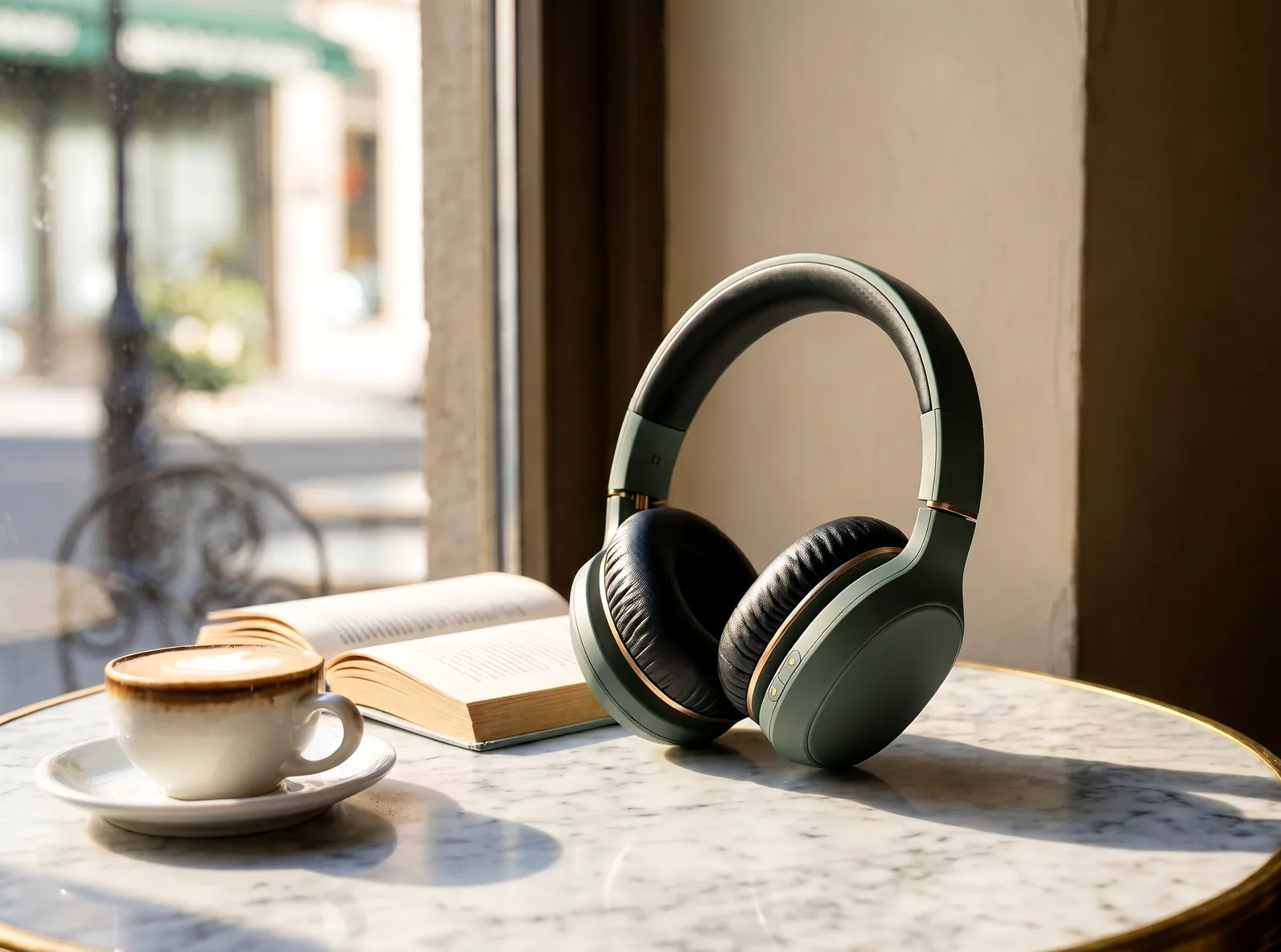
编辑 · 2K · 4:3。此样例通过 API 合成两张参考图:这里展示的耳机与咖啡馆人像。本站工作台每次编辑只使用一张参考图。
Place the exact sage-green headphones from <Picture 1> on the marble cafe table by the window from <Picture 2>, next to a cappuccino and an open paperback, no person in the scene. Keep the headphones' design, color and leather cushions unchanged; soft morning window light, realistic lifestyle product photography.
编辑前 · 参考图 编辑后 · 结果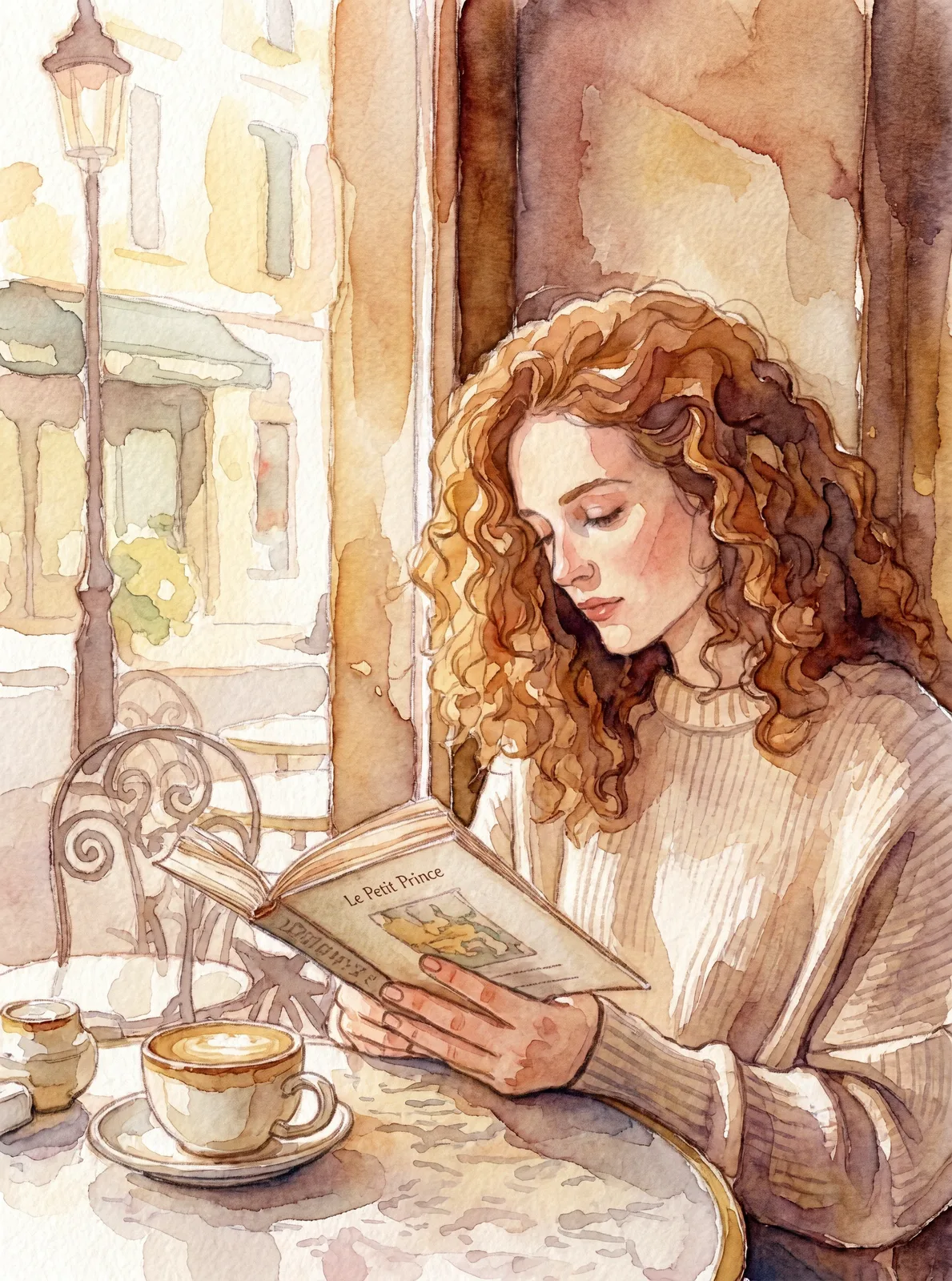
编辑 · 2K · 3:4。以咖啡馆人像为参考,用松散笔触、纸张纹理与柔和暖色重新诠释原图。
Turn <Picture 1> into a delicate watercolor painting. Keep the woman's face, curly auburn hair, pose, the book and the cup exactly as they are; loose wet-on-wet brush strokes, visible cold-press paper texture, soft muted warm palette.
文生图 · 2K · 3:4。红褐色卷发、雀斑、平装书和卡布奇诺,配合咖啡馆晨光与浅景深。
Candid portrait of a young woman with curly auburn hair reading a paperback by the window of a small Paris cafe, soft morning light, freckles and natural skin texture, cappuccino on the marble table, shallow depth of field, 85mm film photography.
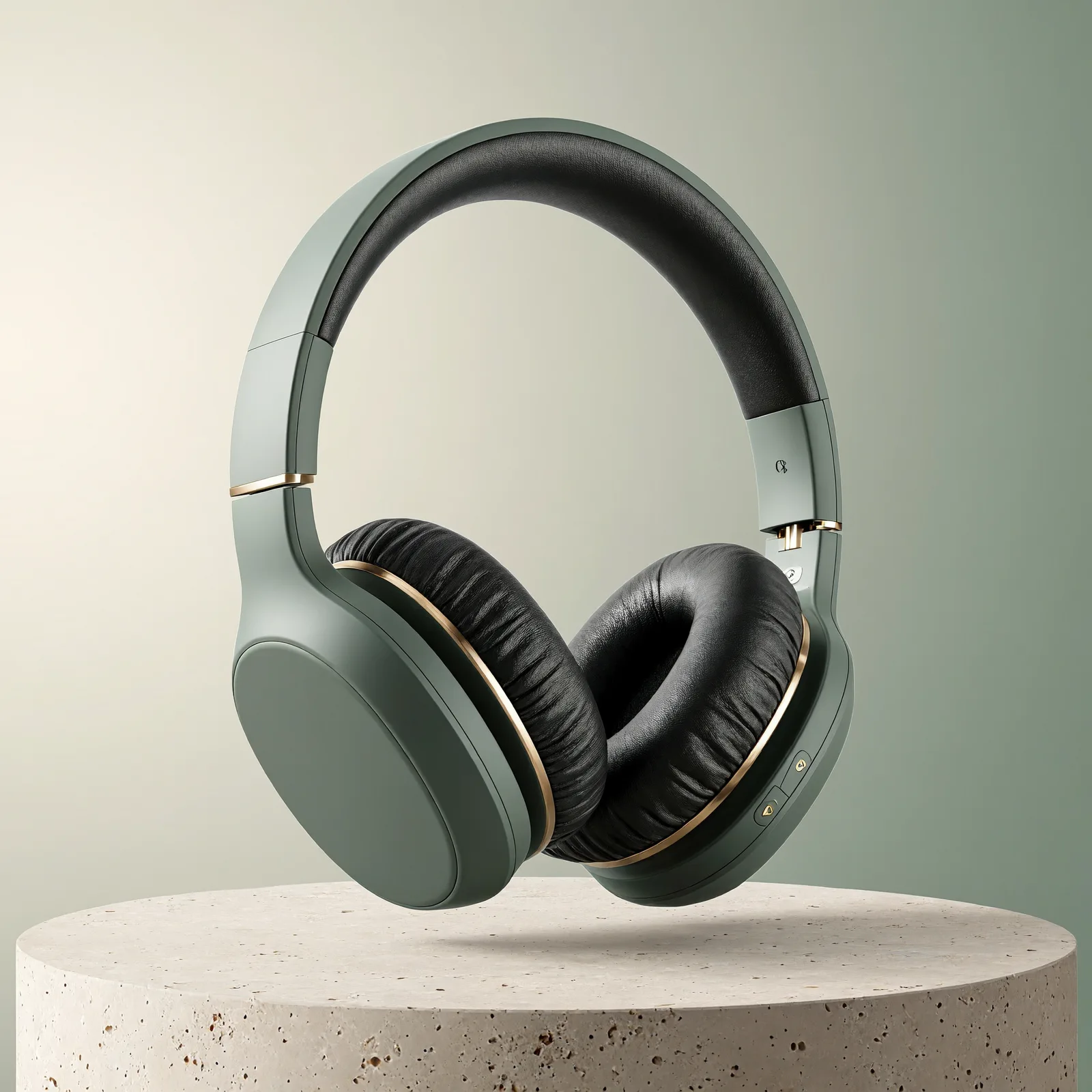
文生图 · 2K · 1:1。磨砂耳机、皮革耳垫、浅色底座和柔和阴影组成棚拍产品图。
Studio product photo of matte sage-green over-ear wireless headphones floating above a pale stone pedestal, soft gradient background in cream and sage, gentle shadow, crisp details on the leather ear cushions, premium e-commerce hero shot.
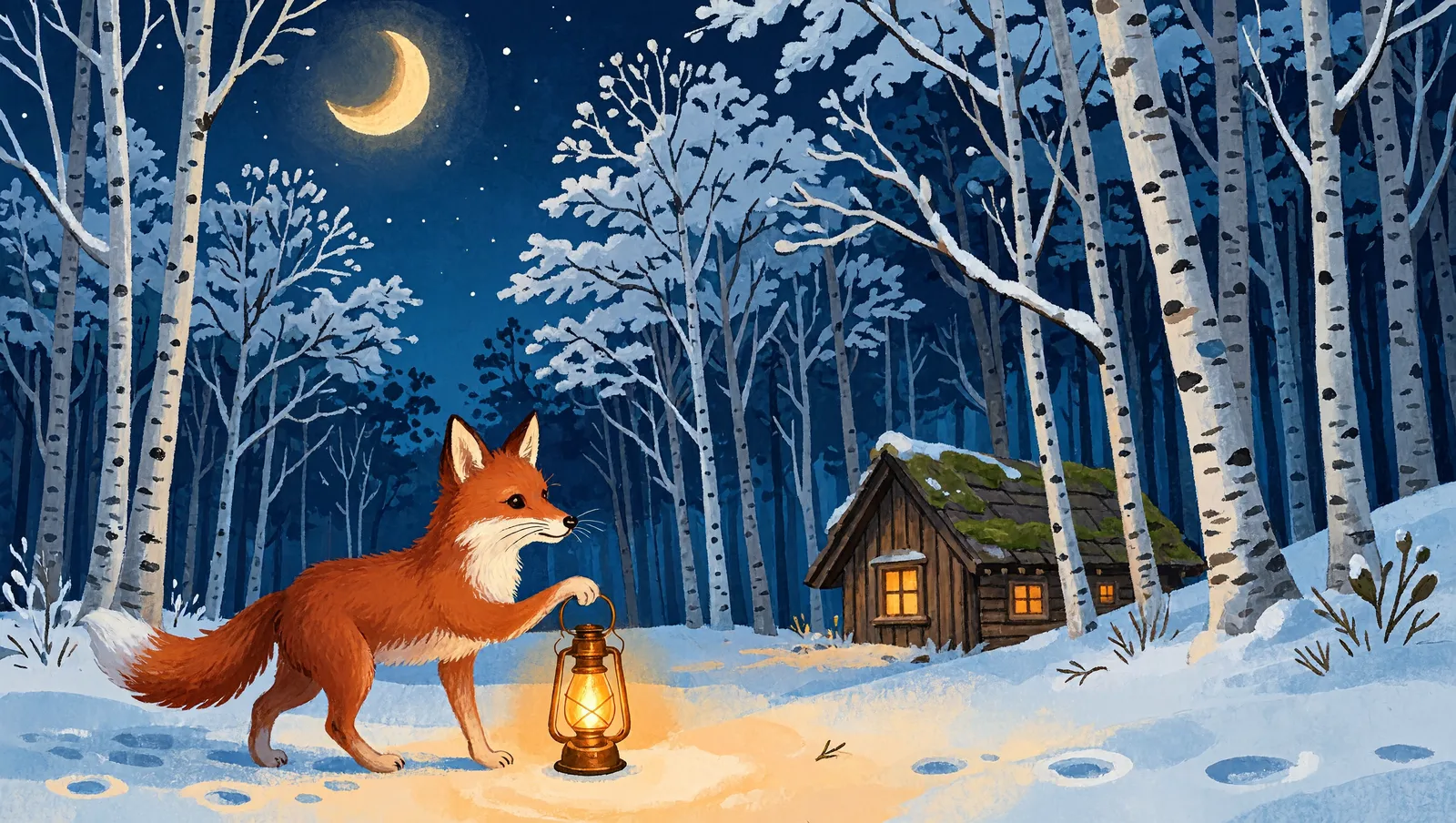
文生图 · 2K · 16:9。雪中白桦林、远处小屋和暖色灯光,构成深蓝色水粉质感童话场景。
Storybook illustration of a small red fox carrying a lantern through a snowy birch forest at night, glowing windows of a tiny cabin in the distance, gouache texture, deep blue and warm orange palette, cinematic wide composition.
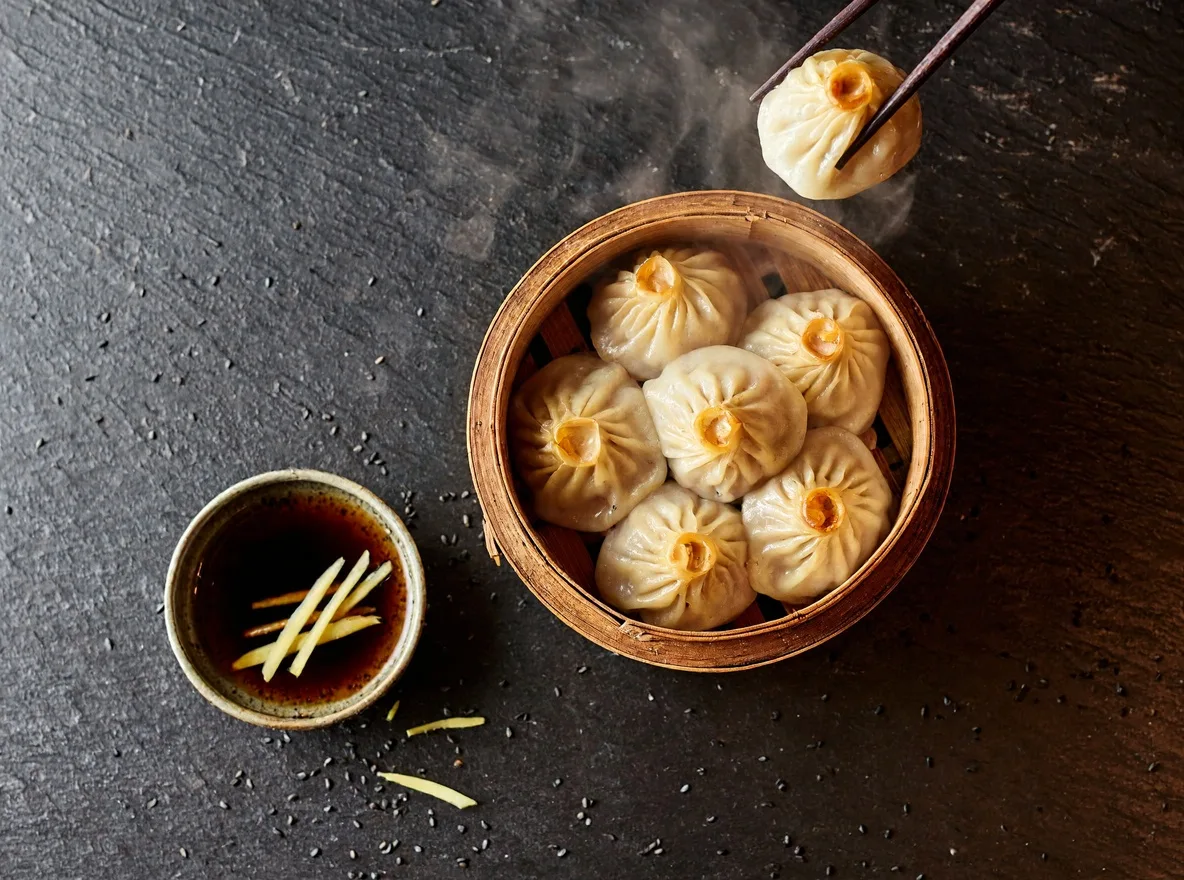
文生图 · 1K · 4:3 · 原图JPEG。俯拍蒸笼中的小笼包,筷子夹起一只,姜丝蘸料与深色石板衬托热气。
Overhead food photography of steamed soup dumplings in a bamboo steamer, one dumpling lifted with chopsticks, dipping sauce with ginger slivers, steam rising, dark slate table, moody natural window light.
03 / 开始创作
试试这些 MiniMax H3 Image 提示词。前两条与上方两张海报的原始提示词完全一致,其余覆盖人像、产品和插画。保留英文原文,方便对照结果后逐项修改。
Vertical event poster for a spring flower market. Big Chinese title "春日花市" and English subtitle "SPRING FLOWER MARKET", date line "APRIL 12-14". Flat illustration of flower stalls with tulips, peonies and baskets under string lights, soft pastel pink and mint palette, modern layout.
Minimalist coffee shop poster. Large bold headline "MORNING BREW" at the top, a hand-poured latte with heart latte art in the center, small subtitle "Fresh roasted every day" below, warm beige background with terracotta accents, clean Swiss typography.
Candid portrait of a young woman with curly auburn hair reading a paperback by the window of a small Paris cafe, soft morning light, freckles and natural skin texture, cappuccino on the marble table, shallow depth of field, 85mm film photography.
Studio product photo of matte sage-green over-ear wireless headphones floating above a pale stone pedestal, soft gradient background in cream and sage, gentle shadow, crisp details on the leather ear cushions, premium e-commerce hero shot.
Storybook illustration of a small red fox carrying a lantern through a snowy birch forest at night, glowing windows of a tiny cabin in the distance, gouache texture, deep blue and warm orange palette, cinematic wide composition.
04 / FAQ
MiniMax H3 Image 是 MiniMax 的图像模型,可用提示词创作海报、写实人像、产品图和插画,也提供参考图编辑模式。这八张样图均由该模型生成。
文生图只需文字,不使用参考图;Edit 在工作台需要一张参考图和修改说明。两种模式均提供1K、2K和4K输出。
每张文生图:1K为6积分、2K为6积分、4K为19积分。每张编辑:1K为10积分、2K为10积分、4K为24积分,包含工作台的一张参考图。
两种模式均支持1K/2K/4K及PNG/JPEG。比例为1:1、5:4、4:5、4:3、3:4、3:2、2:3、16:9、9:16、21:9和auto。内嵌生成框默认1K、1:1。
在工作台上传一张图片,再说明修改要求。模型本身可组合最多16张参考图,耳机样例通过 API 使用了两张;本站工作台每次编辑只接受一张参考图。
Creator、Studio和Scale包含这两个模型及商用权限。Free不包含这两个模型,也不包含商用权限。使用时需有符合条件的套餐与足够积分,并确保拥有参考素材的使用权。
用引号标出每一行准确文字,分别说明语言、位置与字号。区分主标题和副标题,简化背景,发布前核对汉字、英文拼写、日期和标点。
选择清晰的产品参考图,明确要求保留形状、颜色、材质、比例和标志性细节,只调整场景或光线。完成后对照耳垫、接缝、标签和反光。
先写主体和构图,再补充环境、光线与风格,最后加入需要准确显示的文字。编辑时把“保留什么”和“修改什么”分开描述,每次调整一个要求更容易判断效果。
Seedream 5.5最高支持2K,1K/2K文生图分别为9/16积分,编辑为13/19积分。H3的1K/2K/4K文生图为6/6/19积分,编辑为10/10/24积分,可结合预算、分辨率与样图选择。