
AI Video Generator
Describe a shot and get motion that holds up: real camera movement and coherent physics, with sound generated alongside the picture on models that support it.
See plansSee imagination in motion
From imagined worlds to product stories. Swipe through the clips and find your next creative direction.
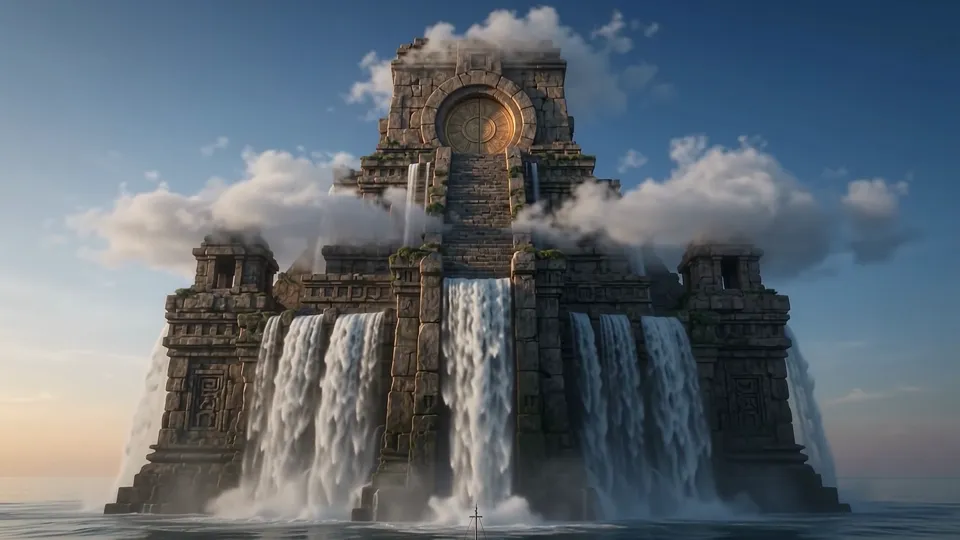
Temple from the sea
Imagined worlds · 8 sec
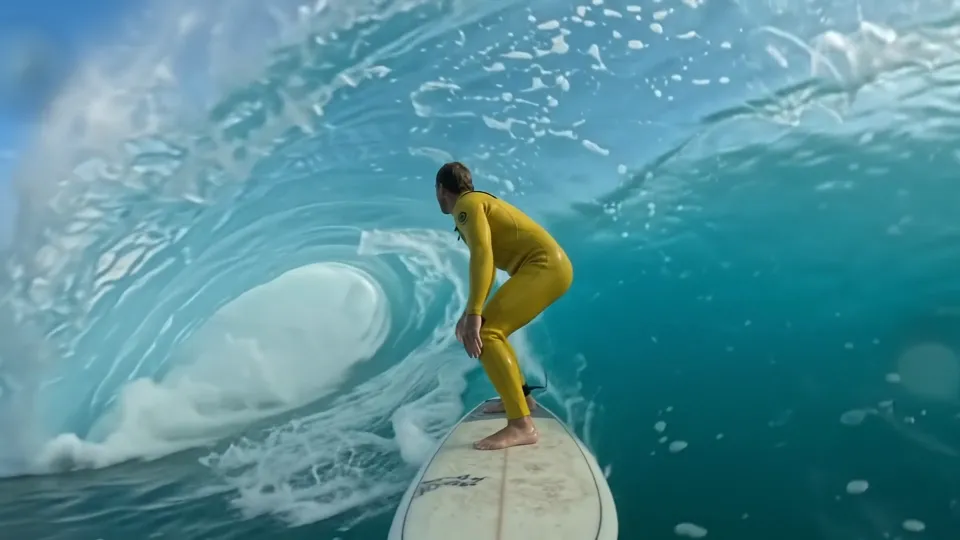
Inside the wave
Action & adventure · 8 sec

A letter to the moon
Animation · 8 sec

Golden skincare
Products & design · 8 sec

Cloud whale
Imagined worlds · 8 sec

Treetop glider
Animation · 8 sec
1 / 6
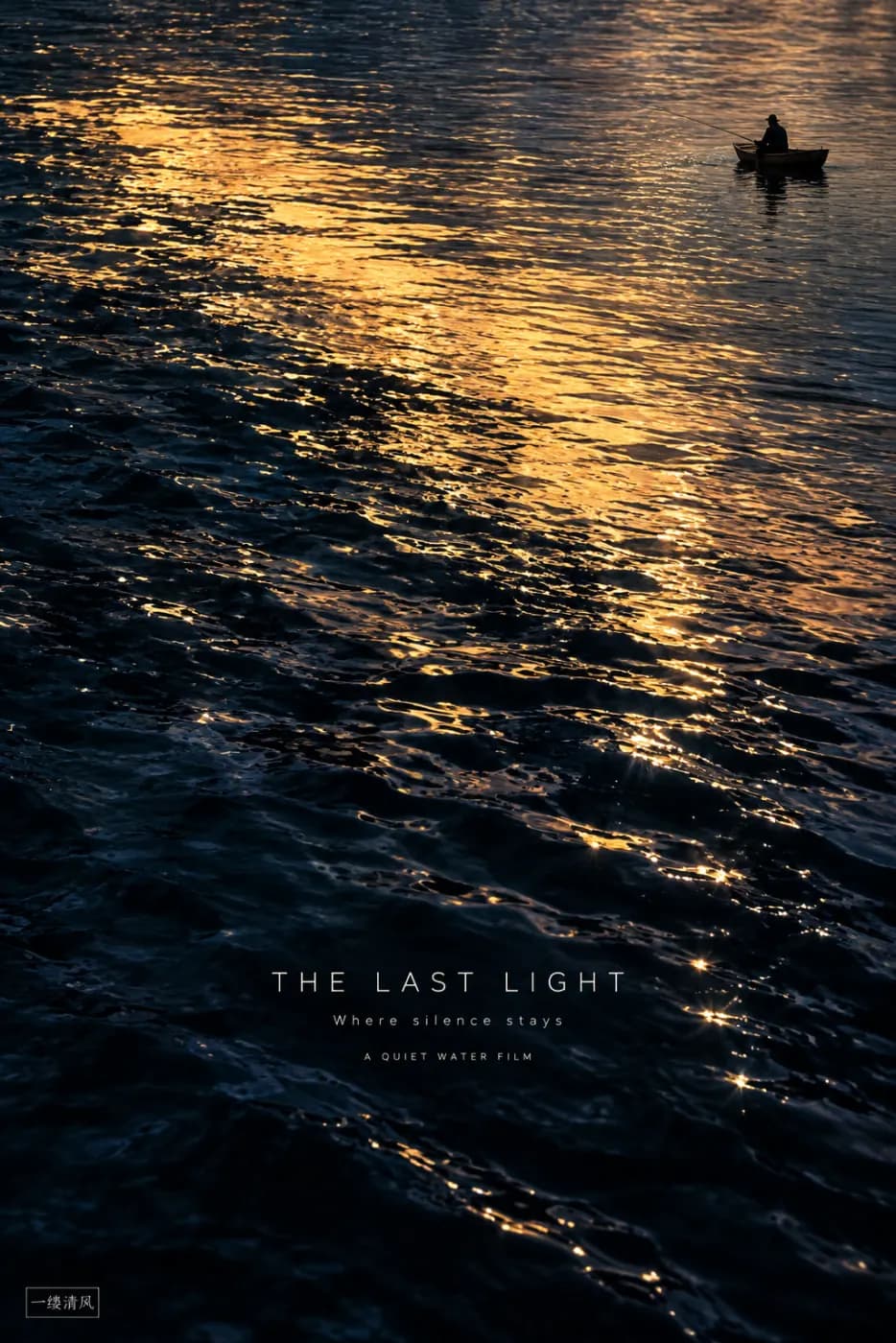
Veo 3 and Kling hold subjects together through a move instead of melting halfway through the take.

On Veo 3, Kling 2.6 and Seedance 1.5 Pro, ambience and effects are generated with the clip, so it lands finished rather than silent.
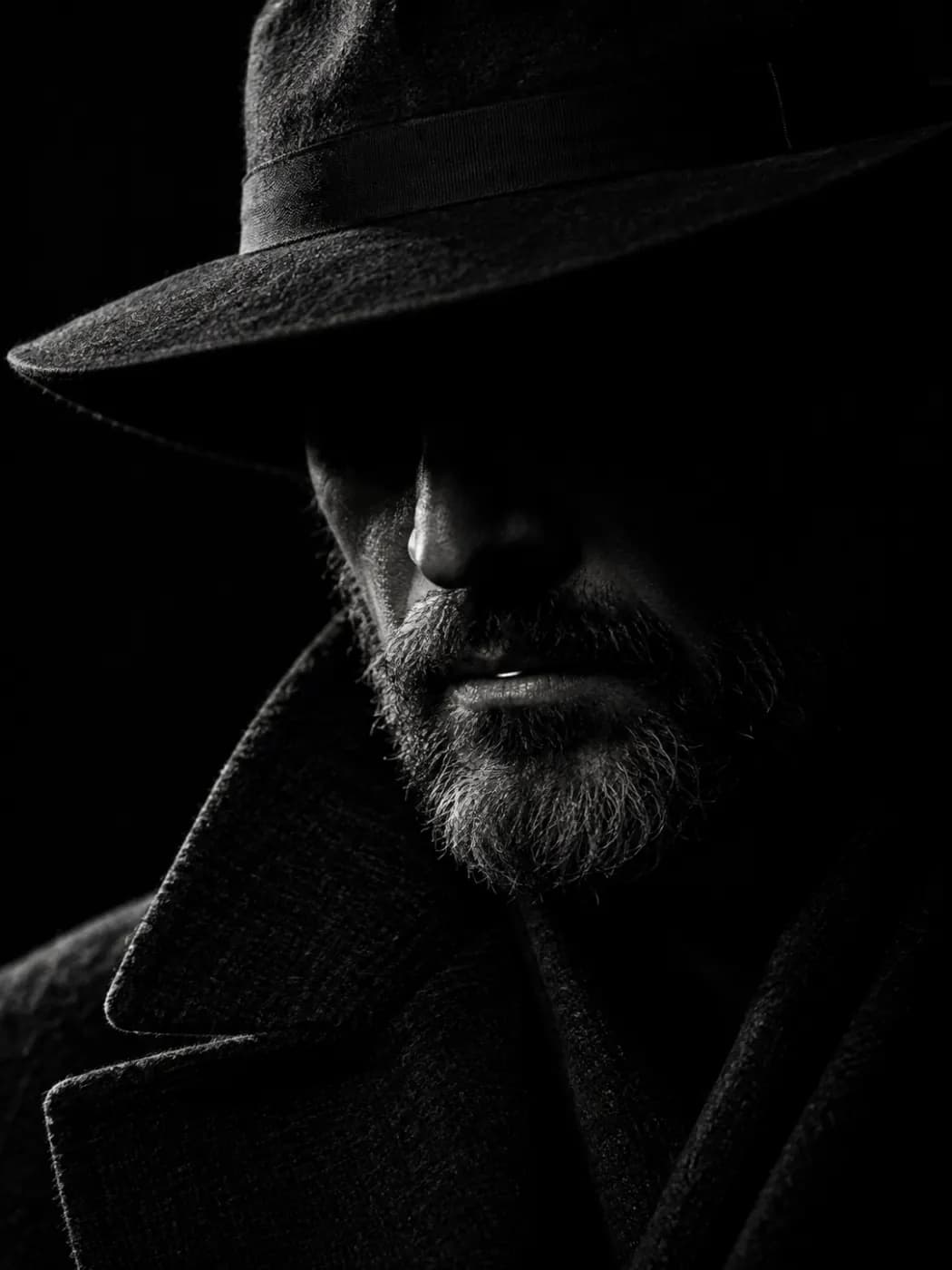
Feed a product photo or a portrait, describe the motion, and let the model bring it to life.
16:9, 9:16 and 1:1 on most models, set before you generate — no reframing pass afterwards.
Subject, action, camera move and light. One sentence is enough to start.
Up to 15 seconds, the resolutions your model offers, and audio on or off where supported.
Watch the take, download the MP4, or reuse the prompt for another try.
Length is not the interesting number
A long clip that drifts is worth less than five seconds that hold. The models here are tuned for coherence through a camera move — the subject stays itself, the light stays put, and the physics do not quietly renegotiate halfway through.
Finished, not raw
A silent clip is often not a deliverable. On models that generate sound in the same pass, what comes out is something you can post, not the first half of a job you still have to finish somewhere else.
How long can a clip be?
Up to 15 seconds, depending on the model. Video generation is available on paid plans.
Does it generate audio?
On models that support it: Veo 3 always adds a soundtrack, Kling 2.6 and Seedance 1.5 Pro let you turn it off per generation, and other models produce silent clips.
Can I animate my own photo?
Yes. Image to Video takes a single still; describe the motion and camera move you want.
What does a clip cost?
It depends on the model, length and resolution — from a few dozen credits for a short budget clip to more for premium models. The studio shows the exact cost before you generate. Credits are shared with image generation.