
Blog
Guides, model notes and workflow breakdowns from the LoveImage team.
RSS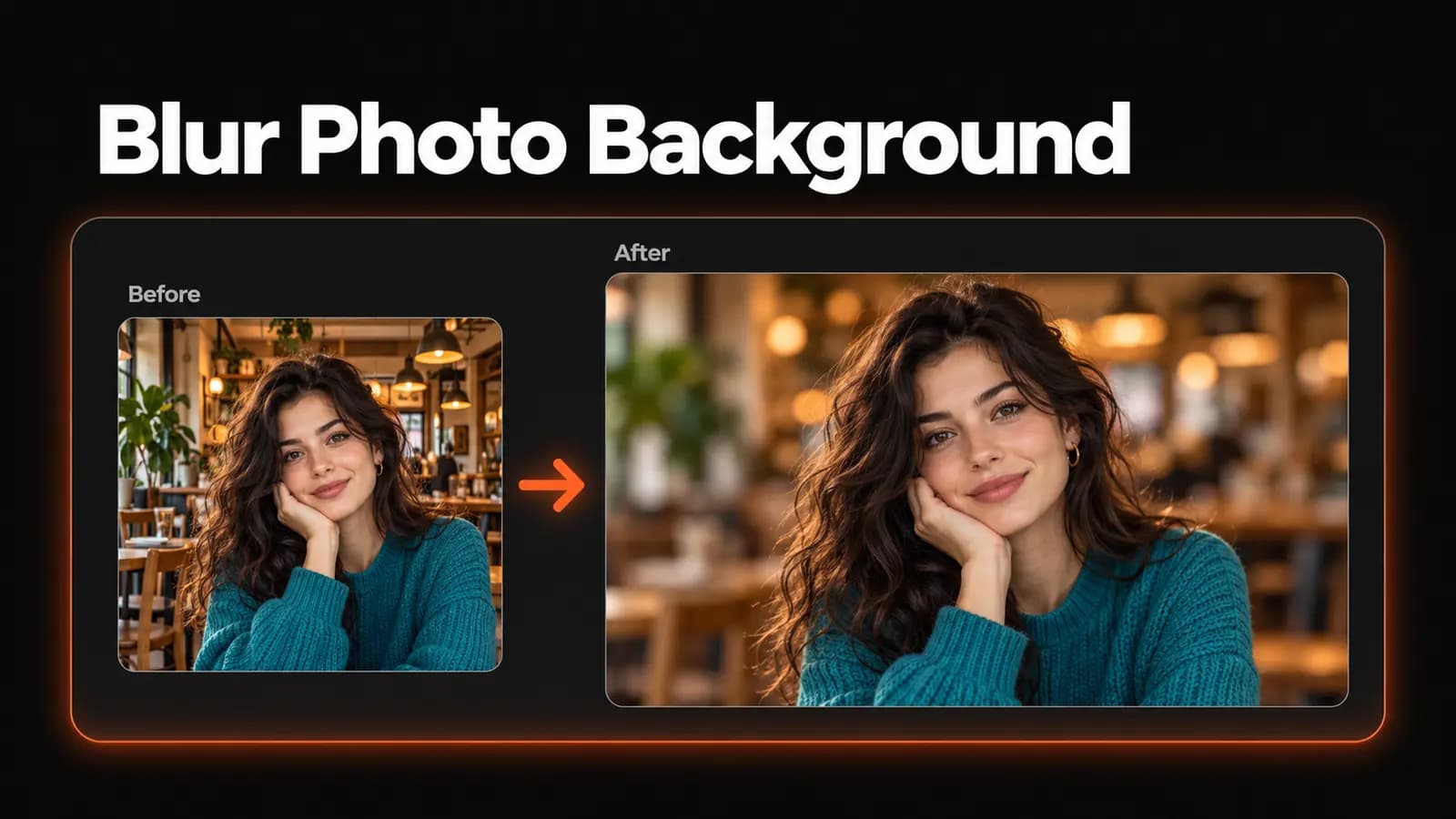
How to Blur a Photo Background (No Photoshop)
Learn how to blur background distractions without Photoshop. Upload a photo, adjust the blur, check tricky edges, and download a finished PNG with LoveImage.
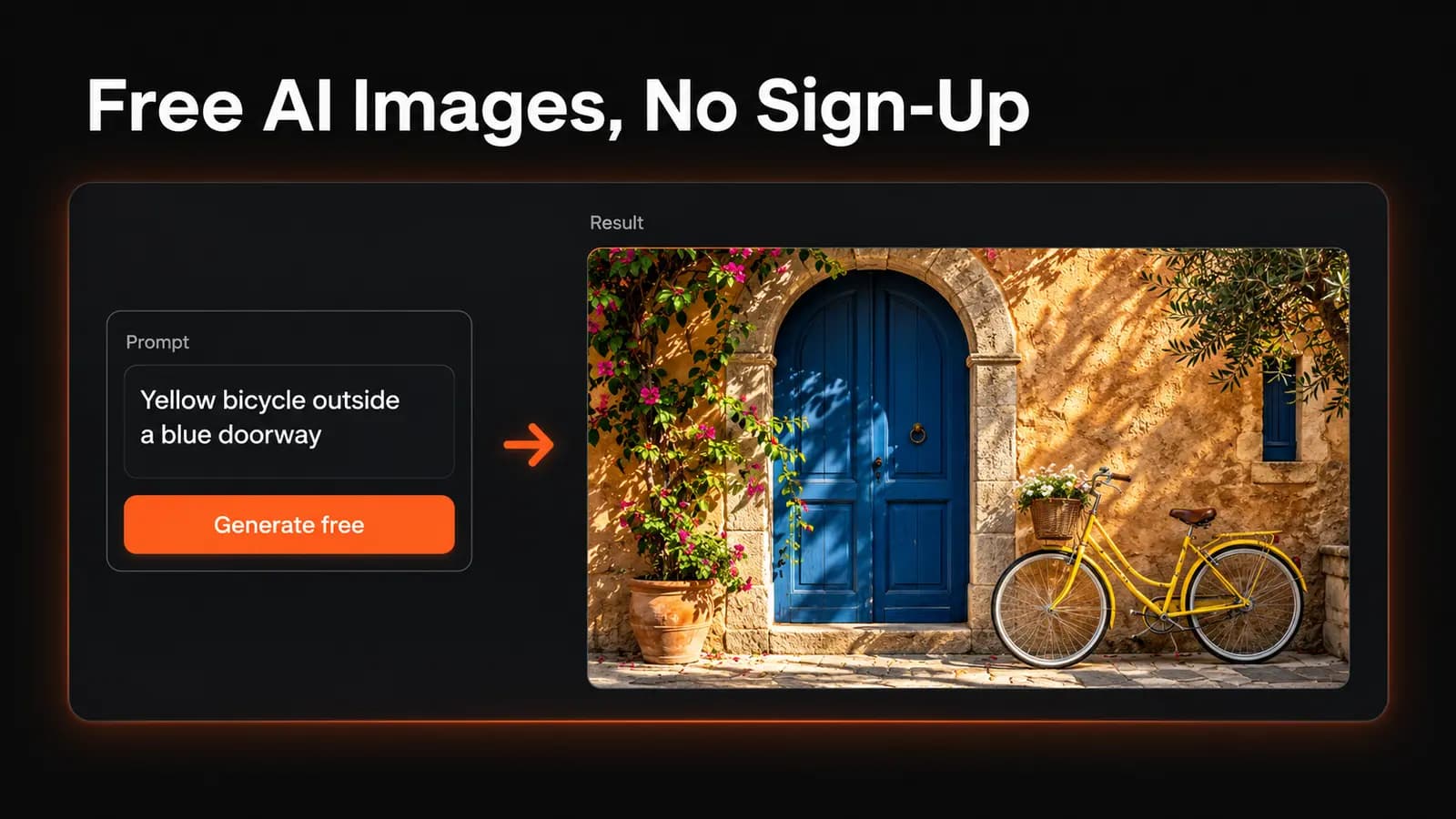
Free AI Image Generator With No Sign-Up: What to Expect
Looking for a free AI image generator with no sign-up? Learn how LoveImage’s trial works, its daily limits, watermarks and when a free account is worth it.
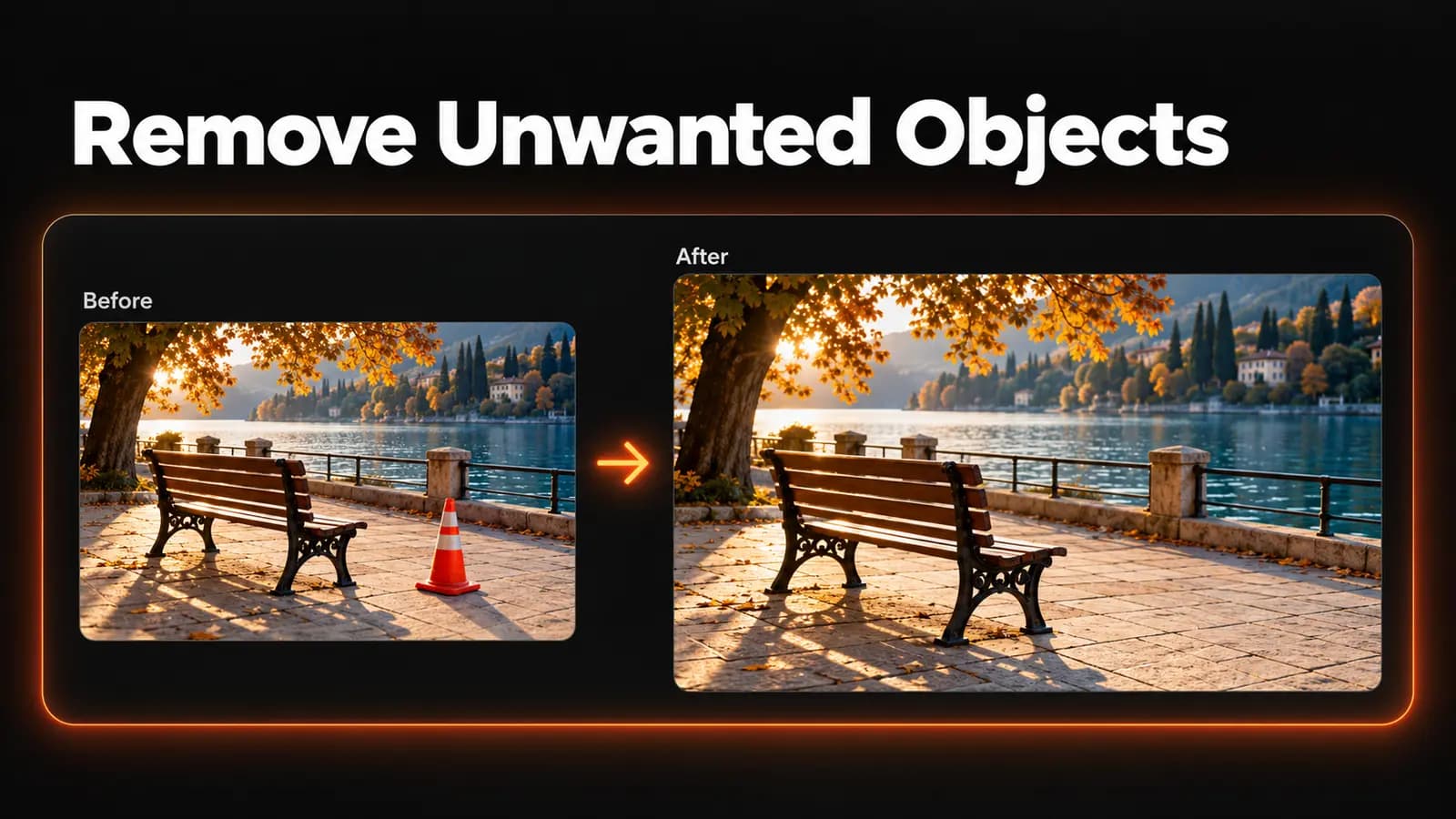
How to Remove Any Object From a Photo
Follow this remove object from photo guide to write clear prompts, inspect repaired backgrounds, fix common problems, and understand LoveImage's free plan.
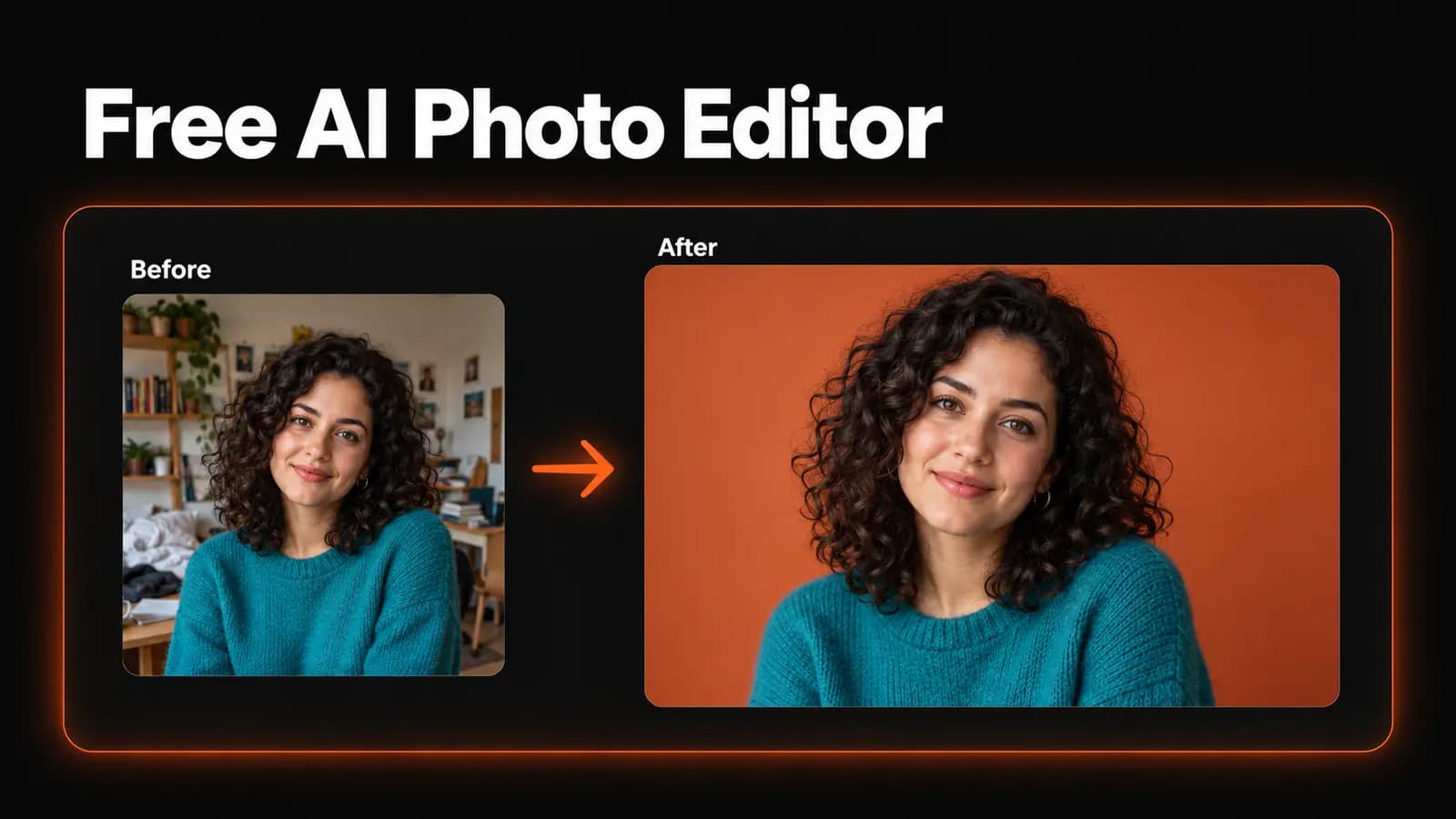
AI Photo Editor Free: What You Actually Get
Looking for an ai photo editor free plan? See which LoveImage tools your 20 signup credits cover, the 1K quality limit, and when a paid plan is needed.
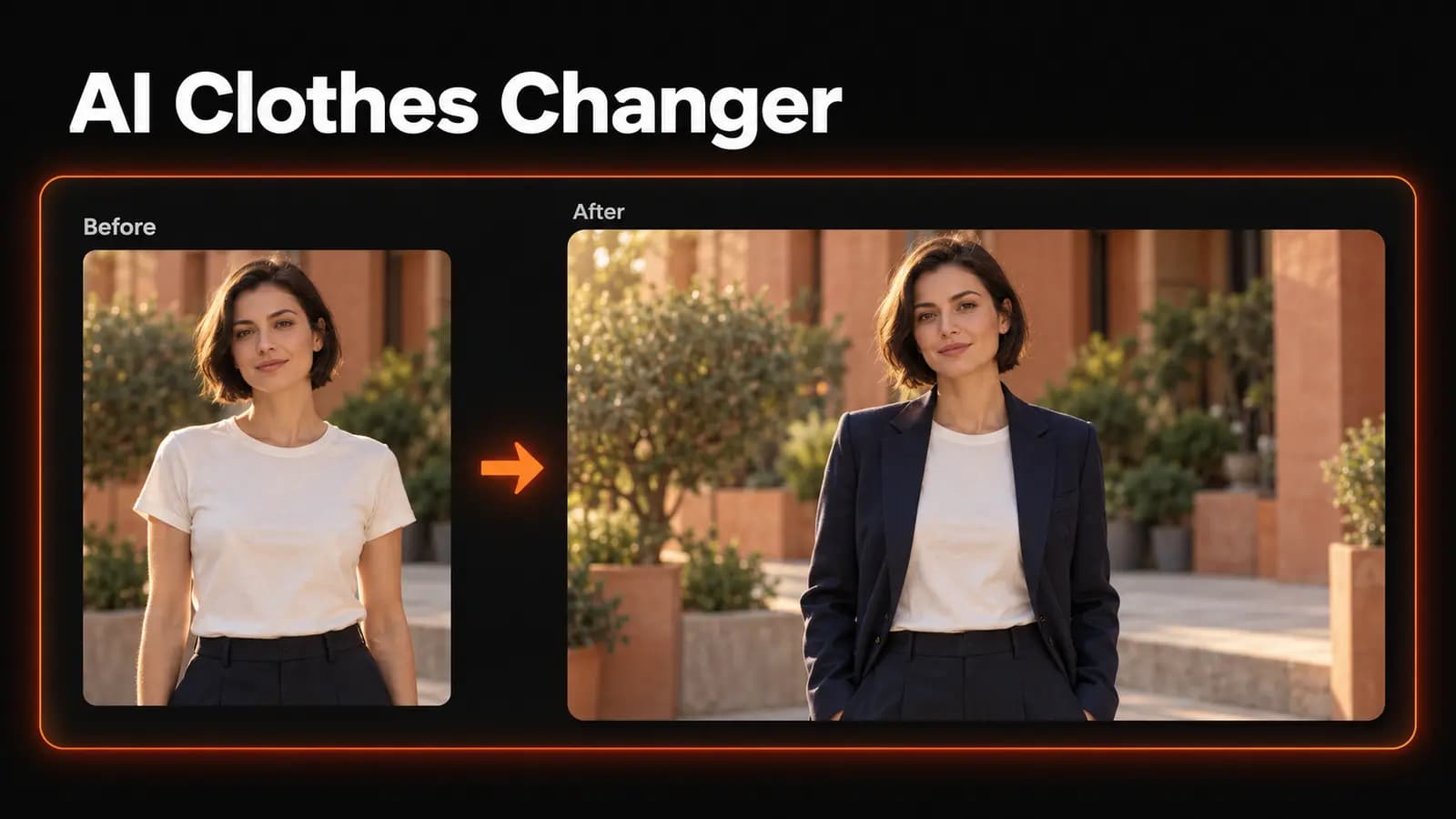
AI Clothes Changer: 15 Try-On Prompts That Look Real
Use an AI clothes changer with 15 practical try-on prompts. Learn to describe fabric, preserve your appearance, and spot edits that need another attempt.
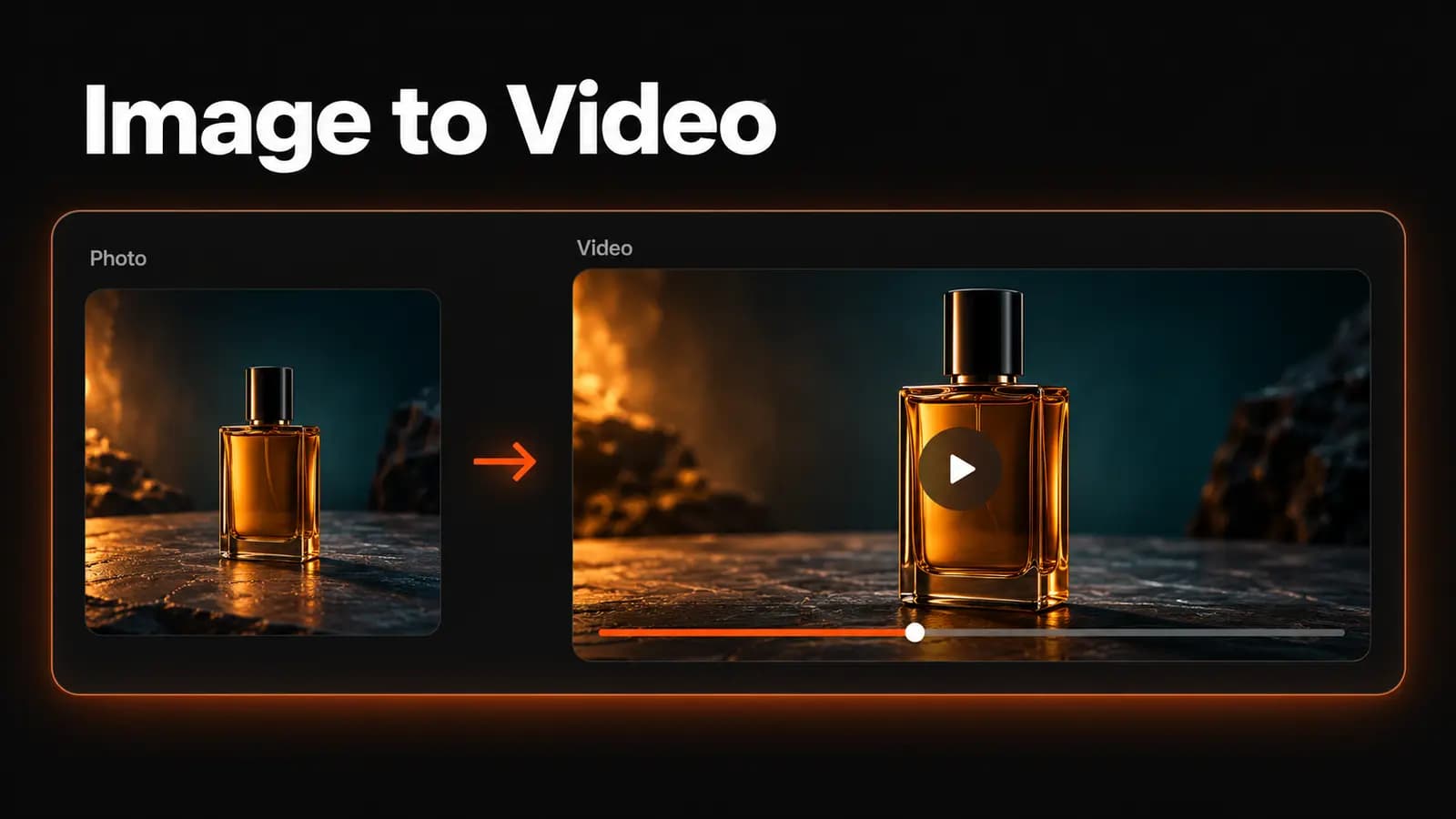
Image to Video AI: How to Animate a Still Photo
Learn how to use image to video AI to animate a photo, write motion prompts, choose a model, and fix common problems before spending credits on longer clips.
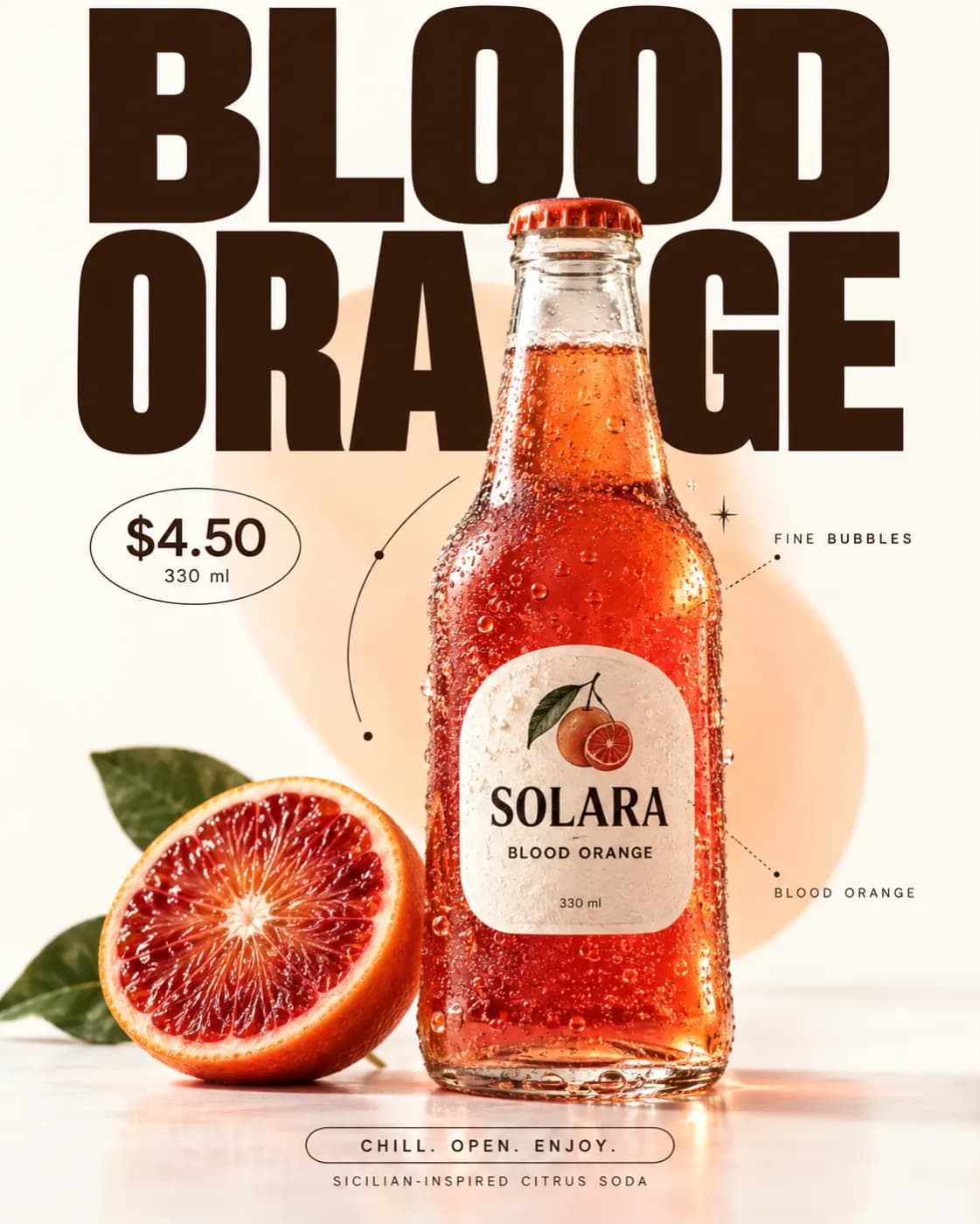
Prompting for product photography that sells
Six specifics that separate a usable product shot from an AI-looking one — and the order to write them in.
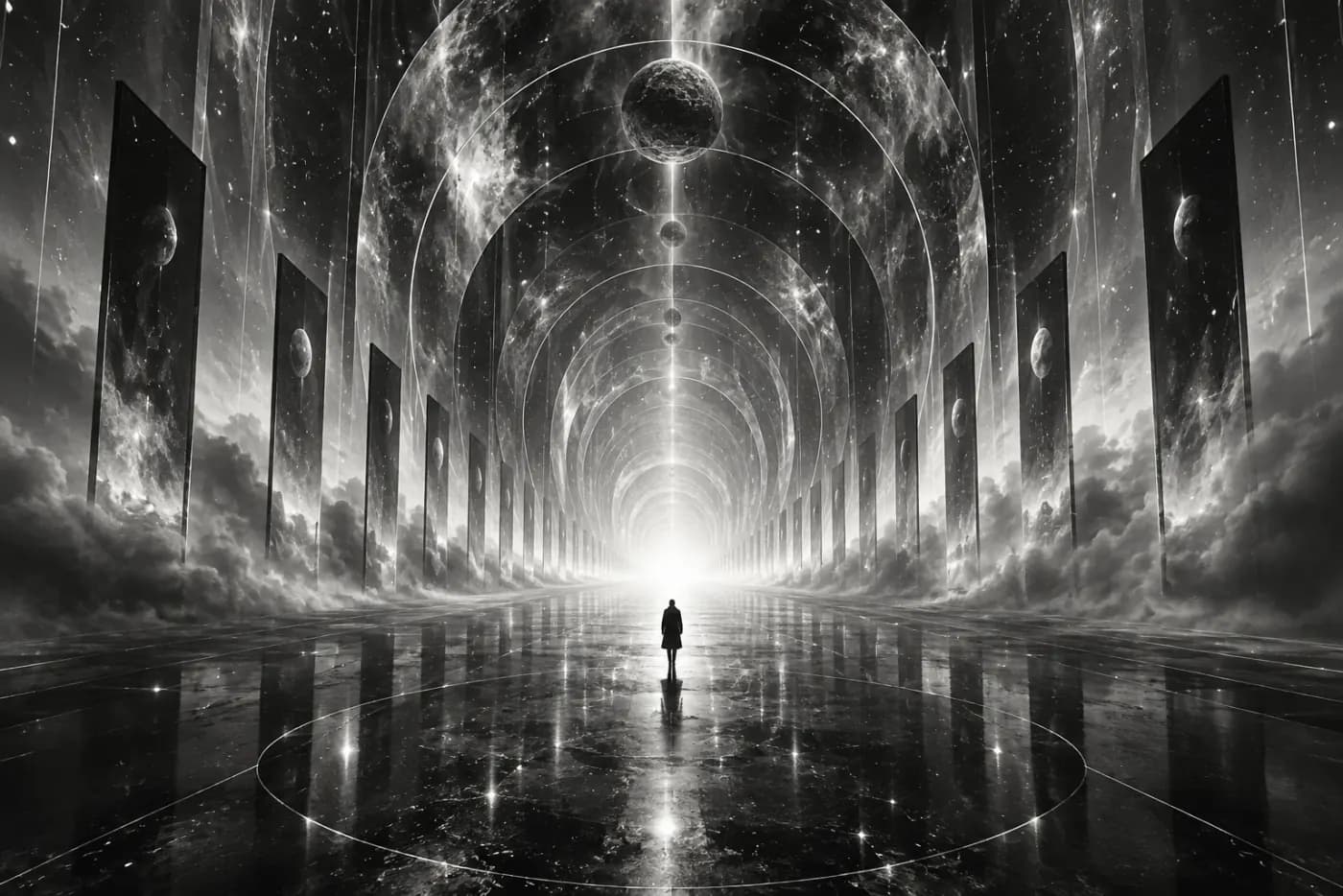
Choosing an AI Image Model for Your Brief
Compare GPT Image 2, Nano Banana 2, Seedream 5 Pro and Imagen 4 by available settings, output needs and a repeatable prompt comparison.