All AI Image Models
All AI Image Models inside LoveImage: the same model you would pay for separately, plus every other frontier model next to it — one prompt, one bill, one library.
Your prompt and settings follow you through sign-in. Review them before generating.
Start with a visual direction
Explore creative references, reuse a scene description and add your own ideas.
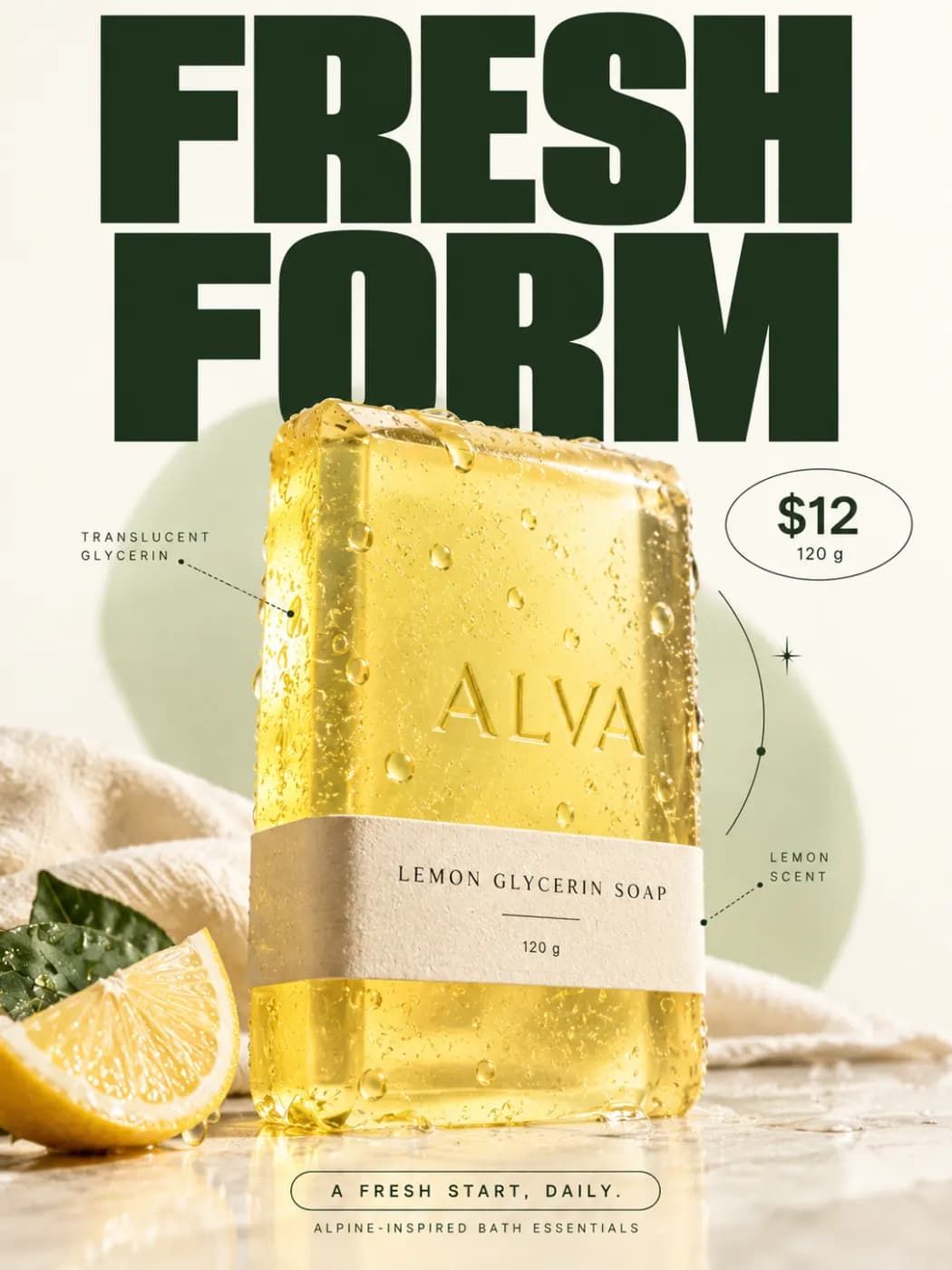
Fresh form
A pale yellow soap product poster with citrus slices, cream background and bold FRESH FORM typography.
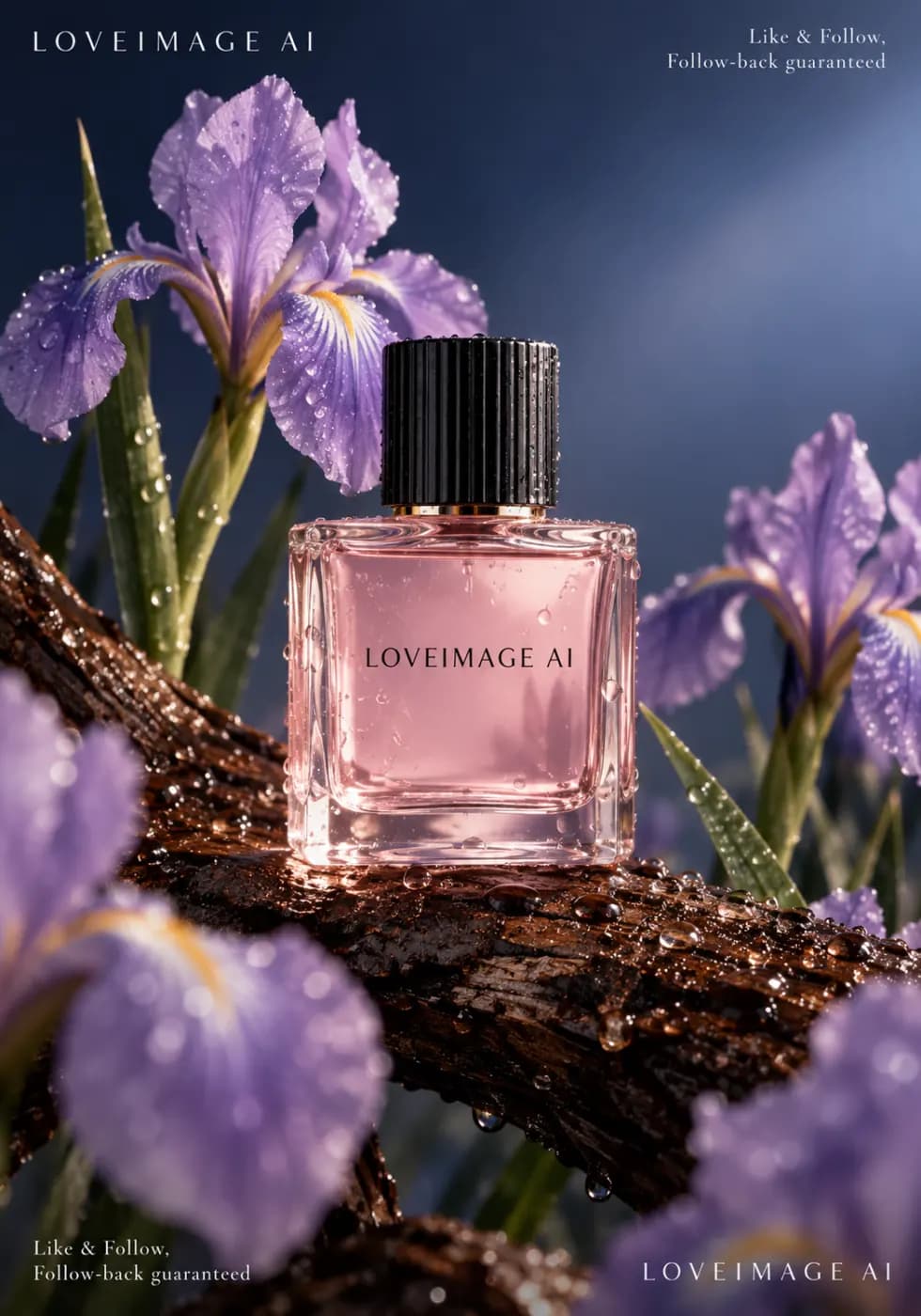
Floral perfume
A pink perfume bottle surrounded by purple irises and moss, dark elegant product lighting.
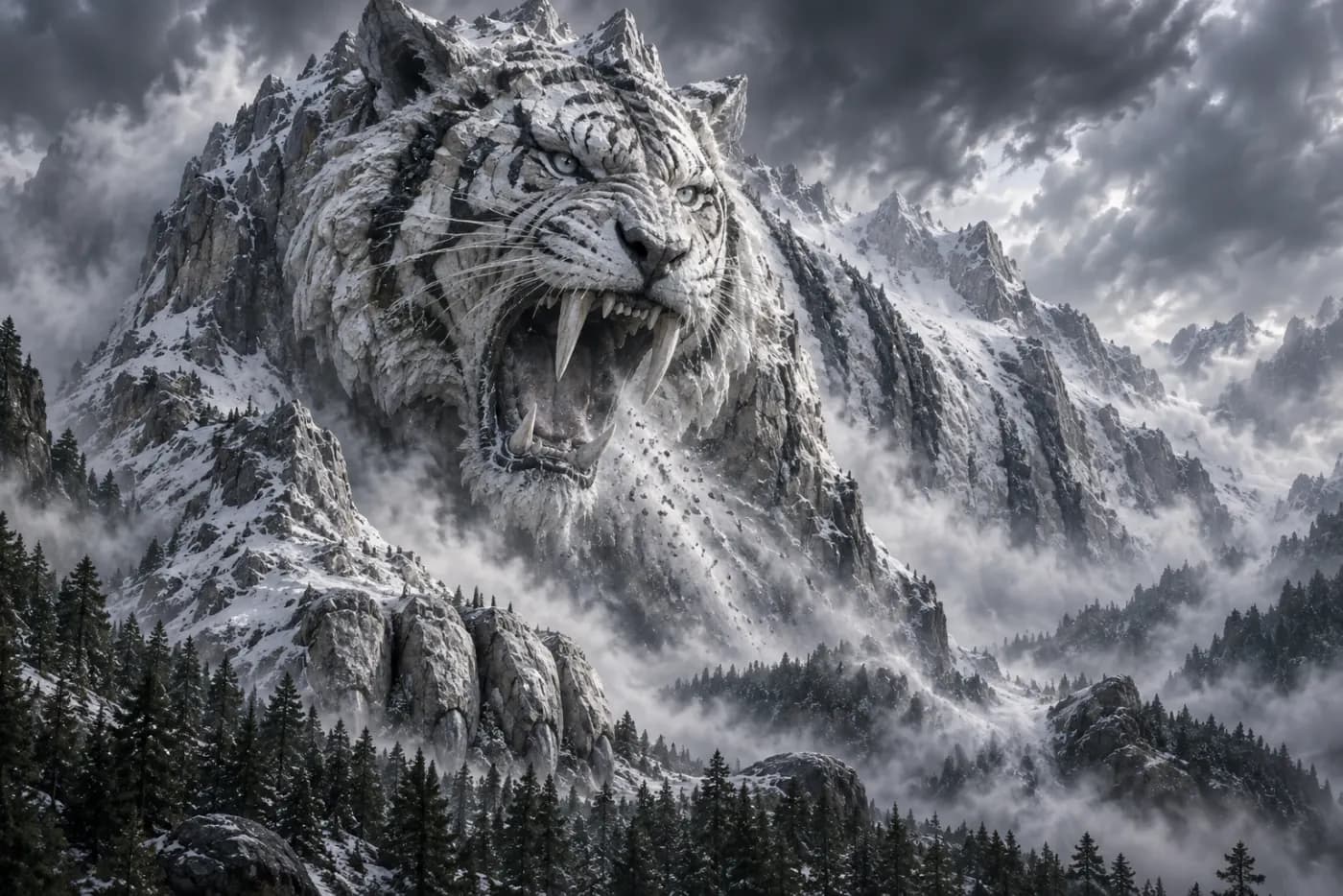
White tiger
A majestic white tiger among snow and mist, detailed fur and a cold mountain atmosphere.
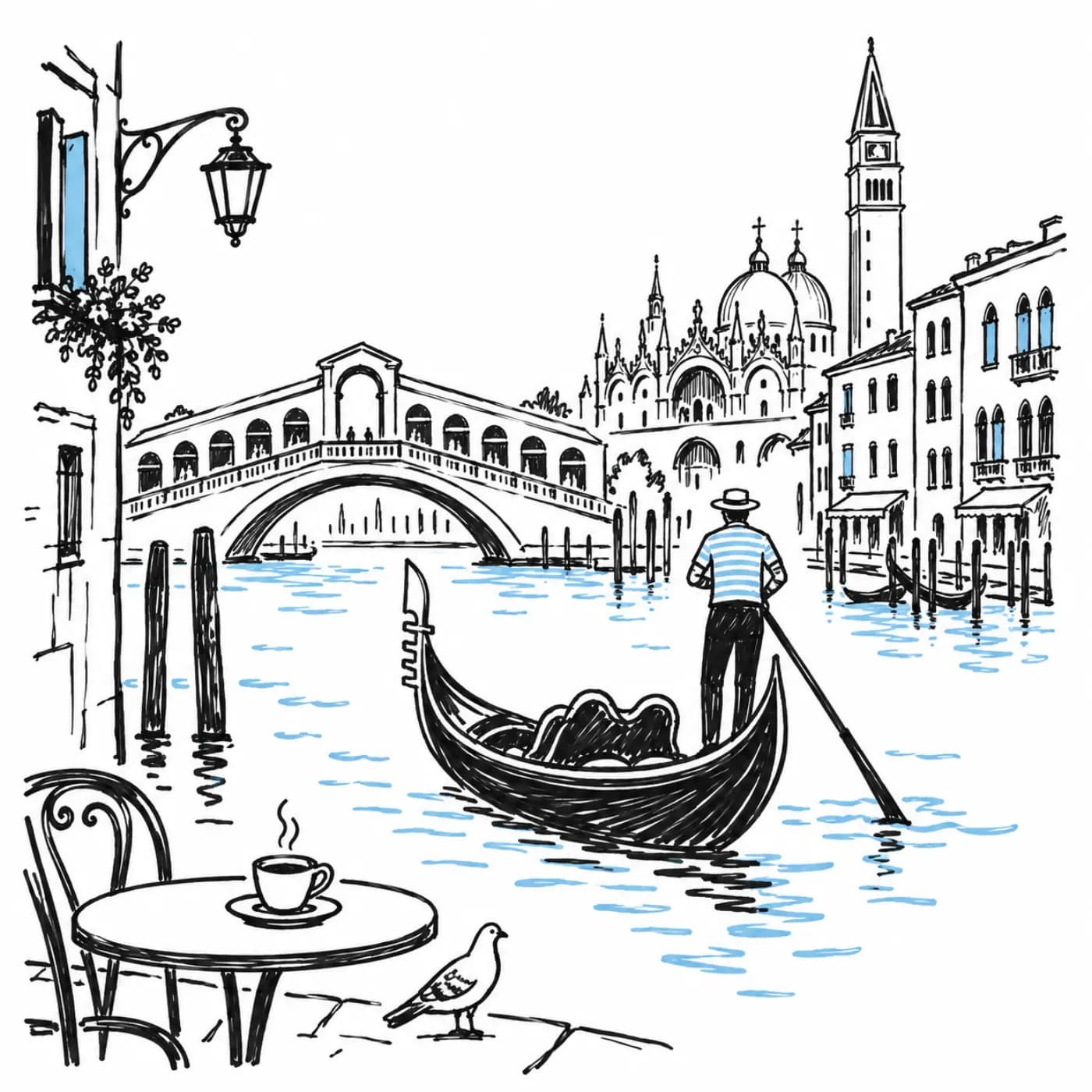
Venice sketch
A travel sketch of a gondola in Venice, expressive black outlines, white paper and a light blue water accent.
Why run All AI Image Models here
All AI Image Models is part of the LoveImage lineup on paid plans. One set of credits covers it and every other model there.
Your prompt stays in place when you switch models, so trying All AI Image Models against its rivals is one click, not a rewrite.
Explore the available models in one workspace and choose one for your subject and preferred style.
Ratios, lengths and quality presets are set to what All AI Image Models does best, so the first render is a fair one.
Explore image and video generation, then choose an image tool for the changes you need.
No watermark on any plan. Commercial rights on paid plans.
Models, one subscription
Providers under one key
Maximum output
How to use All AI Image Models on LoveImage
- STEP 01Open the studio
Sign in and pick a tool — text to image, image to video, whichever fits the job.
- STEP 02Select All AI Image Models
It is in the model list with its strengths noted. Switch to another model any time; your prompt stays.
- STEP 03Prompt and render
Same prompt box, same settings. Cost shows before you commit; progress streams live.
- STEP 04Keep the winner
Download, reuse the prompt, or push the result into the next tool.
When to reach for All AI Image Models
You already know you like it
Keep using All AI Image Models — and get the rest of the lineup for the same credits.
You are not sure
Batch it against two others. Ten seconds of looking beats an hour of reading benchmarks.
Client work
Show the client three models’ takes and let them choose; bill once.
Pipelines
Standardise on All AI Image Models for a series, then switch a single job to another model when it stalls.
Teams
Everyone renders with the same model on the same plan — no personal subscriptions to expense.
Evaluation
Run All AI Image Models on a few real jobs before standardising on it.
Built for people who ship
Run one prompt across models from different providers and keep the take that reads best — no second subscription, no re-typing.
Ratios, resolutions and clip lengths come from each model's own limits, so what you pick is what renders.
A failed job is refunded automatically. You are charged for output, not for attempts.
All AI Image Models on LoveImage: questions people ask
Choose this model in the workspace, explore its available settings and generate with your own prompt.
No. It runs on your LoveImage account and is billed in the same credits as everything else. The free plan includes a selection of models; paid plans include the full lineup.
Each model has its own credit price, and resolution, length and output count change it. The studio shows the exact cost before you generate.
Yes. Your prompt stays when you switch models, so you can run it on All AI Image Models, then on another model, and keep the better result.
The presets are set to its strengths. The model card in the picker notes what it is best at and what to avoid.
No, on any plan.
On paid plans, yes. Free-plan images are for personal, non-commercial use.
It appears in the picker. Older versions stay available for a while so a series in progress is not disrupted.