Guide the pixel art generator with a clear subject
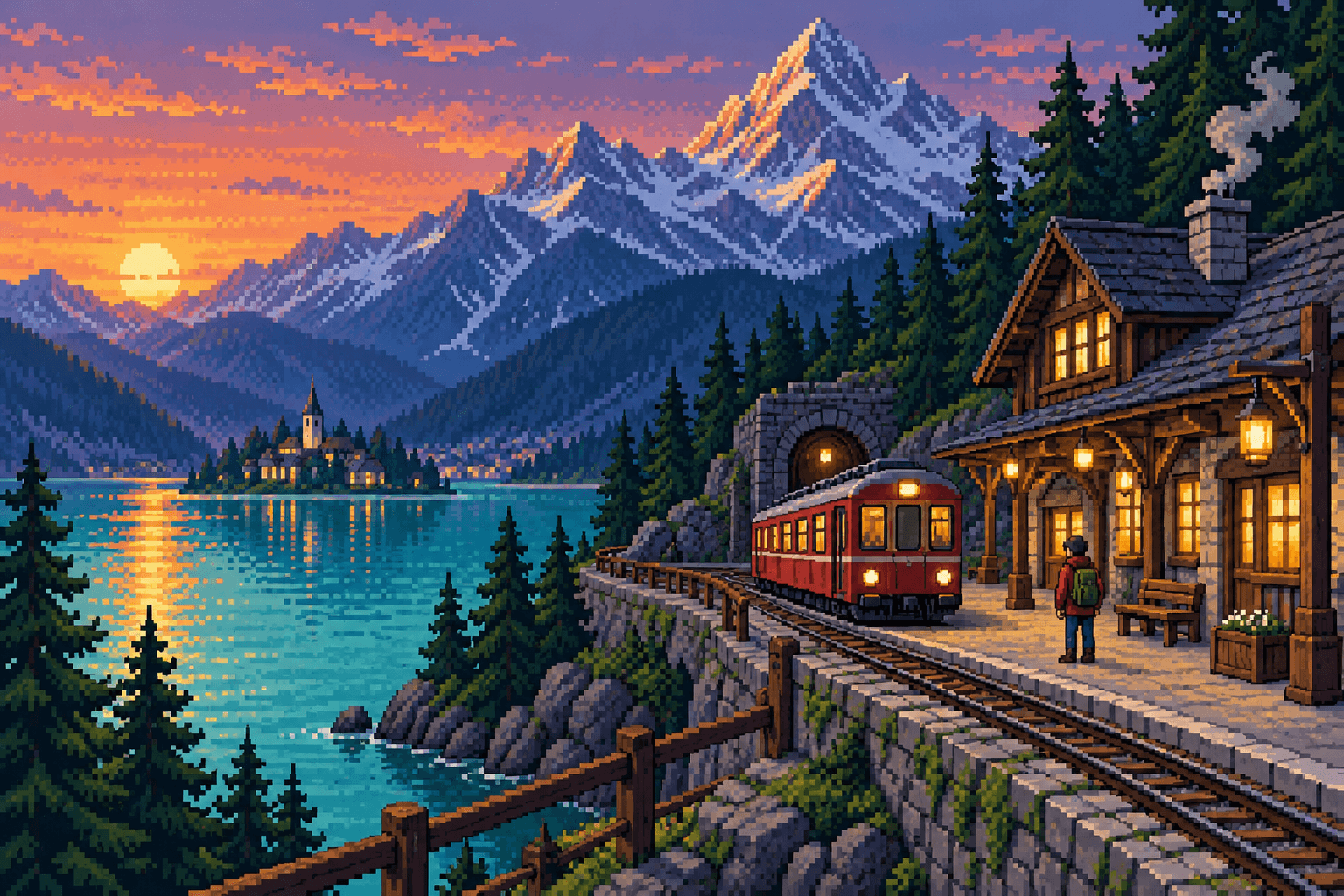
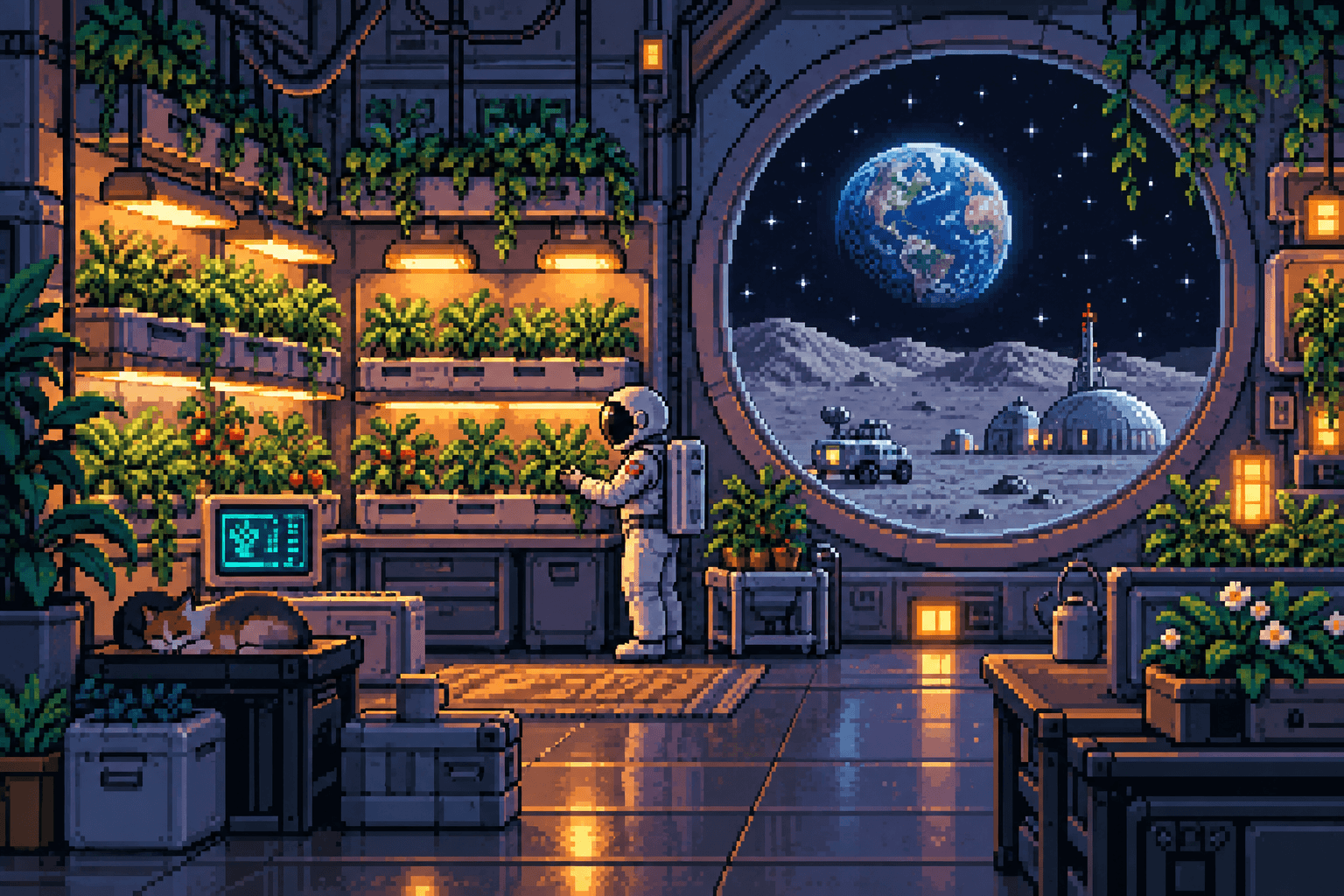
A pixel art generator benefits from a concrete brief. Describe a mountain station at dusk, a small robot tending plants, or a rainy alley with one bright shop window. Name the main subject and its relationship to the scene before adding secondary details. Too many equally important objects can make a composition difficult to read, especially at small viewing sizes.
Use the pixel art generator to establish a strong silhouette. A character's hat, a building's roofline, or a distinctive tree can communicate more than tiny decoration. When you review the result, shrink it on screen and check whether the subject remains recognizable. If it disappears into the surroundings, simplify the next prompt or increase contrast between the main shapes.
Control palette in the pixel art generator
Ask the pixel art generator for a restrained color family rather than listing many unrelated colors. A night scene might use deep blue, muted violet, and a small warm highlight. A sunny landscape could use green, cream, and terracotta. These relationships help establish mood while leaving enough contrast for the subject to remain readable within the scene.
A pixel art generator prompt can request a limited palette, but that request is not a mathematical guarantee of a fixed color count. Gradients, anti-aliased edges, or extra shades may still appear in the output. For a strict sixteen-color deliverable, inspect and quantize the image in a dedicated pixel editor. Keep the generated version as a concept rather than silently assuming compliance.
Build scenes with the pixel art generator
The pixel art generator is useful for exploring environments before you commit to a tile set. Describe foreground, middle distance, and background so the scene has structure. A path, railway, or river can guide the eye through the image. Keep the horizon and camera viewpoint explicit when you want several concept images to feel related to each other.
When a pixel art generator scene will influence a game, distinguish a concept illustration from a playable level. The image does not provide collision shapes, a tile map, navigation data, or separate parallax layers. You can use it to discuss atmosphere and composition with collaborators, then build the actual game assets using the technical constraints of your project.
Pixel art generator character concepts
For characters, give the pixel art generator a recognizable role and a few identifying features. A botanist robot with a square backpack is a clearer starting point than an instruction containing dozens of accessories. Specify pose and background simply. If you need several related characters, keep the palette and viewpoint consistent in your briefs and compare the outputs together.
The pixel art generator does not guarantee a consistent animation sheet, identical character identity across separate requests, or a clean transparent sprite. Small details may vary from image to image. Use the result to choose a visual direction, then redraw or refine the selected character on a controlled grid before building an animation or committing it to a game engine.
Review pixel art generator edges and scale
Inspect the pixel art generator result for a consistent apparent pixel size. Some generated images combine large blocks with smooth details, which can look convincing at a glance but become inconsistent when enlarged. Review diagonals, curves, repeated tiles, and fine lettering. A retro illustration can still be useful even if it does not meet the rules of strict hand-built pixel art.
Avoid applying ordinary smoothing to a pixel art generator output when you want crisp blocks. For integer enlargement of a clean grid, nearest-neighbor resizing is often more suitable than a photographic upscaler. If the underlying grid is inconsistent, resizing will not automatically correct it. Decide whether your goal is an evocative illustration or a technically constrained asset.
Use the pixel art generator in a real workflow
Save a pixel art generator result with its prompt and the settings you selected. That gives you a useful starting point for future variations, even though generation is not guaranteed to reproduce every detail. For a website illustration or presentation, check the crop and display scale. For merchandise, inspect a physical proof before relying on a screen preview.
The pixel art generator page includes scene examples to help you articulate a brief. Treat them as creative references, with their provenance stated, rather than promises of identical output from every model. Generation uses the model and credit cost shown in the composer. Review the result and its suitability for your project before publishing or passing it to collaborators.