Text to Video
Type the shot you can see in your head and get it back as footage — subject, action, camera move and light, rendered by the best video models available.
Video generation is on paid plans. Your prompt and settings follow you through sign-in. See plans
From a scene to a moving story
From imagined worlds to product stories. Swipe through the clips and find your next creative direction.
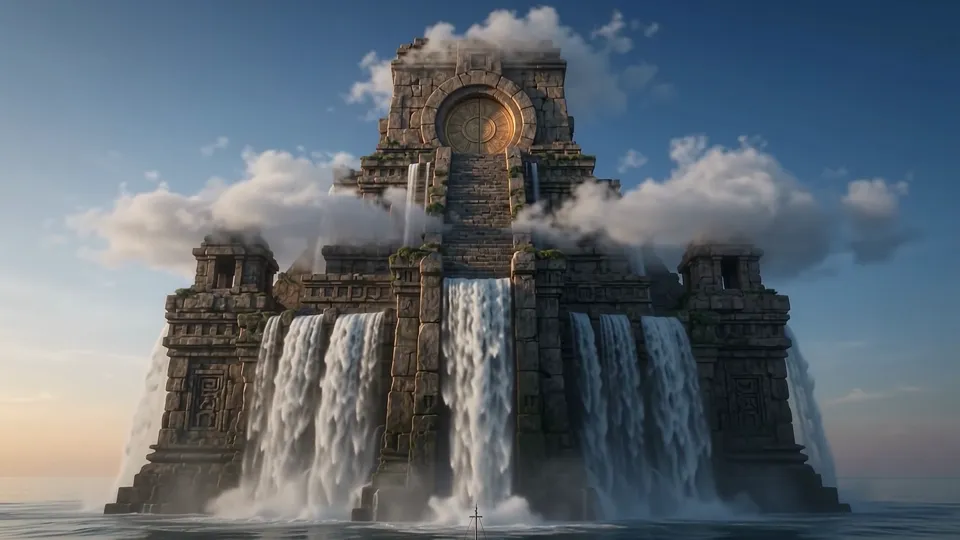
Temple from the sea
Imagined worlds · 8 sec
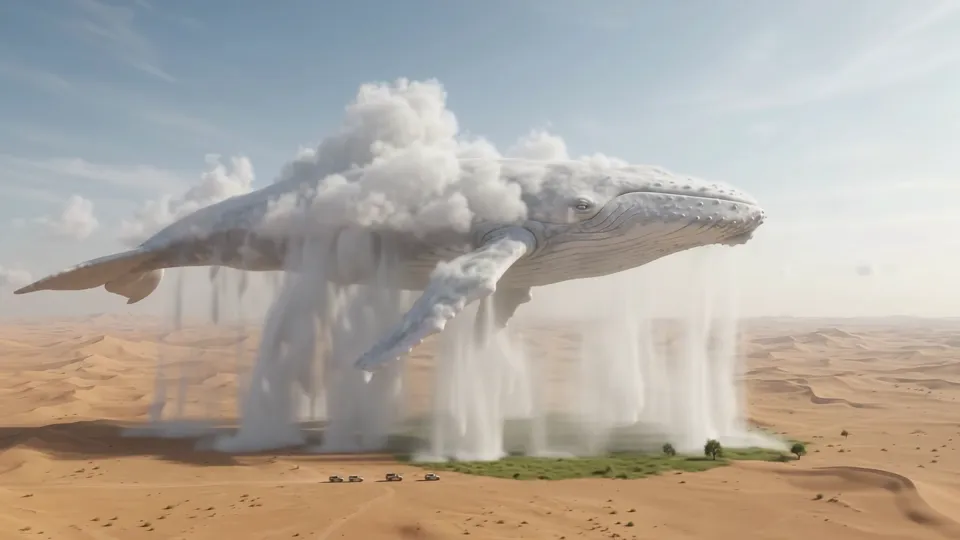
Cloud whale
Imagined worlds · 8 sec
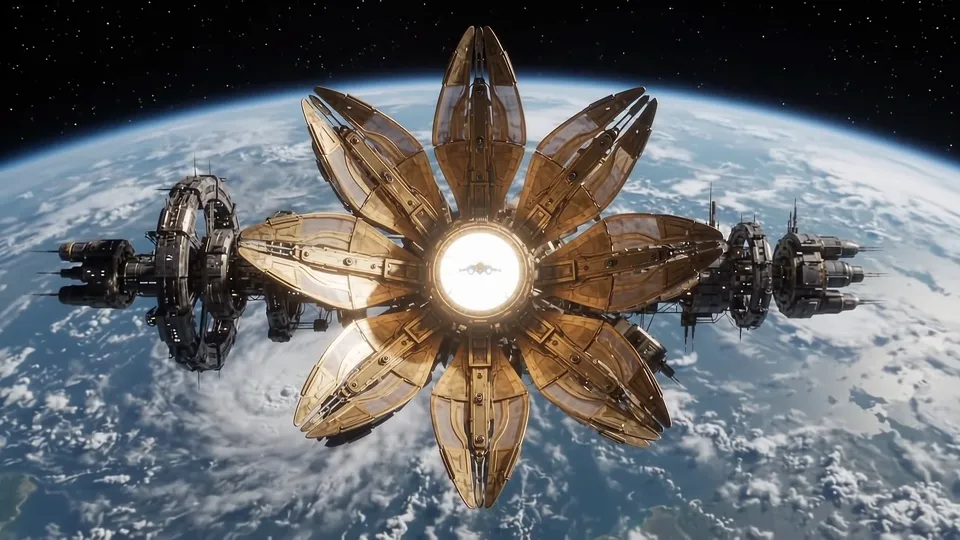
Orbital mechanical flower
Imagined worlds · 8 sec
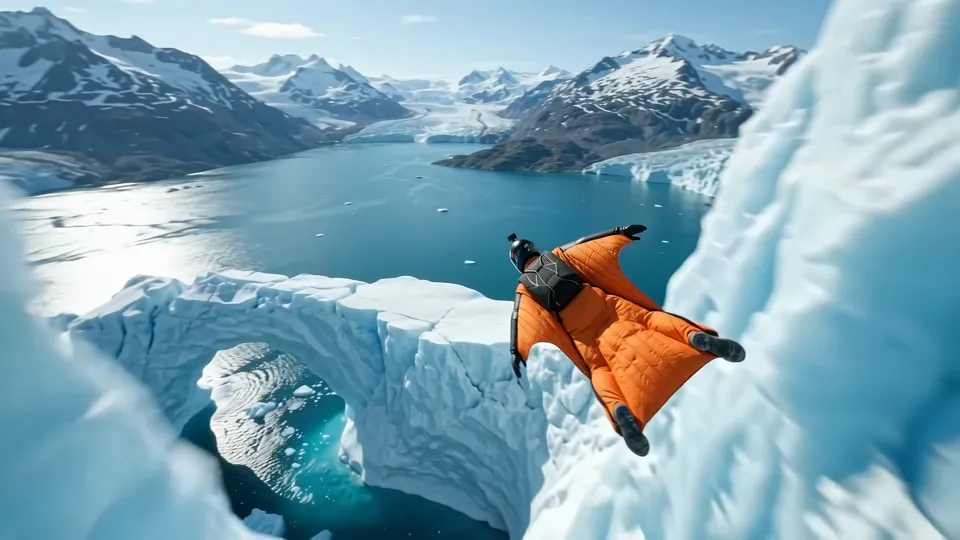
Glacier wingsuit
Action & adventure · 8 sec
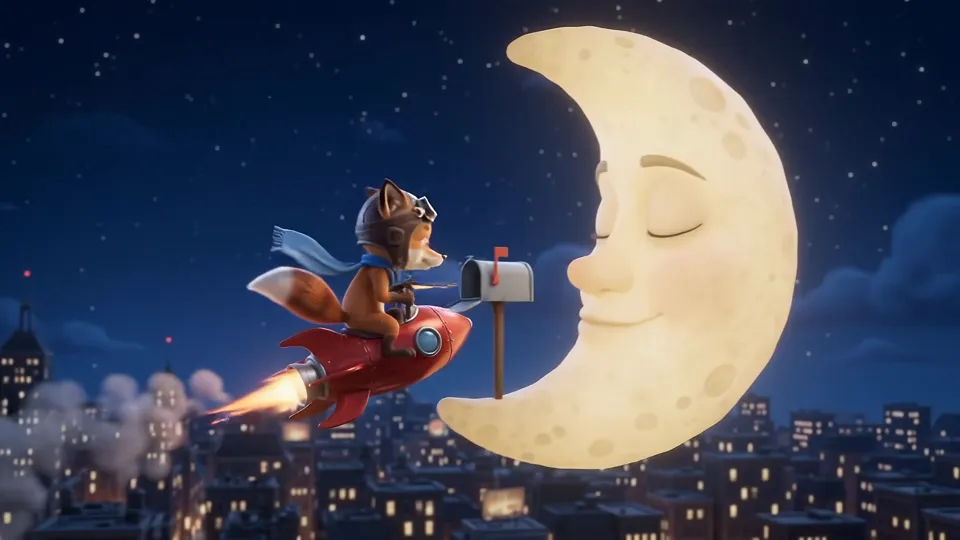
A letter to the moon
Animation · 8 sec
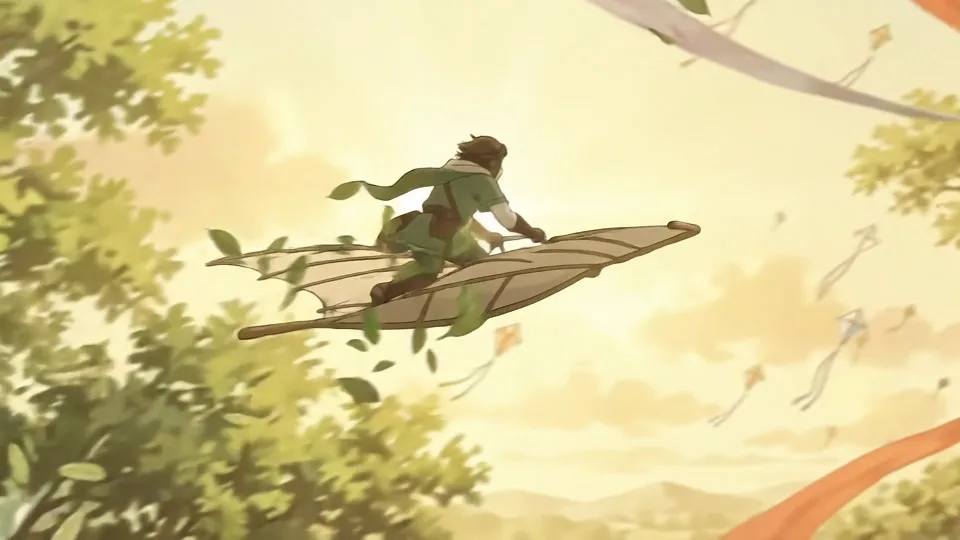
Treetop glider
Animation · 8 sec
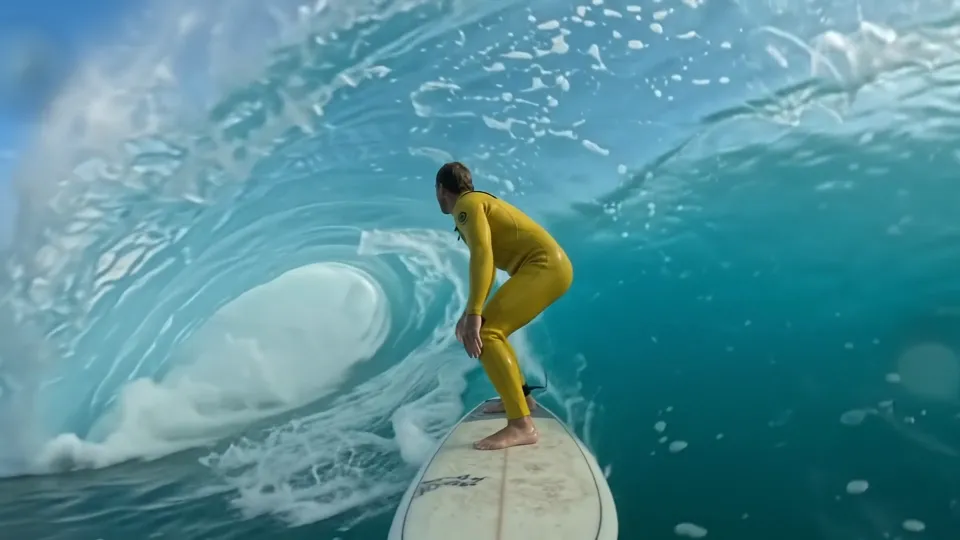
Inside the wave
Action & adventure · 8 sec

Golden skincare
Products & design · 8 sec
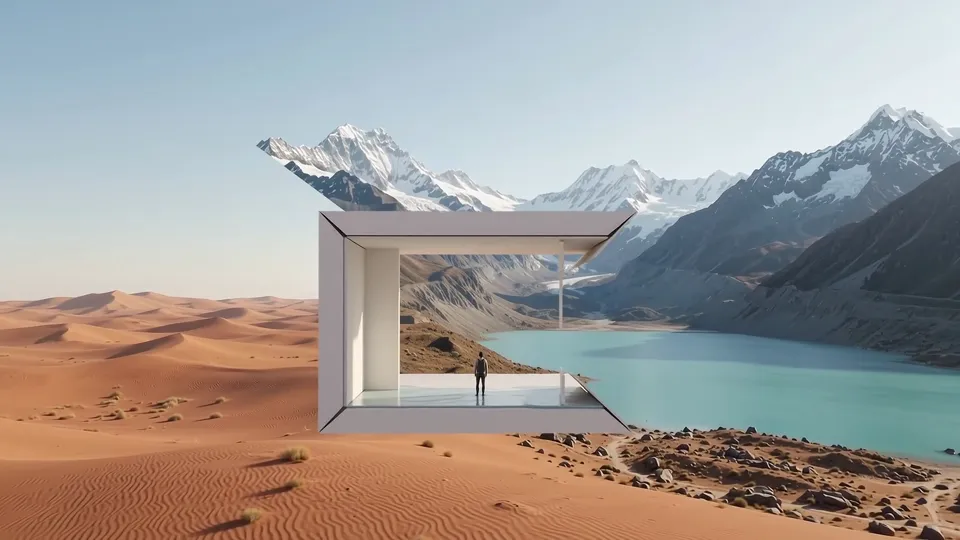
Gallery into mountains
Imagined worlds · 8 sec
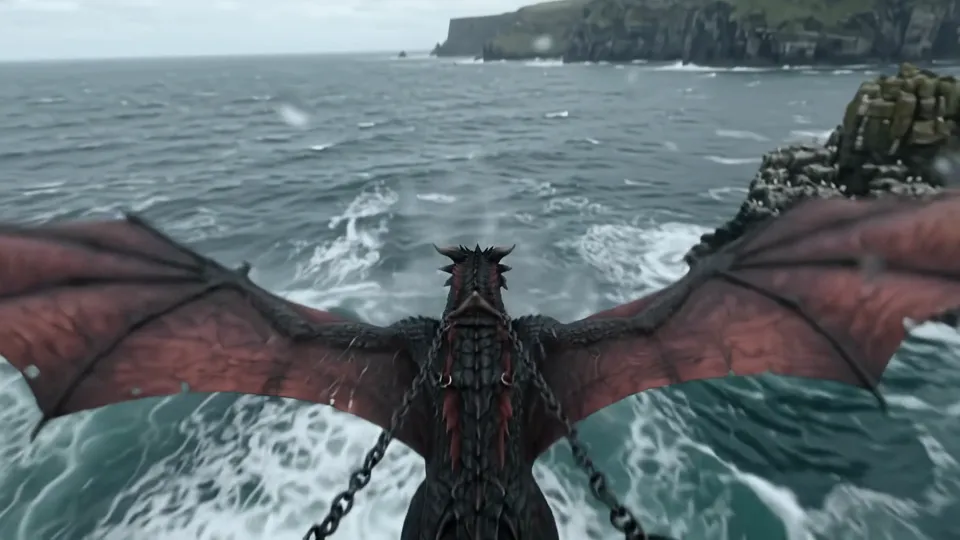
Dragon flight
Action & adventure · 8 sec
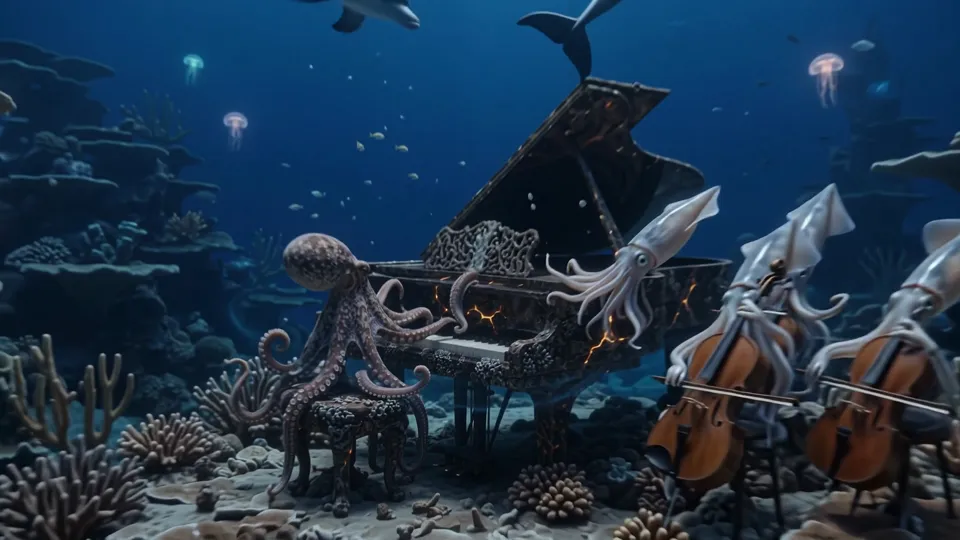
Underwater orchestra
Cinematic stories · 8 sec
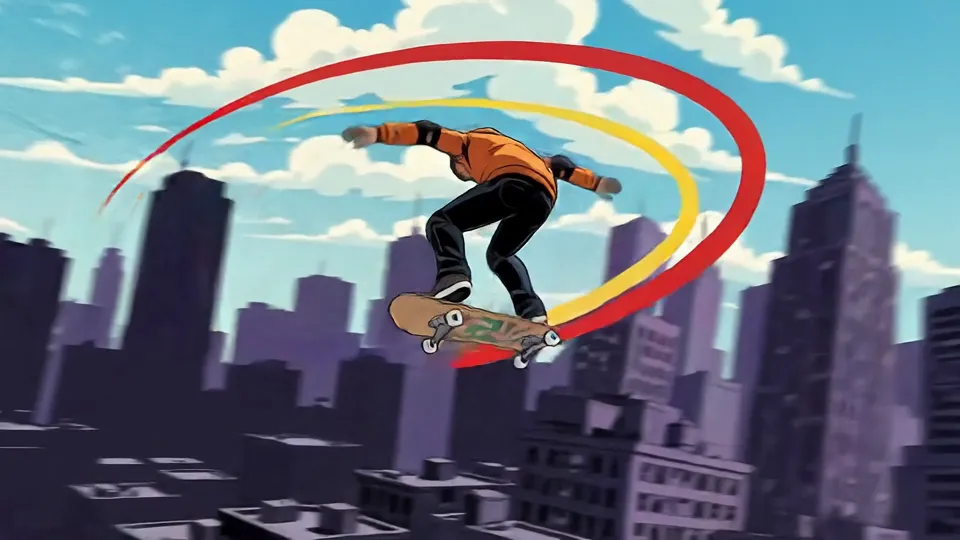
Comic skateboard
Animation · 8 sec
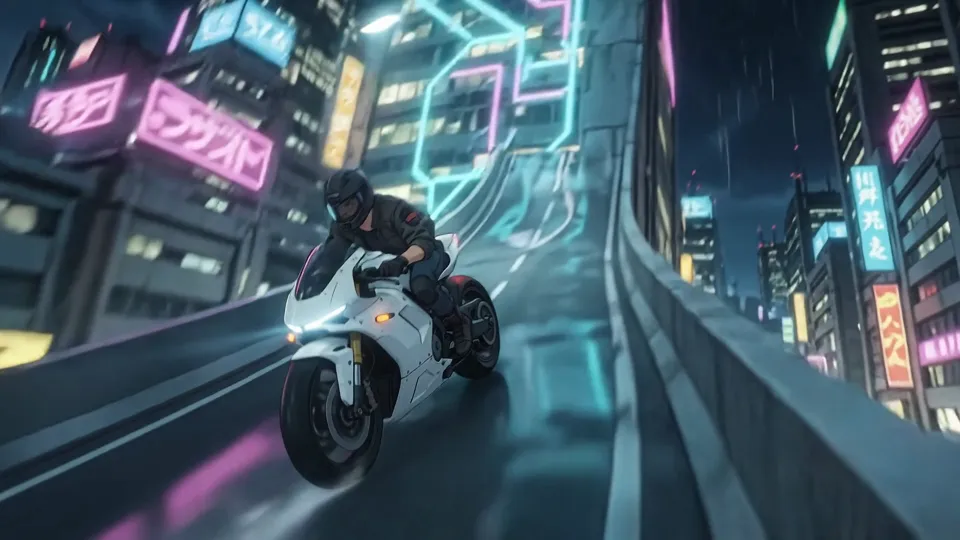
Neon motorcycle
Animation · 8 sec
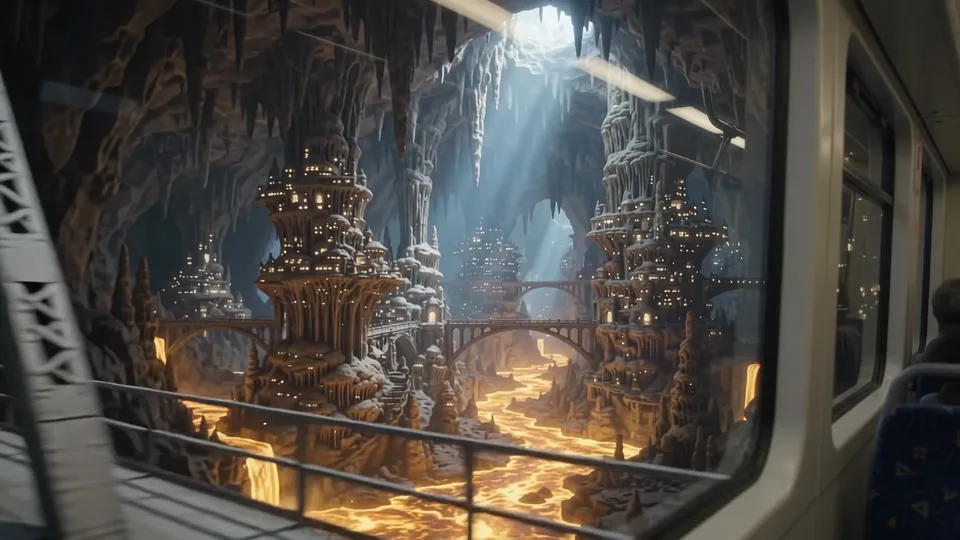
Train through the underworld
Cinematic stories · 8 sec
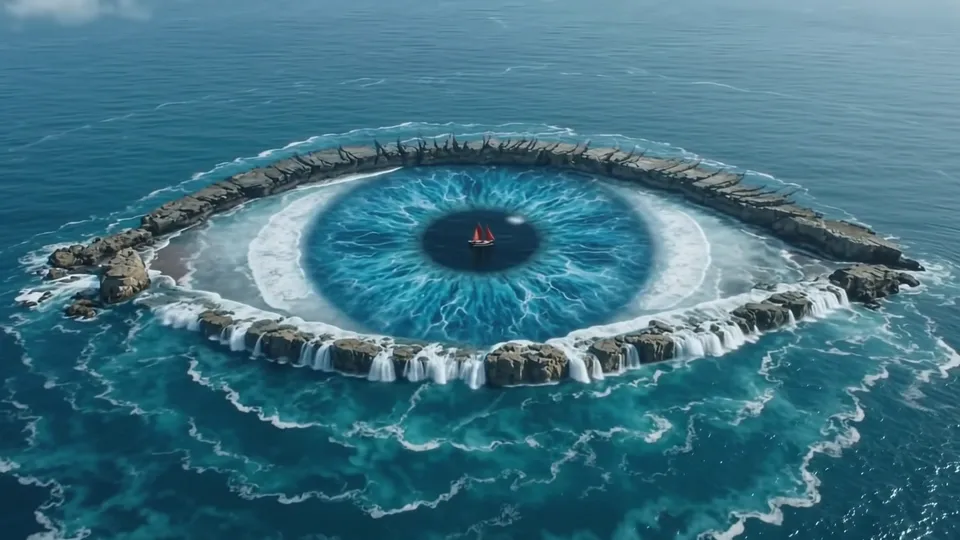
Eye of the ocean
Imagined worlds · 8 sec
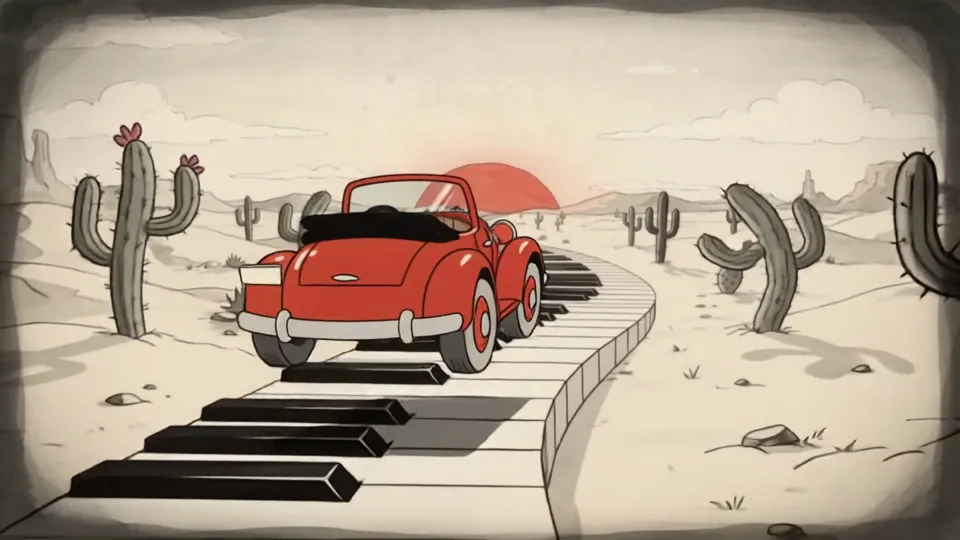
Piano highway
Animation · 8 sec
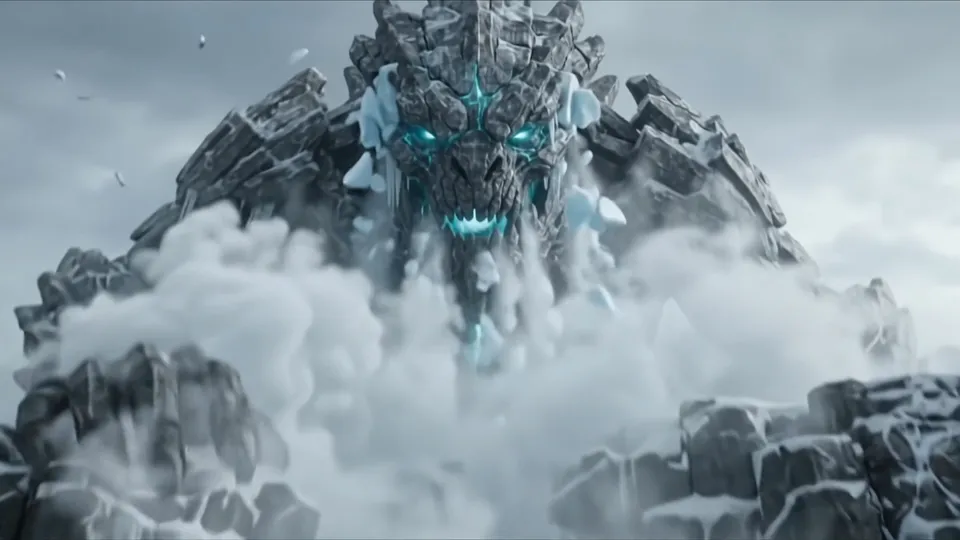
Glacier titan
Action & adventure · 8 sec
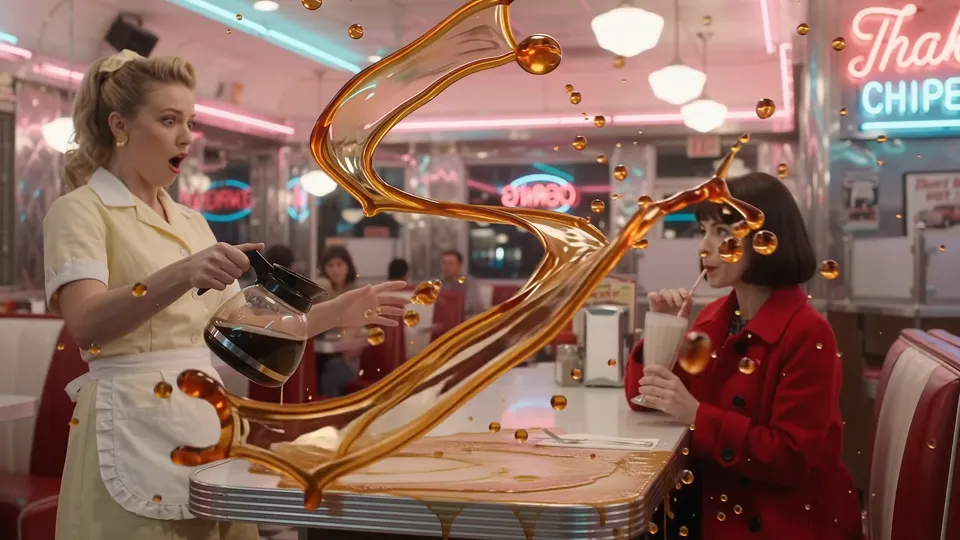
Coffee in suspended time
Cinematic stories · 8 sec
1 / 18
Why Text to Video on LoveImage
Run the same idea through Veo 3, Kling 2.6, Seedance 1.5 Pro and Hailuo 3 in turn and keep the take that reads best. Your prompt stays put when you switch. No second subscription.
Cloth, water, hair and smoke move the way they should. Models are ranked in-app by motion quality so you are not guessing which one handles a dolly shot.
Say “slow push-in”, “orbit”, “handheld 35mm” or “rack focus” and the model treats it as direction, not decoration.
Ambience, foley and dialogue can be generated with the picture, in sync, so a clip is finished when it renders — not when you open an editor.
Adjust the prompt and compare new takes using the available settings of your selected model.
No watermark on any plan. Paid plans carry full commercial rights, so an ad you render here can ship as-is.
Models, one subscription
Providers under one key
Maximum output
How to use Text to Video
- STEP 01Write the shot
Subject, action, camera move, light. “A courier cycles through a rain-soaked market at night, slow tracking shot, neon reflections” is enough.
- STEP 02Set the frame
Choose 16:9, 9:16, 1:1 or 21:9, whichever lengths and resolutions the model you picked supports. The cost updates as you choose.
- STEP 03Pick a model — or several
Generate with one model, then switch and run the same prompt on another. Progress streams live; most clips land in under a minute.
- STEP 04Refine and export
Reuse the prompt with a tweak, compare the result, then download your video.
Where Text to Video earns its keep
Performance ads
Ship five hooks in an afternoon and let the platform tell you which one wins. Re-render the winner in every aspect ratio.
Product launches
Hero footage for a landing page before the product photography has even been booked.
Social content
A vertical clip a day without a crew. Reuse a prompt, change one word, post.
Previs and pitch
Show a client the shot instead of describing it. Storyboards that move close deals faster.
Music and mood
Visualisers, lyric backdrops and loops that match the track’s tempo and colour.
Education and explainers
Illustrate a process, a place or a period without licensing stock that almost fits.
Built for people who ship
Run one prompt across models from different providers and keep the take that reads best — no second subscription, no re-typing.
Ratios, resolutions and clip lengths come from each model's own limits, so what you pick is what renders.
A failed job is refunded automatically. You are charged for output, not for attempts.
Text to Video: questions people ask
Four things in order: subject, action, camera, light. “A courier cycles through a night market, tracking shot from behind, neon reflections in puddles.” Skip adjectives that do not change the picture.
Between 2 and 15 seconds, depending on the model. Video generation is available on paid plans.
Available resolutions depend on the selected model and your plan. Check the resolution control before generating.
Yes. With “Generate audio” on, ambience, effects and spoken lines are rendered in sync. Put dialogue in quotes in the prompt.
Veo 3 for natural motion with sound always on, Kling 2.6 and Seedance 1.5 Pro for sound you can switch off, Kling 3.0 Omni for up to 4K and fifteen seconds, Hailuo 3 for 2K from MiniMax. Paid plans render up to four takes per run.
Yes — say it. Push-in, pull-out, orbit, pan, tilt, handheld, dolly, crane, rack focus and lens choices are all understood as direction.
Credits depend on the model, settings and output count. Review the live estimate before generating. New accounts get free starter credits for selected image models; other models and video need a paid plan.
No watermark on any plan. Commercial rights on Creator, Studio and Scale; free-plan images are for personal, non-commercial use.