Poster Maker
Layout-aware generation for things with a job to do: Poster Maker respects the format, the type and the margins — not just the picture.
Your prompt and settings follow you through sign-in. Review them before generating.
FROM BRIEF TO FINISHED IMAGE
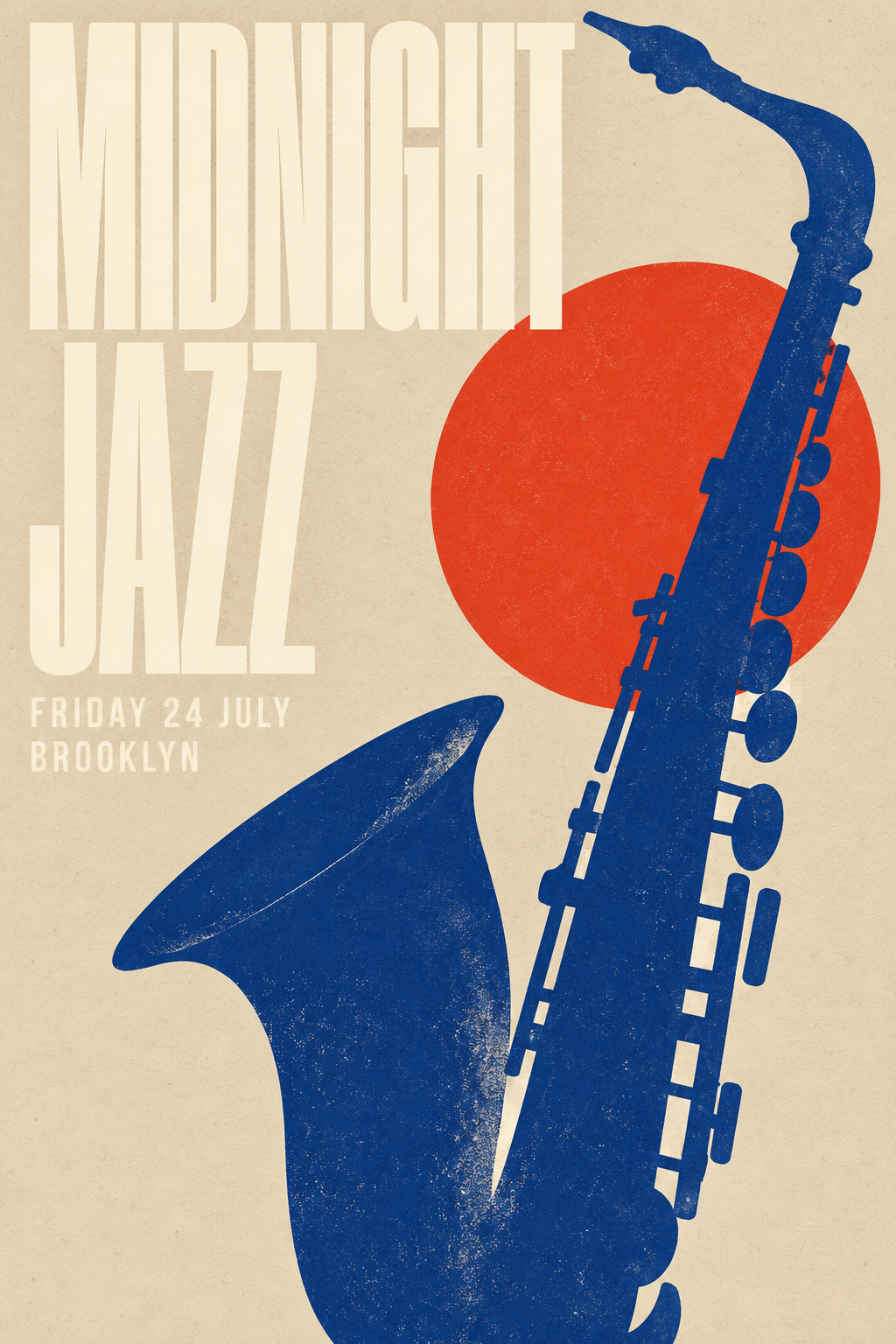
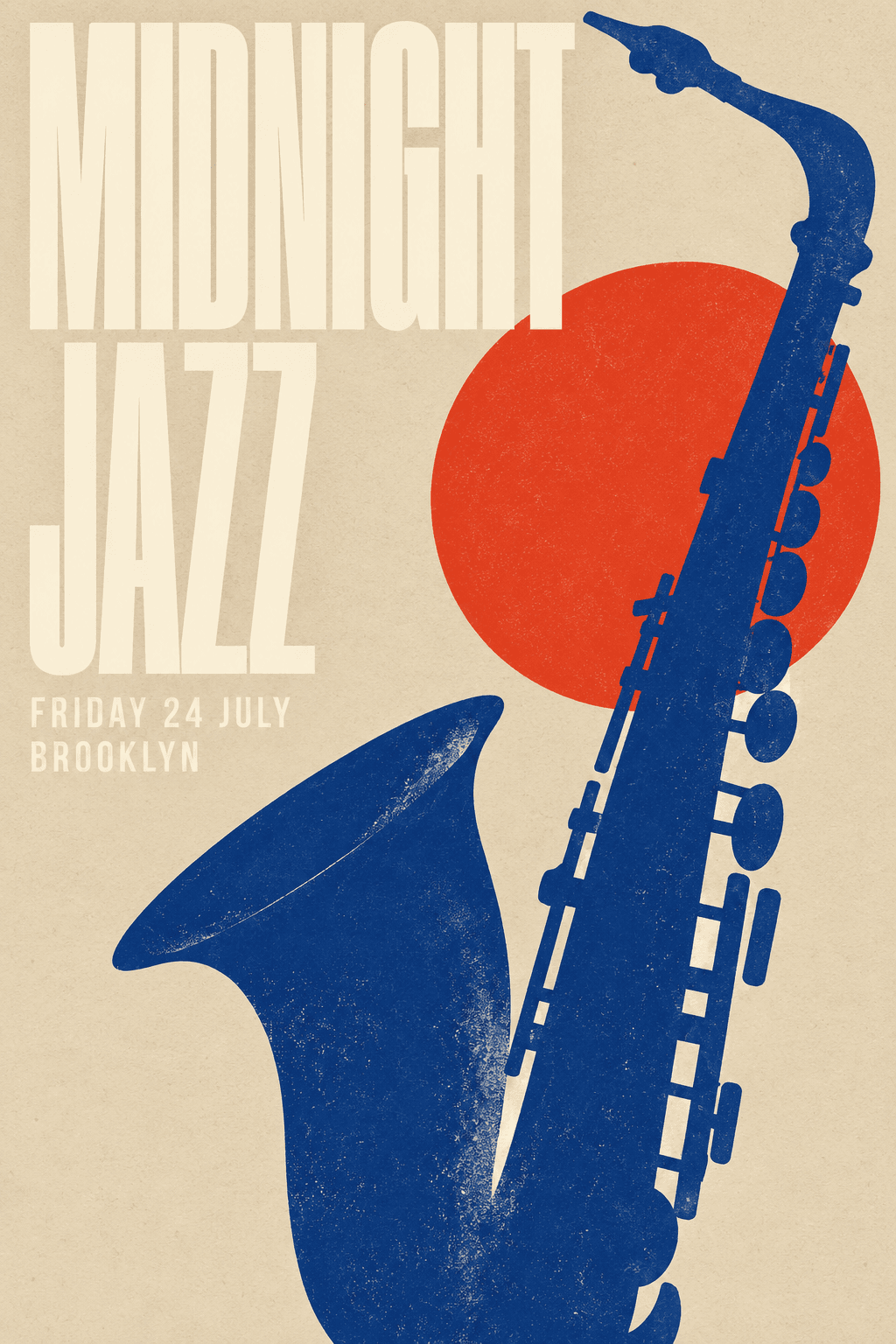
A jazz night, turned into a poster
Create a vertical 2:3 poster for the fictional event MIDNIGHT JAZZ. Include FRIDAY 24 JULY and BROOKLYN. Combine ivory condensed typography, a cobalt-blue saxophone and a vermilion sun on textured cream paper. Use clear editorial hierarchy and generous negative space. Flat finished artwork, no mockup.
Check event details and small lettering before printing.
Explore the examples, choose a style and try your own subject.
FROM BRIEF TO FINISHED IMAGE
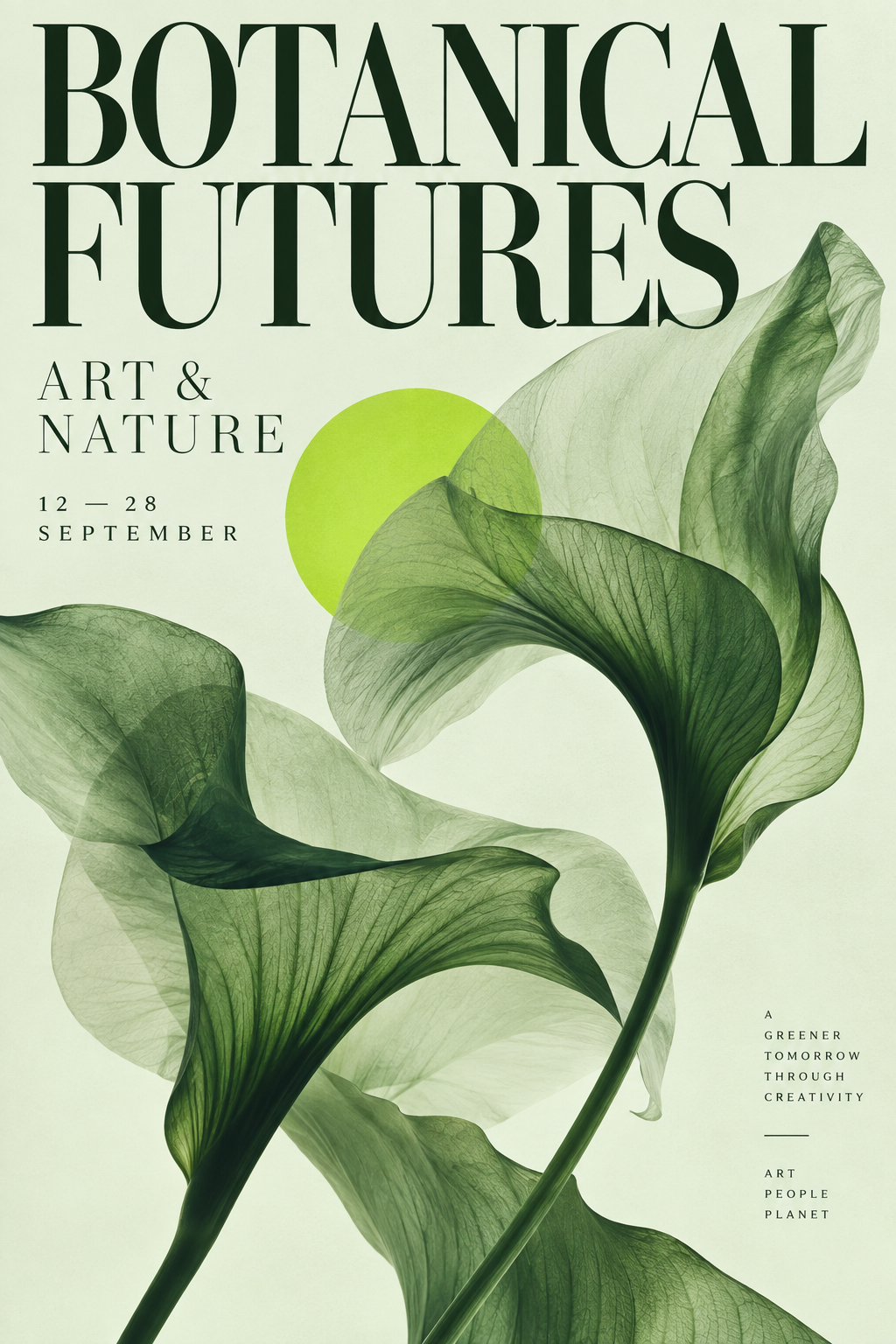
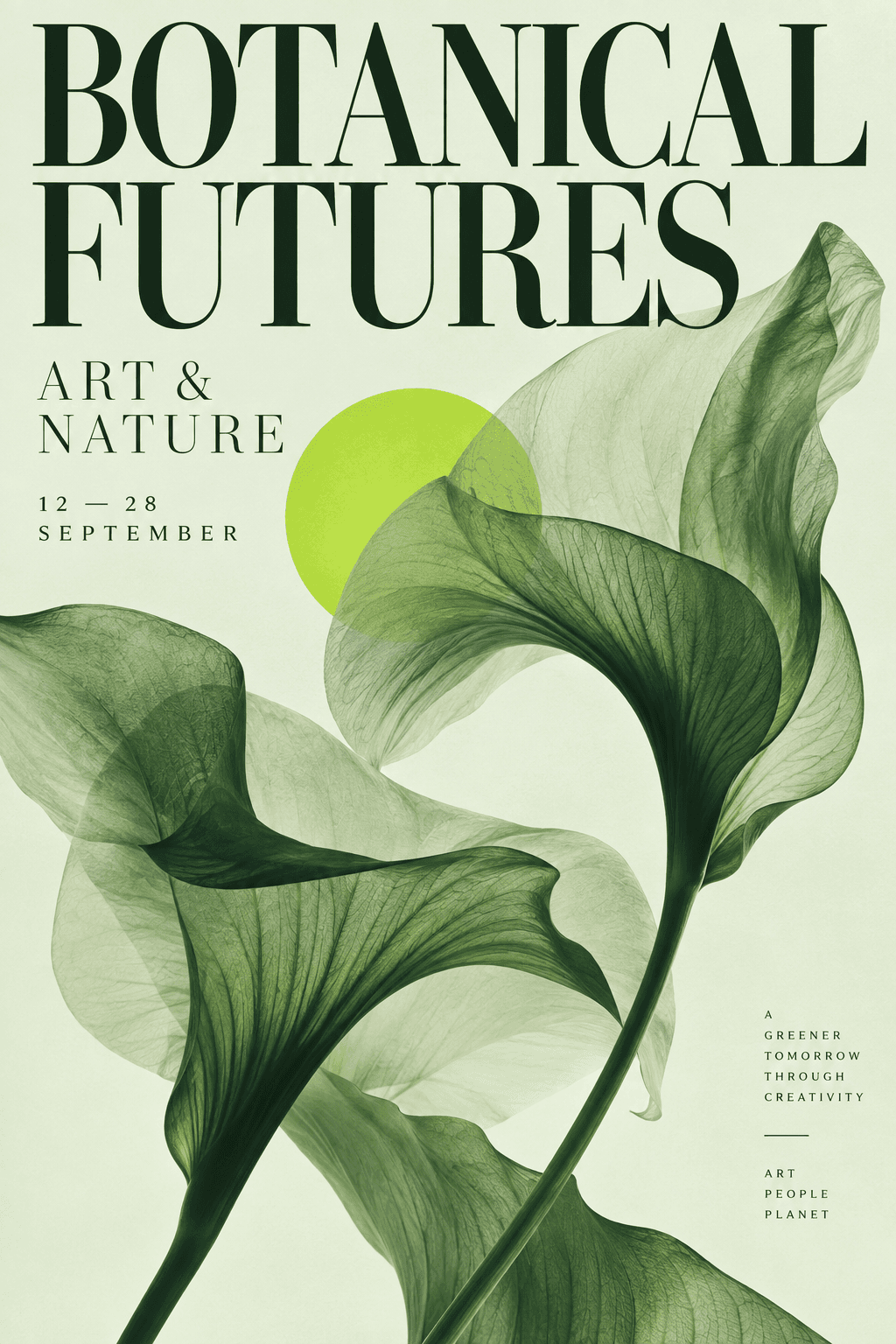
An exhibition poster with room to breathe
Create a vertical 2:3 poster for BOTANICAL FUTURES, with ART & NATURE and 12–28 SEPTEMBER. Combine oversized serif lettering, sculptural translucent green leaves, pale mint paper and a lime accent. Contemporary museum typography, generous whitespace, flat finished artwork without a mockup.
Check event details and small lettering before printing.
Explore the examples, choose a style and try your own subject.
FROM BRIEF TO FINISHED IMAGE
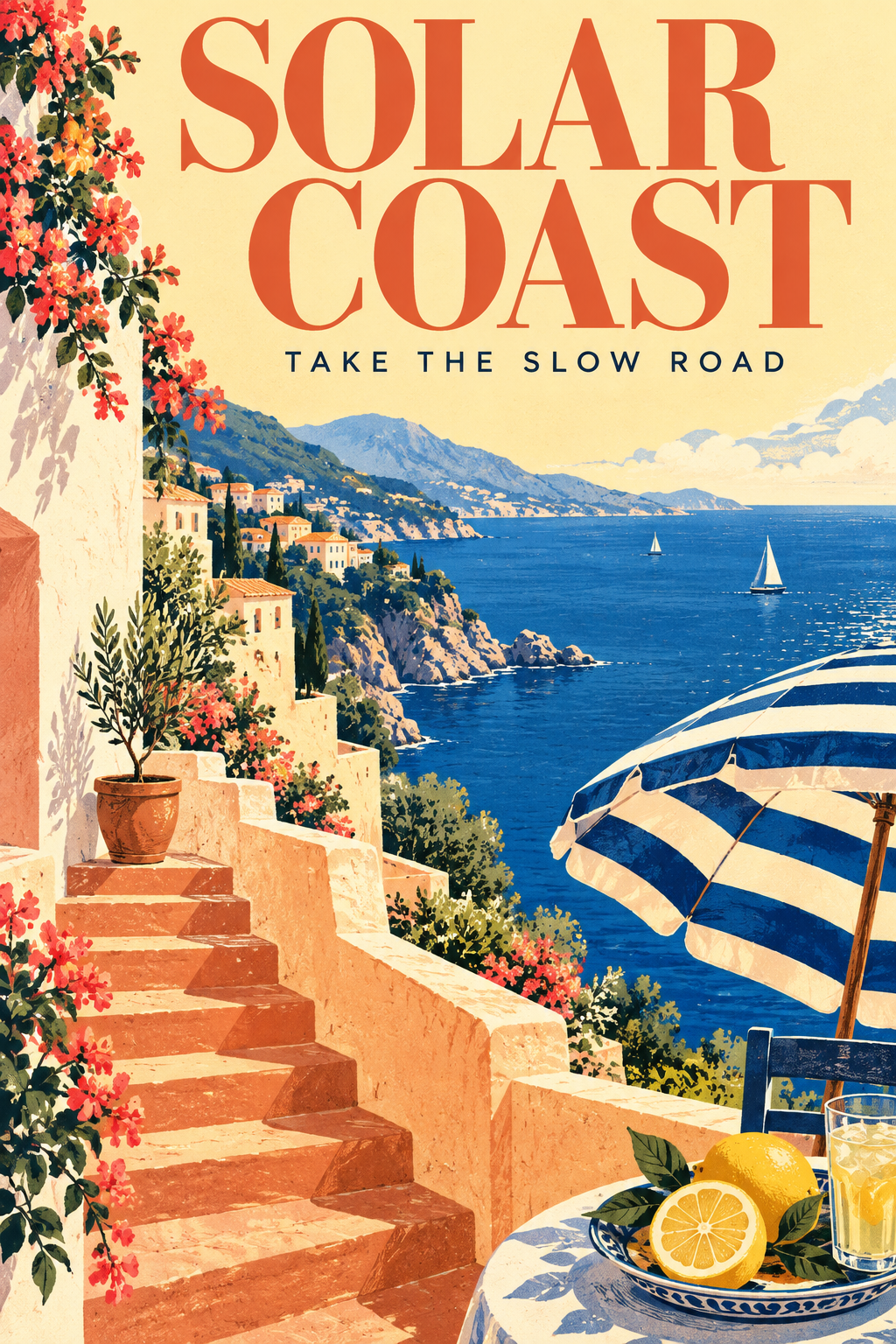
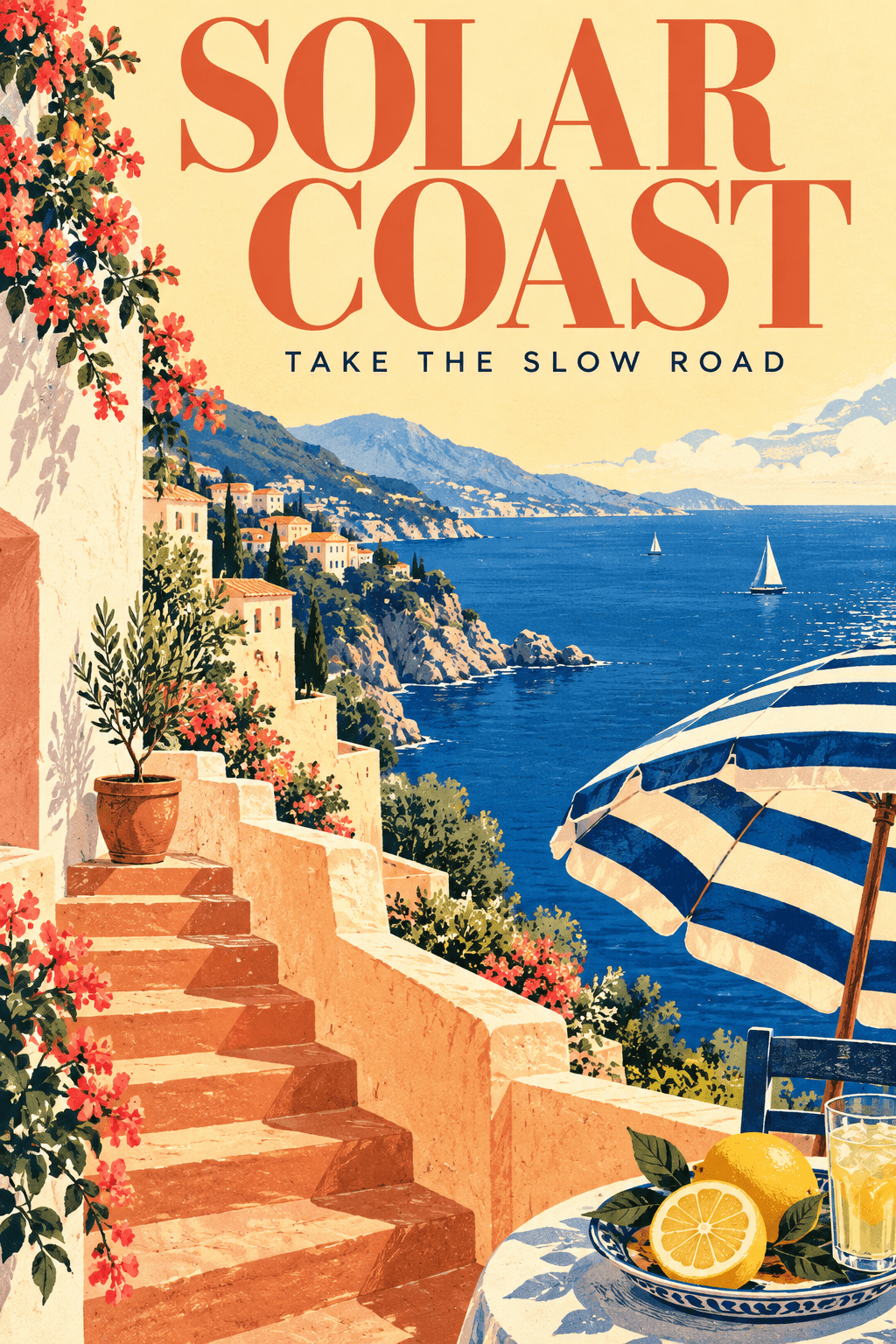
A sunlit coast, made for a travel campaign
Design a vertical 2:3 travel poster titled SOLAR COAST with TAKE THE SLOW ROAD. Show Mediterranean terracotta stairs, a cobalt sea, a striped umbrella and a sliced lemon. Nostalgic screenprint illustration in creamy yellow, coral and blue, stylish readable type, full-bleed artwork without a frame.
Check event details and small lettering before printing.
Explore the examples, choose a style and try your own subject.
Why Poster Maker on LoveImage
Poster Maker starts from the right canvas — the proportions and safe areas a real deliverable needs — so nothing important lands in the bleed.
Headlines, names and dates render as legible lettering, not glyph soup. Rewrite the copy and regenerate without losing the layout.
Lock a seed and a palette, and every variation stays on brand. Change one line at a time.
Upload an existing piece and generate siblings that match it — a series, a set, a campaign.
Render at 4K and export a PNG a printer will accept. No upsampling artefacts, no soft edges.
Clean output on every plan; commercial rights on paid plans.
Models, one subscription
Providers under one key
Maximum output
How to use Poster Maker
- STEP 01Brief it
What it is for, what it must say, and the mood. Include the exact words that need to appear.
- STEP 02Pick the format
Choose the proportions the deliverable needs and the quality it will be printed or posted at.
- STEP 03Generate a set
Batch four and compare. Keep the direction that works, then iterate on it alone.
- STEP 04Polish and export
Inpaint a detail, fix a word, upscale to 4K, download.
Where Poster Maker earns its keep
Events and venues
A poster for every show, on brand, before the week is out.
Brand and identity
Explore fifty directions in an hour, then refine the three worth refining.
Games and animation
Consistent characters, sheets and tiles that a pipeline can actually use.
Publishing and education
Illustrated pages, covers and activity sheets in a consistent style.
Small business
A logo, a flyer and a menu that look like they came from the same designer.
Social
Series and carousels that hold together across a month of posts.
Built for people who ship
Run one prompt across models from different providers and keep the take that reads best — no second subscription, no re-typing.
Ratios, resolutions and clip lengths come from each model's own limits, so what you pick is what renders.
A failed job is refunded automatically. You are charged for output, not for attempts.
Poster Maker: questions people ask
Put the exact words in quotes in your prompt. GPT Image 2 renders lettering accurately; if a single word slips, inpaint just that word rather than regenerating the whole piece.
Yes — render at 4K and download a PNG. For A3 and above, upscale the final once more.
Lock the seed, keep the style preset and palette words, and vary only what must vary. Or upload one finished piece as a reference for the rest.
On paid plans, yes — including logos and marks. Free-plan images are for personal, non-commercial use. Trademark clearance is still your responsibility.
Yes: Inpaint & Erase for details, Background Remover for a transparent version, Upscale to 4K for size. All from the same feed.
Yes. Upload a reference and generate variations, siblings or a restyled version.
Credits depend on the model, settings and output count. Review the live estimate before generating. New accounts get free starter credits for selected image models; other models and video need a paid plan.
No, on any plan.