
Build from several references
FLUX 3 Image Klein combines up to ten reference images. For a useful first experiment, assign each reference one job: subject, wardrobe, setting or color. This makes it easier to see which instruction needs changing.
IMAGE MODEL / OCTOBER 2026
Small model. A bigger visual vocabulary.
Explore FLUX 3 Image Klein’s image generation, multi-reference editing and composition controls. Find inspiration for portraits, illustrations and product visuals.
01 / CAPABILITIES
FLUX 3 Image Klein combines up to ten reference images. For a useful first experiment, assign each reference one job: subject, wardrobe, setting or color. This makes it easier to see which instruction needs changing.
Bounding-box controls guide placement and localized edits. Plan the headline area before generating an advertisement, then inspect the edges around the changed object.
Text-to-image and instruction-based editing share a model. Change one thing at a time when refining a composition so you can compare successive results.
Native output reaches 4K. View lettering, jewelry and repeated patterns at full size; a striking thumbnail is only the beginning of an image review.
BFL offers an API and downloadable Base and Distilled weights. The distilled version uses fewer sampling steps; local performance depends on hardware, precision and the complete pipeline.
BFL recommends its prompt-upsample workflow. Describe the intended subject, framing and constraints clearly; keep a short checklist to evaluate each result.
02 / SHOWCASE
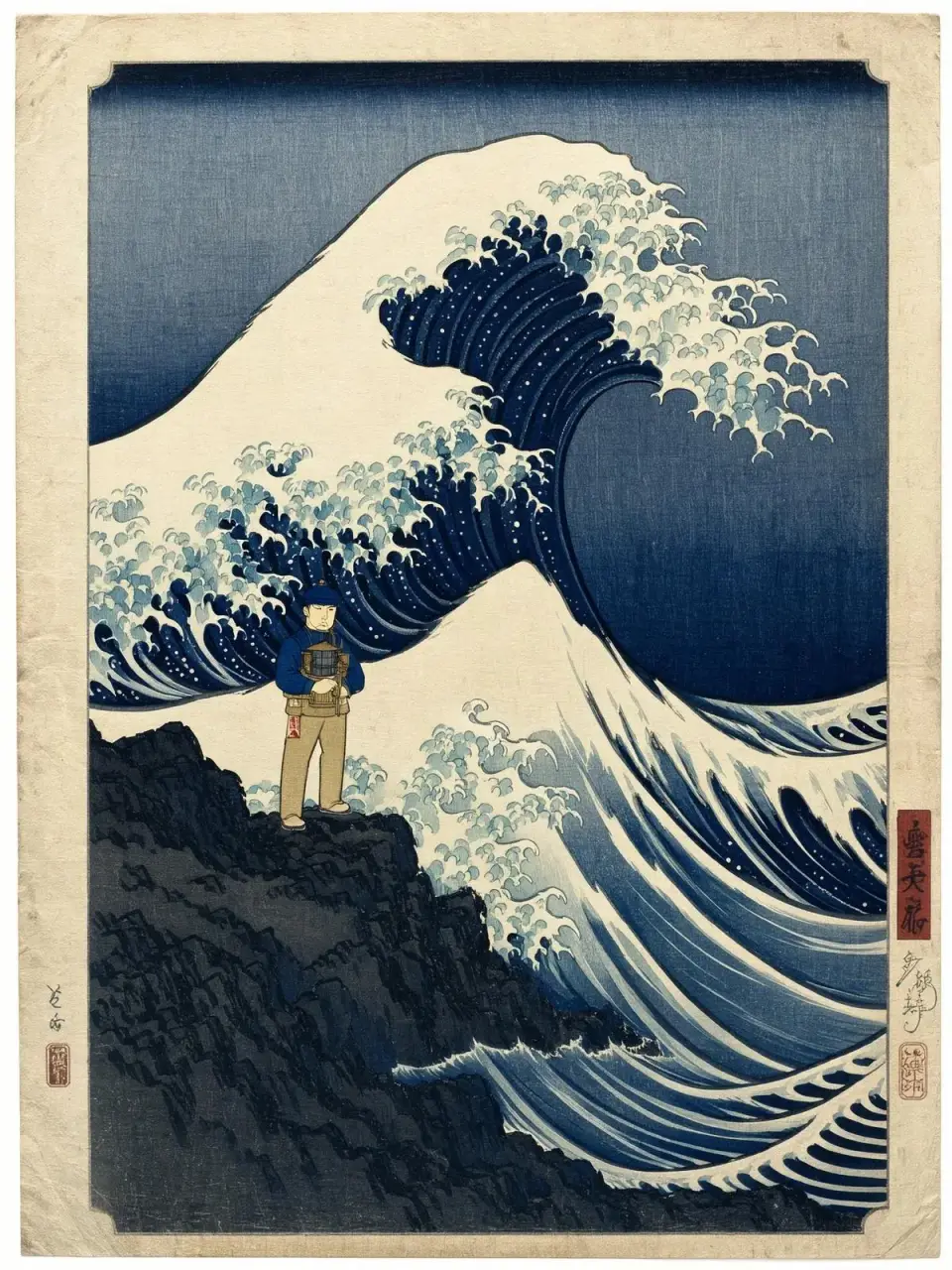
Illustration · line and texture
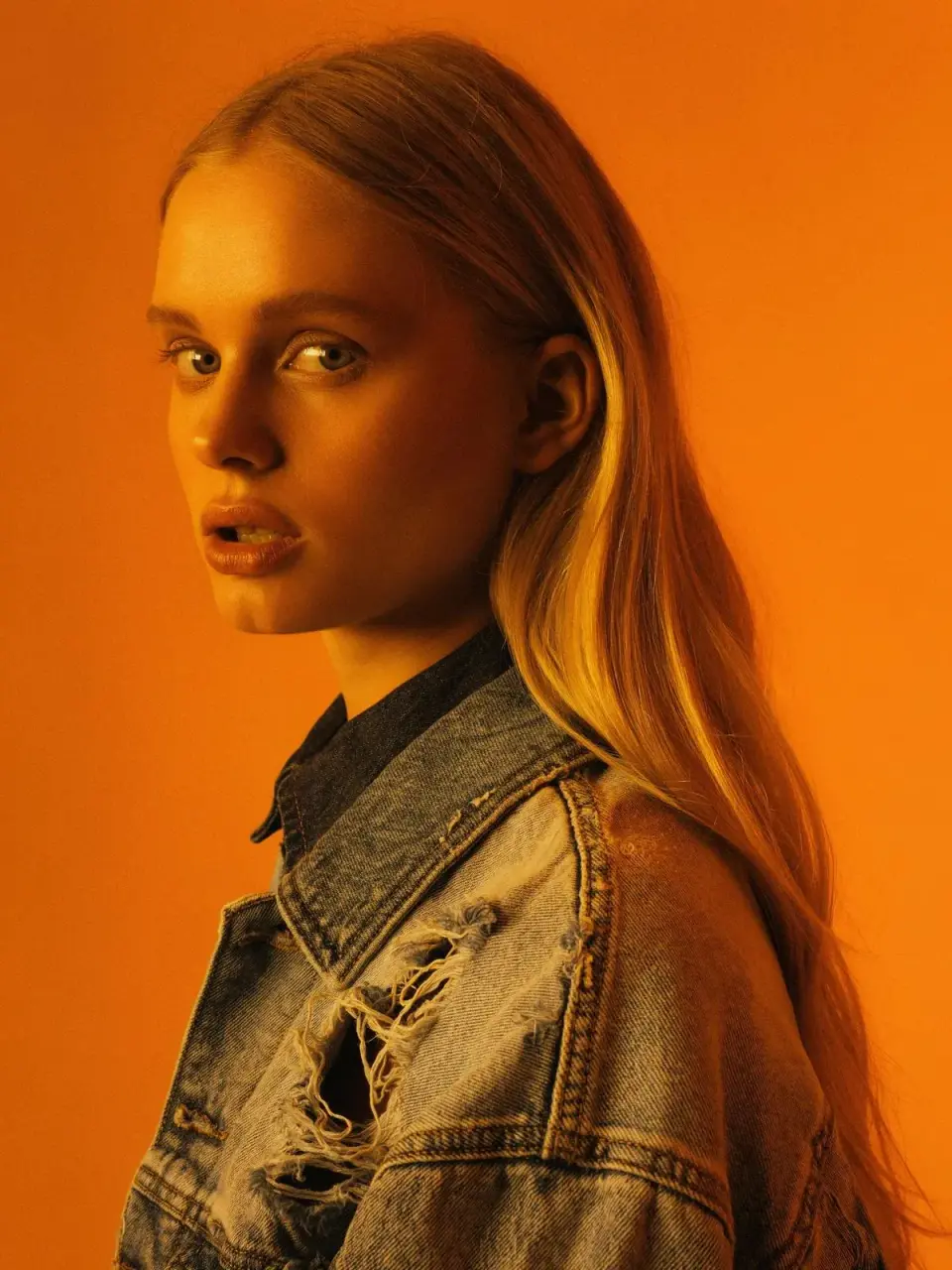
Portrait · color contrast
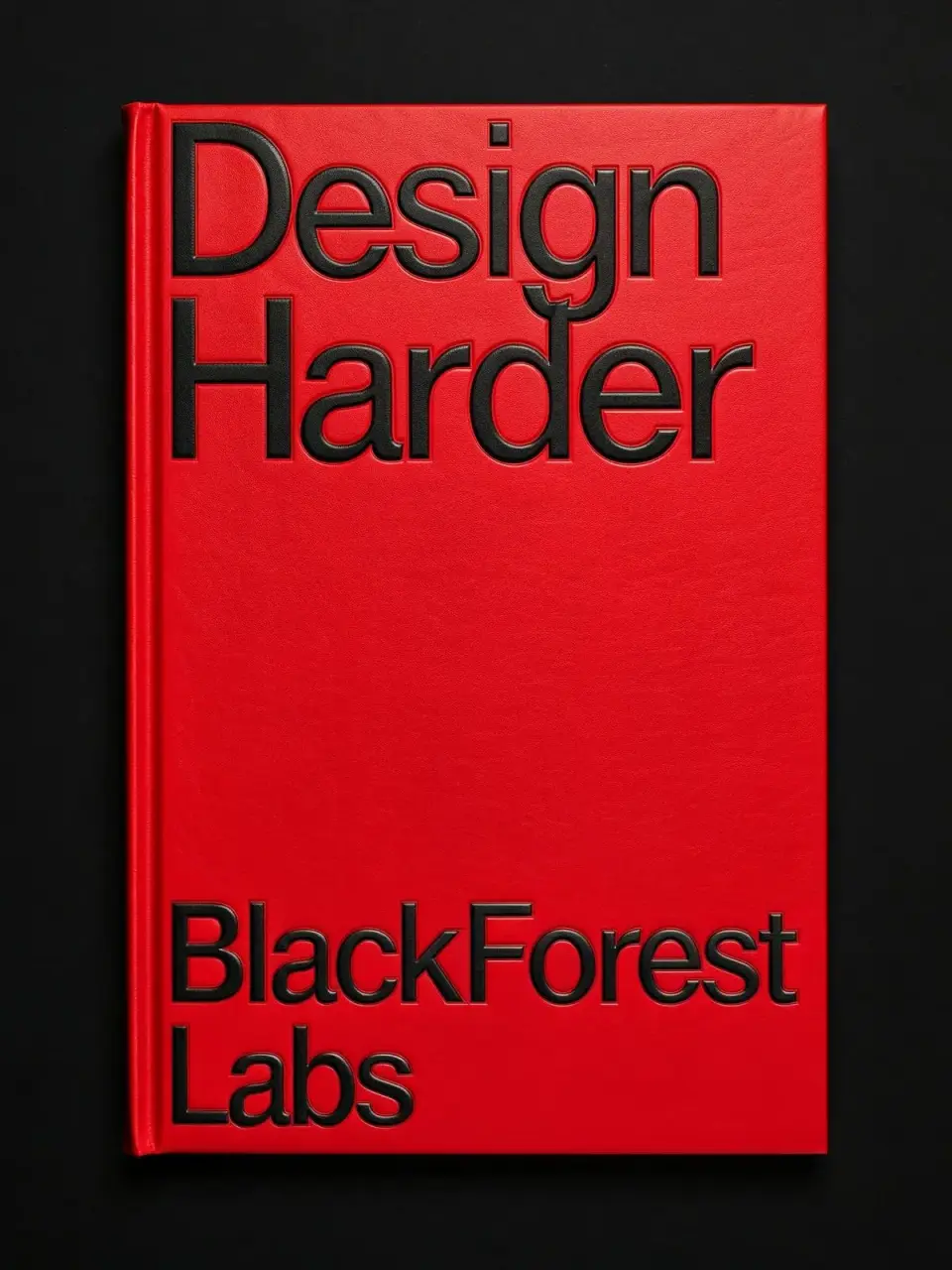
Graphic design · lettering
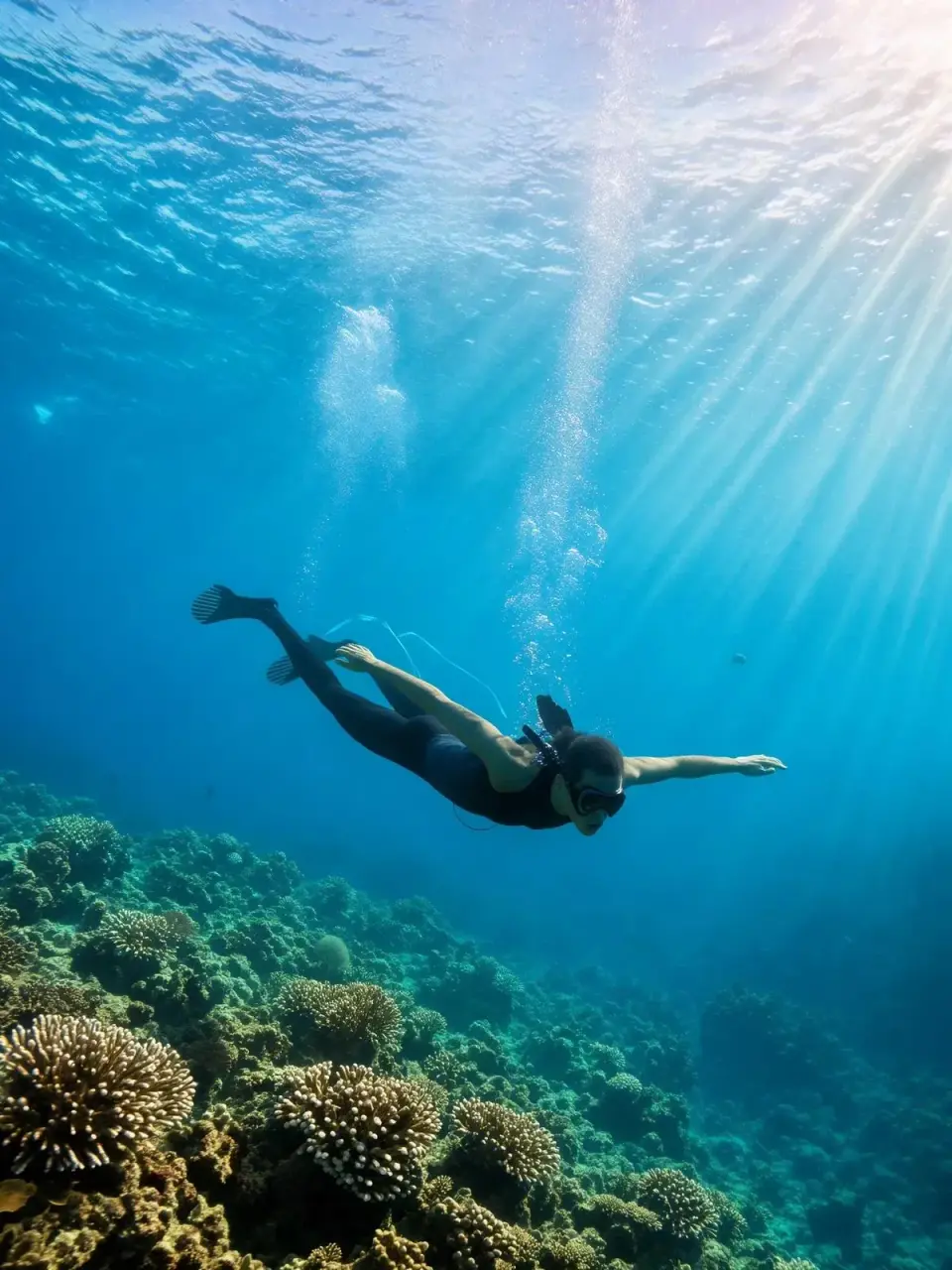
Underwater · light and depth
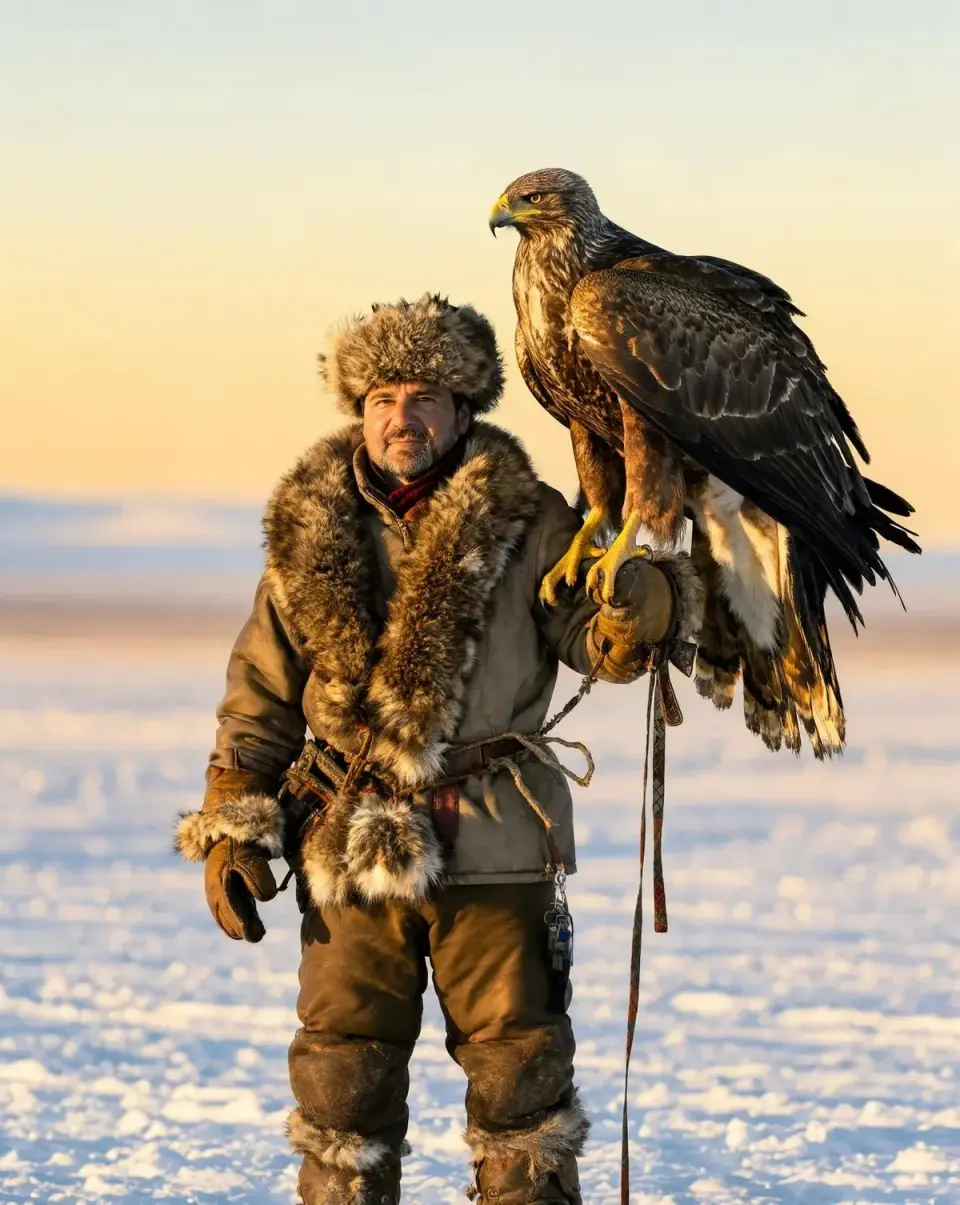
Portrait · natural light
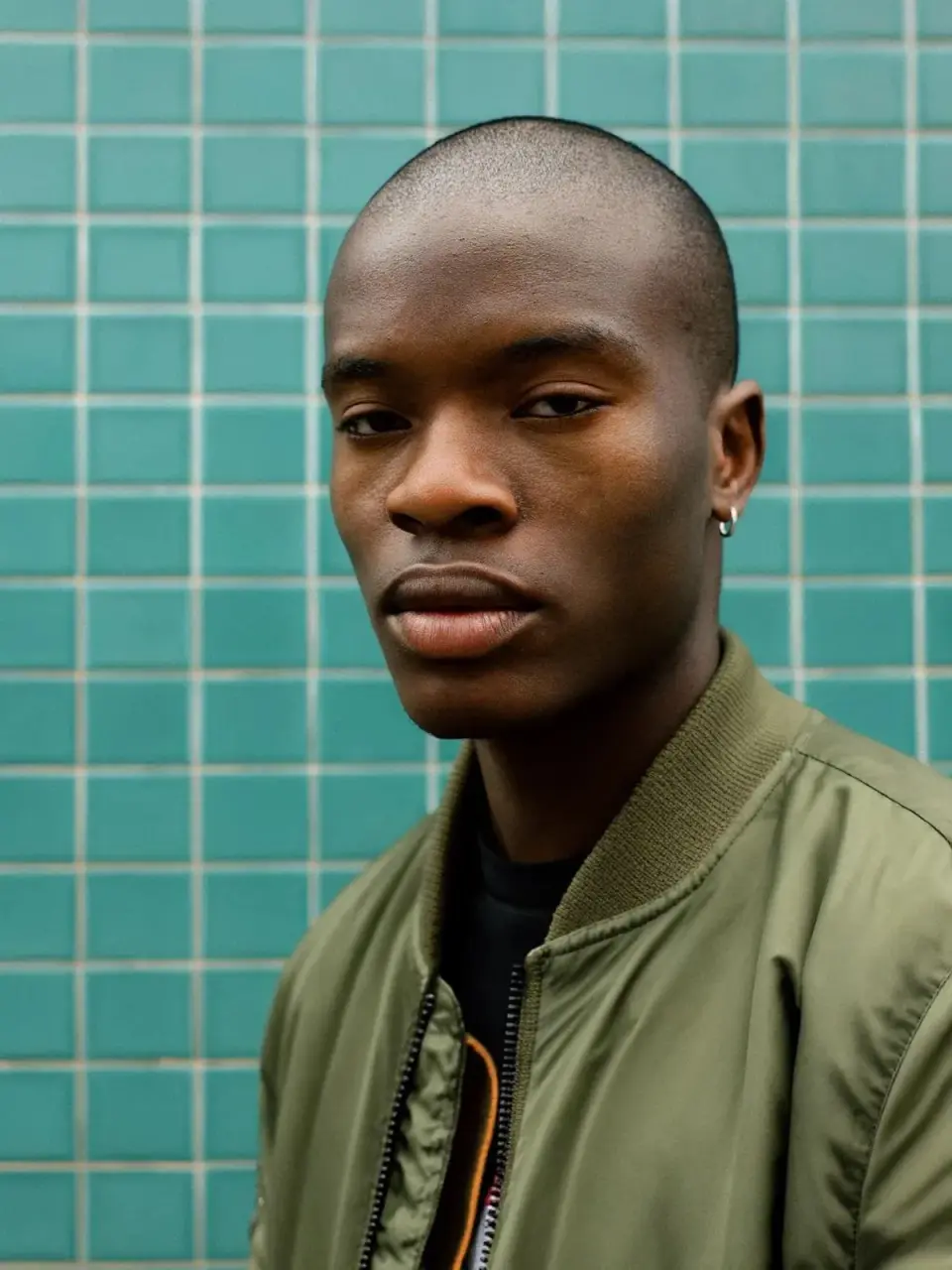
Fashion · material and color
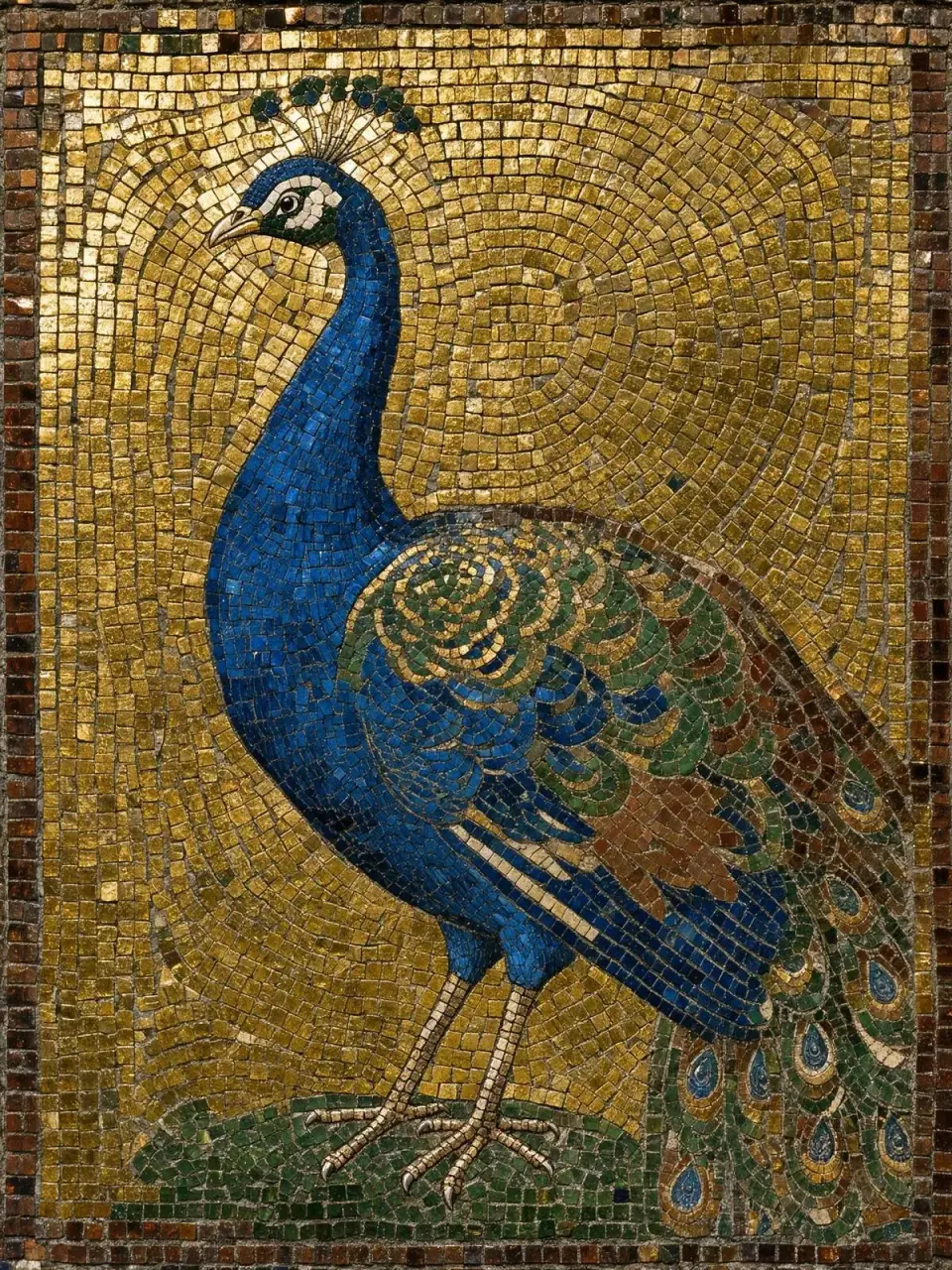
Decorative art · repeated detail
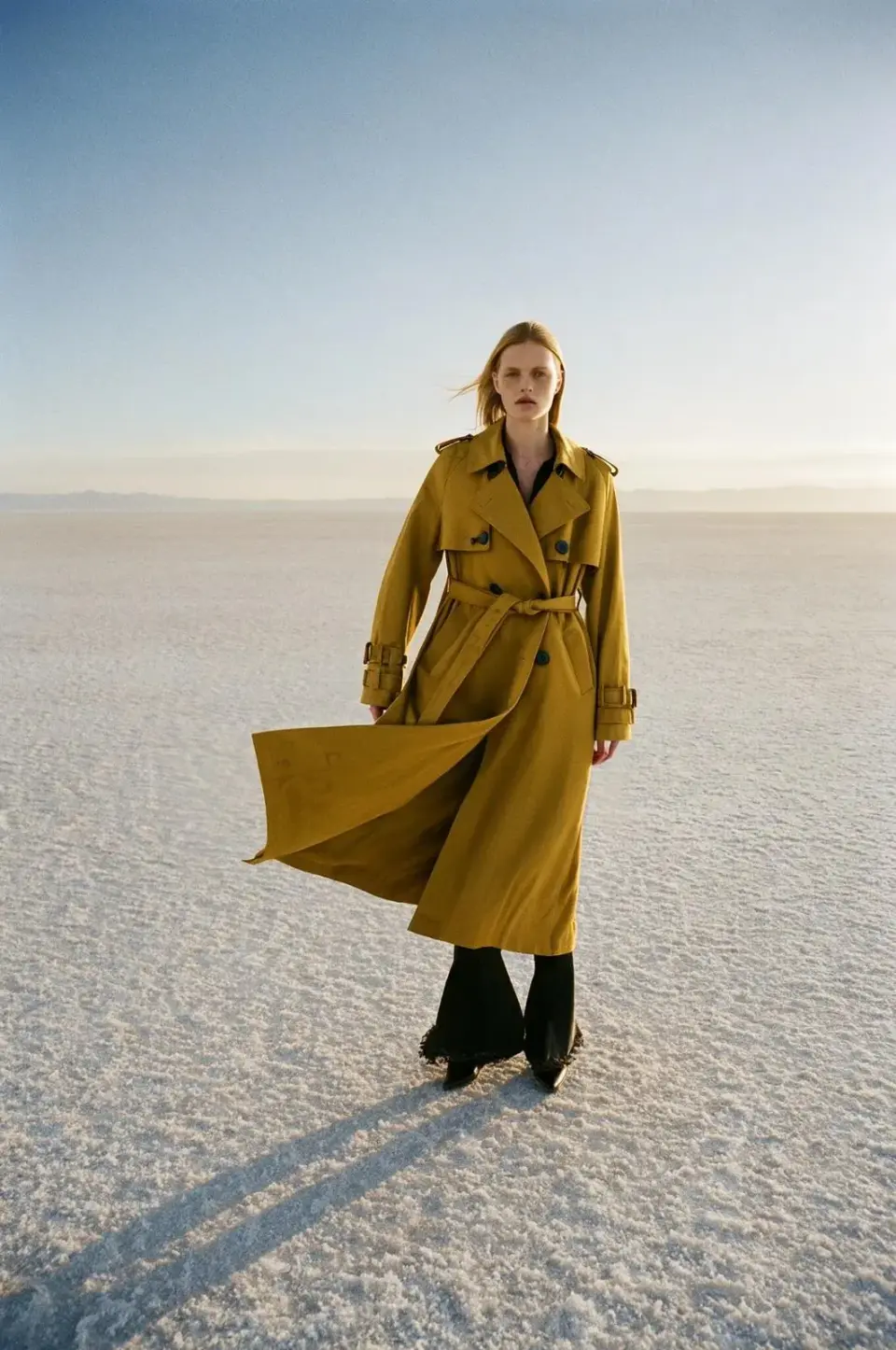
Editorial · space and silhouette
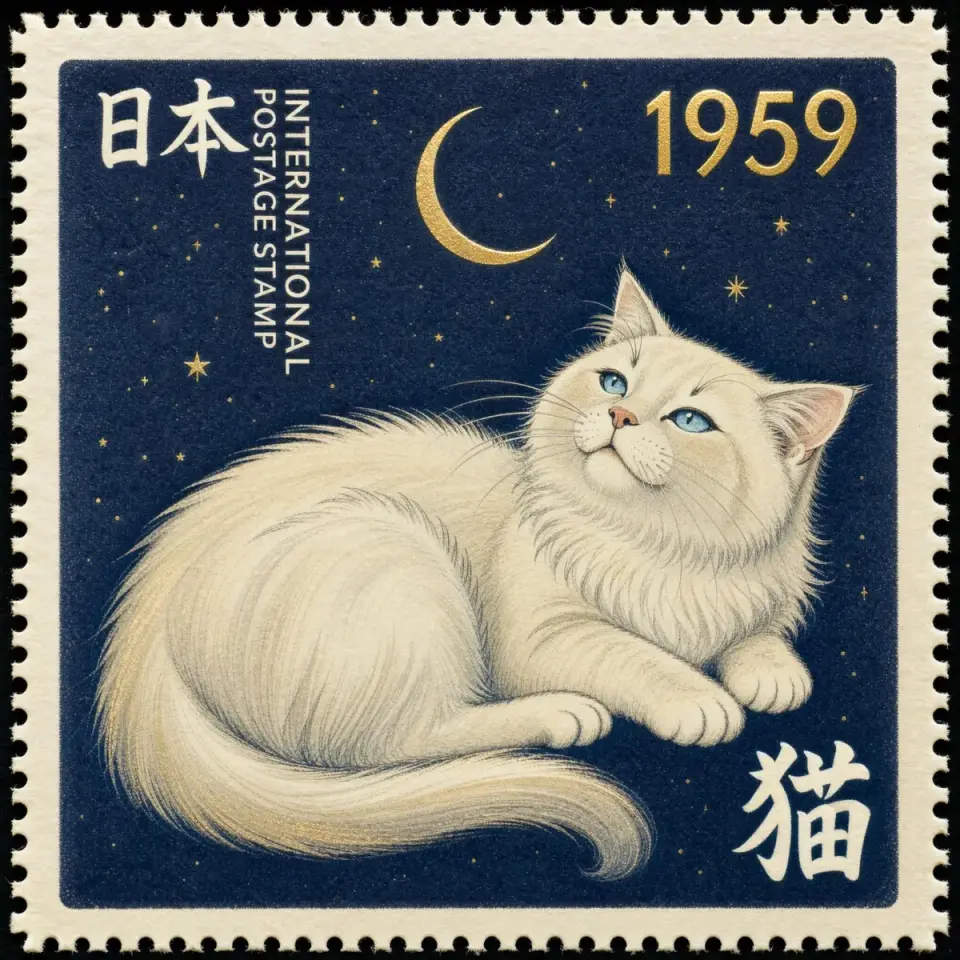
Stamp design · fine typography
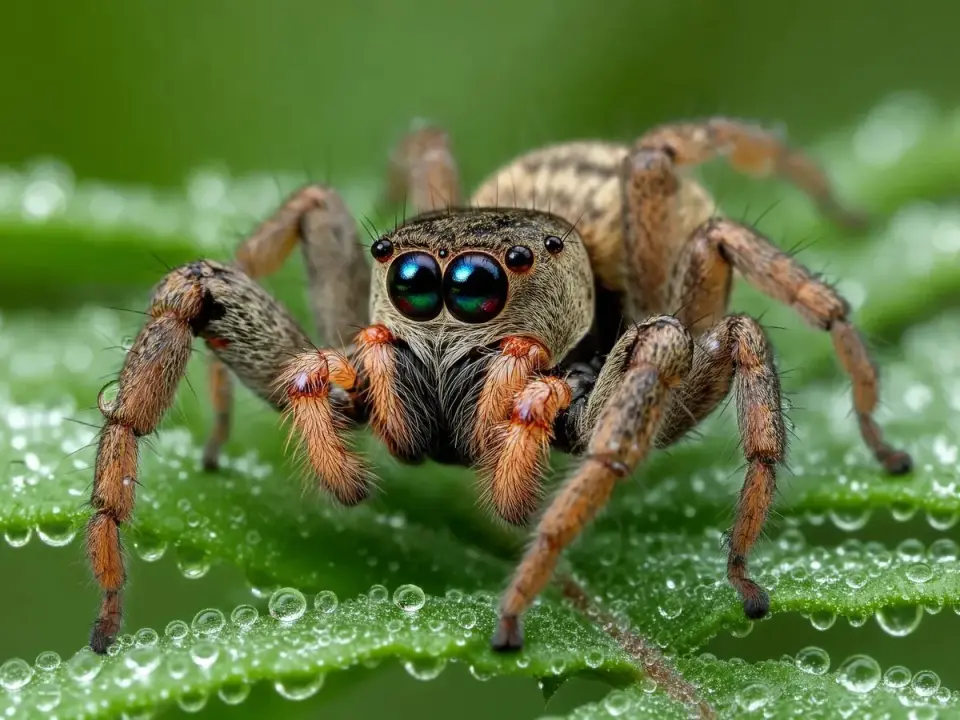
Macro · texture and scale
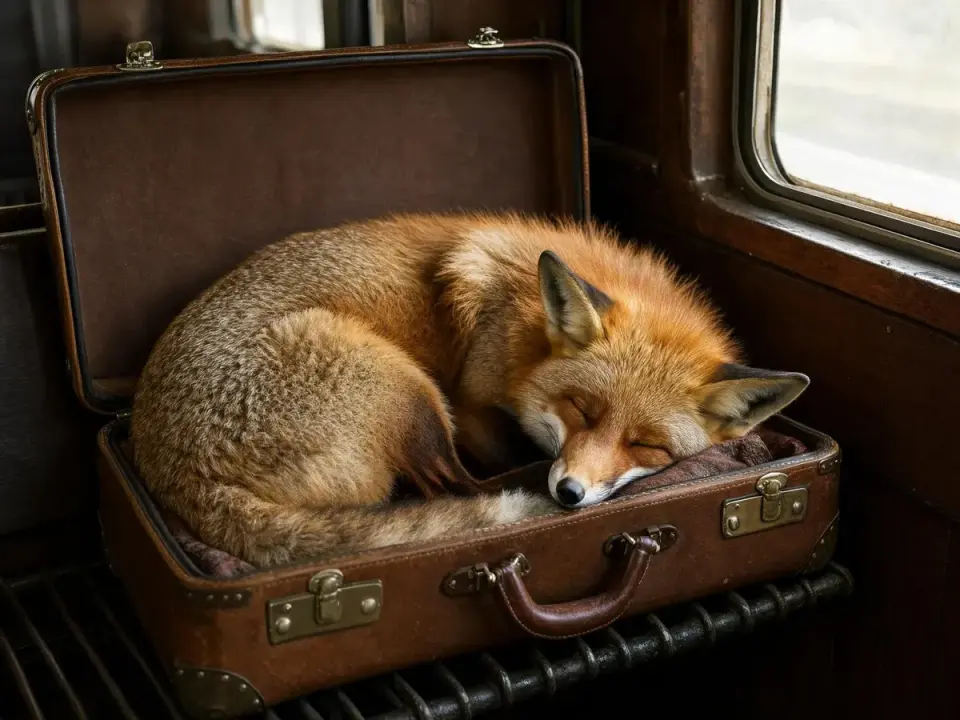
Narrative image · atmosphere
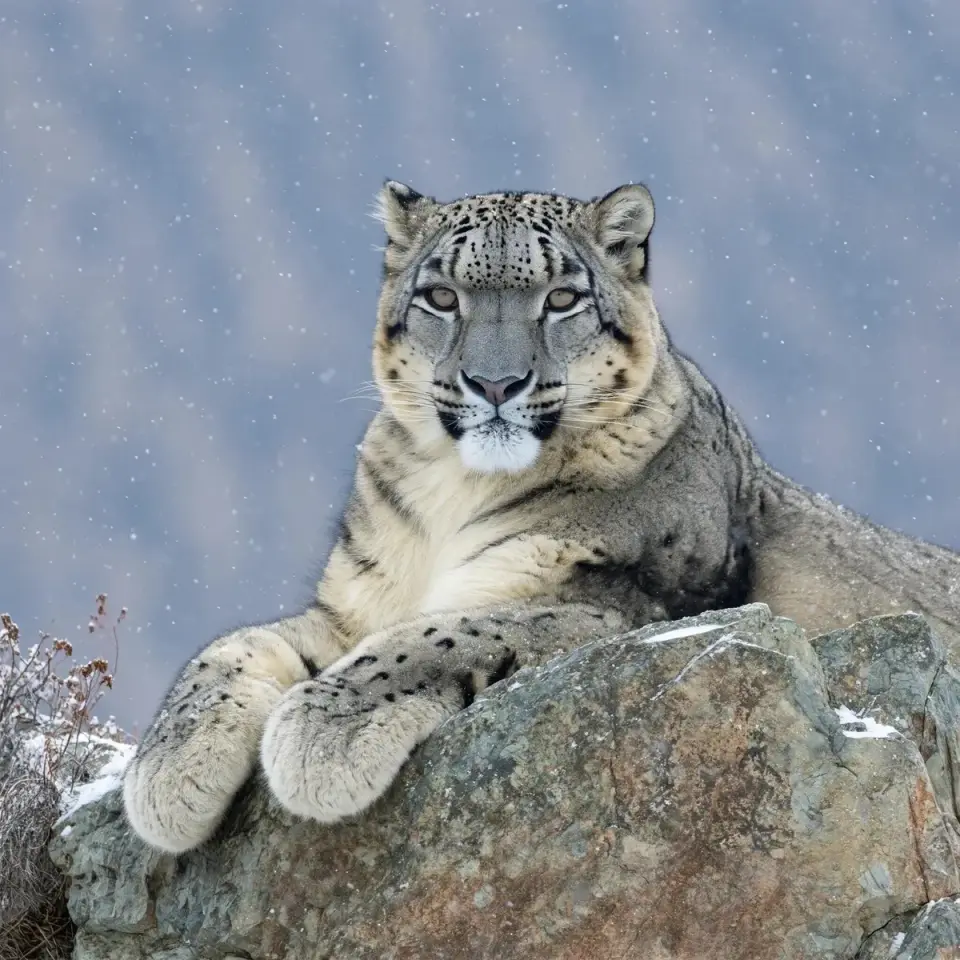
Wildlife · fur and stone
03 / CREATIVE STARTING POINTS
Start with these prompt ideas and adapt the subject, style and setting to your project.
A cobalt-blue ceramic perfume bottle on pale limestone, hard morning sunlight from the left, a crisp curved shadow, quiet cream backdrop, leave the upper third empty for a headline, no text or logos.
A tiny observatory on the back of a sleeping whale, midnight-blue paper texture, copper-colored stars, restrained screen-print palette, clean silhouette, wide composition, no lettering.
Keep the subject, pose, camera angle and background unchanged. Replace only the jacket with a dark green corduroy jacket. Preserve the direction and softness of the original light.
04 / FAQ
It is Black Forest Labs’ compact image-generation and editing model, announced on October 15, 2026. It is distinct from the earlier FLUX.2 Klein family.
Click Start creating to open the image generator. Choose a model and output settings, enter your prompt, review the credit cost, and generate your image.
Create portraits, illustrations, product graphics and natural scenes. Use references to guide the composition, then refine lighting, materials, lettering and textures through targeted edits.
Describe the subject, composition, lighting and style. For a product image, specify the material, background and space for text. For an edit, describe what should change and what should stay the same.
No. Resolution, hardware, precision, sampling settings and queue time all affect completion time. Compare the same brief and output settings when evaluating speed.
Review the current provider terms and the applicable model license. Also check the rights to any supplied reference images, brands and recognizable people.