
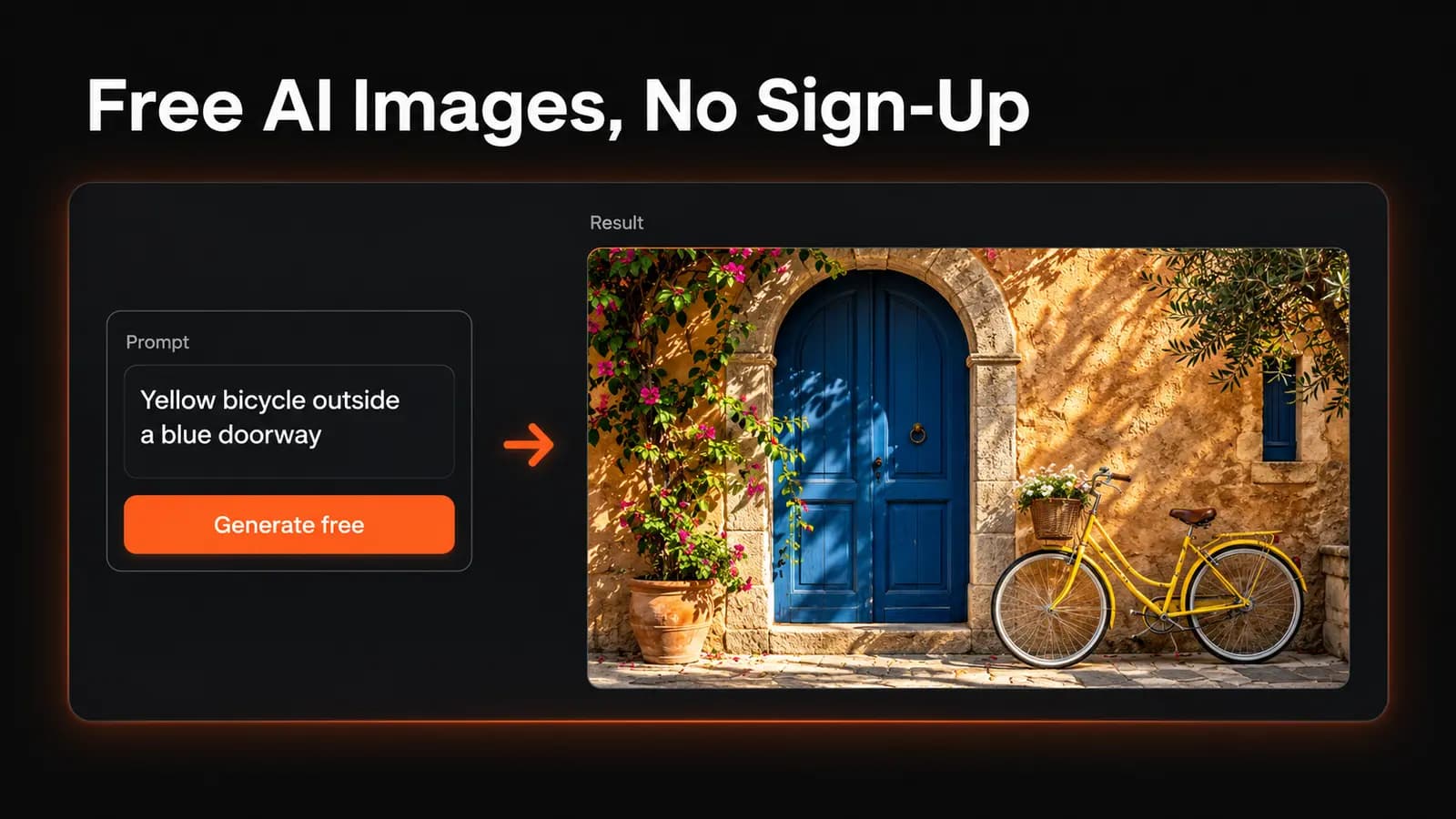
You want an image, not another password. A search for a free AI image generator with no sign-up should lead to a simple experience: enter a prompt, generate a picture, download it, and leave.
The useful question is how much of that process stays free. Before spending time refining a prompt, check whether you can download the result at a usable size and whether its terms allow your intended use.
LoveImage offers a signed-out trial on its homepage: a few Z-Image renders per device per day, with watermarked files kept for 24 hours. A free account adds more model choices and watermark-free new generations, but neither option includes commercial-use permission.
What does a free AI image generator with no sign-up promise?
At its most useful, the phrase means you can generate and download an image without supplying an email address or signing in through another service. It says nothing by itself about resolution, daily allowances, commercial use, or what happens to your prompt afterward. Those are separate questions.
Skipping registration is a reasonable priority for a personal mood board, a party invitation concept, or a quick experiment with an unfamiliar visual style. There is little reason to open an account if a downloadable image meets your needs and the terms permit the use. For a recurring project, though, being able to return to your work may matter more than saving a few clicks today.
How to use LoveImage without signing up
Open the LoveImage homepage while signed out. The trial is for text-to-image generation; it doesn't accept reference uploads or generate video.
- Choose the Image tab and Z-Image, marked “Free trial · no sign-up.”
- Enter a prompt and select an available aspect ratio, such as 1:1 for a square or 16:9 for a landscape image.
- Click Generate free — no sign-up. Complete the verification challenge if one appears, then wait for the result below the prompt box.
- Click Download to save the image without creating an account.
The current allowance is three renders per device per UTC day, one image per request. There is also a shared limit of ten renders per network per UTC day and a 15-second cooldown between requests from that network. On office or school Wi-Fi, other visitors can use that shared allowance before you reach your device limit; site-wide availability can also pause the trial.
Trial images carry a watermark and are for personal, non-commercial use. The renders and their files are deleted after 24 hours, so download anything worth keeping. Recent results can reappear on the same browser while retained, but this isn't permanent storage.
If the daily allowance runs out, wait for the next UTC day or use Sign up free to continue with an account. Register when you need other models, watermark-free new images, or more time to keep your work; the account limits are explained below.
Count revisions, not just free images
A free allowance needs to cover the process, not merely the first result. Suppose you're making a personal desktop wallpaper: the first image has the right colors, but the subject fills the space where your icons belong. Moving it to the right takes another generation, and correcting an unwanted object may take a third.
Look for a stated allowance and its reset period. Does “free” mean a one-time trial, a daily allocation, or access while spare capacity is available? Also check whether a batch of four pictures consumes four attempts and whether failed requests count against the limit.
Choose around the work you need to finish, including the corrections. A daily allowance isn't much help if it resets after your deadline.
Check the downloaded file for watermarks and size
A clean preview doesn't tell you everything about the saved file. Download an early result and open it outside the website, then check its pixel dimensions and corners for a visible logo. Inspect fine details at the size you actually intend to display it.
A watermark may be acceptable for exploring a style and distracting on a finished invitation. LoveImage's signed-out downloads are watermarked; new generations made with a free account are not. Registering doesn't remove the watermark from an existing trial image.
Resolution deserves the same attention. A picture that looks sharp in a small browser card may look soft when stretched across a full screen or printed. Enlarging it afterward won't necessarily recover missing detail, and a bigger file won't correct misspelled words or an extra finger.
Don't assume a watermark can simply be removed under the service's rules. Use its permitted export option, or choose a service whose download terms fit your project.
No account doesn't mean no data collection
Avoiding registration means you haven't supplied account details; it doesn't establish that your session is anonymous. The FTC's explanation of website tracking describes how cookies and device fingerprinting can identify a browser or device. Its guidance also notes that private browsing doesn't stop websites from seeing your online activity.
For image generation, read beyond the cookie notice. Look for what the privacy policy says about stored prompts, uploaded images, public galleries, model training, and deletion. A service can treat each of those differently, and a “no sign-up” label answers none of them.
Use an invented scene for your first attempt: a yellow bicycle outside a blue doorway, for example. You can judge composition and prompt following without submitting a child's portrait, a client's unreleased packaging, or text containing personal details. If you later need a reference photo, check the upload rules before providing it.
LoveImage's trial uses a device cookie and other checks to enforce its limits. Skipping registration doesn't make those requests anonymous.
Free access and commercial permission are separate
Before using an image in a shop listing, advertisement, or paid client project, find the terms that apply to the tier you're using. Look for an explicit statement about commercial use, any attribution requirement, and restrictions tied to the selected model. A download button is not a statement of permission.
Then separate that permission from copyright protection. The U.S. Copyright Office's report announcement explains that copyright protection for generative AI output depends on sufficient human authorship; providing prompts alone isn't enough. Human creative modifications or arrangements can matter, so permission to use a file and protection for your contribution are different issues.
LoveImage's trial is limited to personal, non-commercial use, as are free-plan outputs under its output usage terms. Paid-plan outputs may be used commercially, subject to the terms and applicable model licences. Those terms don't grant other people's rights or guarantee exclusivity. Keep that distinction in mind even when an image has no visible watermark.
For a business project, save the relevant terms and plan details alongside the image. That gives you a record of the conditions you relied on when choosing the service.
Make your first few attempts useful
Start with one job and one success criterion. For a personal wallpaper, that might be “a recognizable bicycle on the right, with quiet space on the left.” This makes it easier to decide whether the output needs another attempt instead of changing the whole idea because something looks slightly off.
Write the subject, setting, style, and composition in plain language. For example, “A yellow bicycle leaning against a blue doorway, soft morning light, watercolor illustration. Put the bicycle on the right and leave the left side mostly empty.” Choose a landscape option if the tool offers one; prompt wording alone may not control the file's shape.
After the first generation, inspect the bicycle, the doorway, and the empty space separately. Change the most important failure in your next prompt rather than adding a long string of quality adjectives. If you need ideas for describing a style, browse the image prompt library and adapt the relevant details to your own scene.
Save the prompt in a local note and download any result worth keeping before closing the tab. LoveImage's 24-hour trial window is short, and another service may keep results for less time. Saving locally also helps if you continue elsewhere.
When a free LoveImage account is worth it
Create a free LoveImage account when the trial's single model, watermark or 24-hour window gets in your way. The signup offer is 20 credits once, subject to signup eligibility checks, rather than a daily or monthly refill.
The free plan includes selected text-to-image models: Nano Banana, Imagen 4 Fast, Z-Image, Seedream 4.0, and GPT Image 1.5. Its image quality limit is 1K, new free-plan generations have no watermark, and free-plan generated files have a 30-day retention limit. It doesn't include video generation or commercial-use permission.
Those credits are a balance to spend, not a promise of 20 pictures. The model and settings affect the charge shown before submission. Finished, unexpired trial images move into your library when you sign in on the same browser and follow the account's retention period, but keep their original watermark.
For commercial work, compare the Free, Creator, Studio, and Scale plans before generating your final assets. Creator, Studio, and Scale include commercial-use permission subject to the terms and model licences; simply registering for Free does not. If your only goal is one personal image and a no-account tool already meets your requirements, registration may add little value.
Open LoveImage's AI image generator and try one clear prompt without signing up. If you need the account features, register and complete email verification before generating in the workspace, then check the displayed credit cost.