
Code becomes video
Claude Opus 5.5 doesn't generate pixels. It writes Three.js, WebGL, Canvas or Remotion code that is rendered frame by frame, so every shot is precise and can be re-rendered at will.
Claude Opus 5.5 · AI video examples
Claude Opus 5.5 writes Three.js, WebGL, Canvas and Remotion code and renders it frame by frame into video. We feature standout pieces creators have shared publicly and recreate them from the original prompts, so you can see how each prompt works and create similar videos on loveimage.
Video generation is on paid plans. Your prompt and settings follow you through sign-in. See plans
01 / FEATURES
Claude Opus 5.5 doesn't generate pixels. It writes Three.js, WebGL, Canvas or Remotion code that is rendered frame by frame, so every shot is precise and can be re-rendered at will.
From black hole lensing and seismic waves to mechanical teardowns, Claude Opus 5.5 videos turn real principles into convincing motion.
Shots, captions, transitions and pacing fit in a single prompt, ideal for explainers, product launches and brand intros.
Soundtracks and sound effects are synthesised in code and locked to the beat of the picture.
Photoreal 3D, pixel games, motion graphics, ink-wash scenes and 90s cartoons are all within reach of a Claude Opus 5.5 video.
Every case includes the original prompt to copy, adapt, or use with loveimage's video models to create a similar look.
02 / GALLERY
Three.js · GLSL
HD recreation
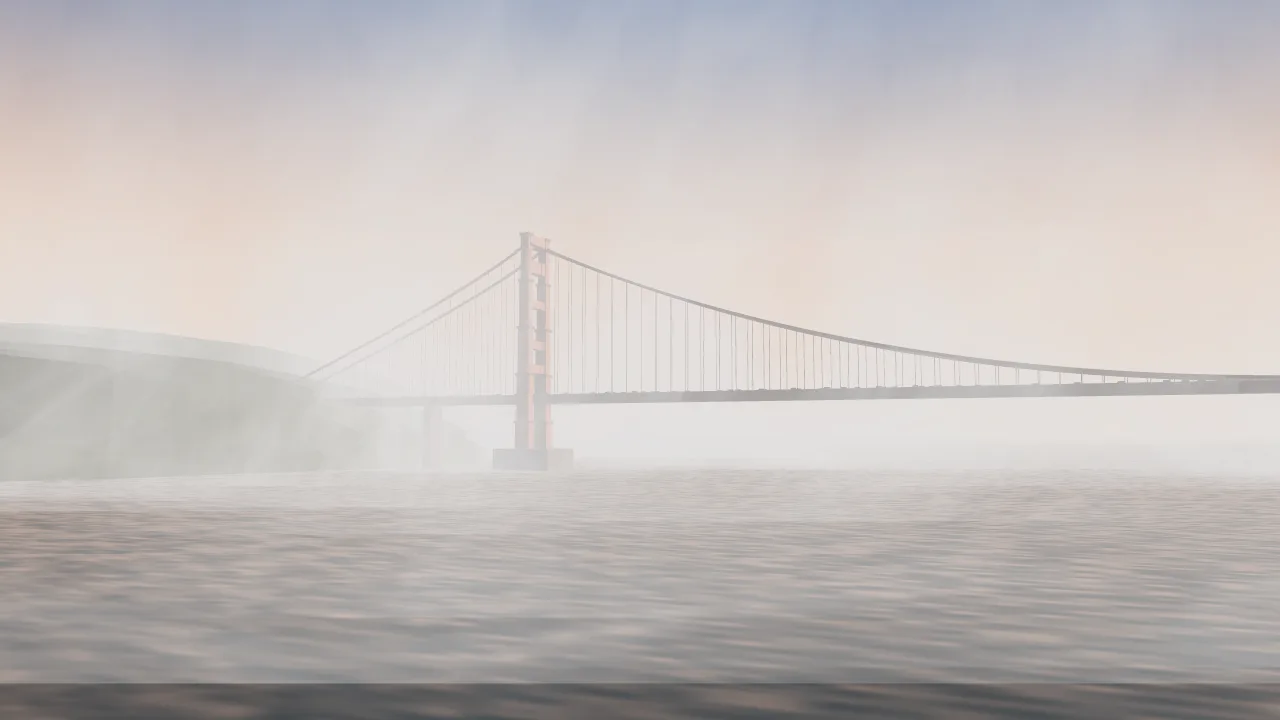
Three.js · GLSL
HD recreation
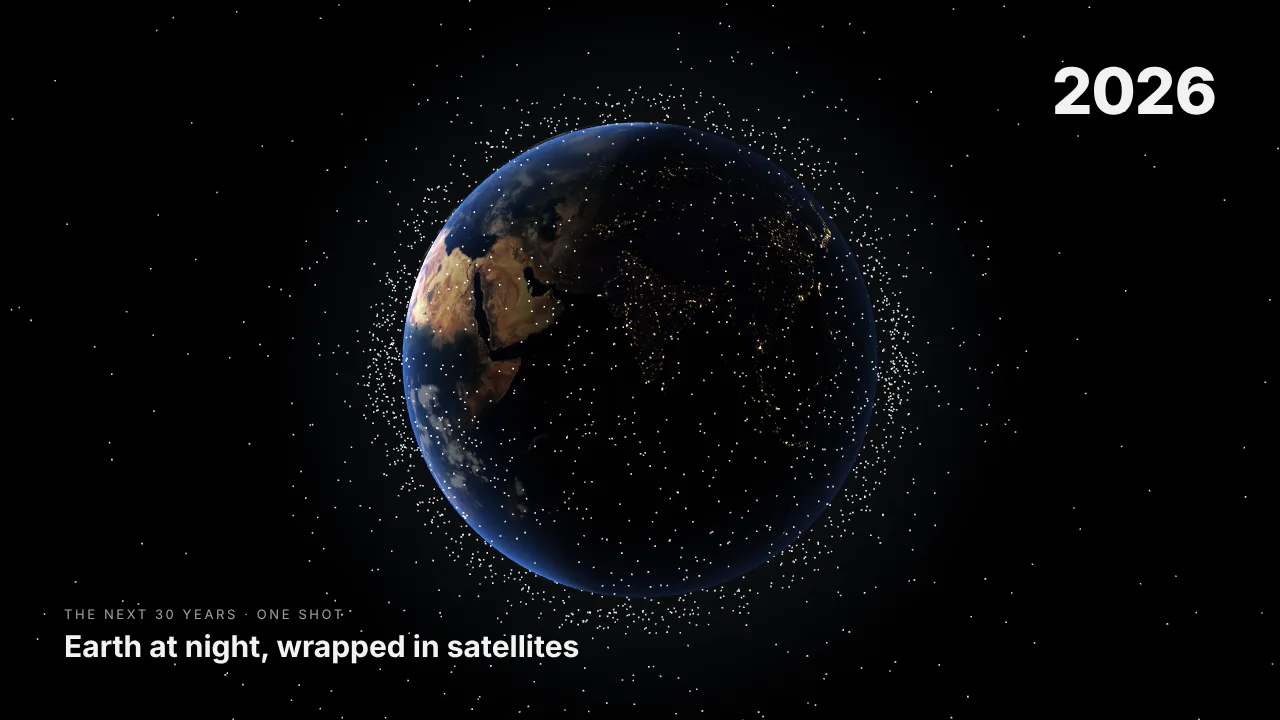
Three.js · Web Audio
HD recreation
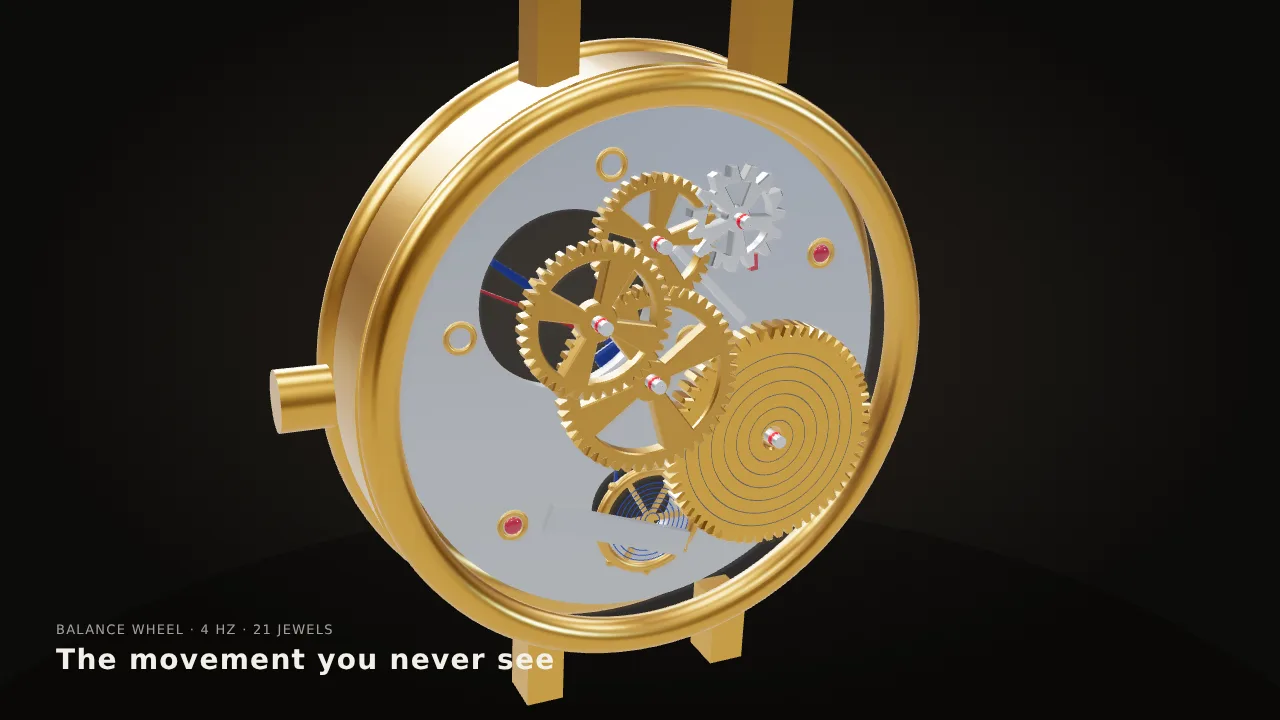
Three.js · Web Audio
HD recreation
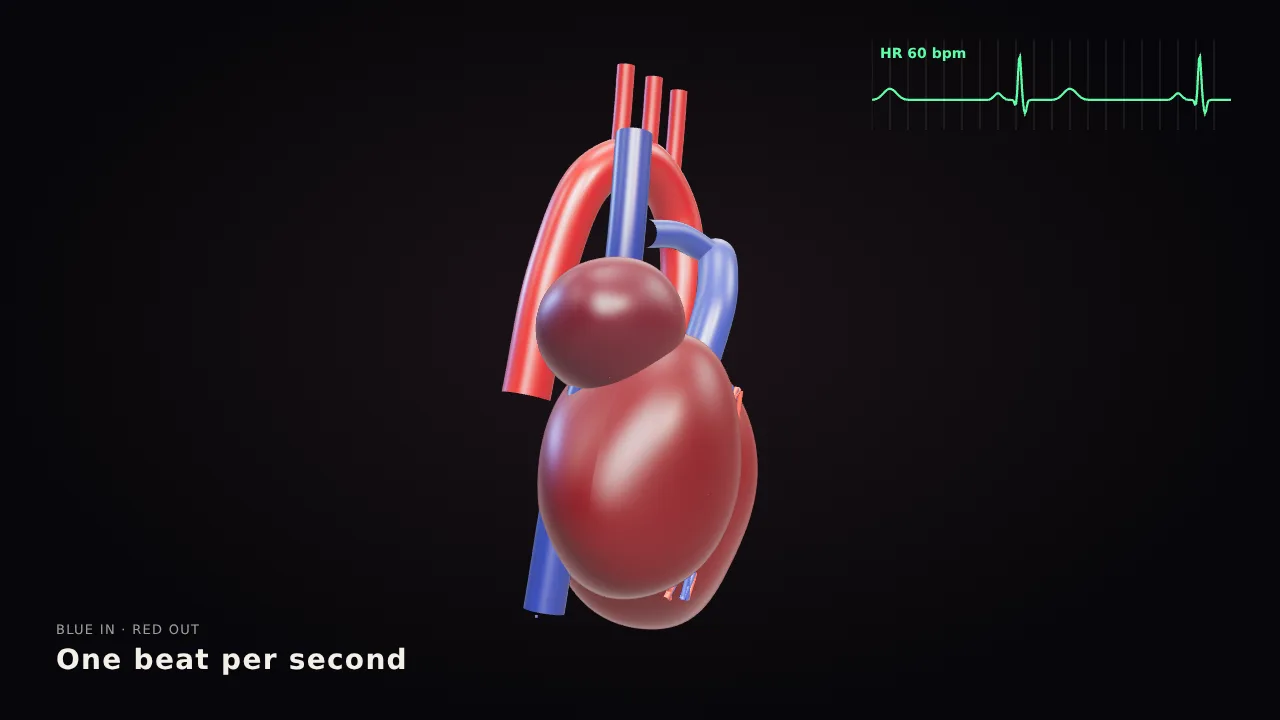
Three.js · GLSL
HD recreation
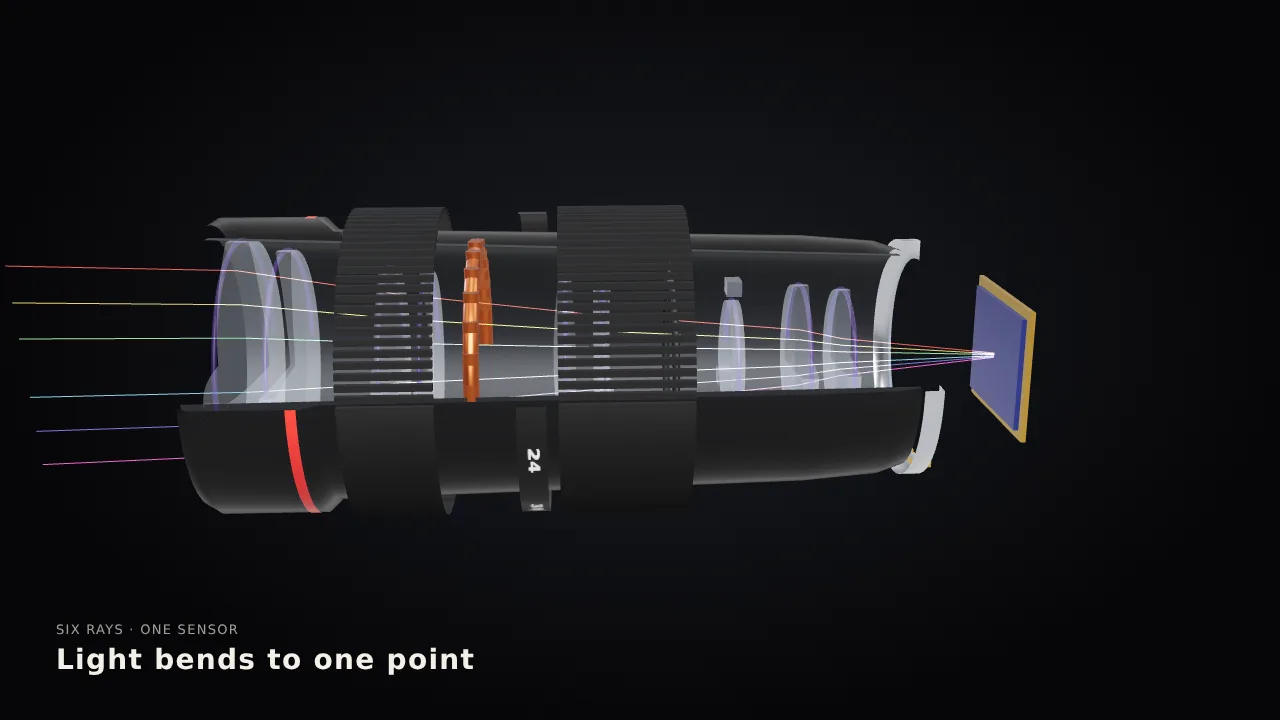
Three.js · GLSL
HD recreation
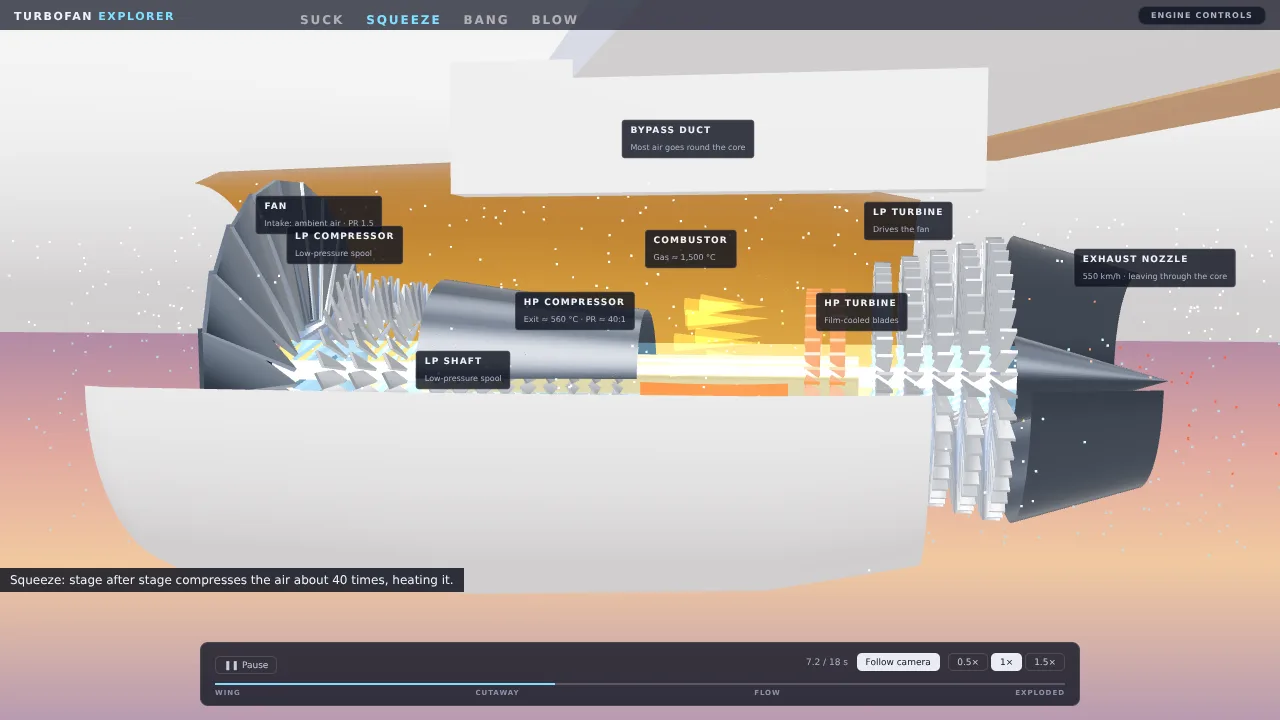
Three.js · Web Audio
HD recreation
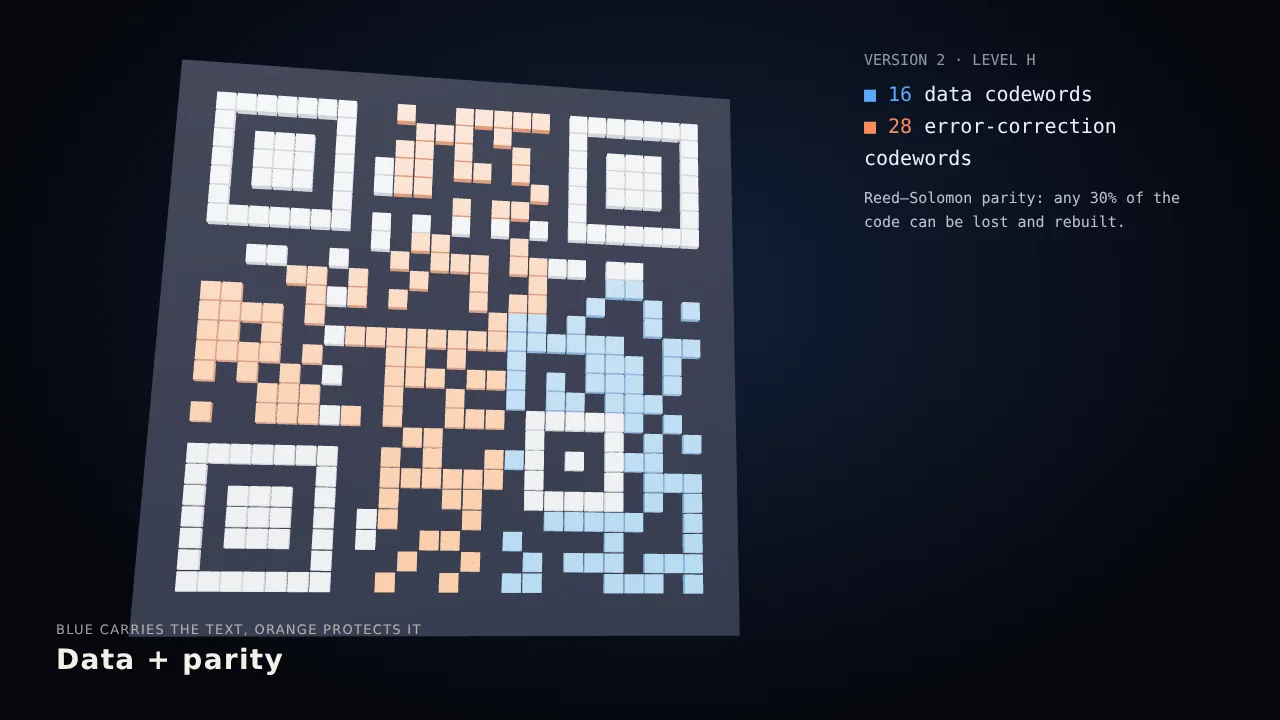
HyperFrames · Python audio
HD recreation

Remotion · Three.js
HD recreation
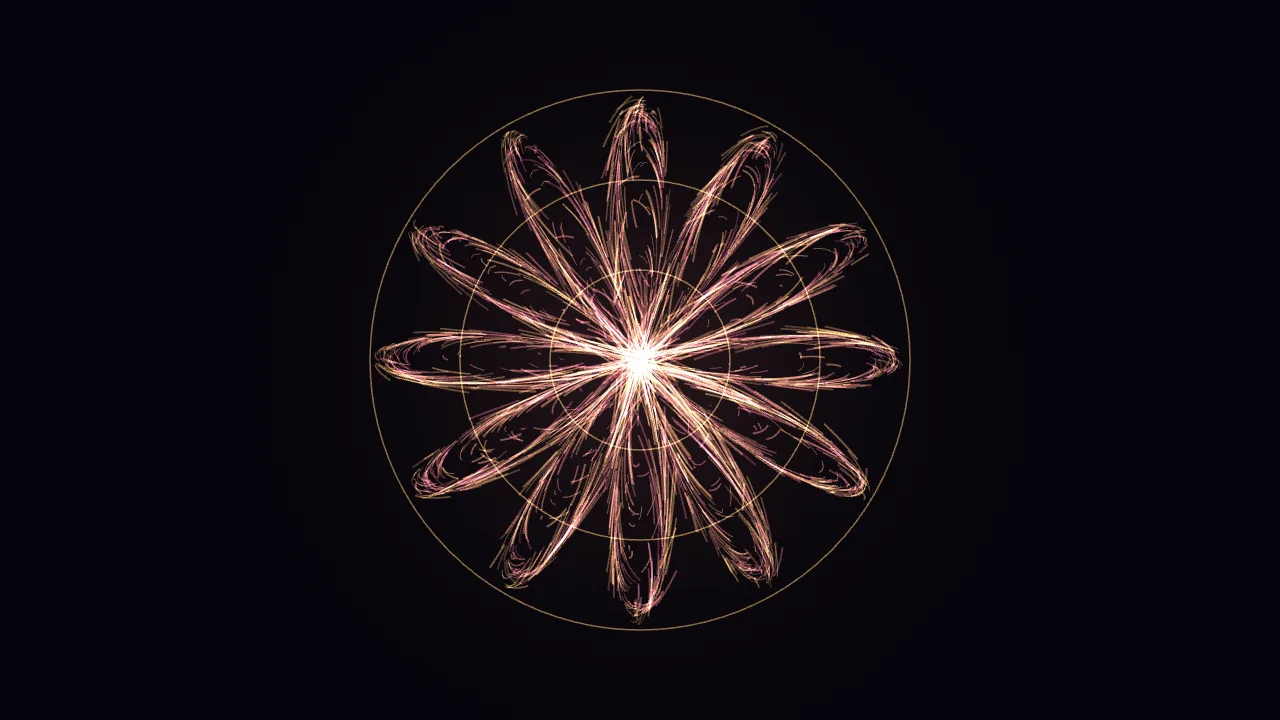
Canvas 2D
HD recreation
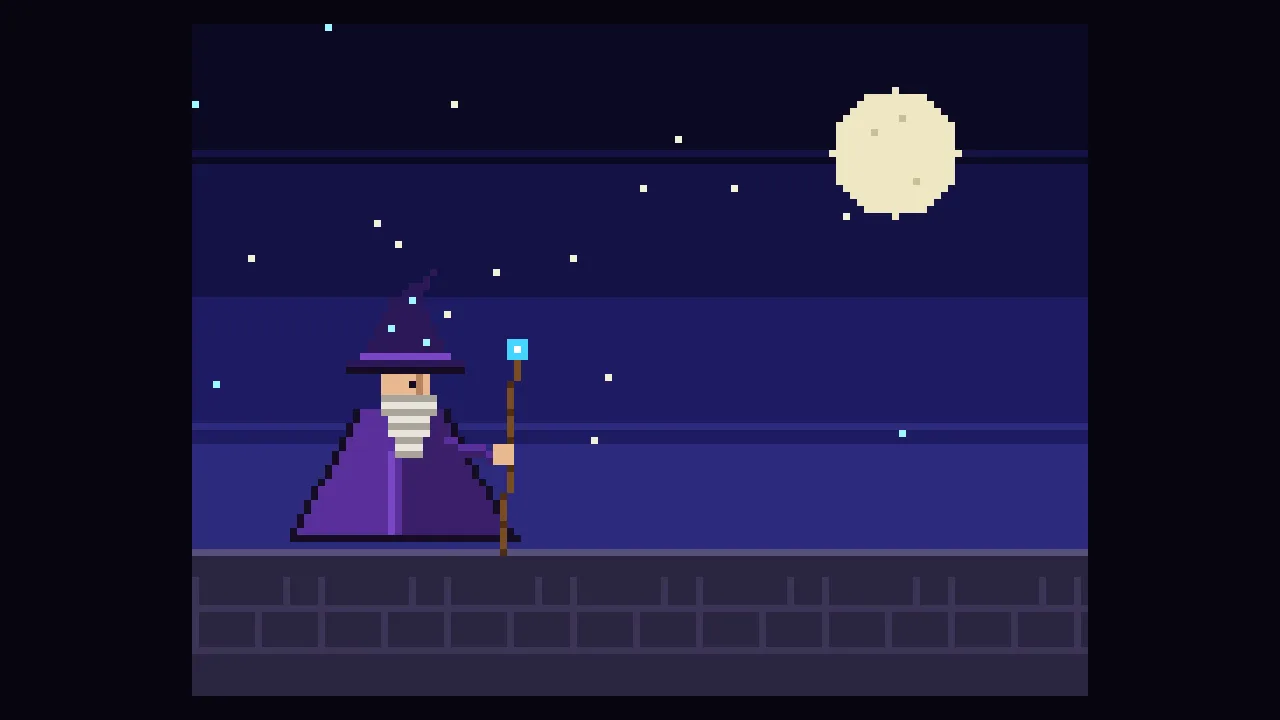
Canvas · Python audio
HD recreation
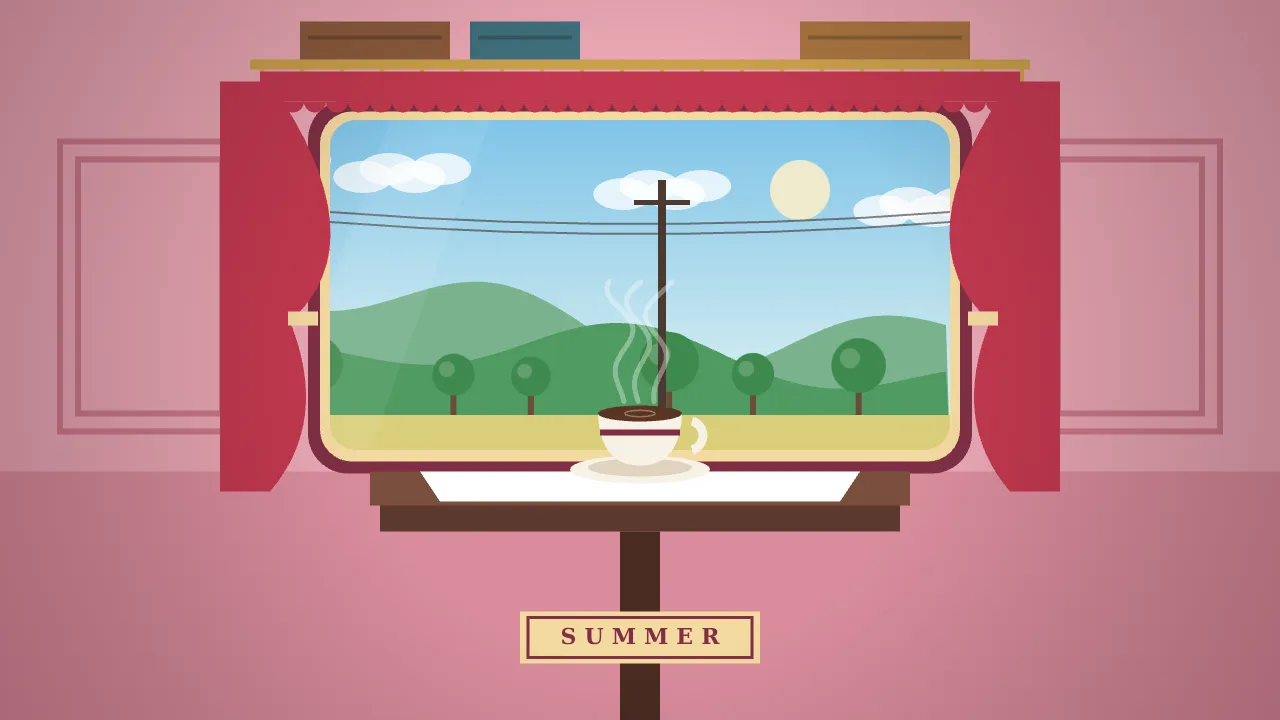
Three.js
HD recreation
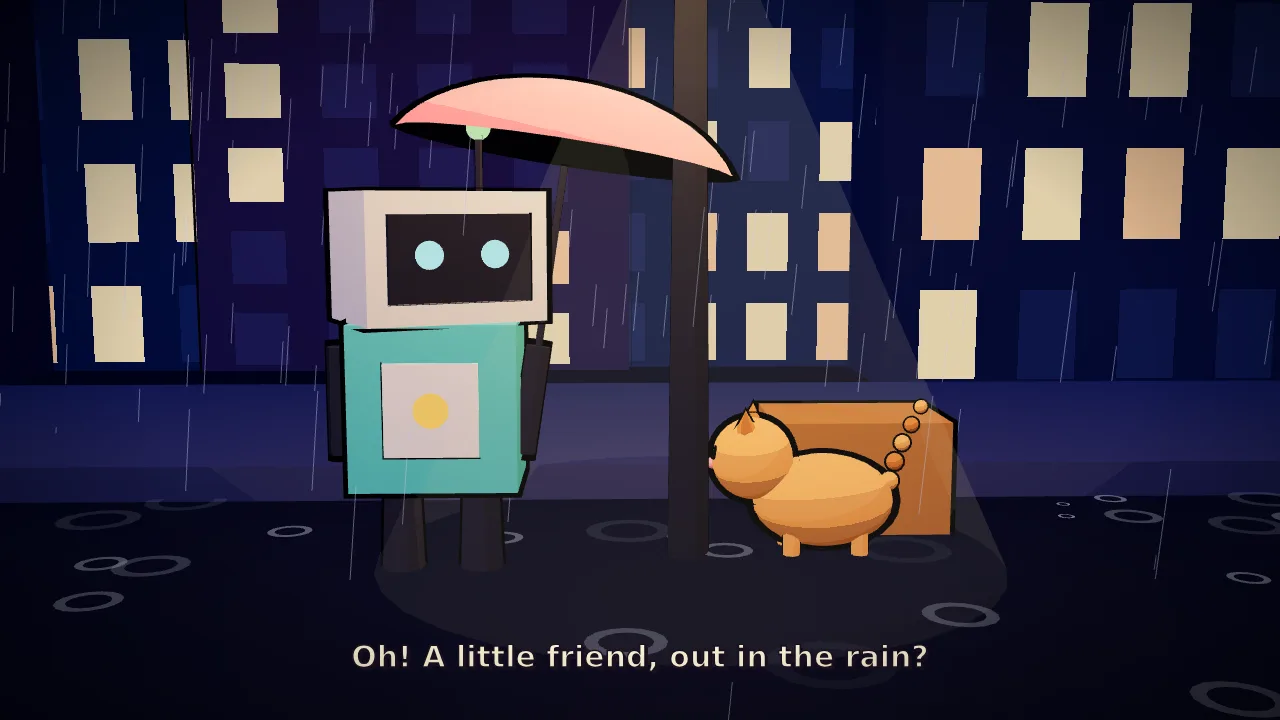
Canvas
HD recreation
Three.js · WebGPU
HD recreation
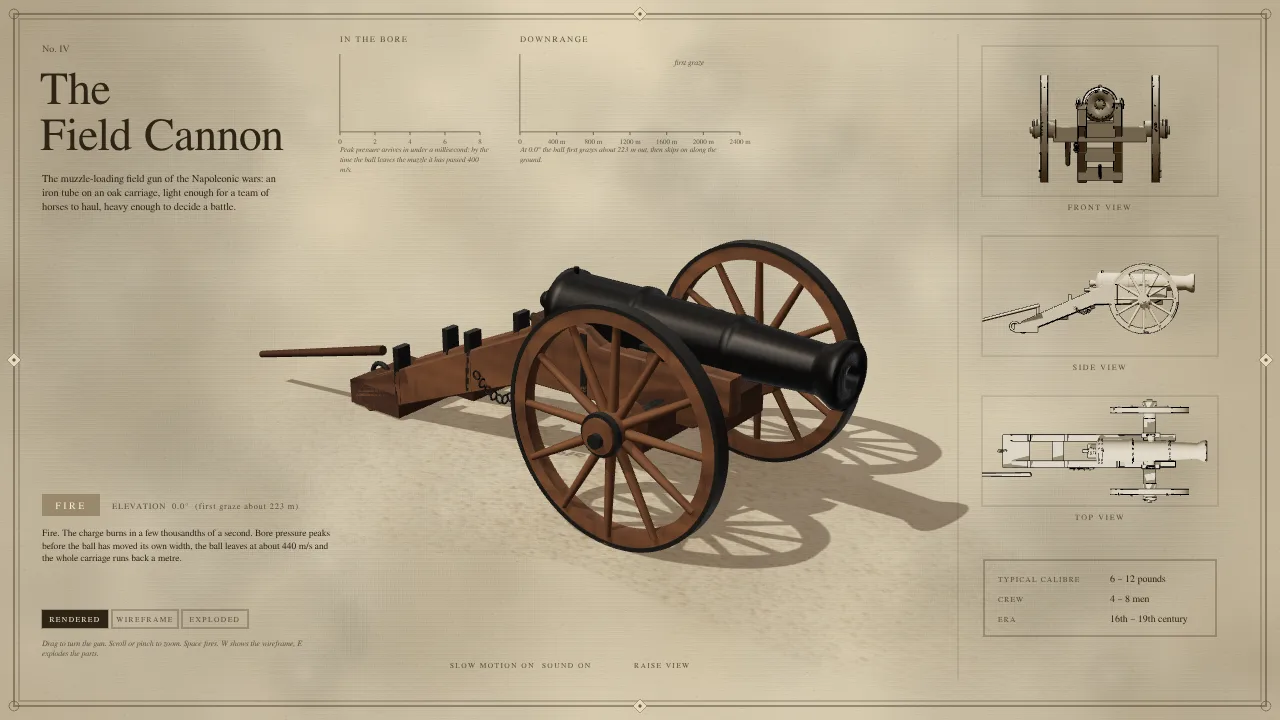
WebGPU
HD recreation
Remotion · Canvas
HD recreation
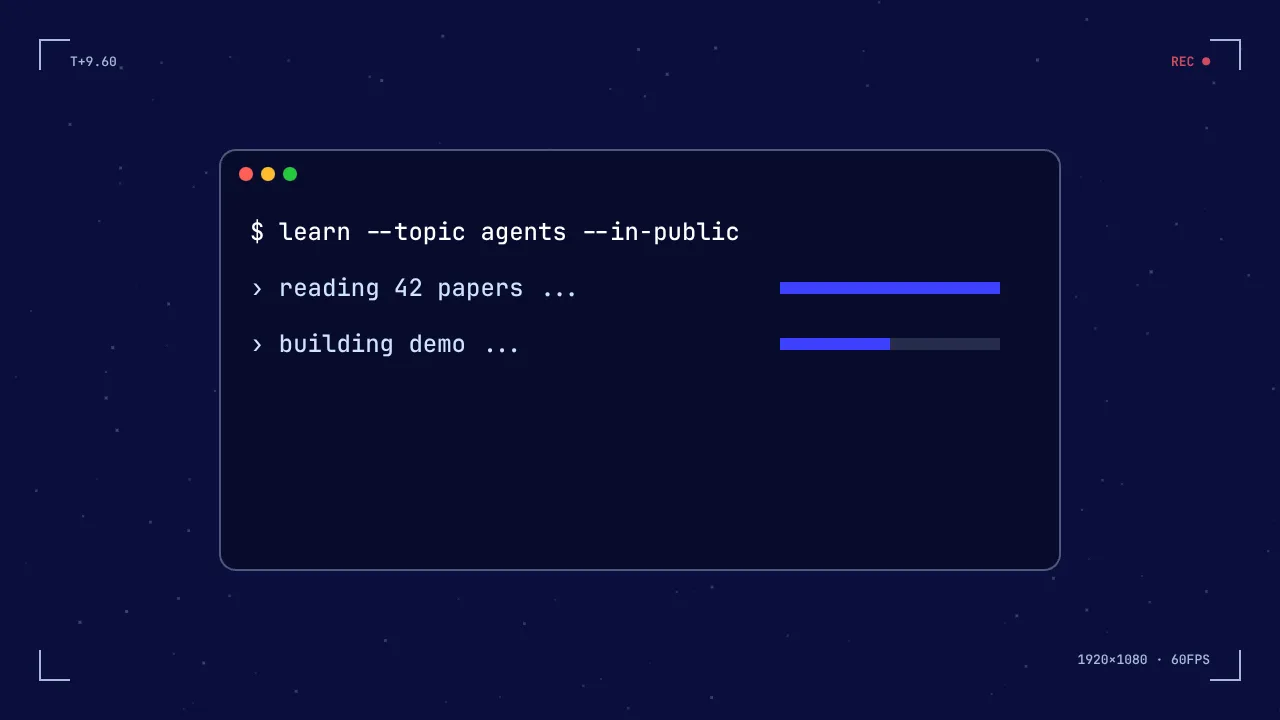
JavaScript
HD recreation
Canvas · Web Audio
HD recreation
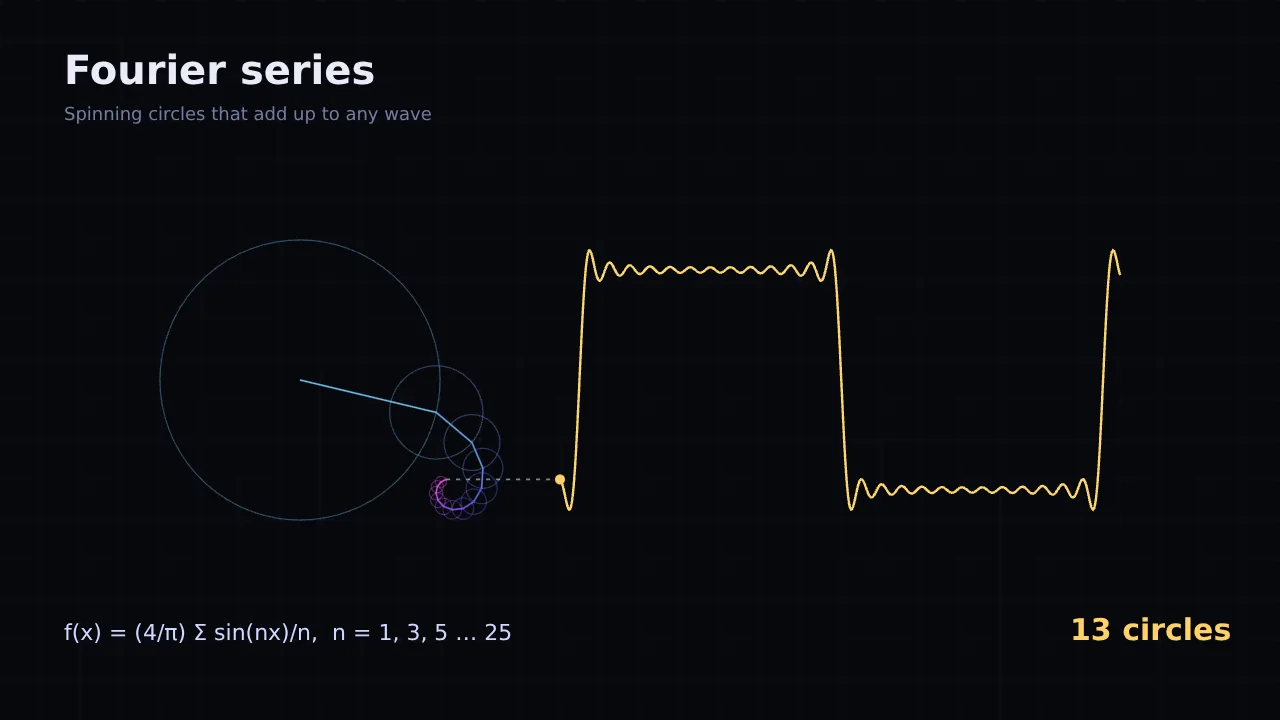
Canvas
HD recreation
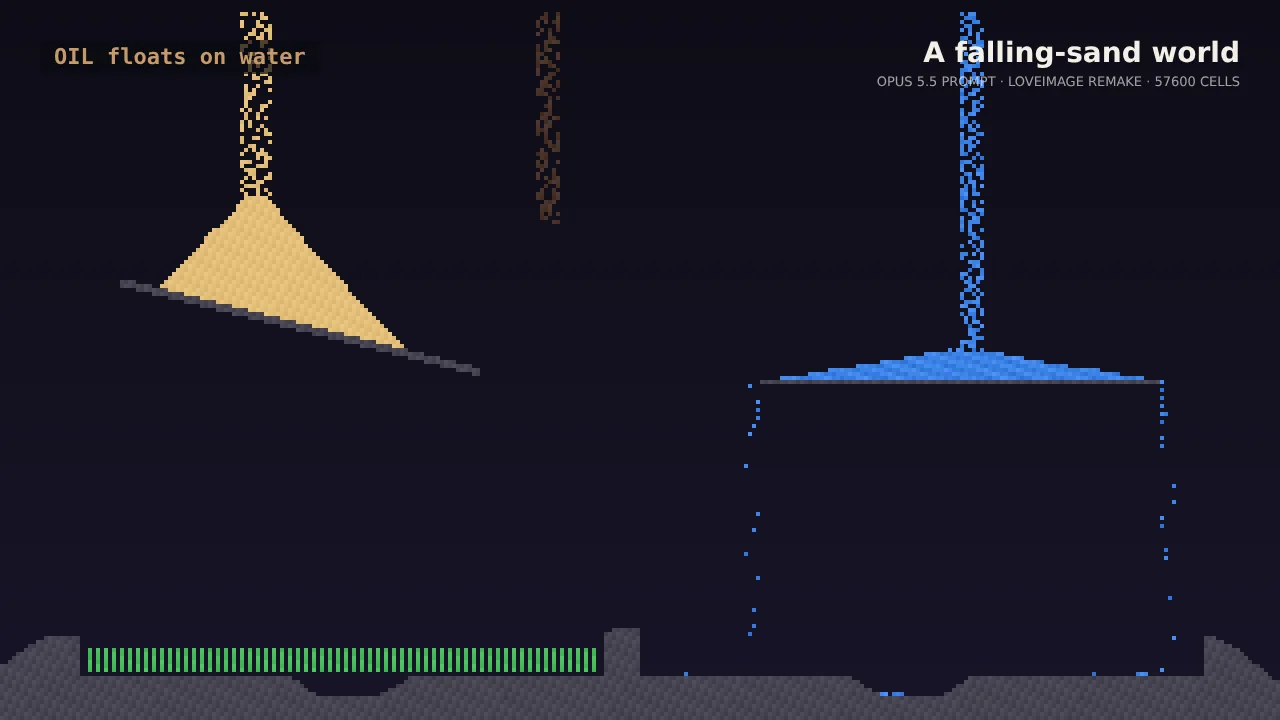
Three.js · GLSL · Canvas · GSAP
HD recreation
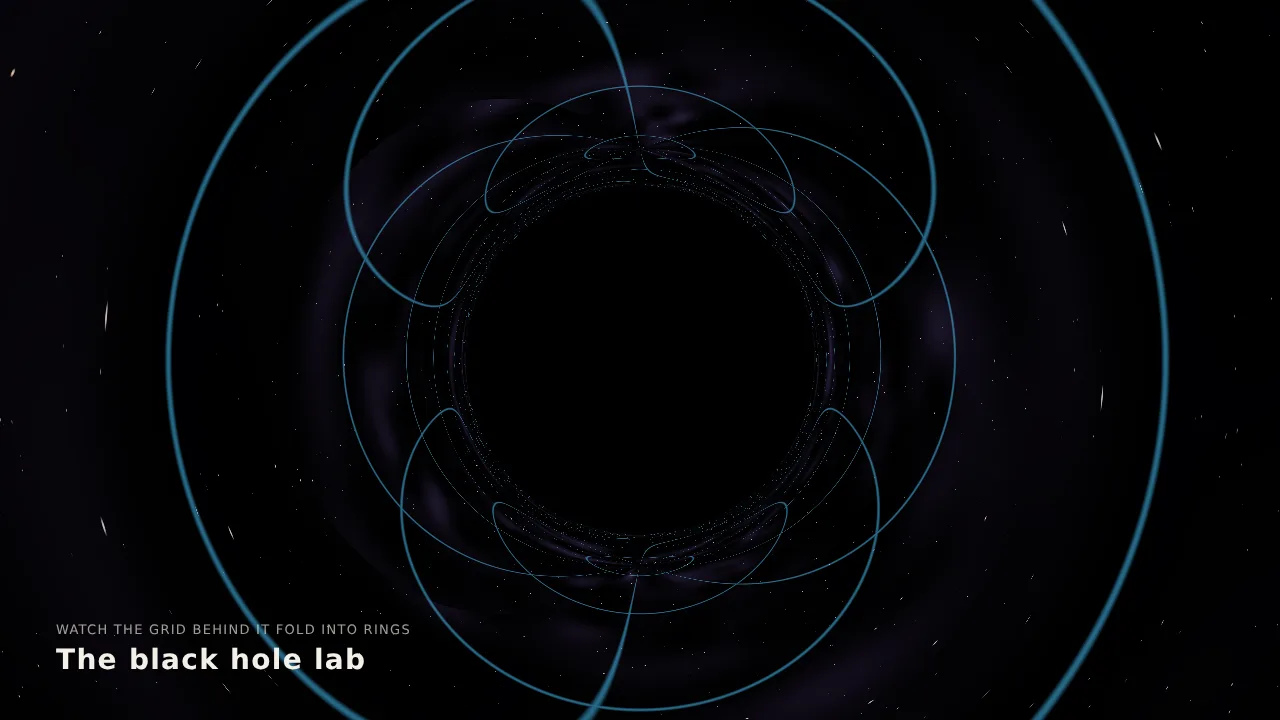
GLSL · WebGL
HD recreation
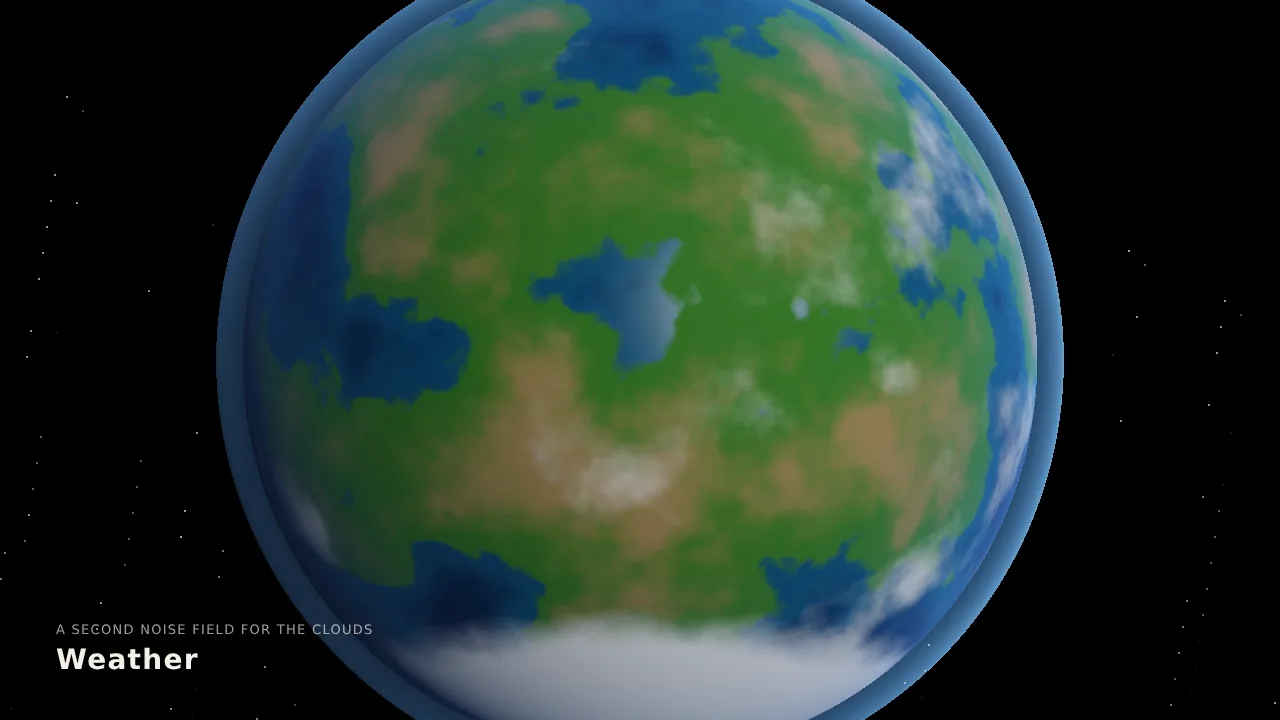
Three.js · GLSL
HD recreation
SVG
HD recreation
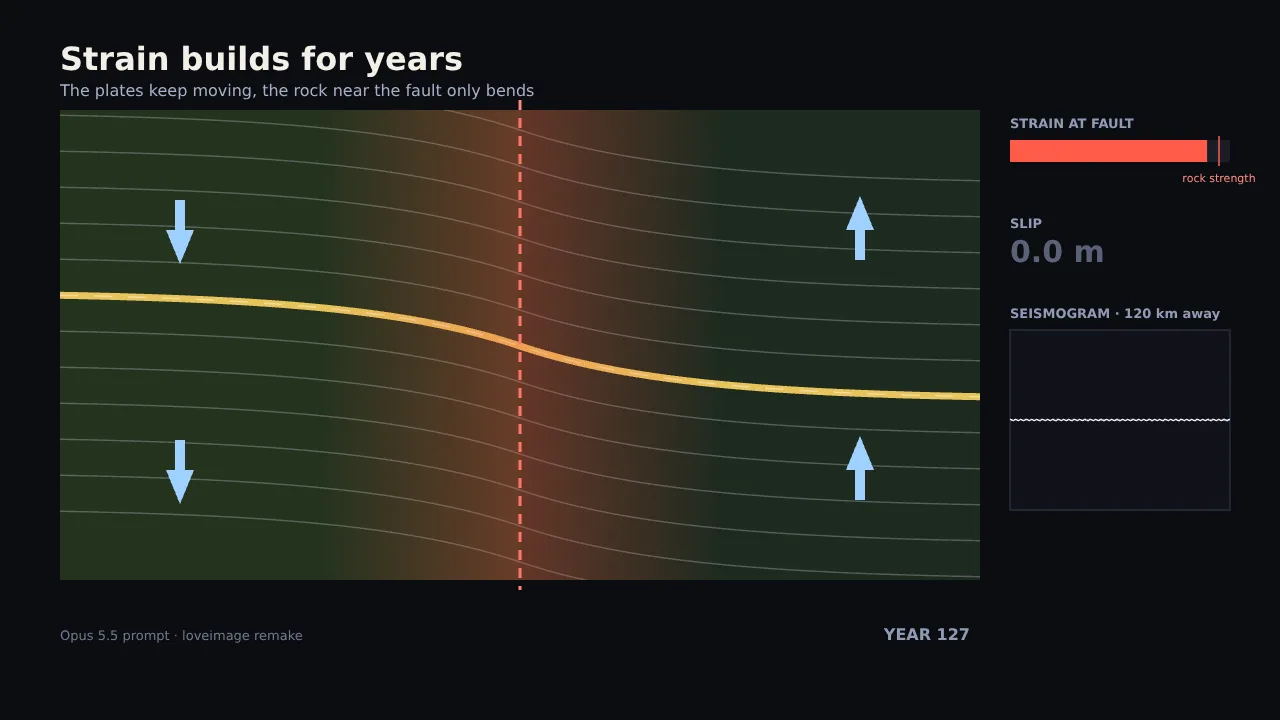
GLSL · WebGL · Canvas · Web Audio
HD recreation

Three.js · SVG · Web Audio
HD recreation
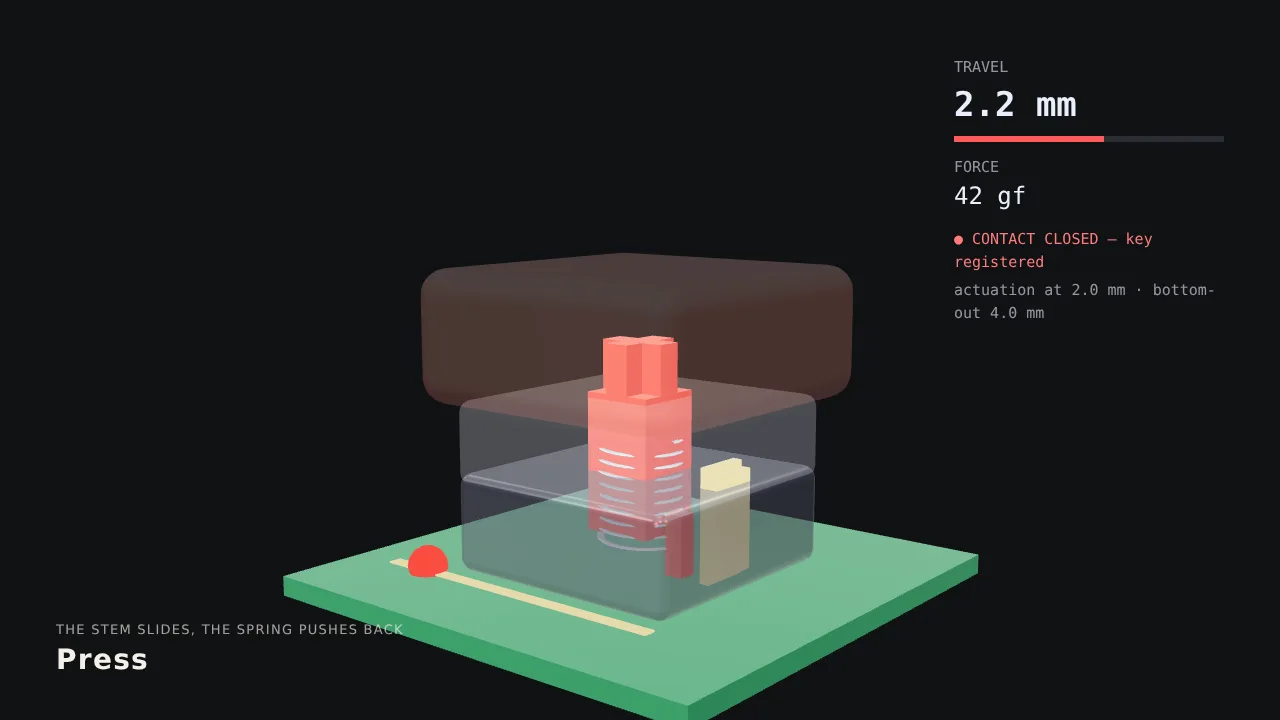
Three.js · GLSL
HD recreation
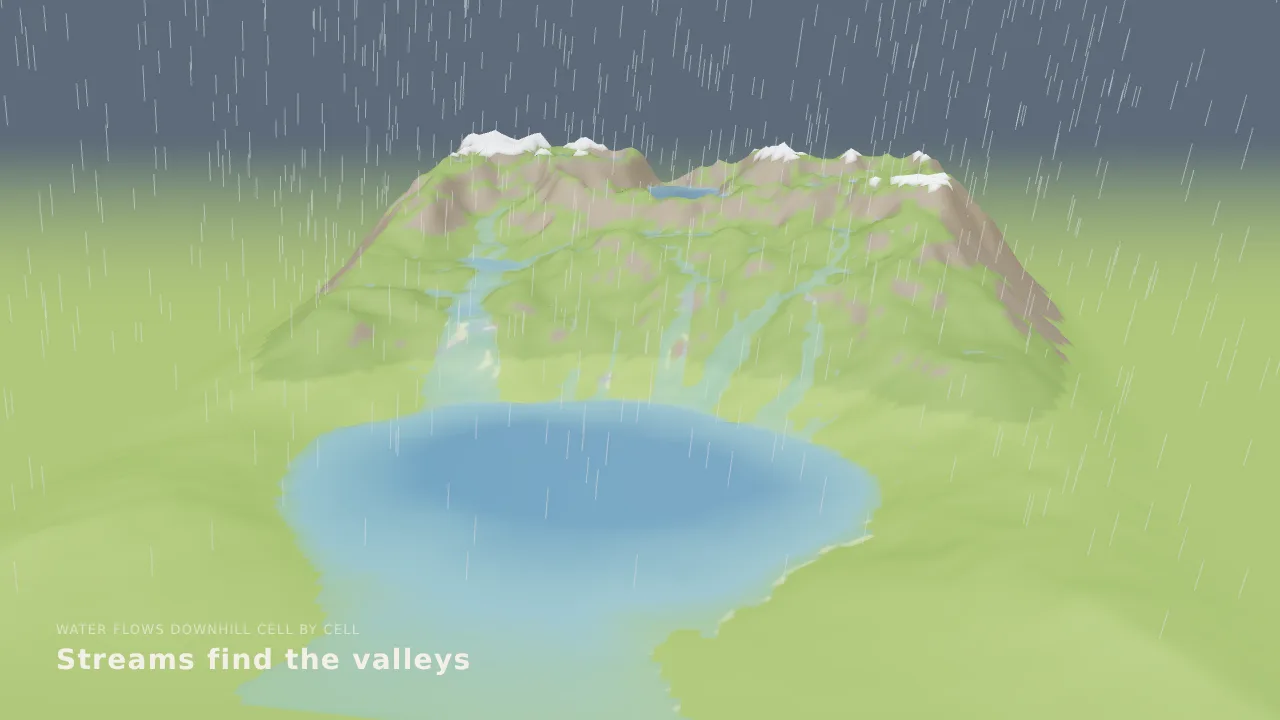
Three.js · GLSL · Canvas
HD recreation
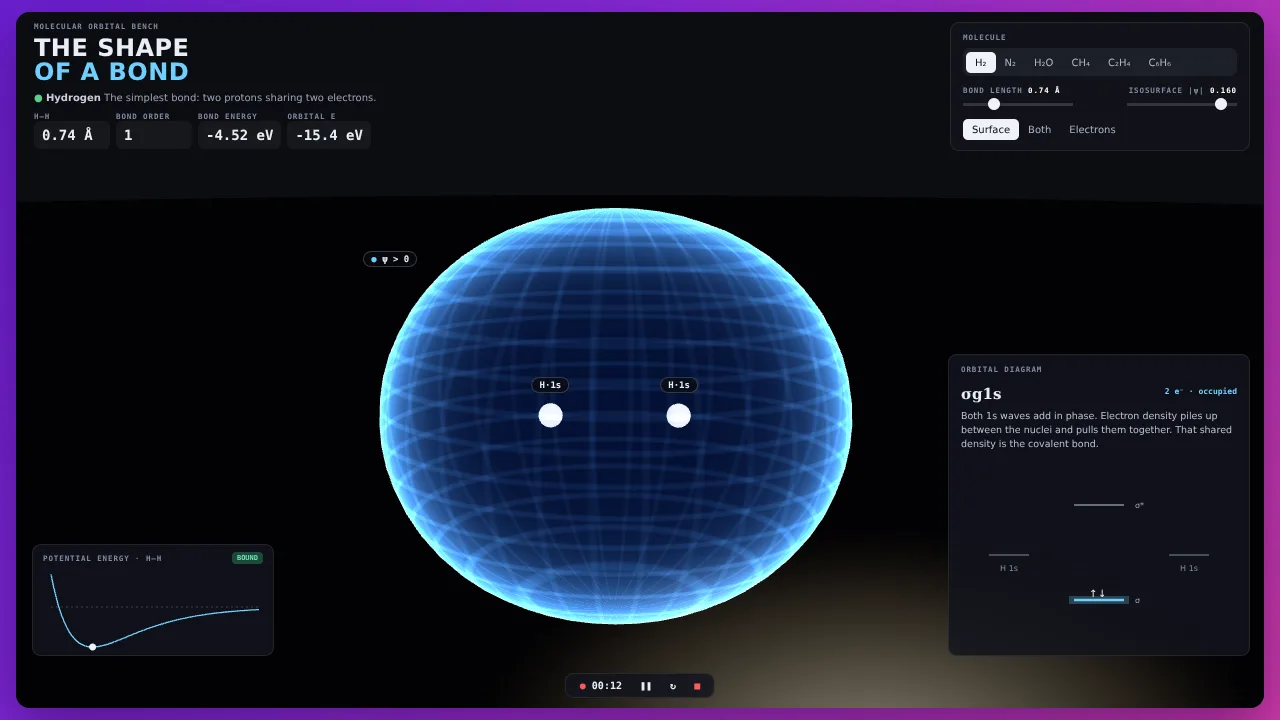
Three.js · Canvas
HD recreation
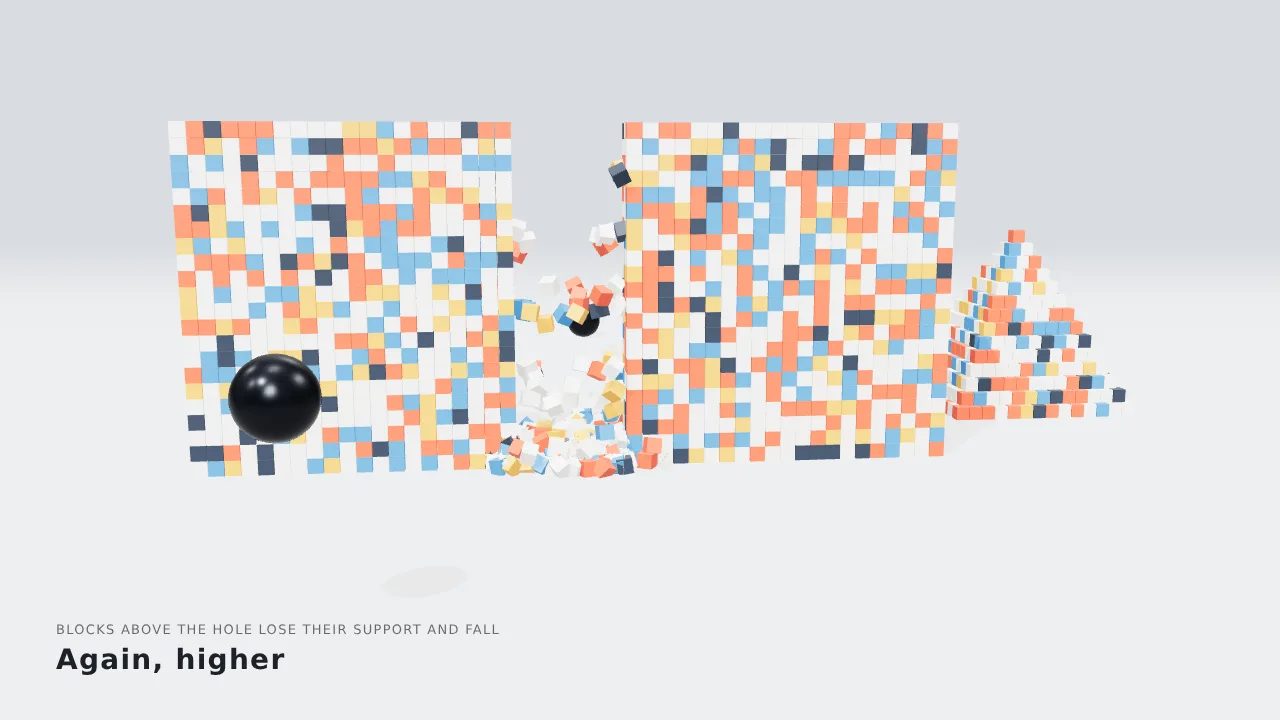
Canvas
HD recreation

Three.js · GLSL
HD recreation
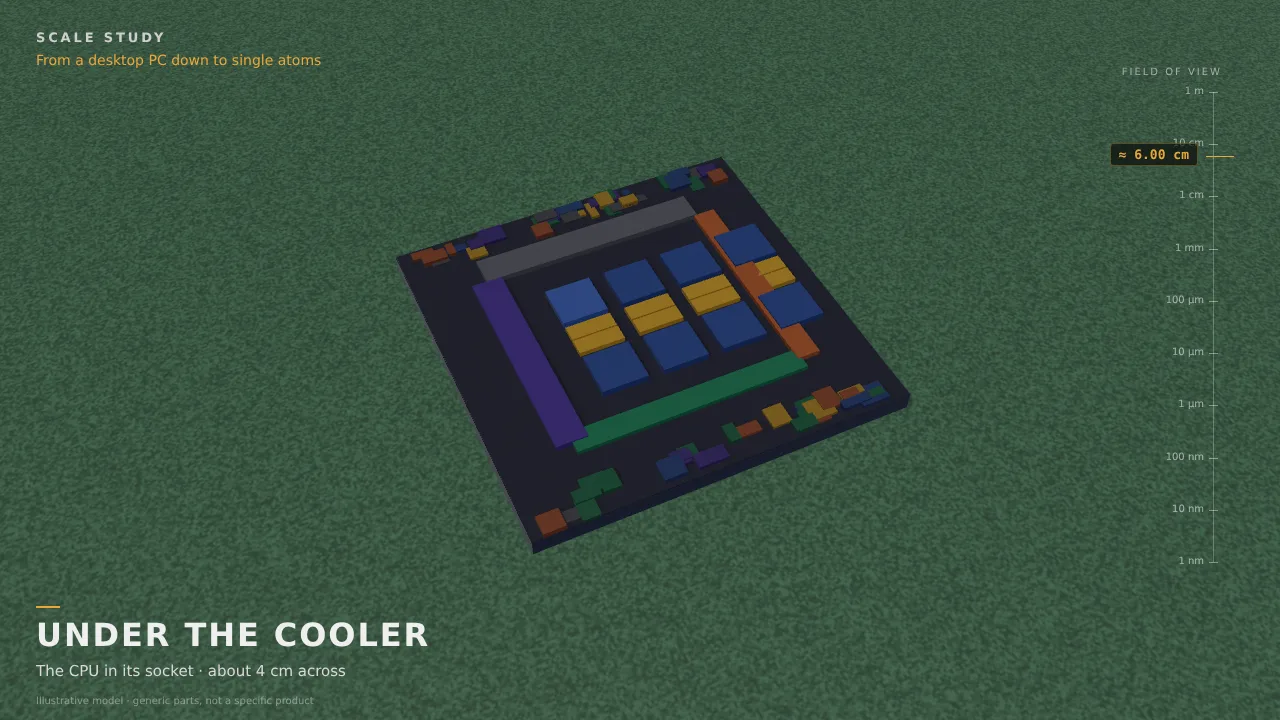
Three.js · GLSL · Canvas
HD recreation
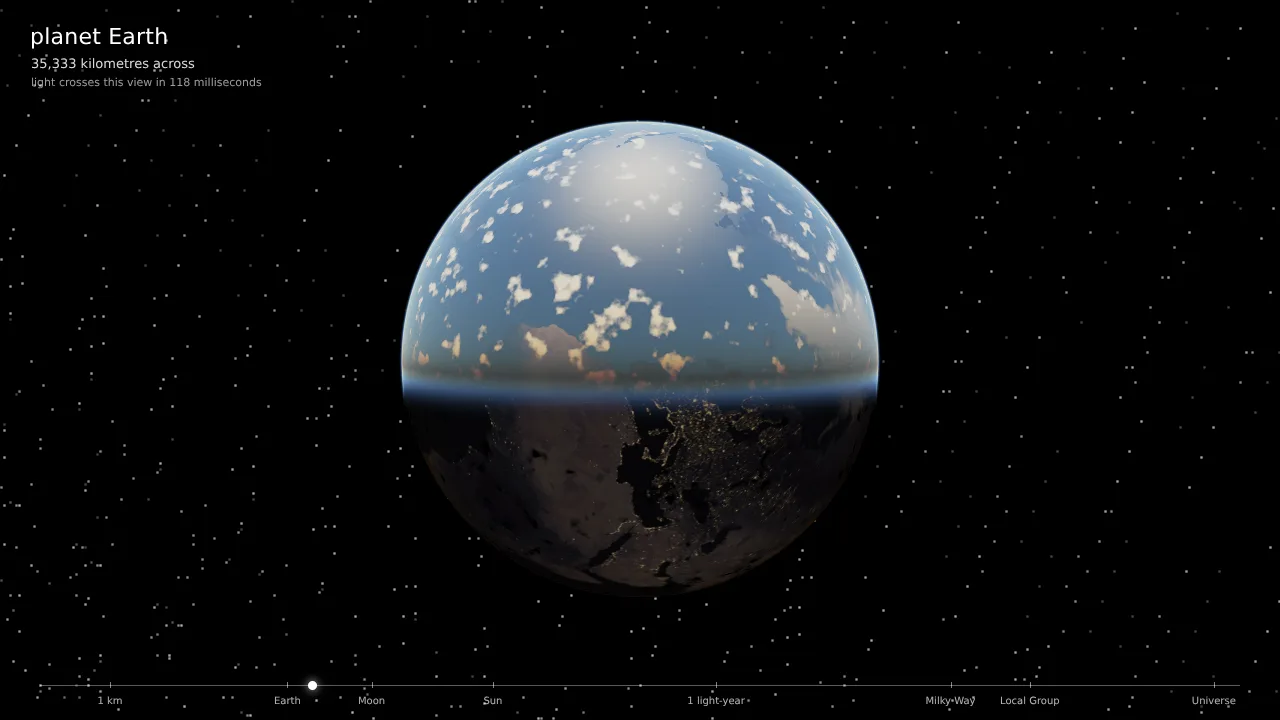
Three.js · GLSL · Web Audio
HD recreation
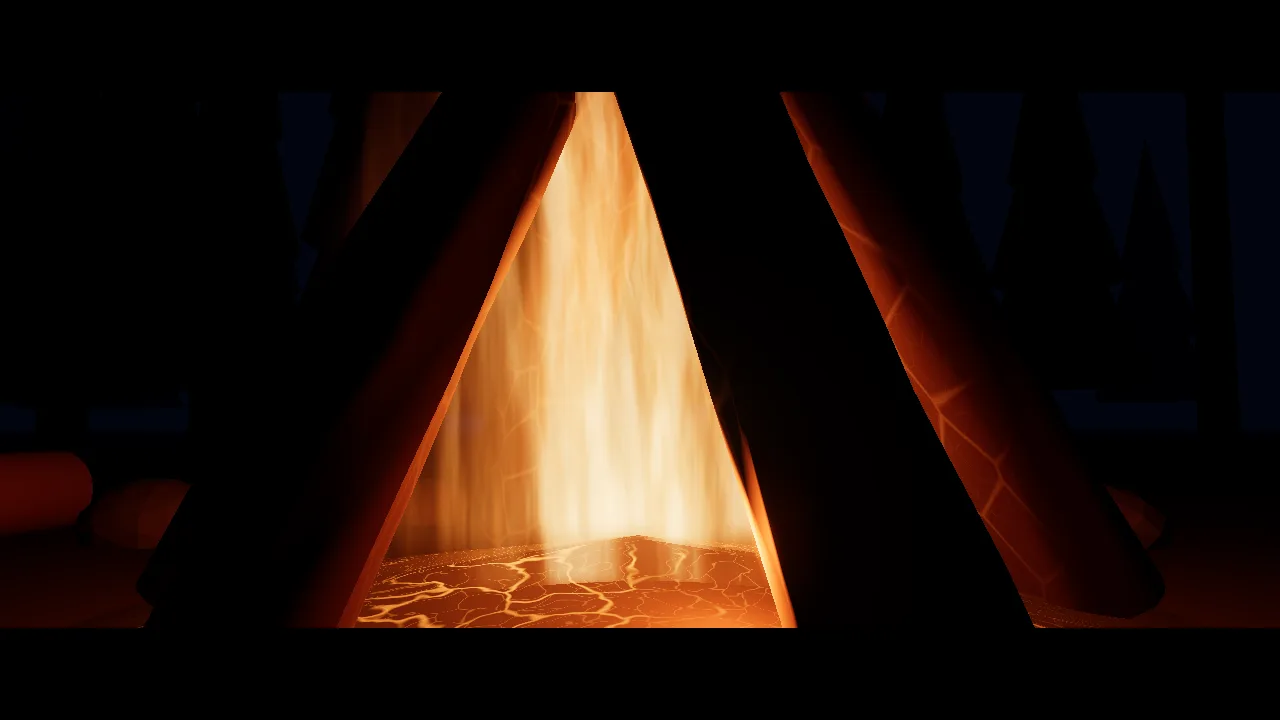
Canvas · Web Audio
HD recreation
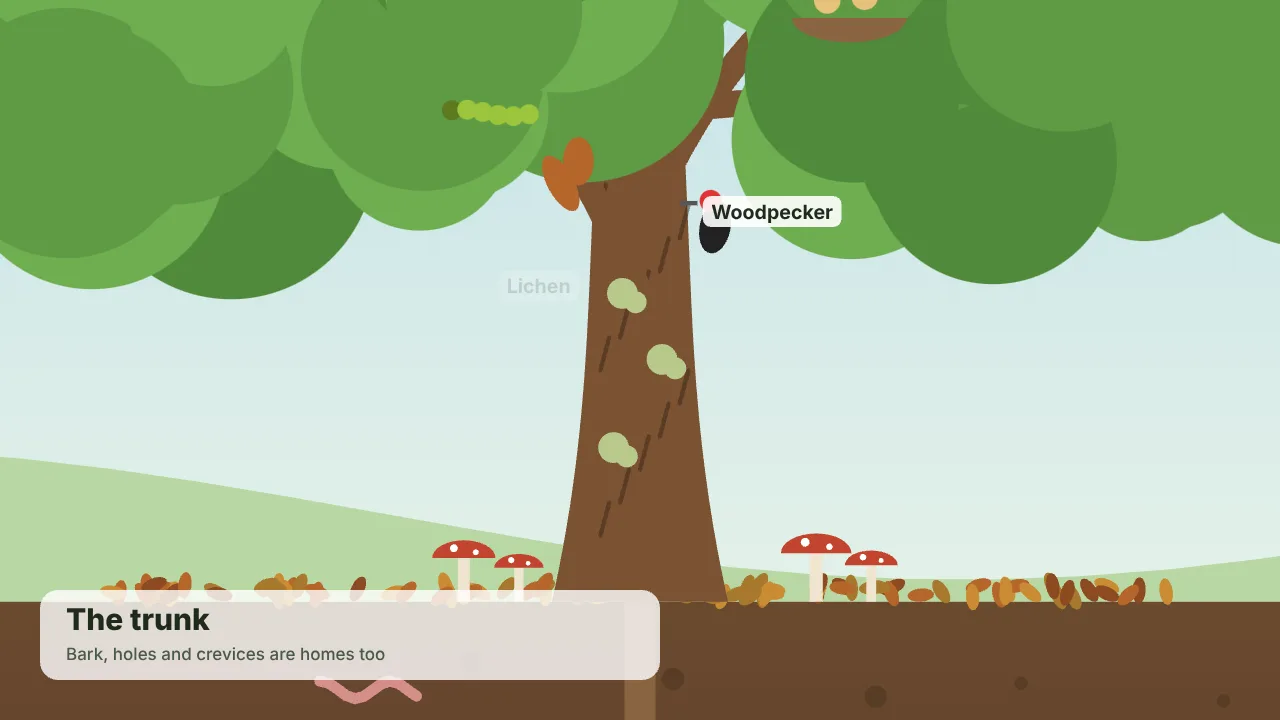
Three.js · GLSL
HD recreation
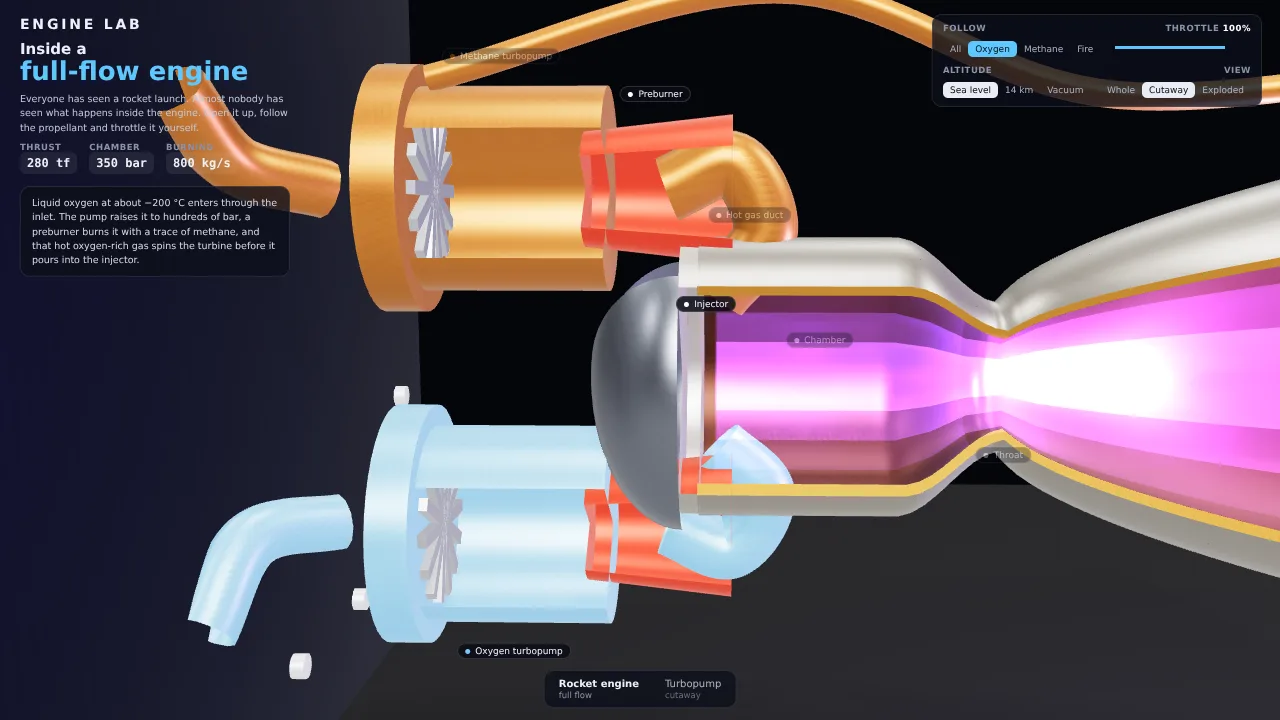
Canvas · Web Audio
HD recreation
SVG · GSAP · Web Audio
HD recreation
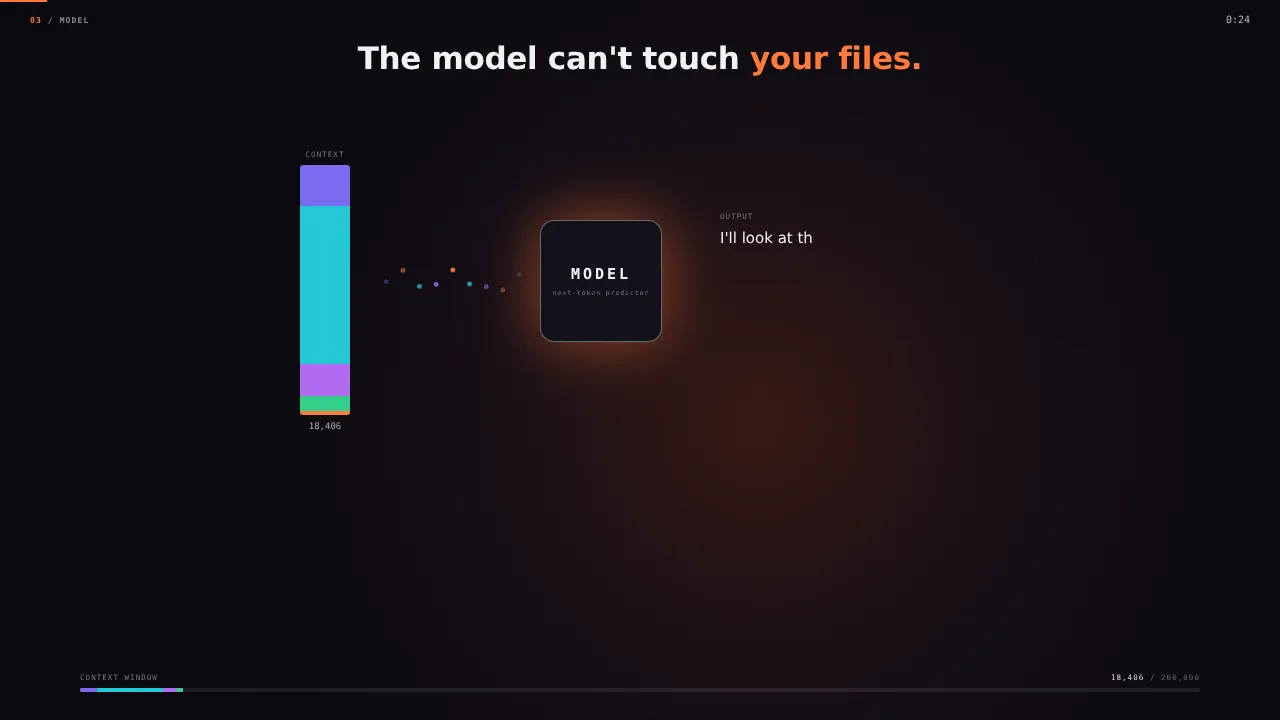
Three.js · GLSL · Canvas
HD recreation
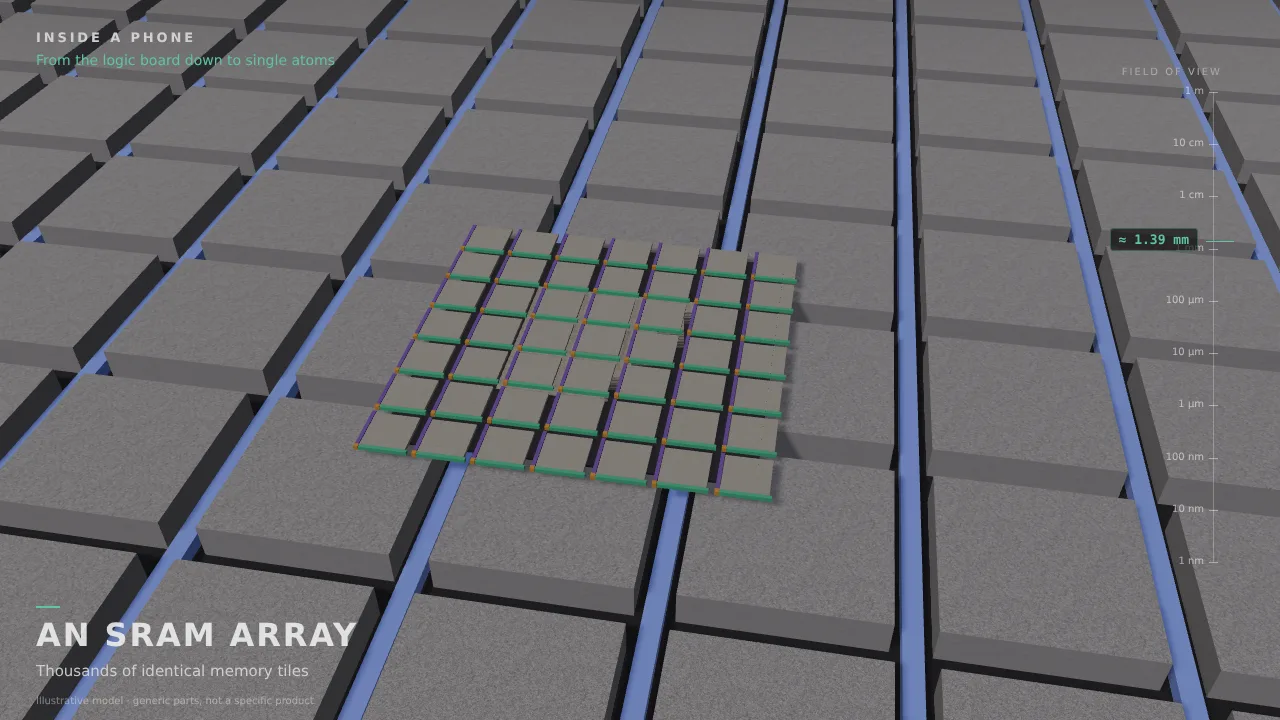
Three.js · GLSL
HD recreation
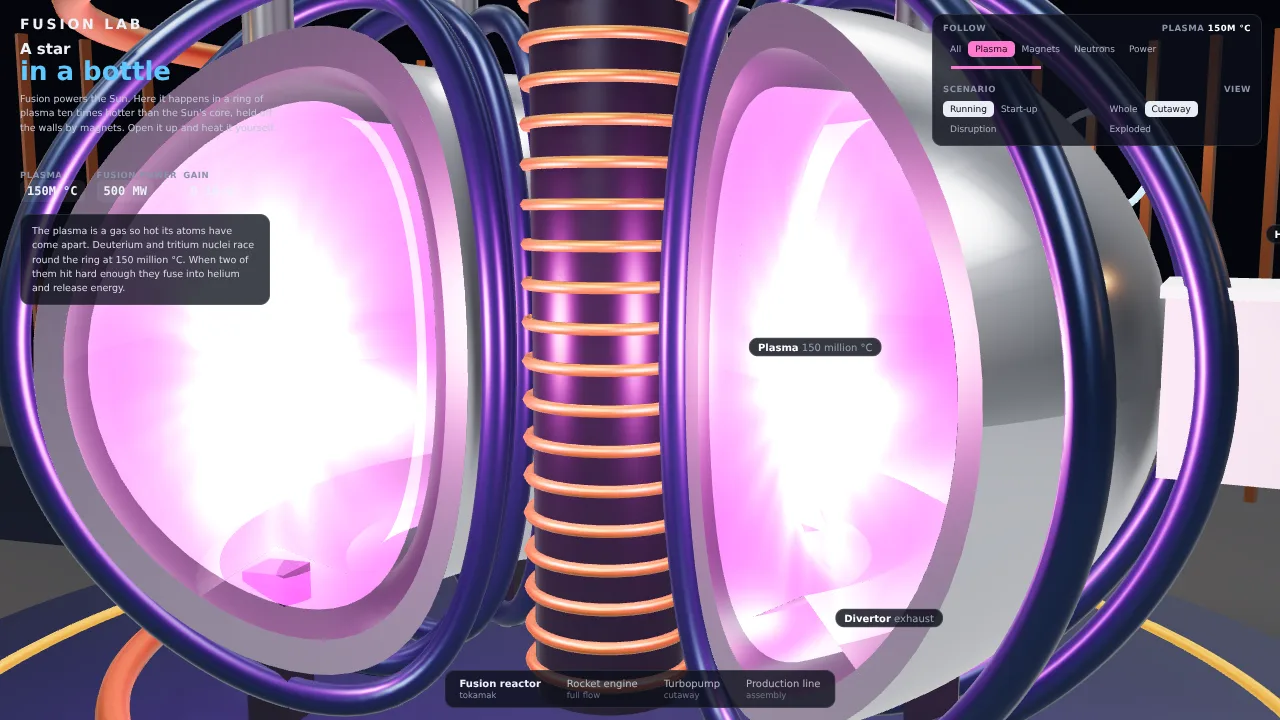
Three.js · GLSL · Canvas
HD recreation
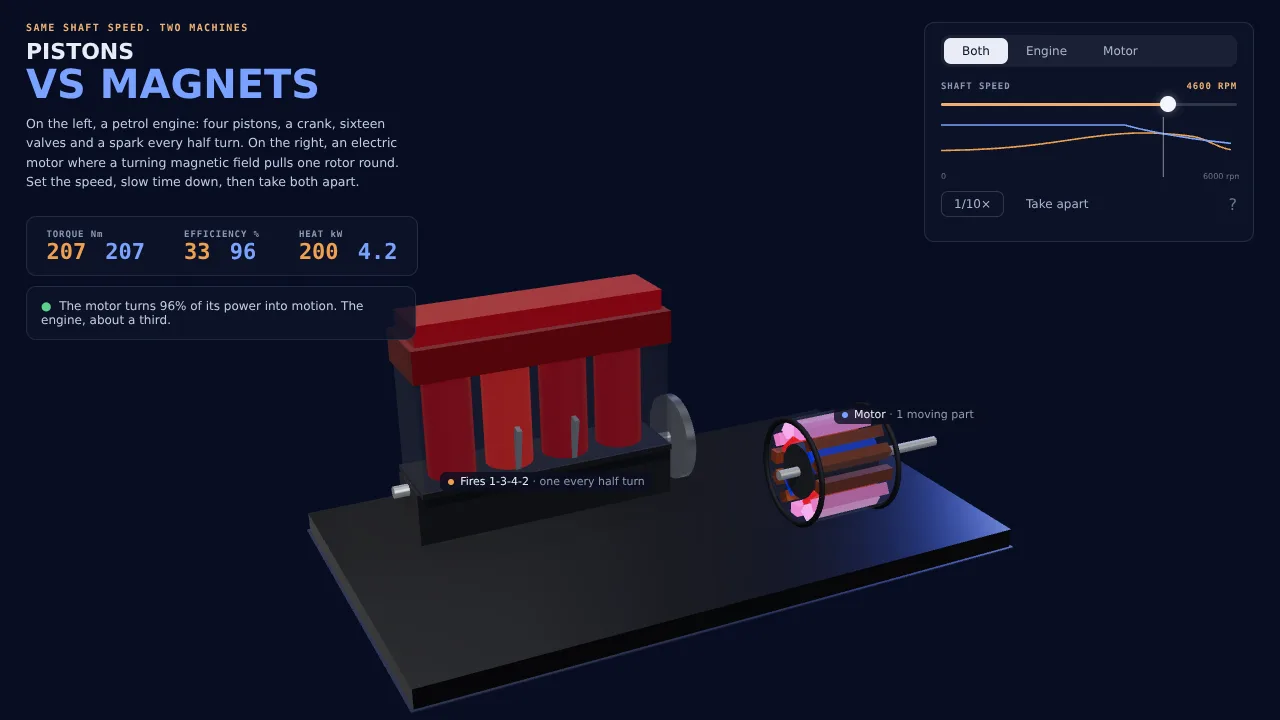
Canvas · Web Audio
HD recreation
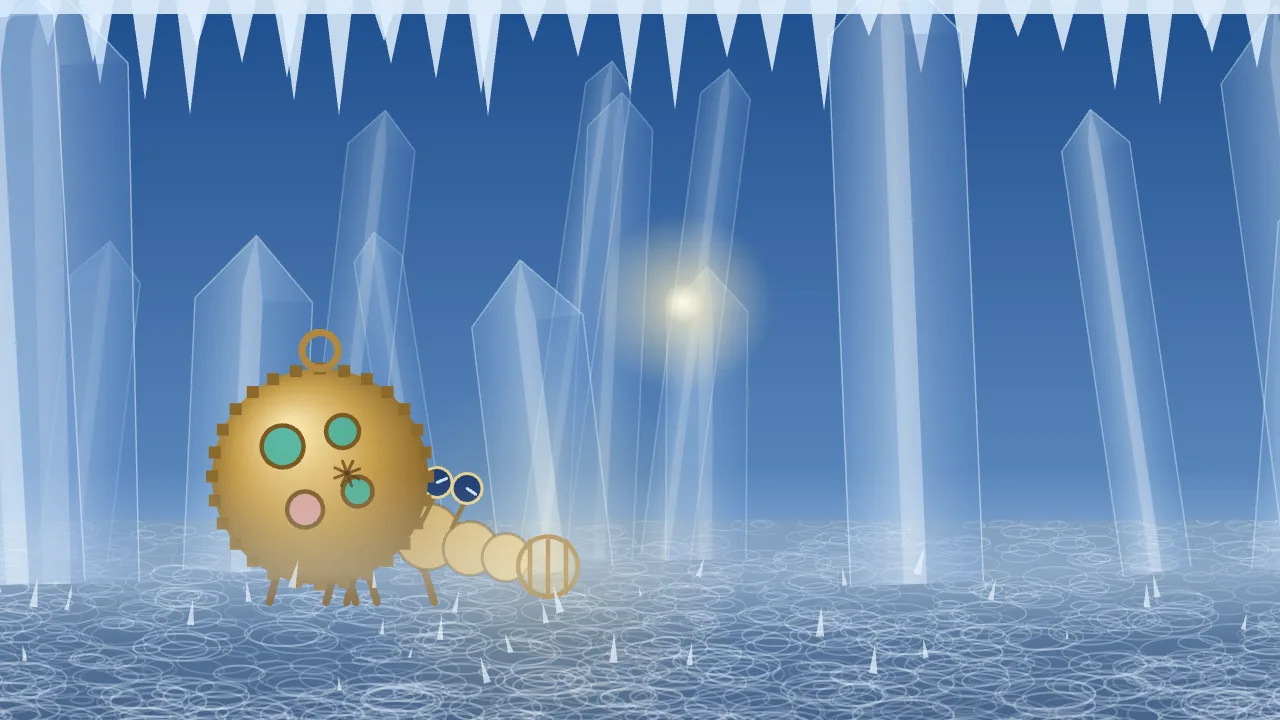
Three.js · GLSL · Canvas
HD recreation
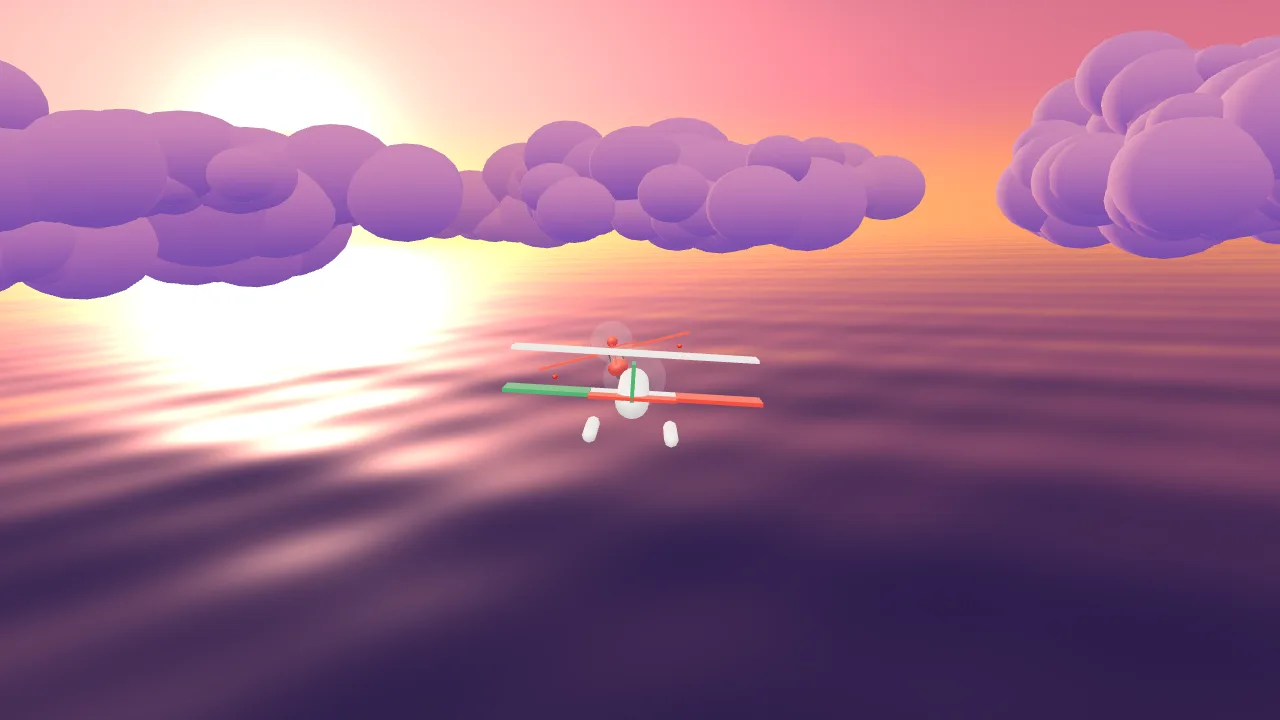
Three.js · GLSL · Canvas
HD recreation
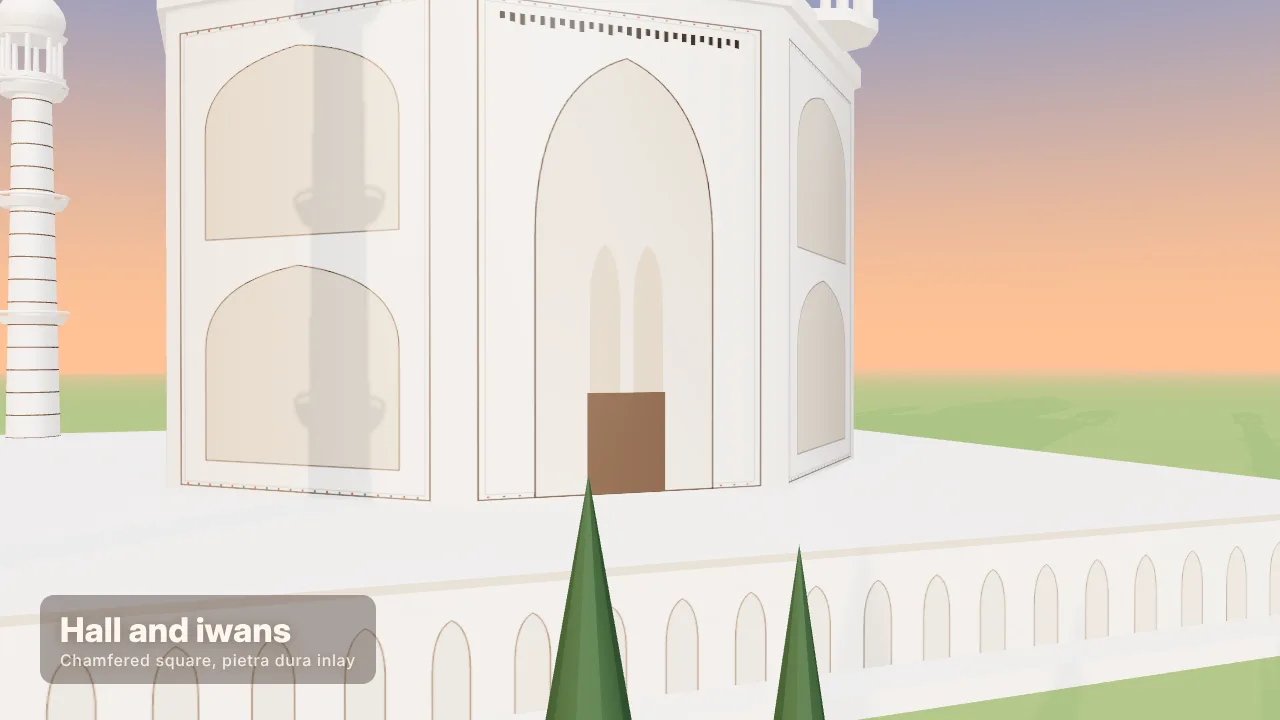
Three.js · GLSL · Canvas
HD recreation
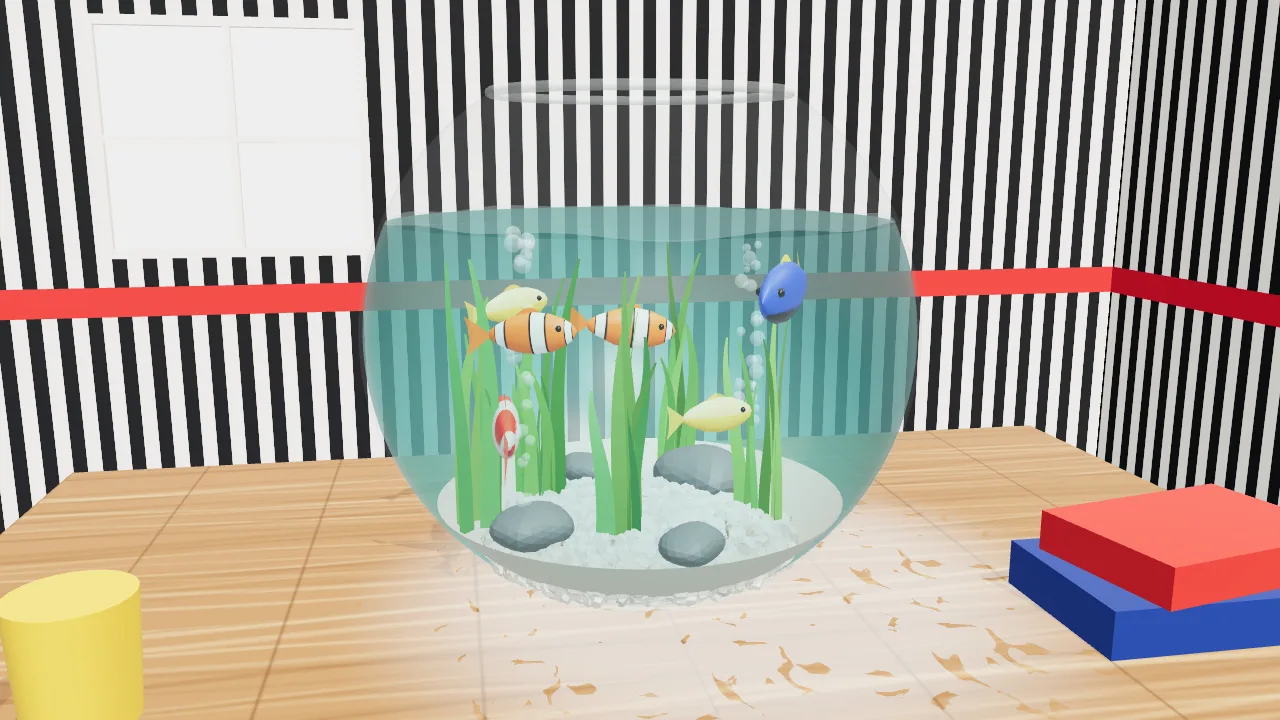
Three.js · Canvas
HD recreation
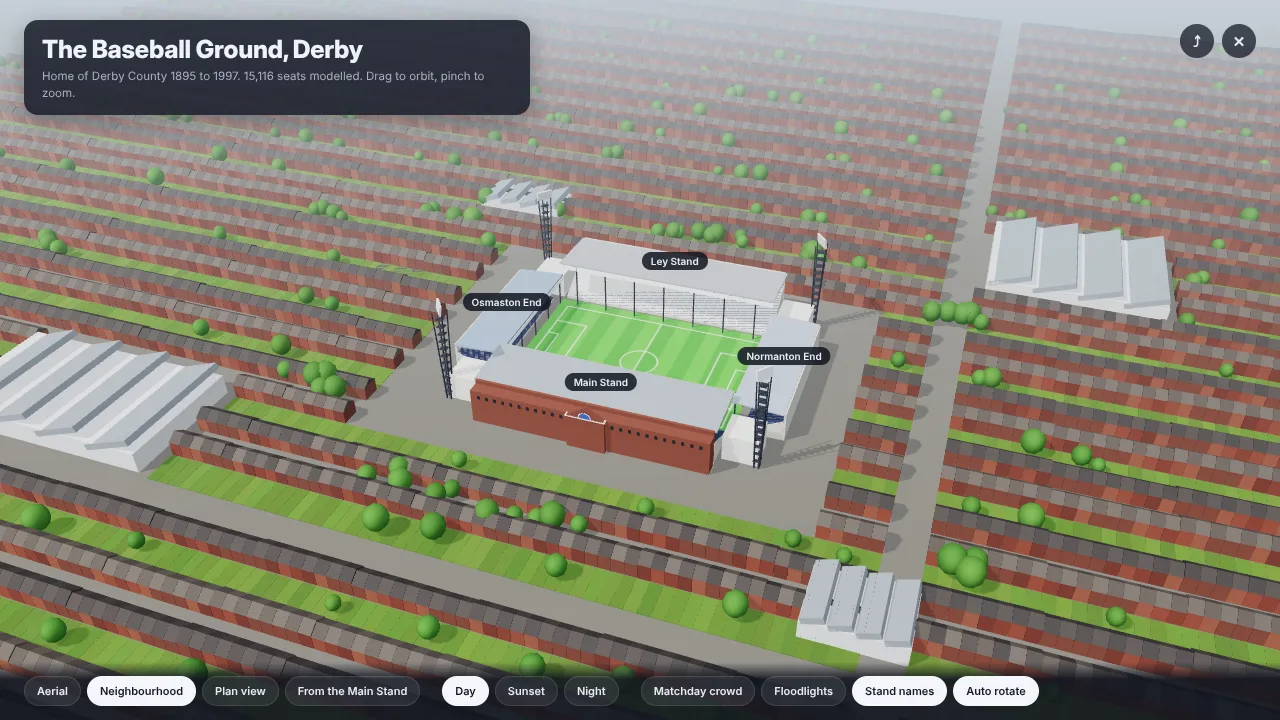
Three.js · Canvas · SVG
HD recreation
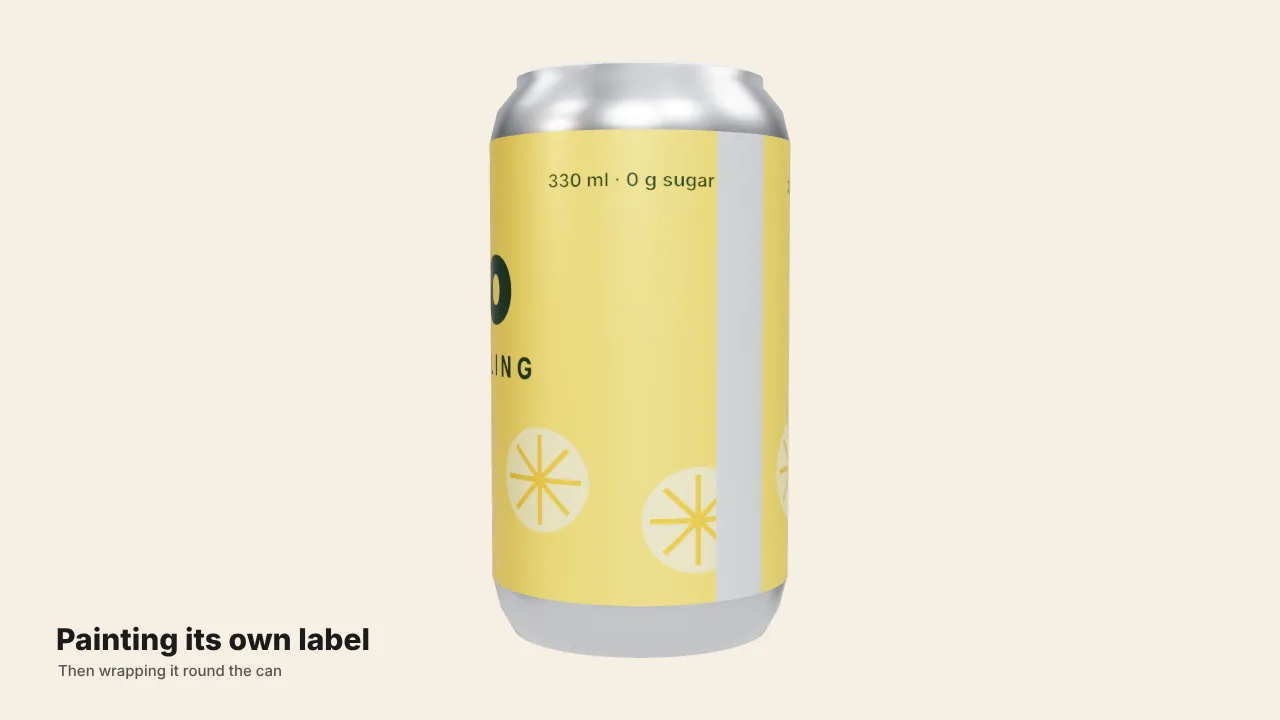
Three.js · Canvas · SVG · GSAP
HD recreation
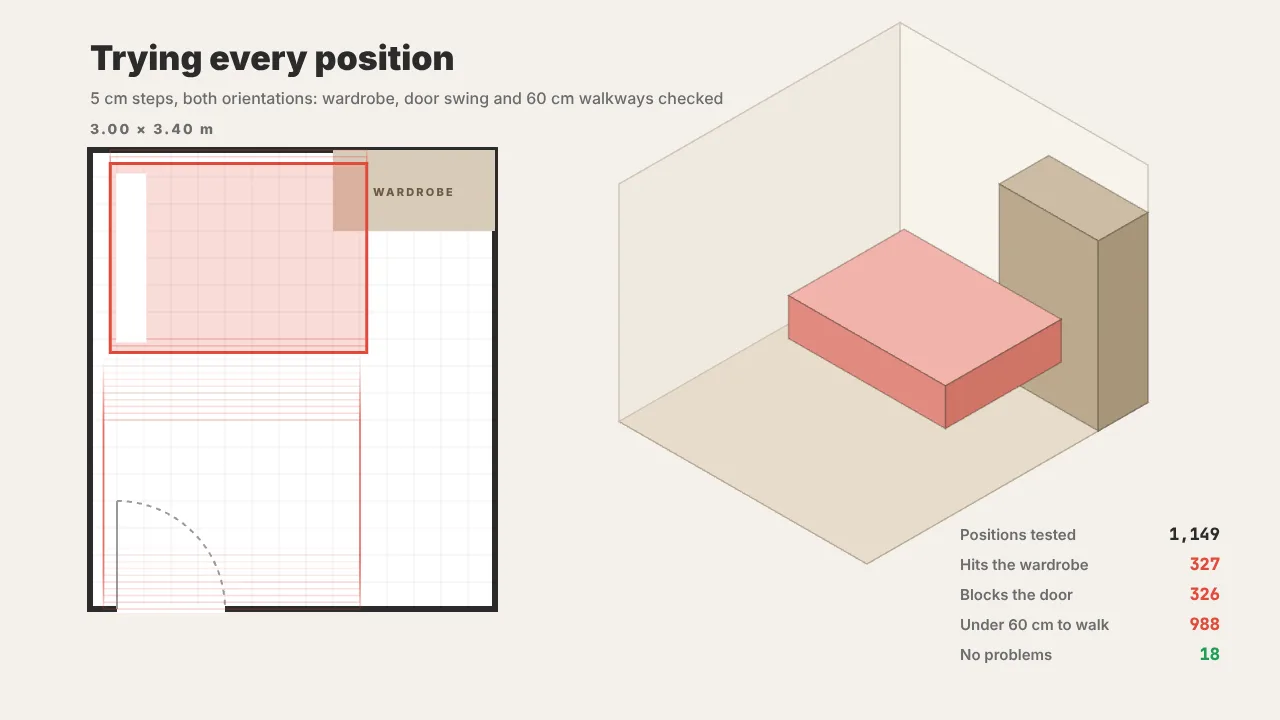
Three.js · GLSL · Canvas
HD recreation
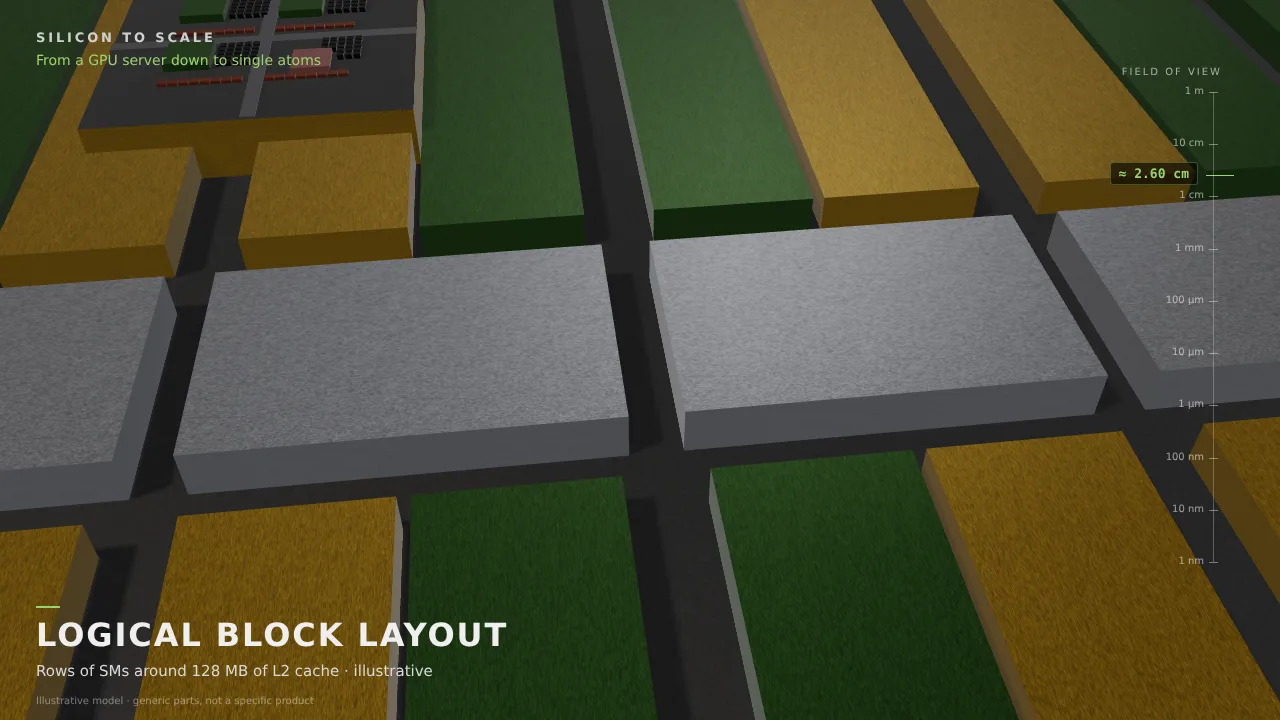
SVG
HD recreation

Canvas · SVG
HD recreation
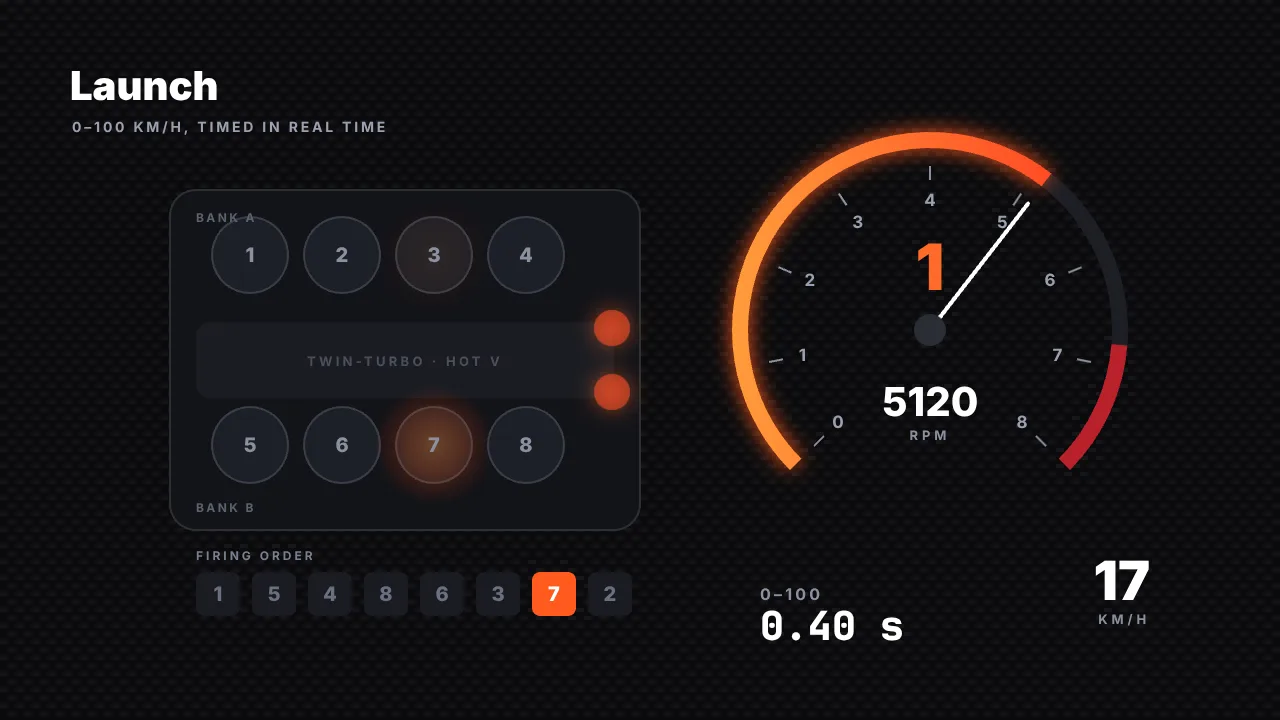
Canvas · SVG · CSS
HD recreation
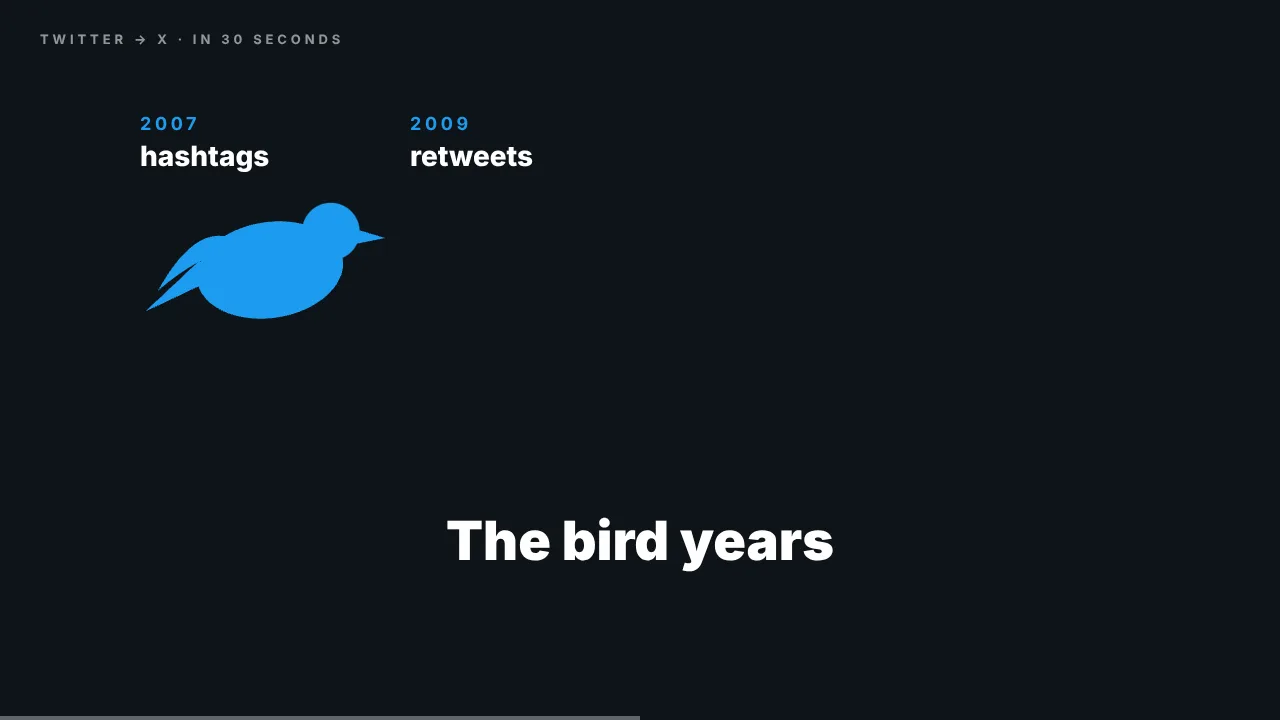
Three.js
HD recreation

SVG · GSAP
HD recreation

03 / HOW IT WORKS
Filter by 3D scenes, motion graphics, explainers and more, and watch the HD recreations.
Open a case and copy the original prompt to see how shots, pacing and style are described.
Edit the prompt in the generator, choose a video model and create a similar AI video on loveimage.
04 / PROMPT TIPS
State "20 seconds, 16:9, 30fps" for steadier pacing and framing.
Use a beat sheet such as "0–5 s …, 5–10 s …" to control each segment.
For example "Three.js, photoreal materials, cinematic lighting" or "pixel art, Canvas 2D".
Add "compose the music in code and cut on the beat".
For explainers, name the principle to show and the labels that must appear.
05 / FAQ
A video produced from code written by Anthropic's Claude Opus 5.5 — Three.js, WebGL, Canvas, Remotion and similar — then rendered. Unlike diffusion video models, every frame is drawn by a program.
Claude Opus 5.5 outputs code. It is rendered in a browser or with tools such as Remotion or HyperFrames to produce an MP4 or other video file.
There is no charge to view or copy the prompts here. They belong to their creators; copying a prompt does not grant a license to the original video. Follow any terms in the original post.
The credited creators posted the originals on X, and each case links to their profile and post. "Made with Claude Opus 5.5" is the creator's claim.
We write code from the creator's publicly shared prompt, using Three.js, WebGL, Canvas and similar tools, and render it frame by frame. Recreations are labelled separately from the originals, which remain the creators' work.
Yes. Edit the prompt in the generator on this page and choose a video model to create a similar AI video. The usual plan and credit rules for that model apply.
Science explainers, product launches, brand intros, data visualisation, art films and game-style animation.
Yes. We keep adding Claude Opus 5.5 videos as creators share them, and add recreations over time.
Videos and prompts belong to their creators. “Made with Opus 5.5” is the creator’s claim. loveimage is not affiliated with Anthropic. Contact us for removal.