
GPT Image 2.6 GIF generator
Turn a small gesture into a looping animation. Select GIF, describe the motion and ask for a seamless loop; dimensions are automatic and no reference image is needed.
IMAGE GENERATION & EDITING
Create images and looping GIFs with GPT Image 2.6.
Create images and animated GIFs with GPT Image 2.6 Flare or Sunburst for 6 credits each. Explore 1K visuals, reference edits and text-to-GIF on paid plans.
What this model actually accepts. The studio shows exactly these options when it is selected — nothing more, nothing it would reject.
Text-to-image · 1K
Open GPT Image 2.6 in the studio →Your prompt and settings follow you through sign-in. Review them before generating.
01 / CAPABILITIES
Turn a small gesture into a looping animation. Select GIF, describe the motion and ask for a seamless loop; dimensions are automatic and no reference image is needed.
Build a brief around the subject, composition and lighting. Try a product shot, an illustrated character or a portrait, then adjust one detail at a time to compare results.
Try the same brief with the other version to find the look that suits your project. Both versions offer 1K still images and text-to-GIF at the same price per output.
Choose Flare Edit or Sunburst Edit and upload one reference in the workspace. Describe what to preserve and what to change, such as a background, a color or the lighting.
02 / SHOWCASE
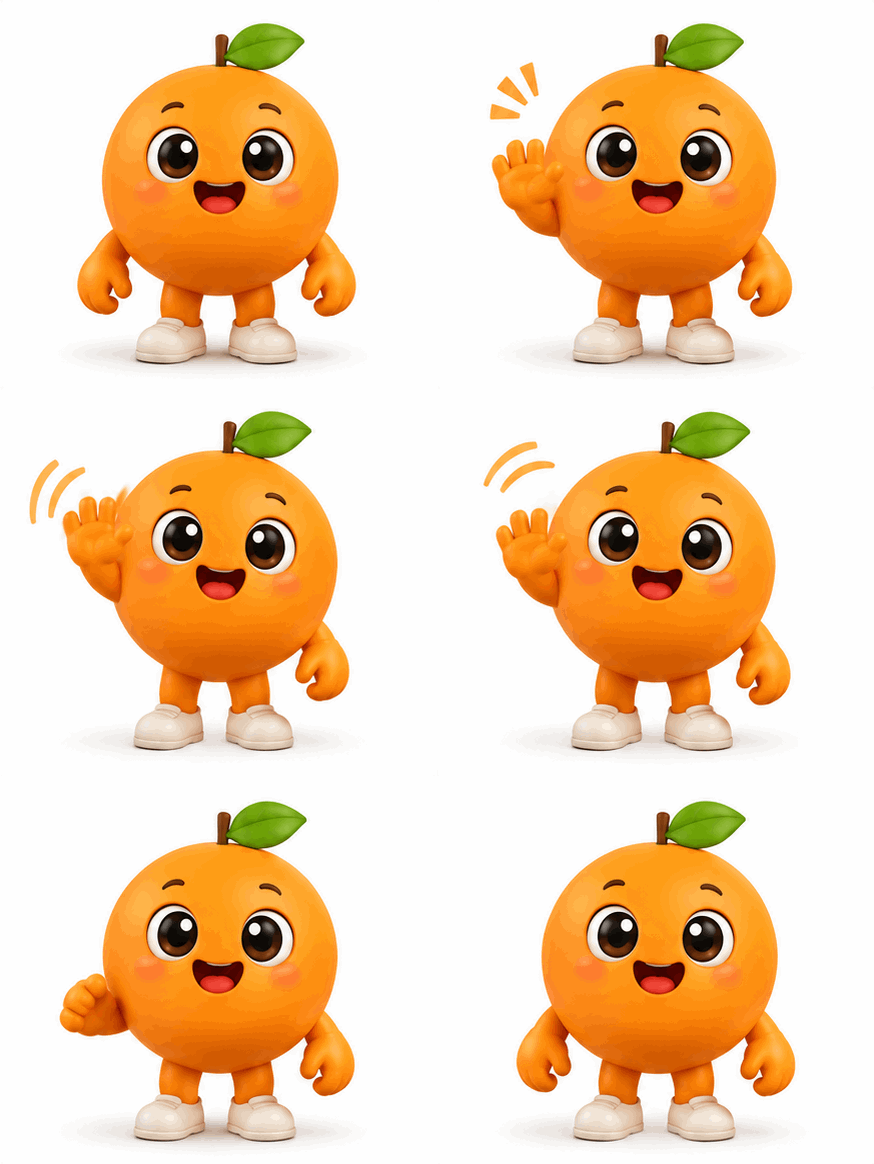 GIF
An orange mascot waves hello against a white backdrop.
A cute round orange cartoon mascot with big eyes raises one hand and waves hello, then returns to the starting pose. Plain white background, fixed camera, smooth seamless loop.
 GIF
Soft curls of steam drift above a cozy ceramic cup.
A cozy ceramic coffee cup on a wooden table with gentle swirling steam rising from it, the steam drifts and fades continuously. Warm flat illustration style, fixed camera, seamless loop.
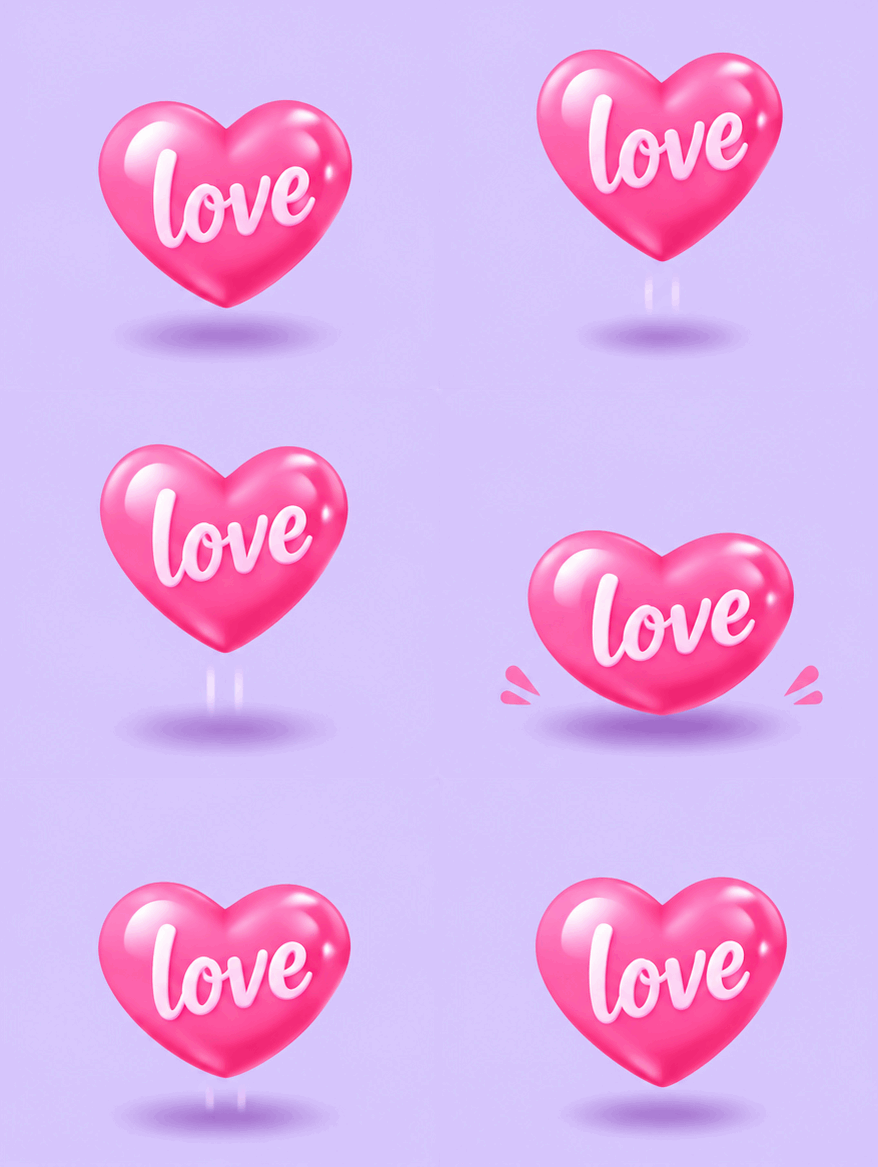 GIF
A glossy pink heart bounces with a soft shadow.
A glossy pink heart-shaped logo with the word "love" bounces up and down with a squash-and-stretch effect and a soft shadow below it, centered on a light lavender background, fixed camera, seamless loop.
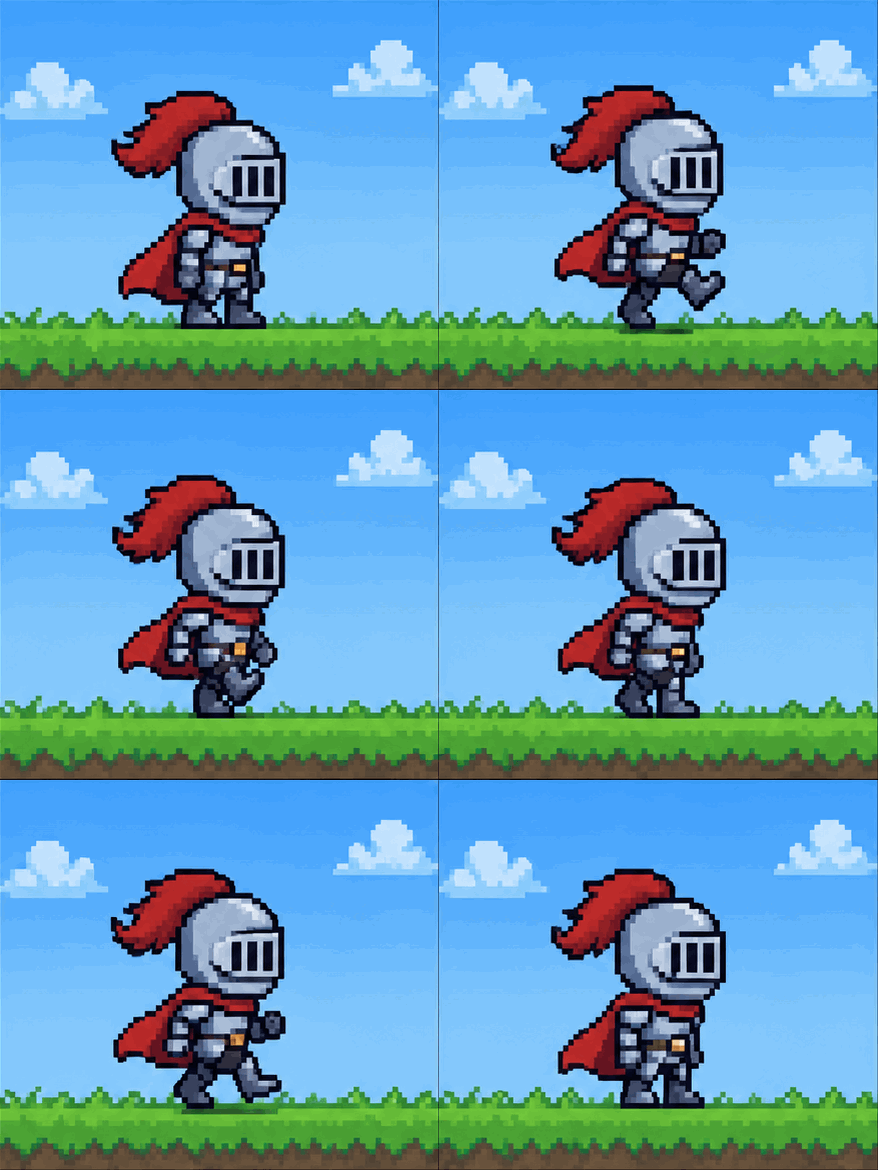 GIF
A tiny knight walks in place in a bright pixel landscape.
A 16-bit pixel art knight character walking in place, side view, four-frame walk cycle, simple green grass strip and blue sky background, crisp pixels, fixed camera, seamless loop.
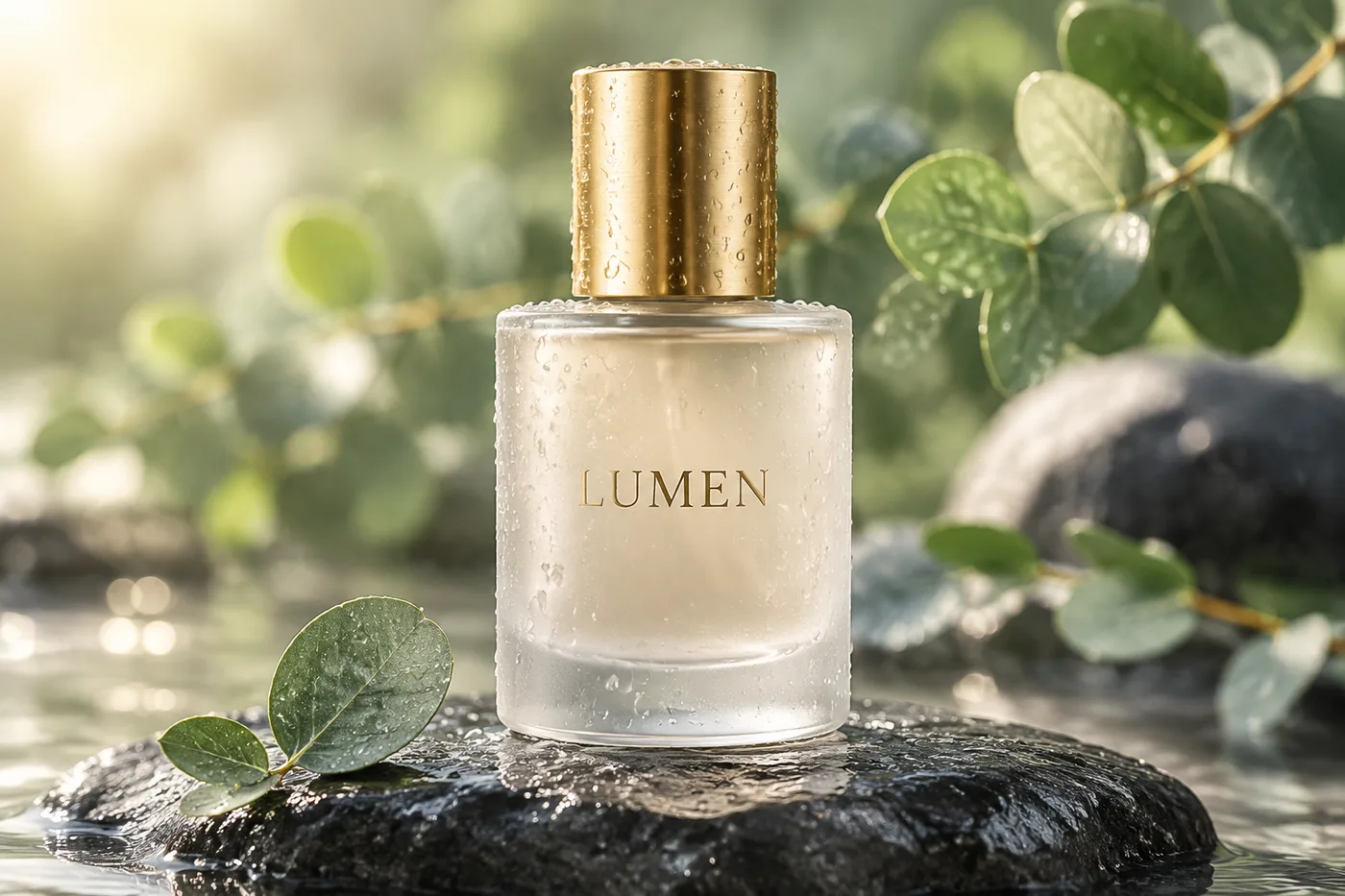
Frosted glass, gold accents and water droplets on dark stone.
Premium product photography of a frosted glass perfume bottle with a brushed gold cap standing on a wet black stone, soft morning light, water droplets, blurred eucalyptus leaves in the background, the label on the bottle reads "LUMEN" in elegant serif letters, commercial studio quality
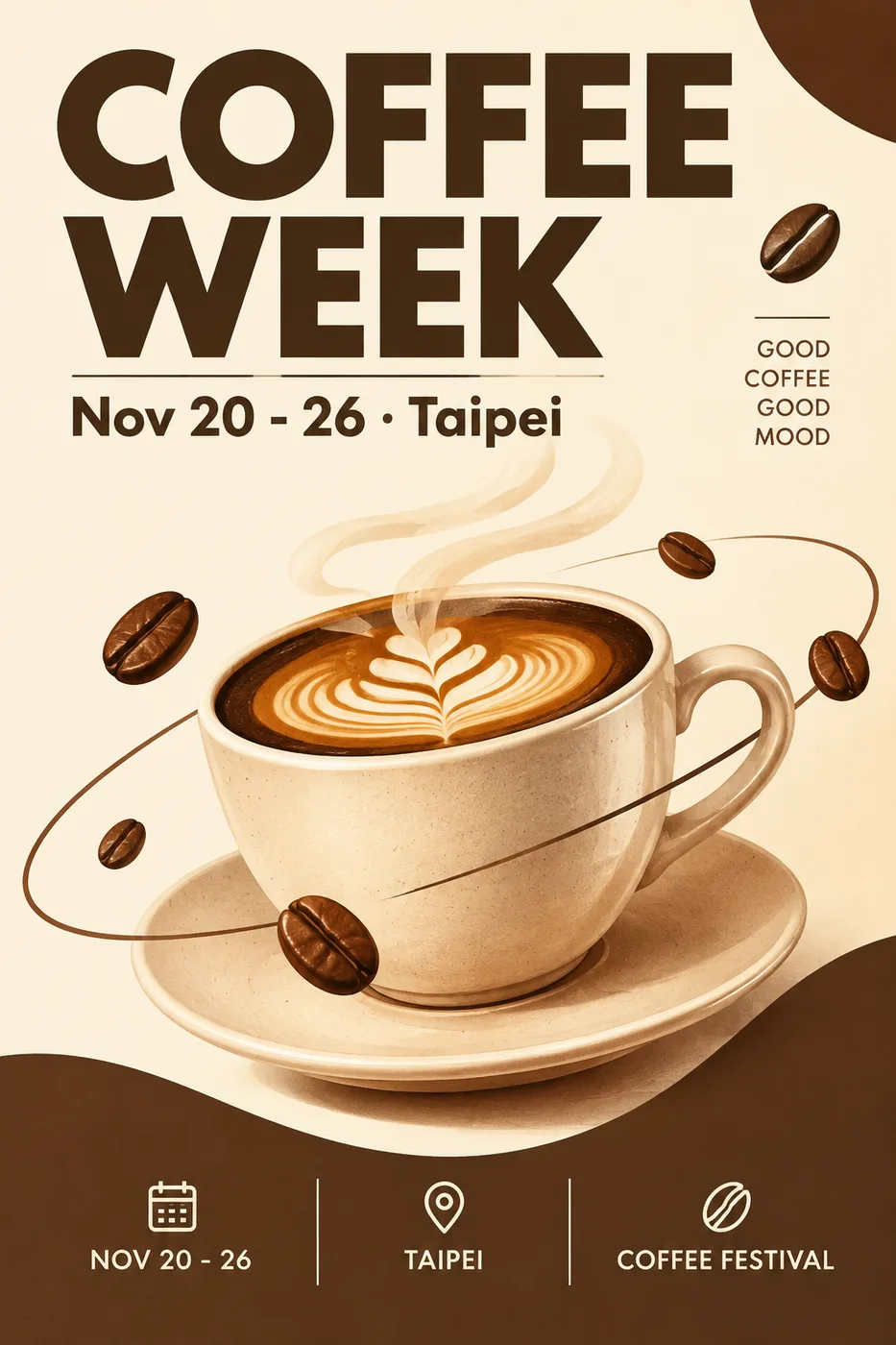
A cream and brown festival poster with bold typography.
A modern minimalist event poster for a coffee festival. Large bold headline text "COFFEE WEEK", subtitle "Nov 20 - 26 · Taipei", a stylized illustration of a steaming ceramic cup with coffee beans orbiting it, warm cream and deep brown palette, clean Swiss grid layout, crisp legible typography
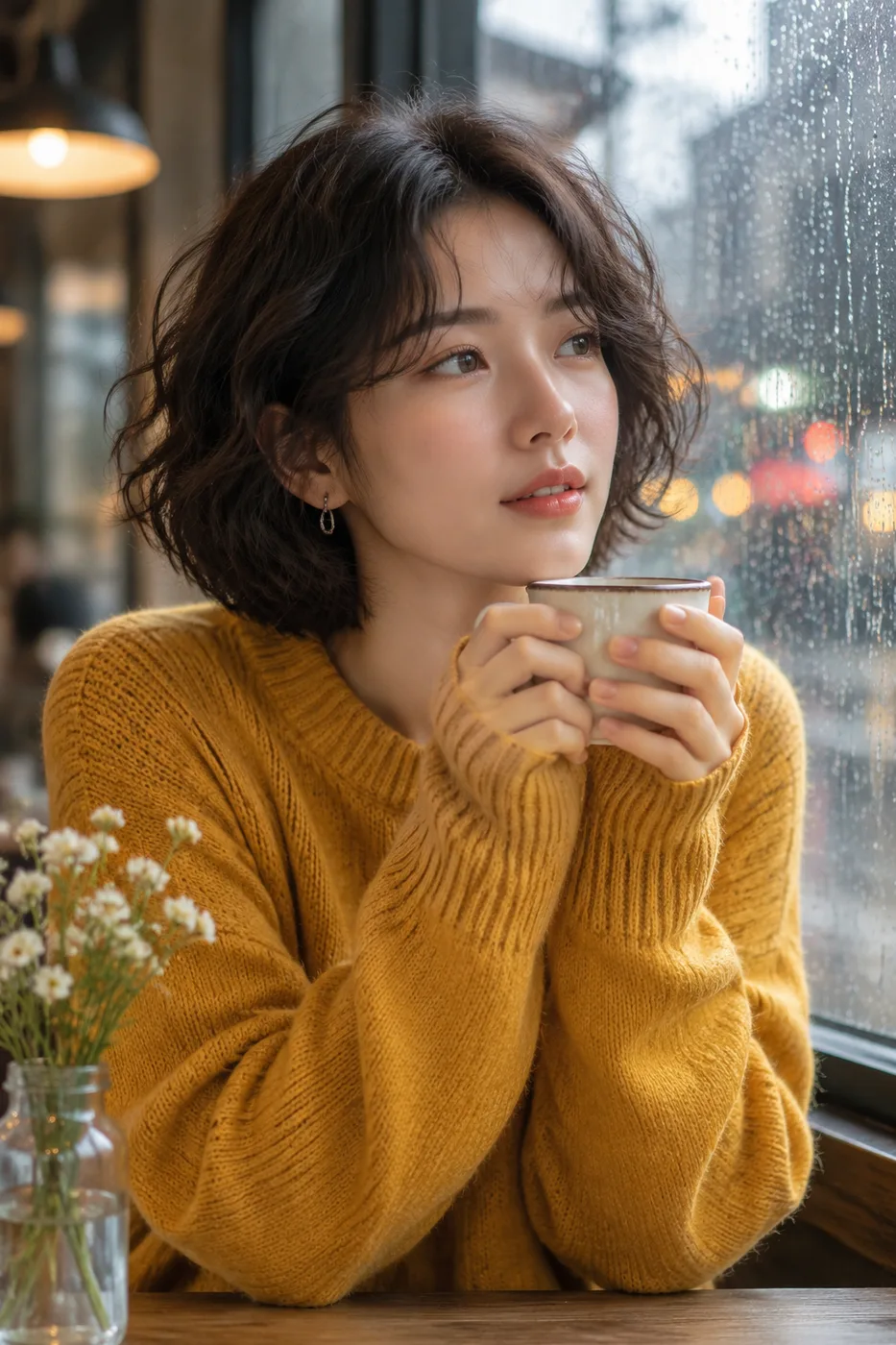
Warm knitwear and soft city lights by a rainy window.
Natural light portrait of a young woman with short curly hair sitting by a rain-streaked café window, wearing a mustard knit sweater, holding a cup with both hands, soft bokeh city lights outside, 85mm lens, shallow depth of field, photorealistic skin texture
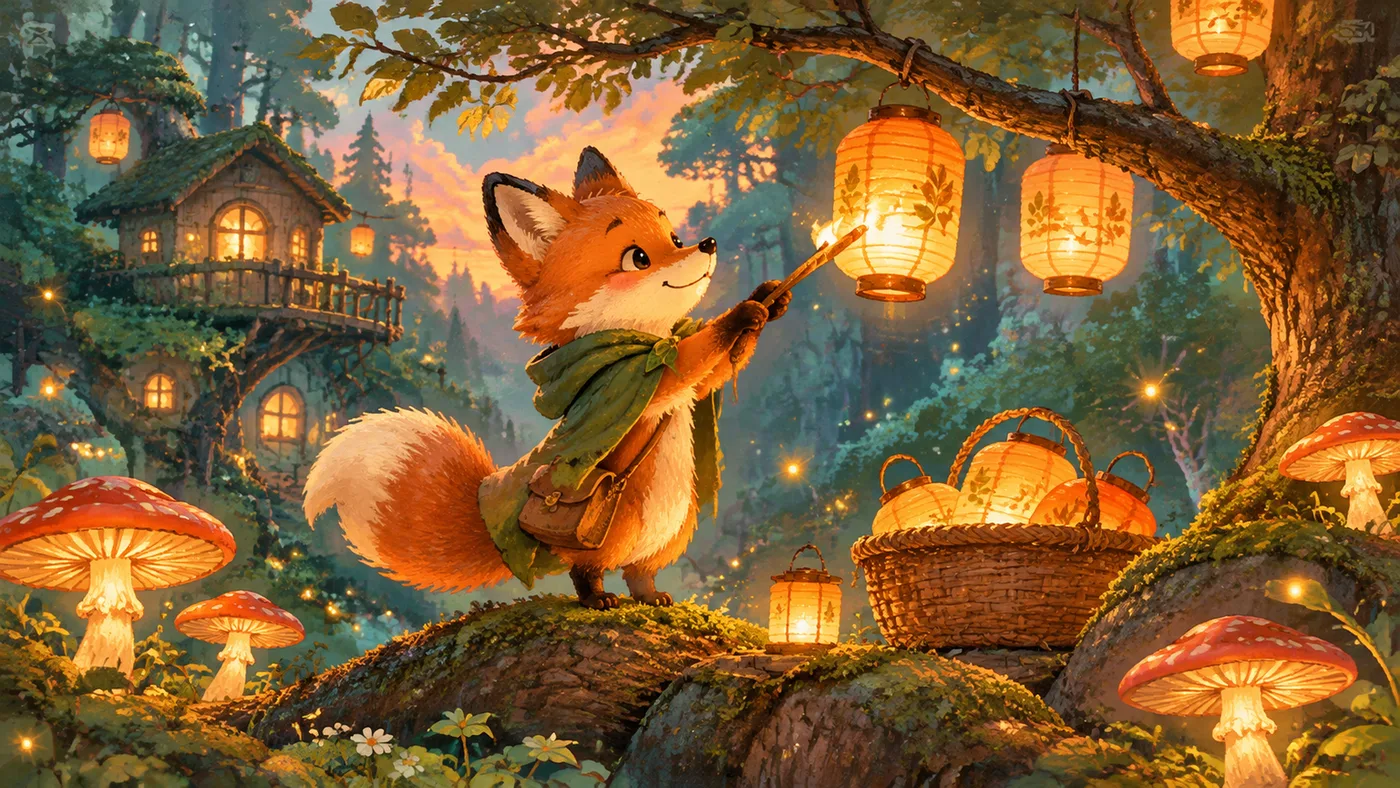
A tiny fox lights up a storybook forest at dusk.
Whimsical storybook illustration of a tiny fox lighting paper lanterns in an enchanted forest at dusk, glowing mushrooms, fireflies, layered gouache textures, warm teal and amber colors, wide cinematic composition
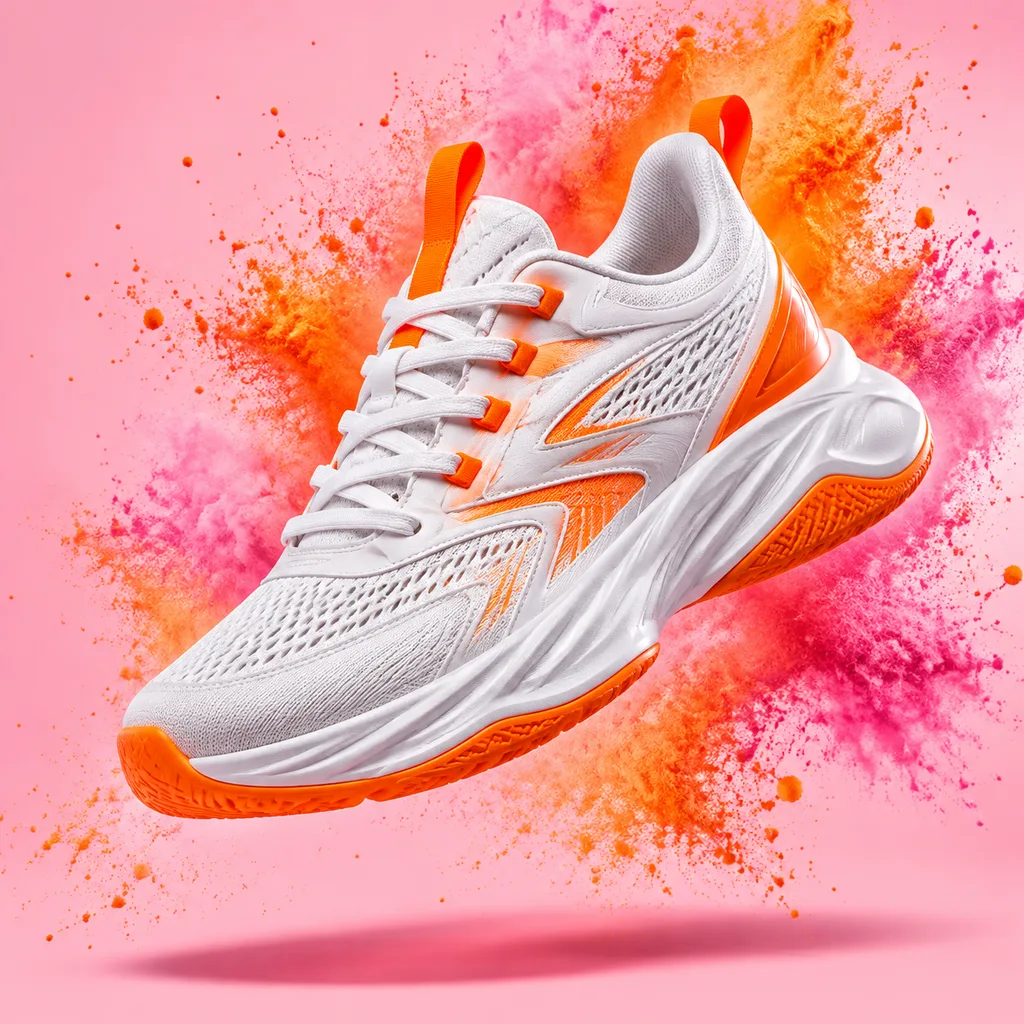
A white sneaker floats through a burst of colorful powder.
A white running sneaker with neon orange accents floating mid-air above a pastel pink background, dynamic splash of colorful powder around it, hard studio lighting, crisp shadows, e-commerce hero shot
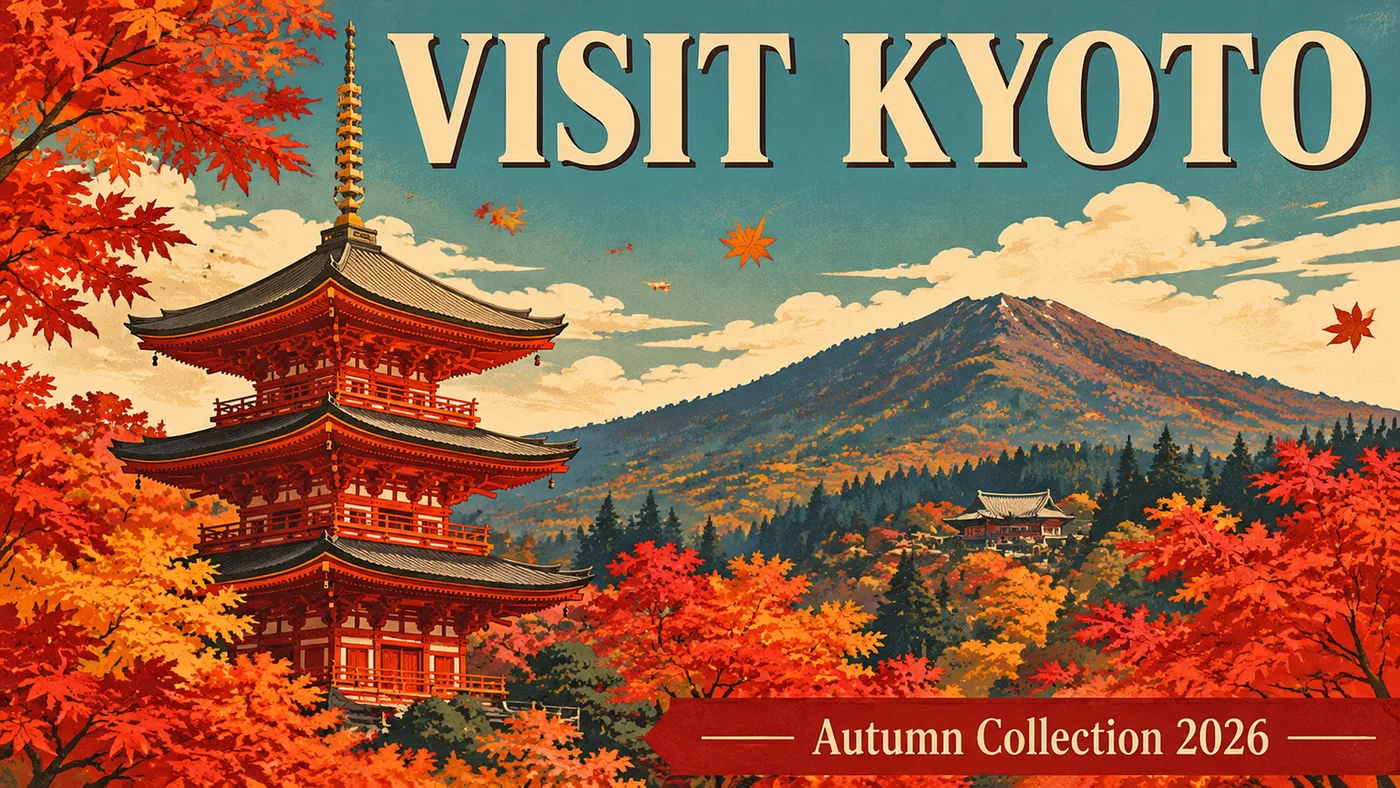
An autumn travel poster with a red pagoda and crisp lettering.
Retro vintage travel poster banner of Kyoto: a red pagoda among autumn maple trees with Mount Hiei in the distance, flat screen-print style with limited palette, big headline text "VISIT KYOTO" at the top and small text "Autumn Collection 2026" at the bottom, all text sharp and correctly spelled
03 / CREATIVE STARTING POINTS
Try these GPT Image 2.6 prompts for motion, product visuals and precise lettering. The two GIF briefs come from the gallery samples; choose GIF before using them.
A cute round orange cartoon mascot with big eyes raises one hand and waves hello, then returns to the starting pose. Plain white background, fixed camera, smooth seamless loop.
A cozy ceramic coffee cup on a wooden table with gentle swirling steam rising from it, the steam drifts and fades continuously. Warm flat illustration style, fixed camera, seamless loop.
A cobalt-blue ceramic bottle on warm limestone, soft window light, a quiet cream background, leave the upper third empty for a headline.
A modern minimalist event poster for a coffee festival. Large bold headline text "COFFEE WEEK", subtitle "Nov 20 - 26 · Taipei", a stylized illustration of a steaming ceramic cup with coffee beans orbiting it, warm cream and deep brown palette, clean Swiss grid layout, crisp legible typography
Keep the product and camera angle from the reference. Replace the background with pale limestone, matching the direction of light and shadow.
04 / FAQ
On LoveImage, this model offers Flare and Sunburst versions for still images, animated GIFs and image editing. Start with a written brief, or select an Edit version to work from a reference. Explore product photography, posters, portraits and short animations in the gallery.
GPT Image 2.6 Flare and GPT Image 2.6 Sunburst have the same controls and price here. Both support 1K images, text-to-GIF and a separate Edit mode for still images. Compare the same prompt in each for composition, lettering and style; the settings alone do not establish a quality or speed advantage.
Choose Flare or Sunburst, select GIF and describe the subject, motion and seamless loop. Generation is text-only with automatic dimensions, without reference images or manual aspect ratios. Plan a short loop of about nine frames, like the nine-frame gallery samples, rather than a long scene with multiple actions.
GPT Image 2.6 costs 6 credits per image or GIF, including image edits with Flare Edit and Sunburst Edit. Access requires Creator, Studio or Scale; the Free plan does not include this model. Signup credits do not unlock it: you need a paid subscription and sufficient credits.
Still images use 1K with auto or ten ratios: 1:1, 3:2, 2:3, 5:4, 4:5, 4:3, 3:4, 16:9, 9:16 and 21:9. Try portrait for posters, square for product tiles or landscape for banners. Manual ratios apply only to still images; GIF dimensions are automatic.
For a GPT Image 2.6 edit, select Flare Edit or Sunburst Edit and upload one reference in the workspace. Describe what to preserve and change, such as replacing the background while keeping the product and camera angle. The workspace accepts one reference at a time; Edit versions produce still images, not GIFs.
Creator, Studio and Scale include commercial use and access to this model. The Free plan includes neither commercial use nor access to this model. Before using an image or GIF in a campaign or client project, review the result and check your permission to use any reference material.
GPT Image 2.6 adds text-to-GIF with Flare and Sunburst, while still images use 1K. Here, the 2.5 versions offer 1K, 2K and 4K steps without GIF output. Choose according to your deliverable: a short animation or a still image requiring a higher resolution setting.
Put the exact headline in quotation marks and specify its position, size and contrast. Keep wording short, separate the headline from supporting text and leave space around each line. Check spelling at full size, then revise the prompt or use an Edit version if the lettering needs another pass.
Describe one repeatable action, a fixed camera and a return to the starting pose. For steam or other continuous effects, ask for steady flow without abrupt changes in light, scale or framing. Include “seamless loop”, then watch several repetitions and simplify the motion if the join is visible.