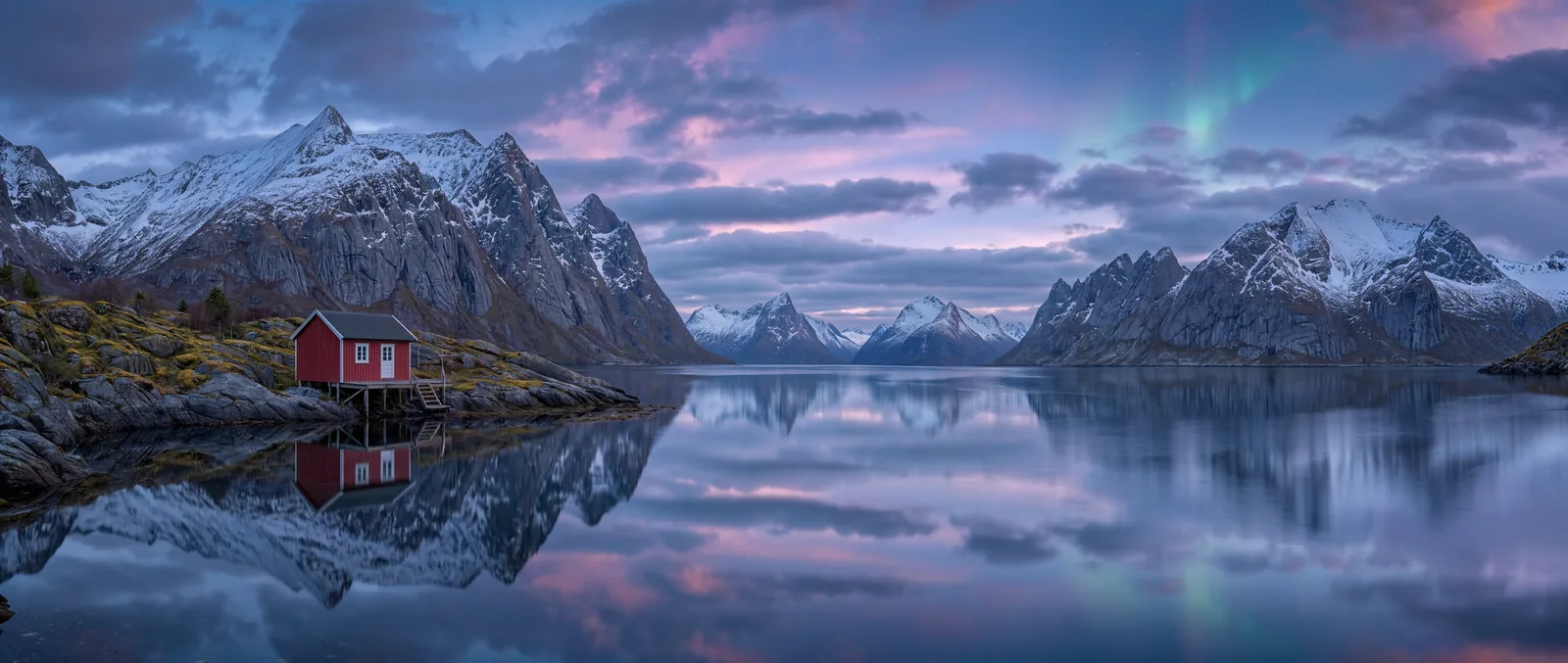
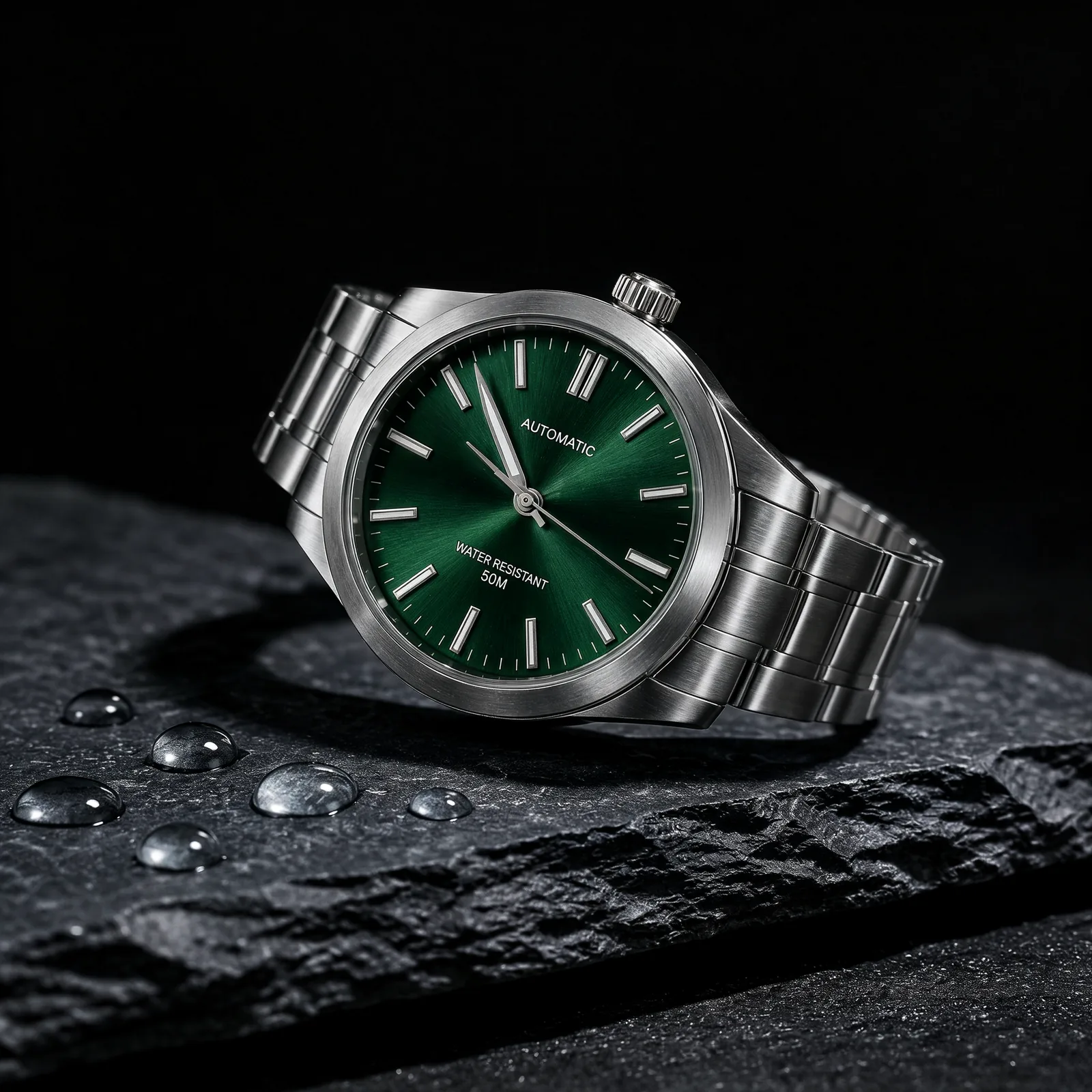
What is Kling Image 4.0?+
Kling Image 4.0 is Kling’s still-image model for generation and reference editing, distinct from this site’s Kling 4.0 video model. To animate images, follow the link below.
How do Kling Image 4.0 and Edit differ?+
Kling Image 4.0 creates images from text. Edit starts with one workspace reference and instructions about what to preserve and change. Resolutions and prices match.
How many credits does Kling Image 4.0 cost?+
Generation and editing both cost 38 credits at 2K, 57 at 4K and 95 at 8K, per image. The embedded generator defaults to text-to-image, 2K and 1:1: 38 credits.
Which resolutions, ratios and formats does Kling Image 4.0 offer?+
Choose 2K, 4K or native 8K. Output is PNG at 2K/4K and JPEG at 8K. Nine ratio choices: 1:1, 16:9, 9:16, 4:3, 3:4, 3:2, 2:3, 21:9 and auto. Page images are downscaled WebP previews.
How do editing and references work in Kling Image 4.0?+
Upload one clear image in Edit and describe your change. The model itself accepts up to 10 references; this workspace accepts one per edit. Both edit samples use one reference.
Which plans include access and commercial use?+
Creator, Studio and Scale include both models, up to 8K, and commercial use. Free includes neither model nor commercial use; its quality limit is 1K. Use references you have permission to use.
How can I improve Chinese, English and Japanese poster text?+
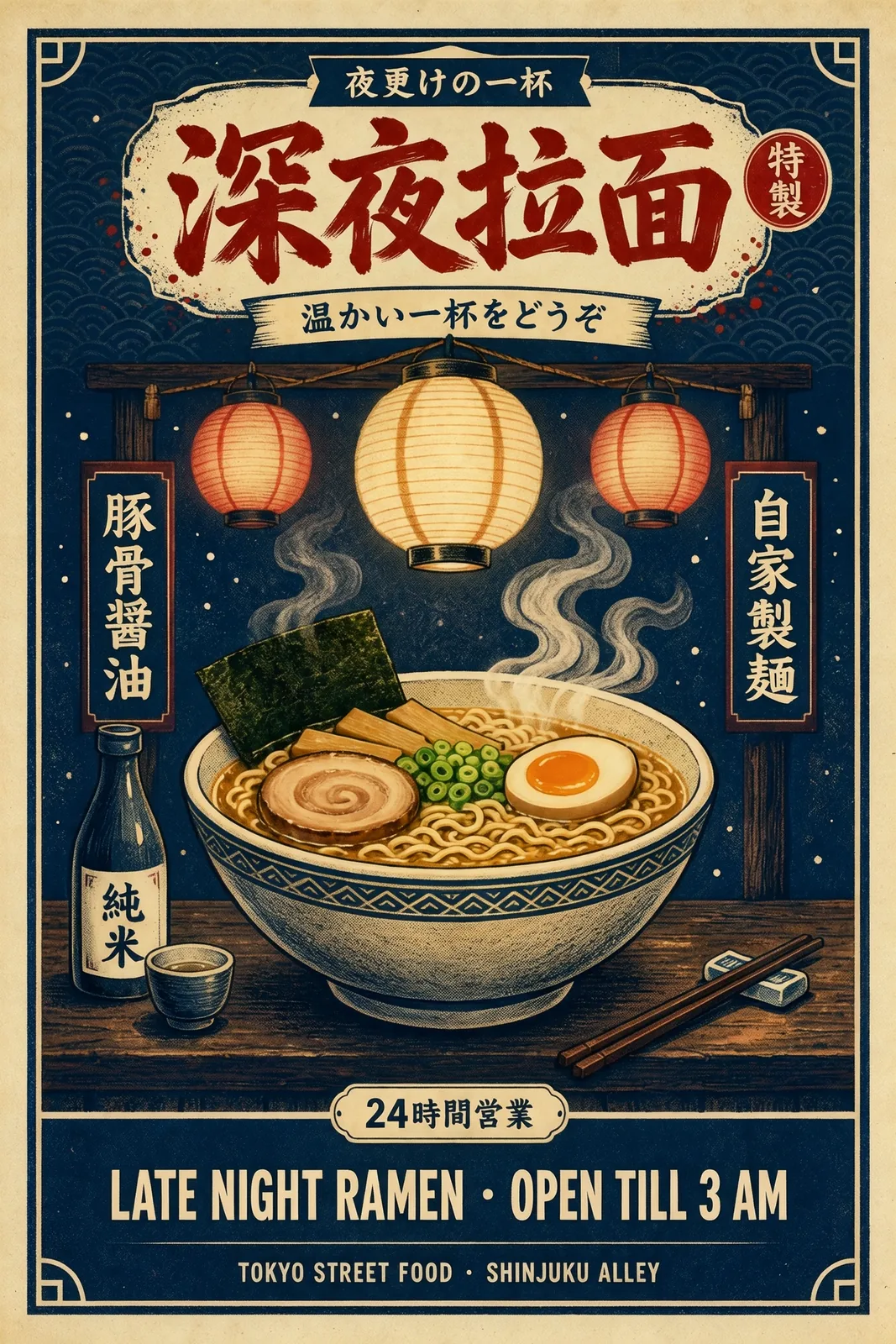
Quote each exact line and specify language, placement and size. Separate title and subtitle; check characters and punctuation. Review unrequested lettering too, such as the ramen sample’s Japanese text.
How can I keep a product consistent in an edit?+
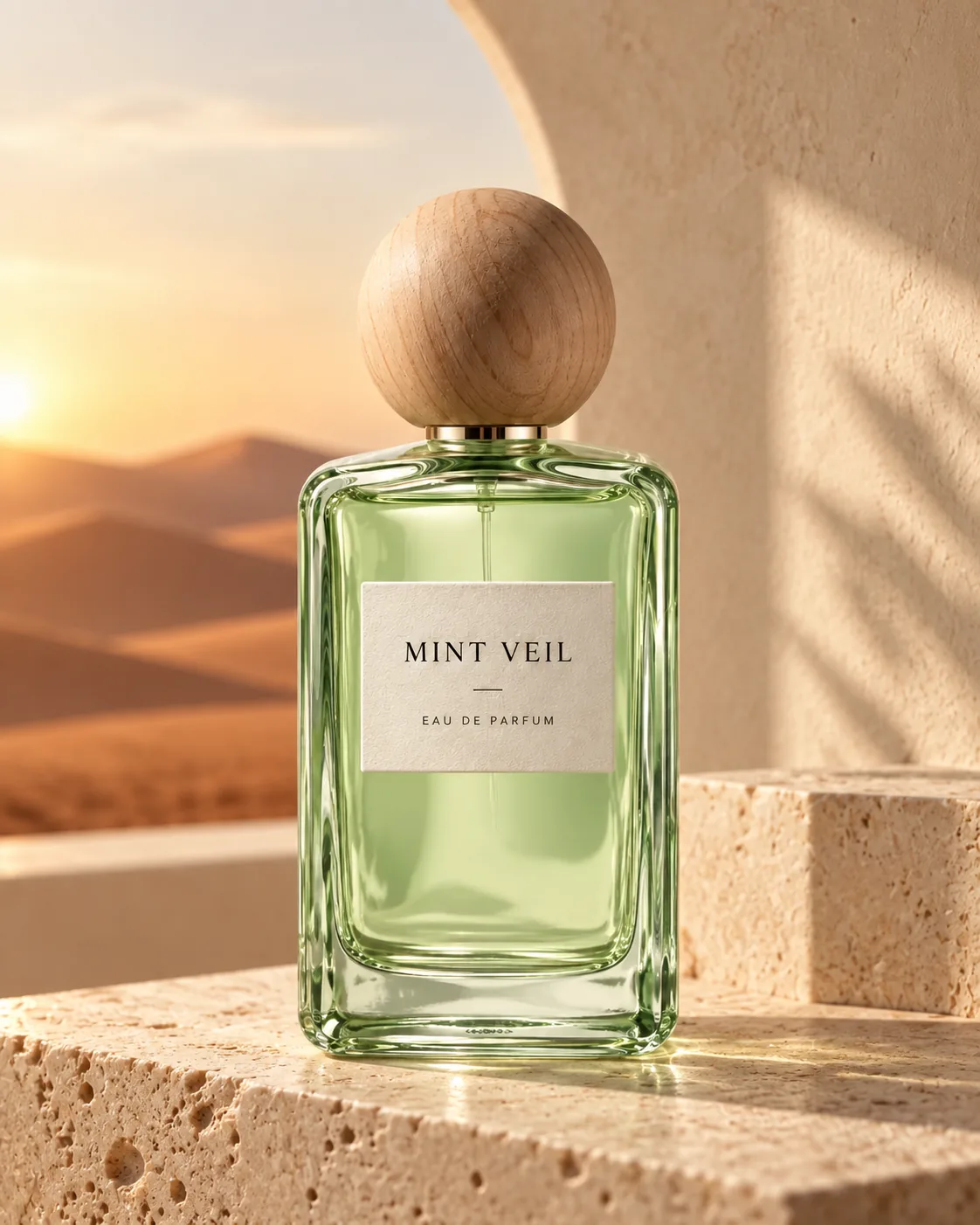
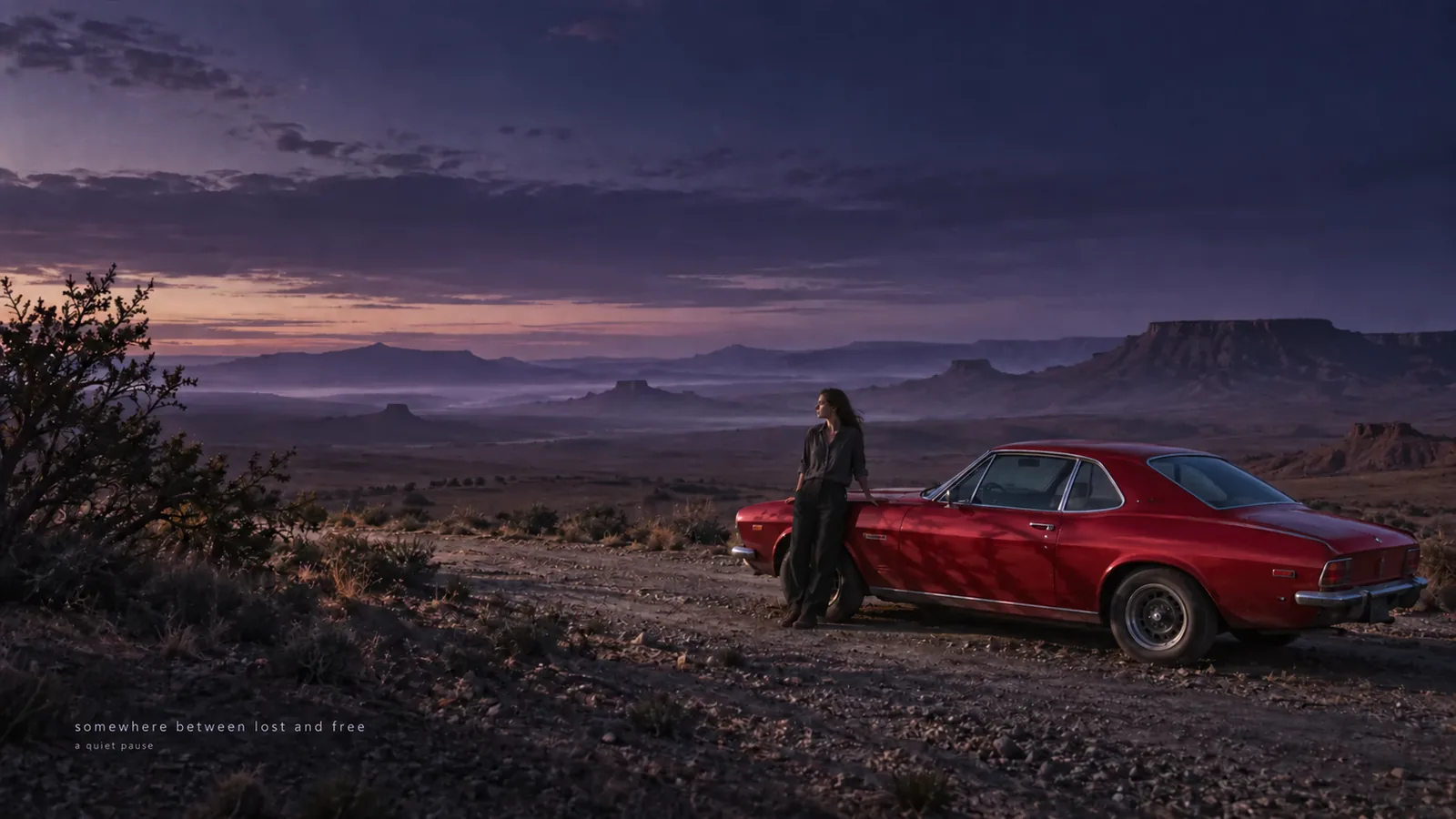
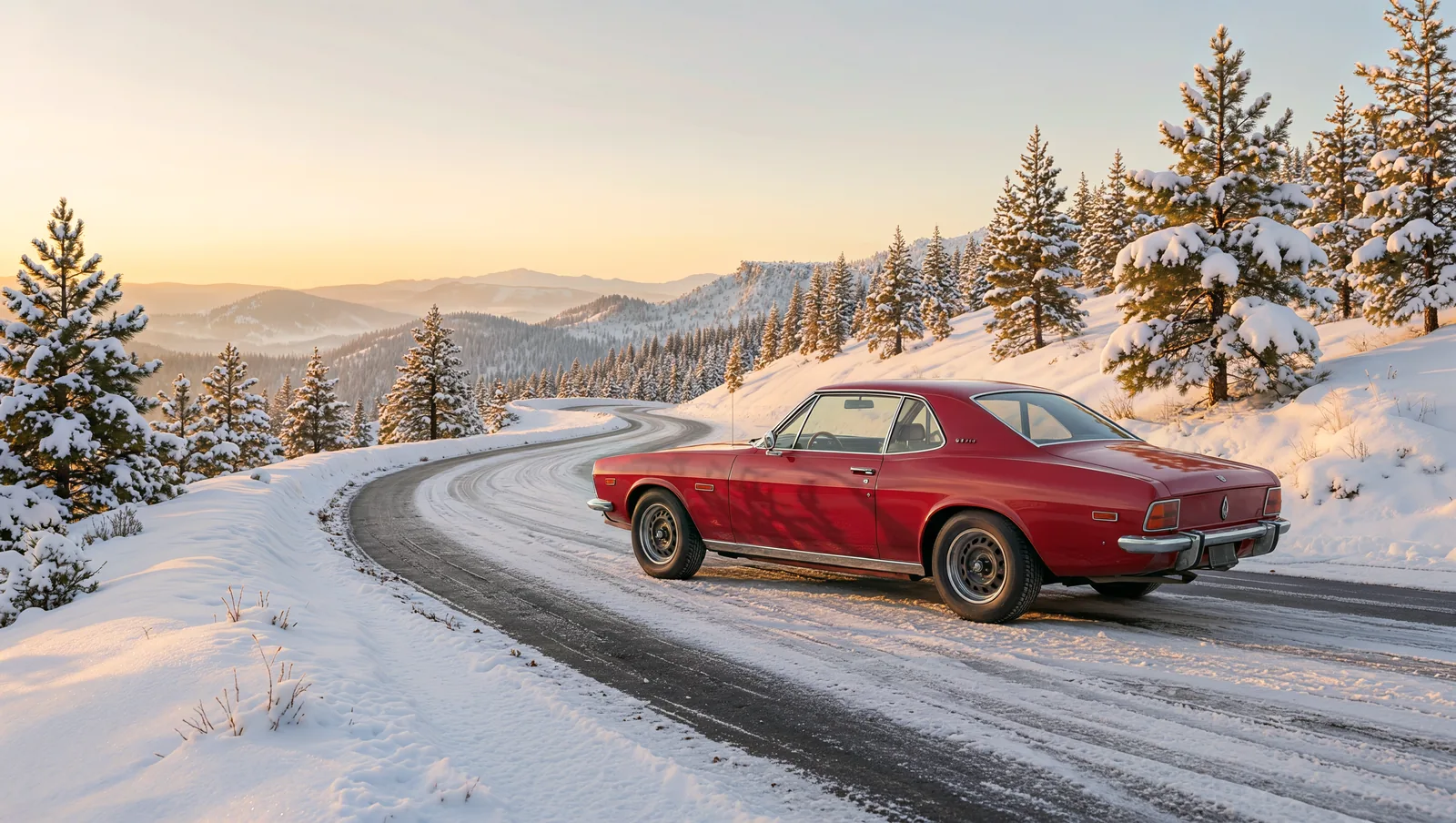
Use a sharp reference. Preserve shape, color, label, materials and distinctive details; change the setting or light. Compare the bottle cap, car trim and proportions before accepting each result.
When should I choose 2K, 4K or 8K?+
Start at 2K for composition trials at 38 credits. Choose 4K for finer portrait or product detail at 57, or native 8K for the largest output at 95. Remember that 8K is JPEG.
How does Kling Image 4.0 compare with Seedream 5.5 and MiniMax H3 Image?+
Seedream 5.5 reaches 2K: generation costs 9/16 credits at 1K/2K; editing, 13/19. MiniMax H3 Image reaches 4K: generation costs 6/6/19 at 1K/2K/4K; editing, 10/10/24. Here both modes cost 38/57/95 at 2K/4K/8K.