
Create AI images free, and videos in the same place
Type a prompt and get an image in seconds, free and without an account. Sign up for free credits and more image models; reference images and video come with paid plans.
The no-sign-up trial uses Z-Image. Trial images are watermarked, for personal non-commercial use.
Start with something you love
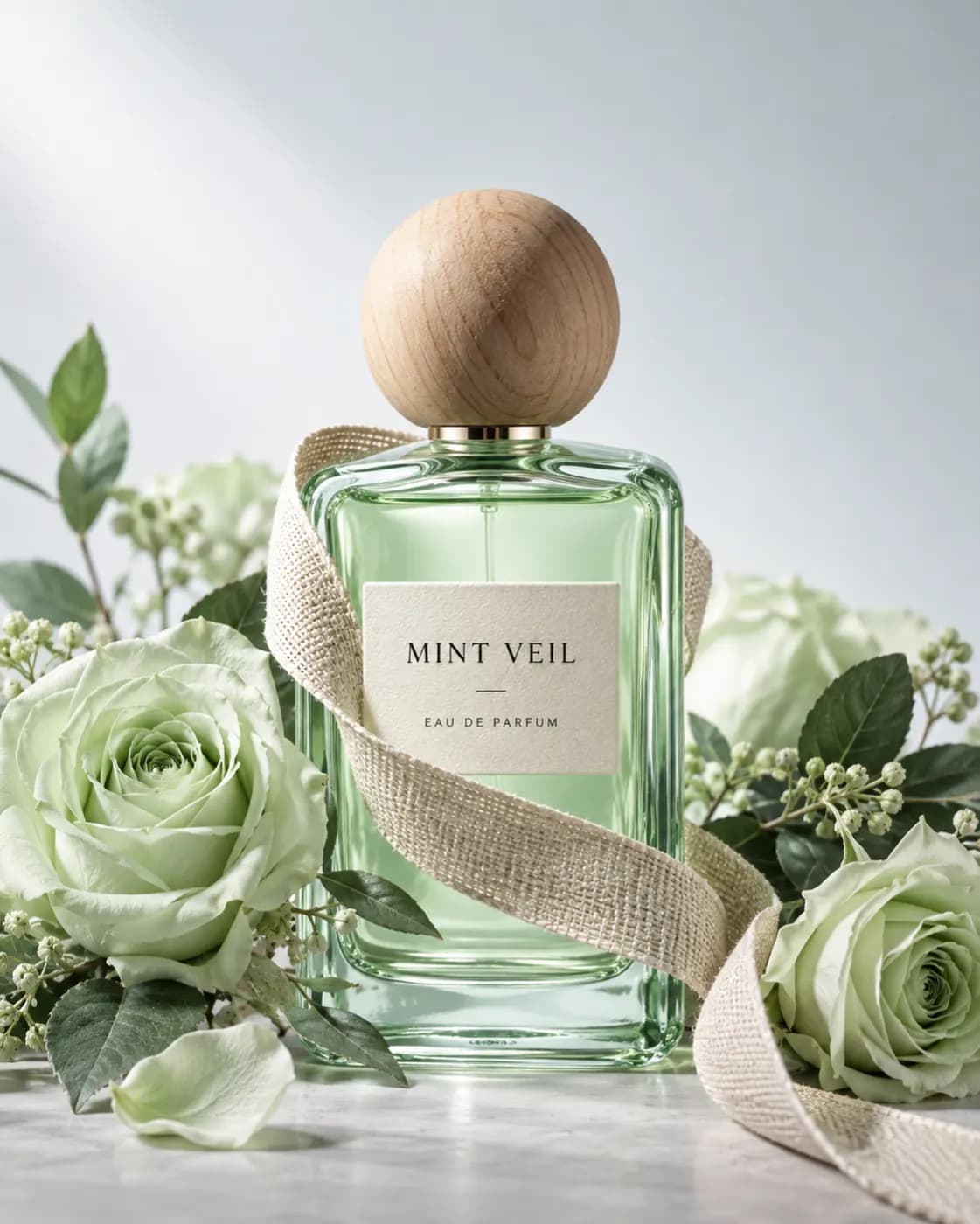
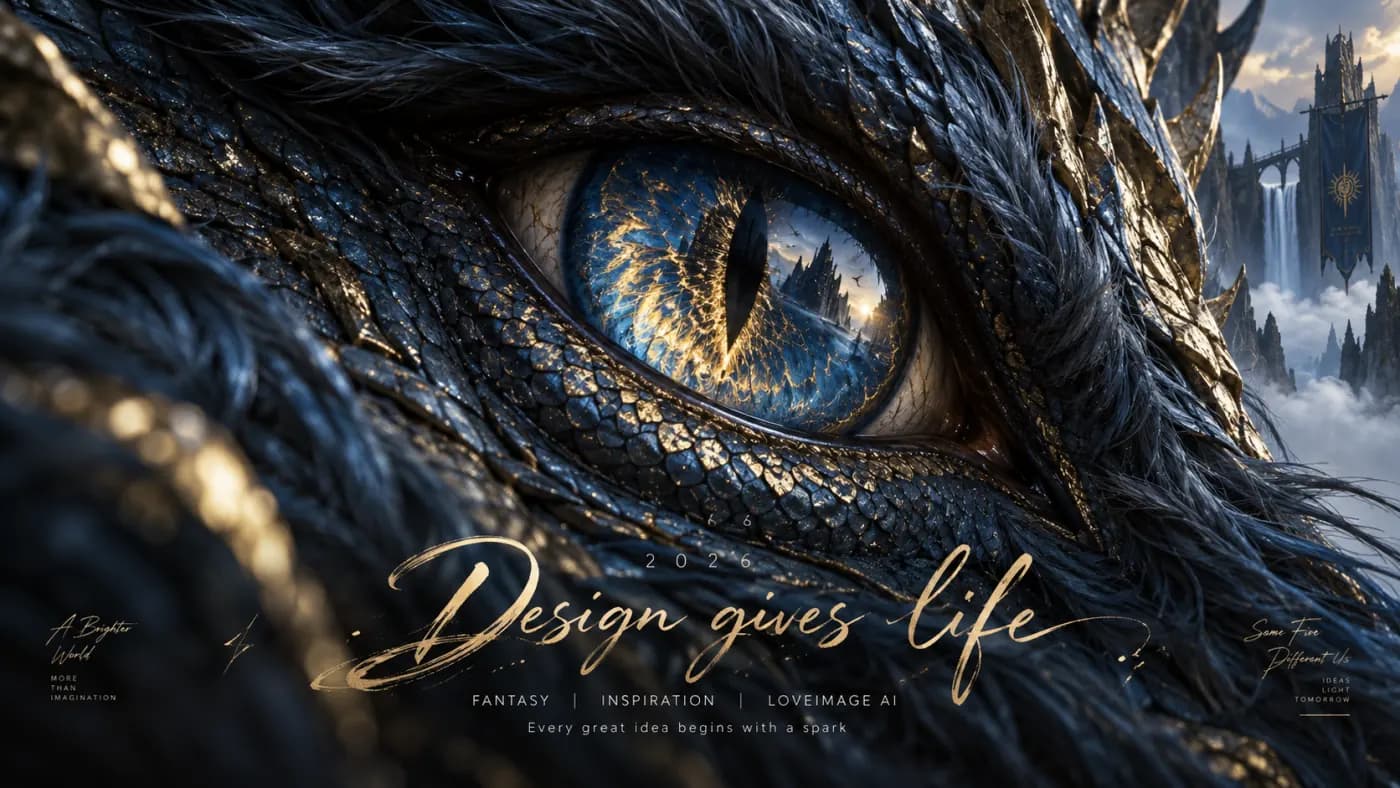
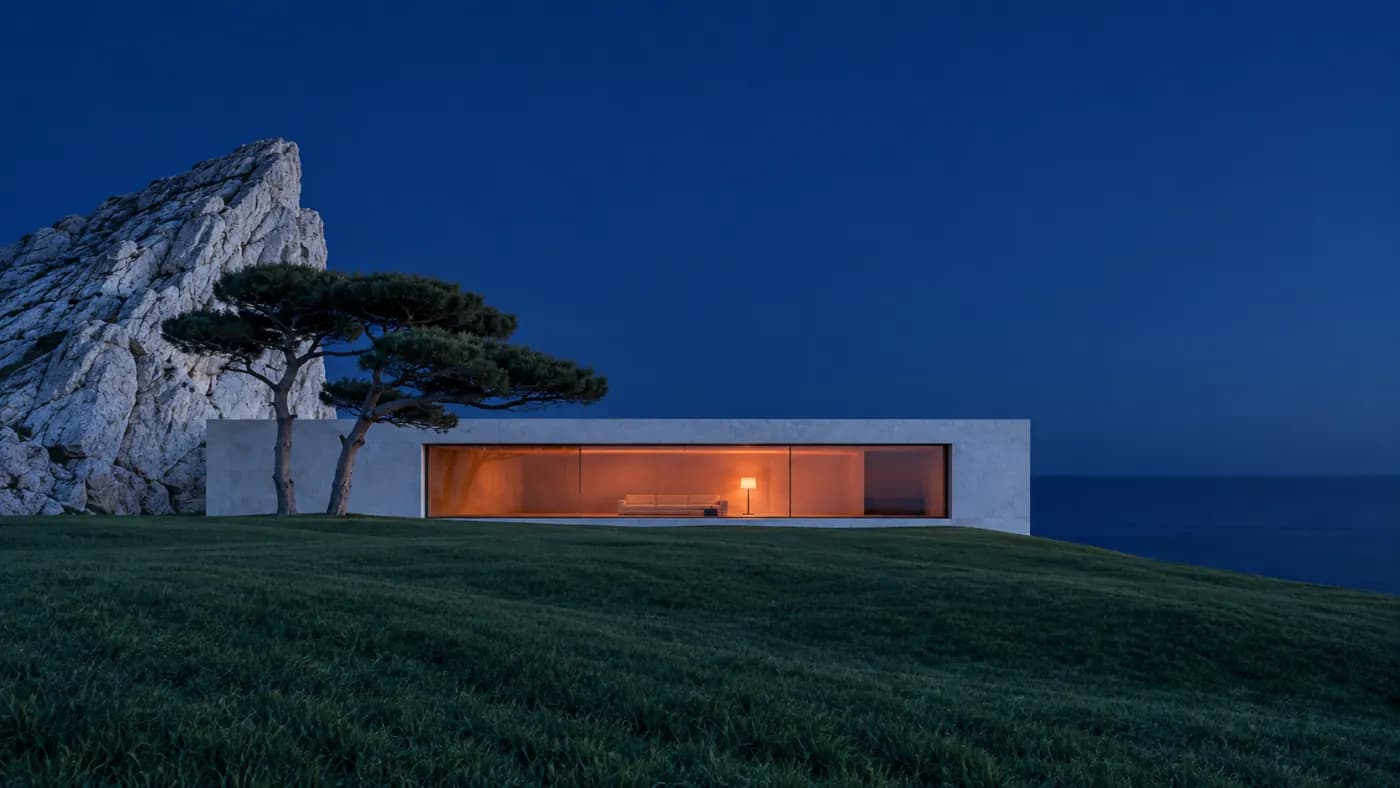
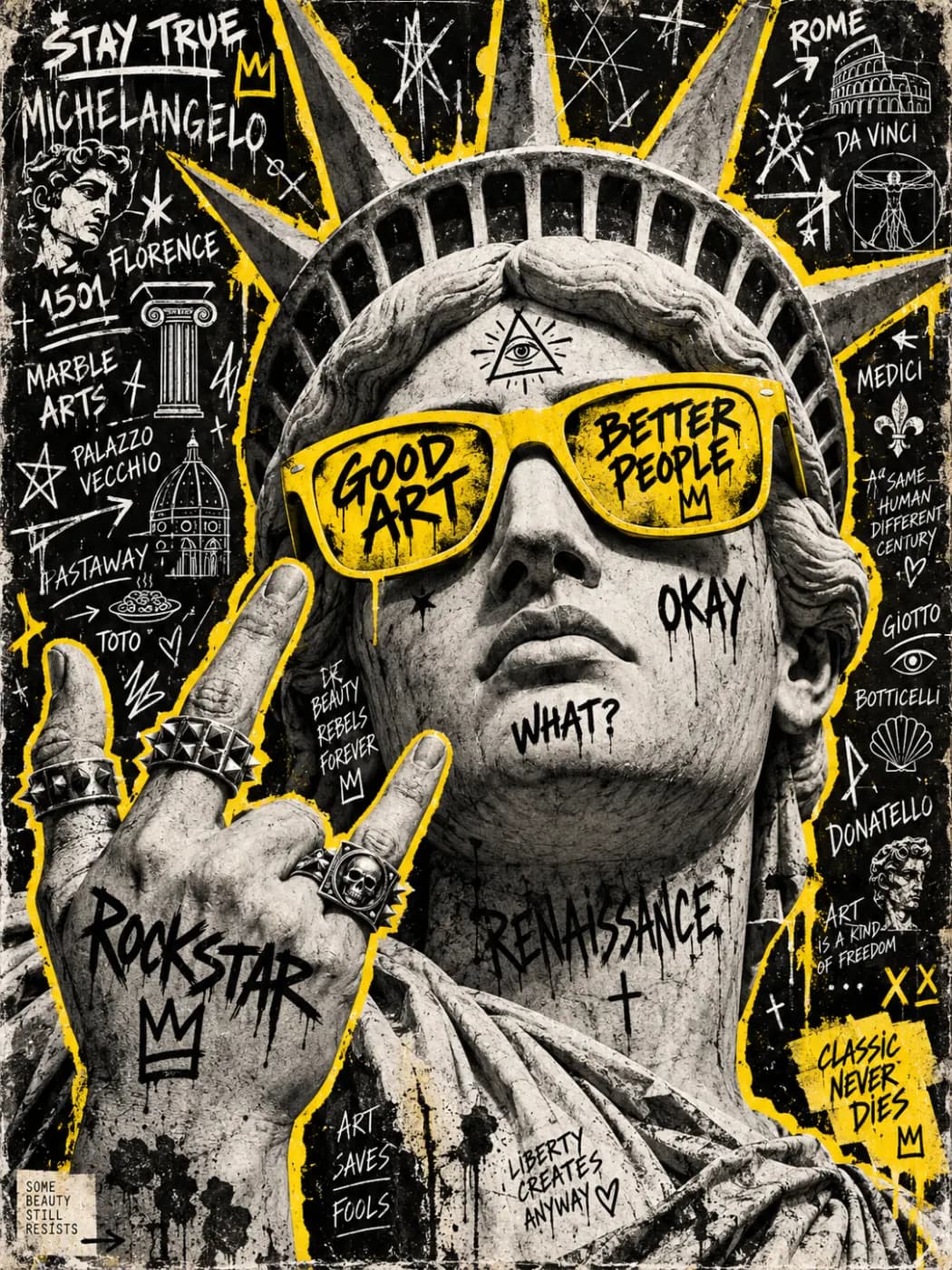
Find an idea, explore the prompt, and make it your own.
16 images
Open an image. Discover the prompt.
Eight tools for your next image.
Background removal, upscaling, object removal, photo editing, posters, logos, pixel art and coloring pages.



Choose a model for your next idea
View all modelsExplore GPT Image 2, Imagen, Seedream and Nano Banana in the AI image generator, or try Veo and Kling in the AI video generator. Choose a model to see its available settings.
 GPT Image 2
 Nano Banana Pro
 Seedream 5 Pro
 Kling 3.0
Simple plans, real output.
Compare everything →
- Z-Image, Nano Banana, Imagen 4 Fast, Seedream 4 and GPT Image 1.5
- Text to image, up to 2 images per run
- Background removal, object removal and 2× upscaling
- Watermark removal, photo colorizing and image to prompt
Creator
For regular image and video creation.
≈ 142 images or 42 video clips
at Imagen 4 Fast / Veo 3 Lite default settings
- Every image and video model
- Text and image to image, text and image to video
- Images up to 4K · video up to 1080p, 15s
- Up to 4 outputs per run
Studio
More credits, 4K video, higher queue priority.
≈ 314 images or 93 video clips
at Imagen 4 Fast / Veo 3 Lite default settings
- Everything in Creator
- Video up to 4K, 15s
- Higher-priority generation queue
- Images up to 4K · up to 4 outputs per run
FAQs
LoveImage combines an online AI image generator and AI video generator. Create pictures from text, use a reference image with compatible models, or generate short video clips. Choose a model, adjust the available settings and download your results.
AI images and video clips, plus posters, logos, pixel art and coloring pages. Explore the image tools for specific editing tasks.
Select Image, choose a model and describe the subject, style, lighting and composition. Set an available aspect ratio and output size, check the credit cost, then generate. For AI photos, describe the camera angle and lighting; for AI art, name the illustration style you want.
Yes, with a model that supports reference images. Upload your photo and describe the changes you want to explore. Reference support differs by model, so choose a compatible image model before uploading.
Text to video creates a clip from a written scene description. Image to video uses an uploaded image as a visual starting point, with a prompt to guide movement. Select Video and choose a model that supports your input; available duration, resolution and audio options vary.
Select Video and choose a model. For text-to-video generation, describe the subject, action, setting and camera movement. For image-to-video generation, choose a model that accepts a reference image and upload it. Check the duration and credit cost before generating your clip.
Image resolution, aspect ratio, video length and audio options depend on both the model and your plan. LoveImage generates short video clips, not complete long-form films. The generator shows the settings available for your selection; check them before starting.
Under our Terms, paid-plan outputs may be used commercially; free-plan outputs are for personal, non-commercial use. LoveImage does not claim ownership of your output. You still need rights to your inputs and must follow the selected model’s licence restrictions. Copyright protection, exclusivity and non-infringement are not guaranteed.
The catalogue includes image models such as GPT Image 2, Imagen, Seedream and Nano Banana, and video models such as Veo and Kling. Your plan determines which models and settings you can use. Check the model selector for current availability.
Yes, for images. You can generate images on the homepage without an account; trial images carry a watermark and are kept for 24 hours. Sign up without a card for free starter credits: your trial images move into your library, and the free plan adds selected image models and the photo tools, without a watermark, for personal, non-commercial use. Video generation needs a paid plan. Each generation uses credits; the model and settings determine how many images or clips you can create.
There is no single cost for every generation. The selected model, output settings and number of results affect the total. Both generators display the credit cost before you submit, so you can adjust your settings to fit your available credits.
A failed generation normally returns the charged credits to their original grants, keeping the original expiry dates. Expired credits are not extended. If a credit return is missing, contact support with the generation ID. Credit returns are separate from cash refunds.
LoveImage has separate tools for background removal, image upscaling, object removal and AI photo editing. Choose the tool for the change you want and provide your image. Review the result before using it in a product listing, social post or client project.