Nano Banana Pro AI Image Generator
Create images from a written brief with Nano Banana Pro. Treat the prompt as a design brief: subject, layout and the details that must survive review.
Your prompt and settings follow you through sign-in. Review them before generating.
Image editing · Creative inspiration
One image. More possibilities.
Explore editing ideas for Nano Banana Pro. Pick a direction and make it yours.
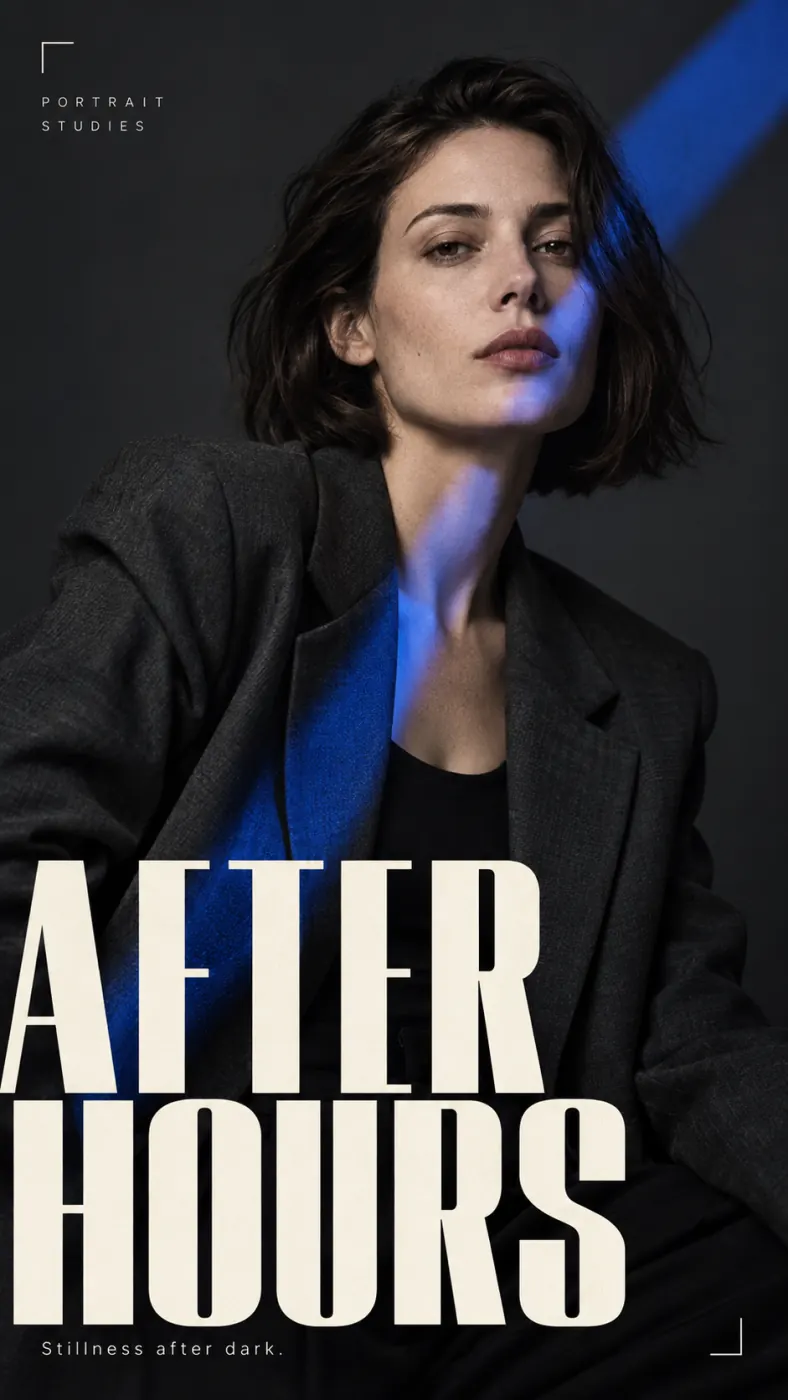
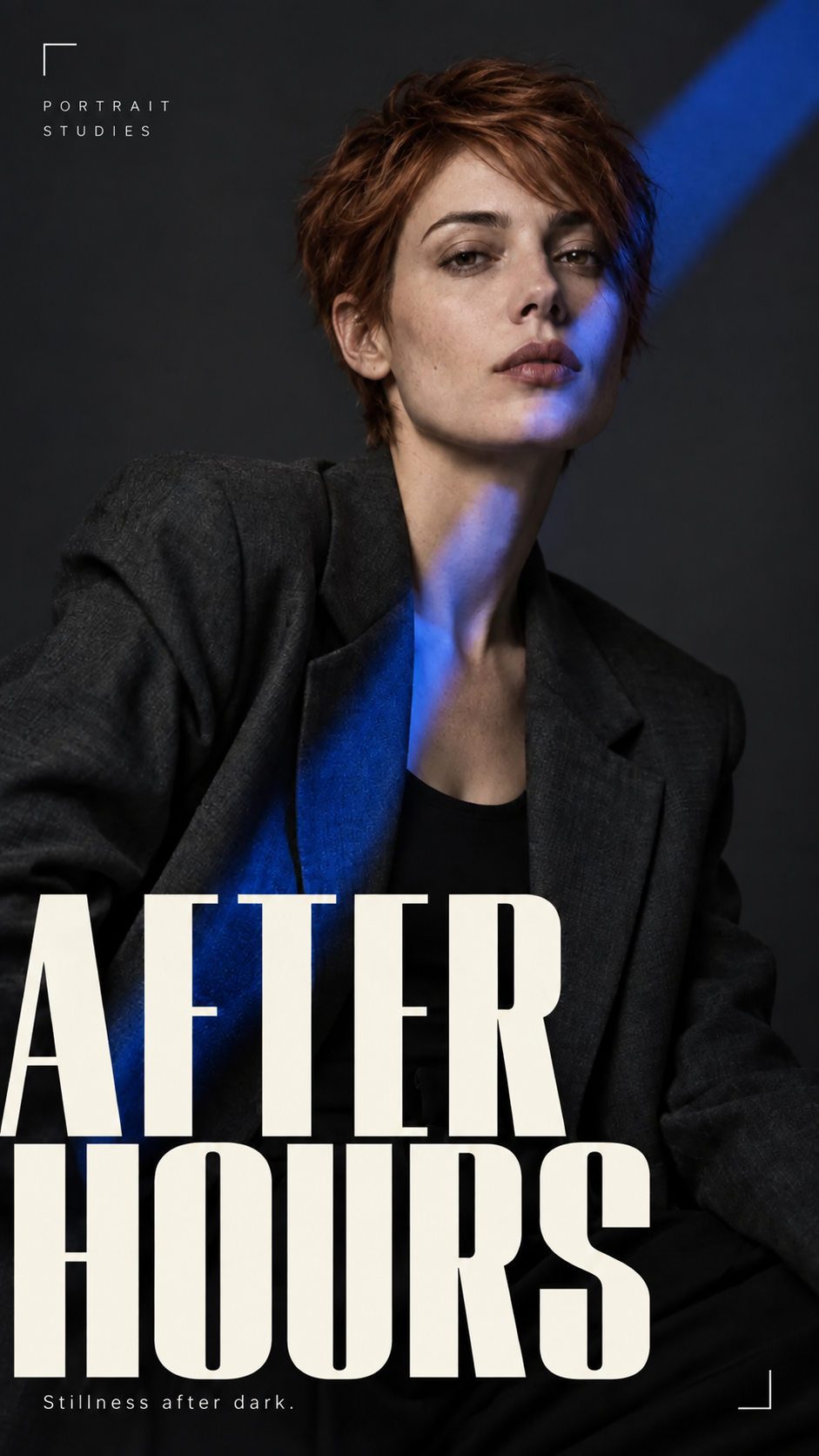
Change hairstyle
Copper pixie cut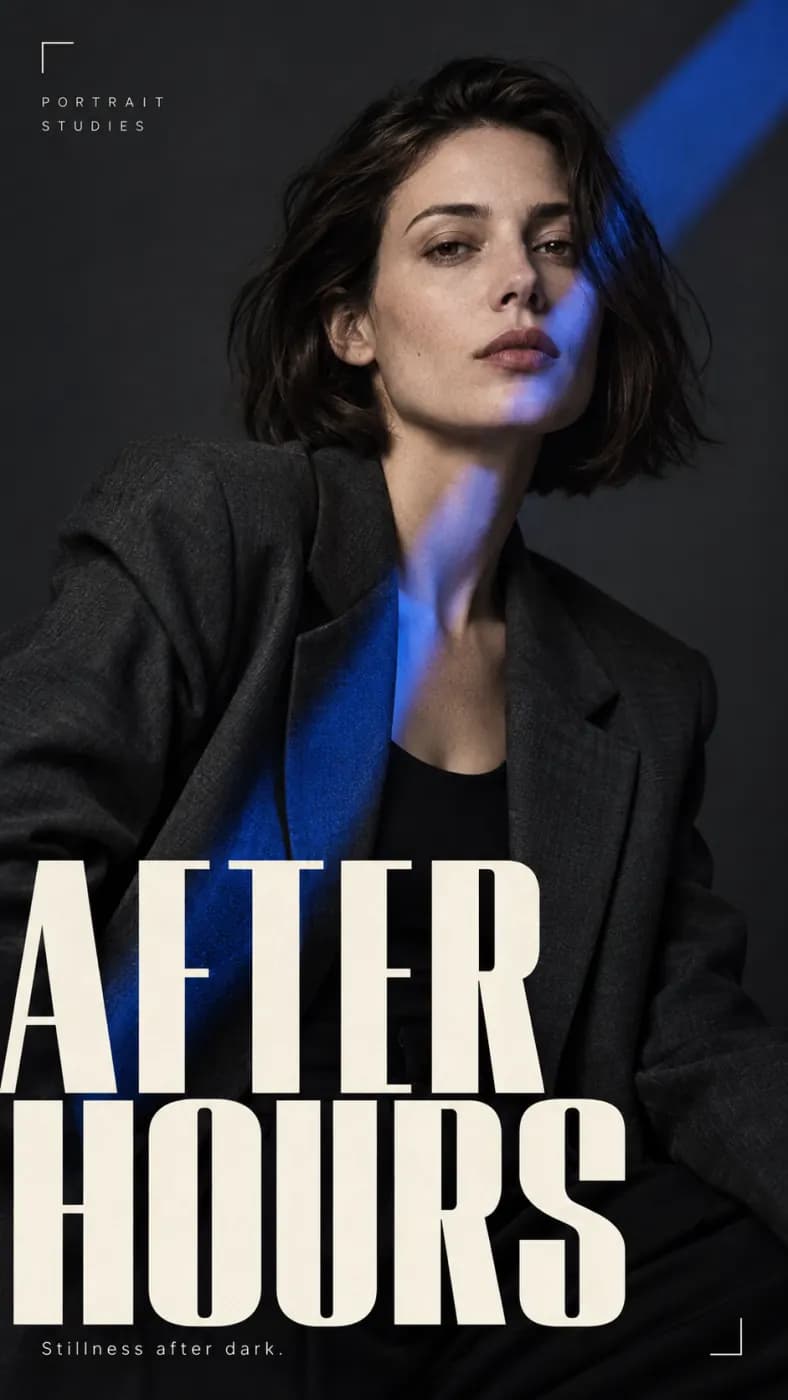
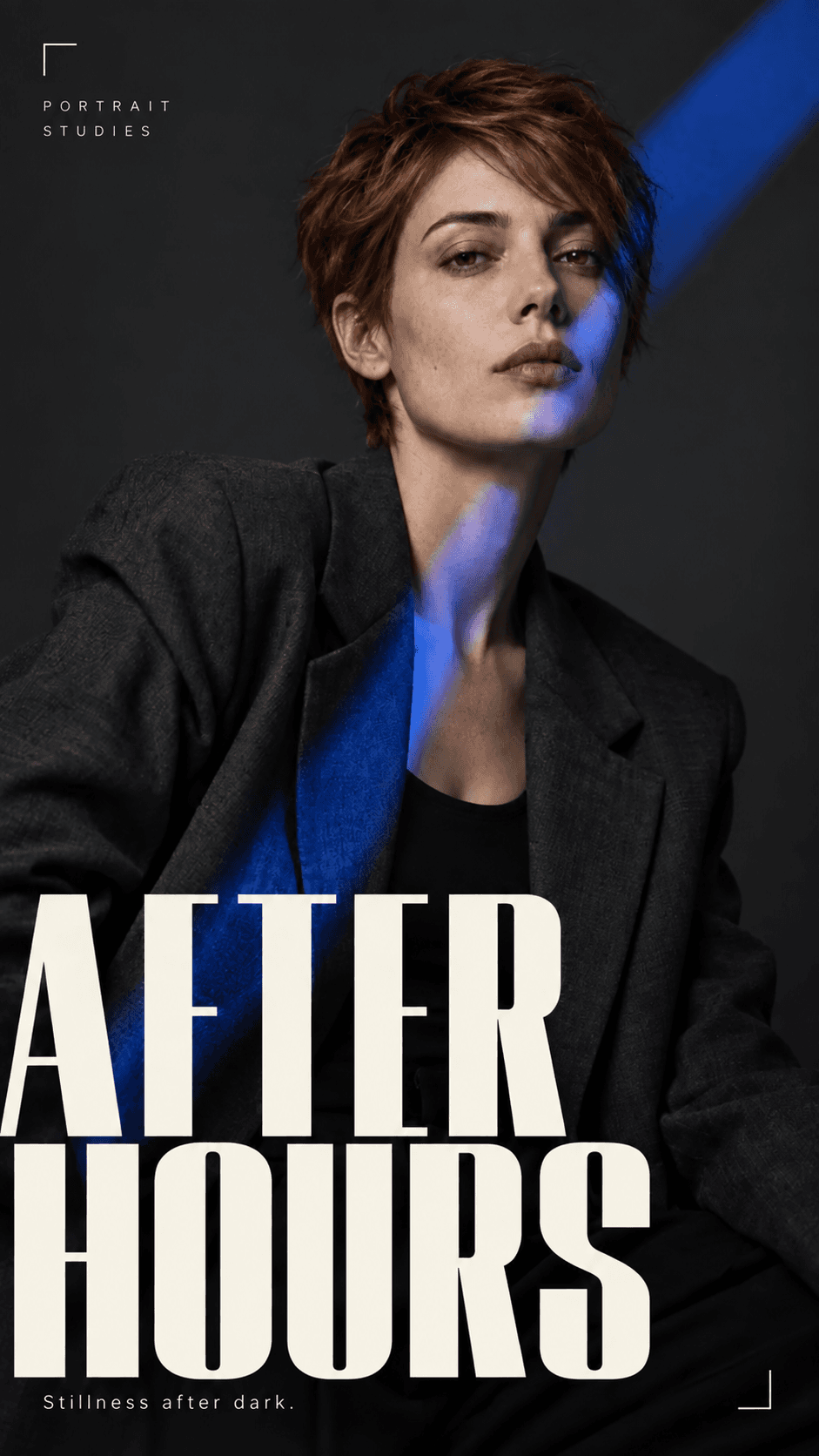
Start with this image and prompt. Make your own version.
Choose an editing example and use its image and prompt to start your own creation.
How to get more from Nano Banana Pro
Treat the prompt as a design brief: subject, layout and the details that must survive review.
Plan a composed visual
For a product visual, poster concept or editorial image, decide where the subject sits and where text or empty space belongs. Establish these relationships before adding styling references.
Write exact text separately
If the image needs words, quote the exact wording and describe its placement. Keep slogans short in early drafts. With a reference image, distinguish what should be preserved from what you want to change.
Review at the intended display size
Check spelling, small details, product shape and spacing at the size people will actually see. Treat logos and fine print as review items; correct them in your design workflow when necessary.
Nano Banana Pro at a glance
What this model actually accepts. The studio shows exactly these options when it is selected — nothing more, nothing it would reject.
Google's flagship image model, 4K masters
Open Nano Banana Pro in the studio →- Made by
- Output
- Still images
- Aspect ratios
- 1:1 · 4:3 · 3:4 · 3:2 · 2:3 · 5:4 · 4:5 · 16:9 · 9:16 · 21:9
- Resolution
- 1K · 2K · 4K
- Reference image
- Optional
- Price
- 20 credits per image
How to use Nano Banana Pro on LoveImage
- STEP 01Write the brief
If the image needs words, quote the exact wording and describe its placement. Keep slogans short in early drafts. With a reference image, distinguish what should be preserved from what you want to change.
- STEP 02Choose available settings
Available here: 1K / 2K / 4K. These are the settings enabled in this workspace, not an exhaustive list of the provider’s options.
- STEP 03Review the result
Check spelling, small details, product shape and spacing at the size people will actually see. Treat logos and fine print as review items; correct them in your design workflow when necessary.
Nano Banana Pro on LoveImage: questions people ask
For a product visual, poster concept or editorial image, decide where the subject sits and where text or empty space belongs. Establish these relationships before adding styling references.
Available here: 1K / 2K / 4K. These are the settings enabled in this workspace, not an exhaustive list of the provider’s options.
Auto · 1:1 · 4:3 · 3:4 · 3:2 · 2:3 · 5:4 · 4:5 · 16:9 · 9:16 · 21:9
If the image needs words, quote the exact wording and describe its placement. Keep slogans short in early drafts. With a reference image, distinguish what should be preserved from what you want to change.
Upload one reference image in the workspace, then choose a compatible image-to-image or image-to-video model. Available settings depend on that model.
Check spelling, small details, product shape and spacing at the size people will actually see. Treat logos and fine print as review items; correct them in your design workflow when necessary.
The cost depends on the model, settings and output count. The workspace shows the credit cost before submission; check that estimate for your selected configuration.
Select the model in the workspace and describe your scene. Add a reference image when needed, choose your settings and review the credit cost before generating.