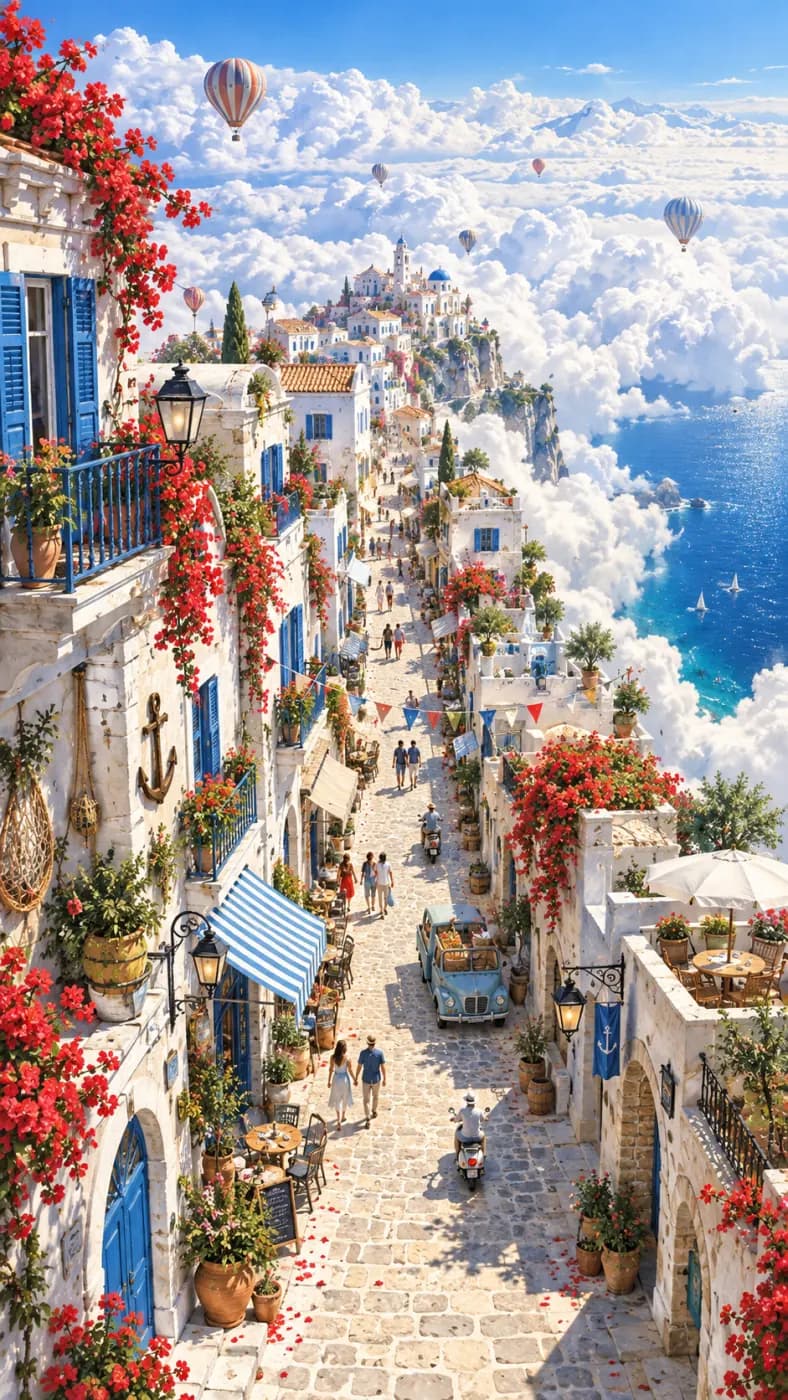
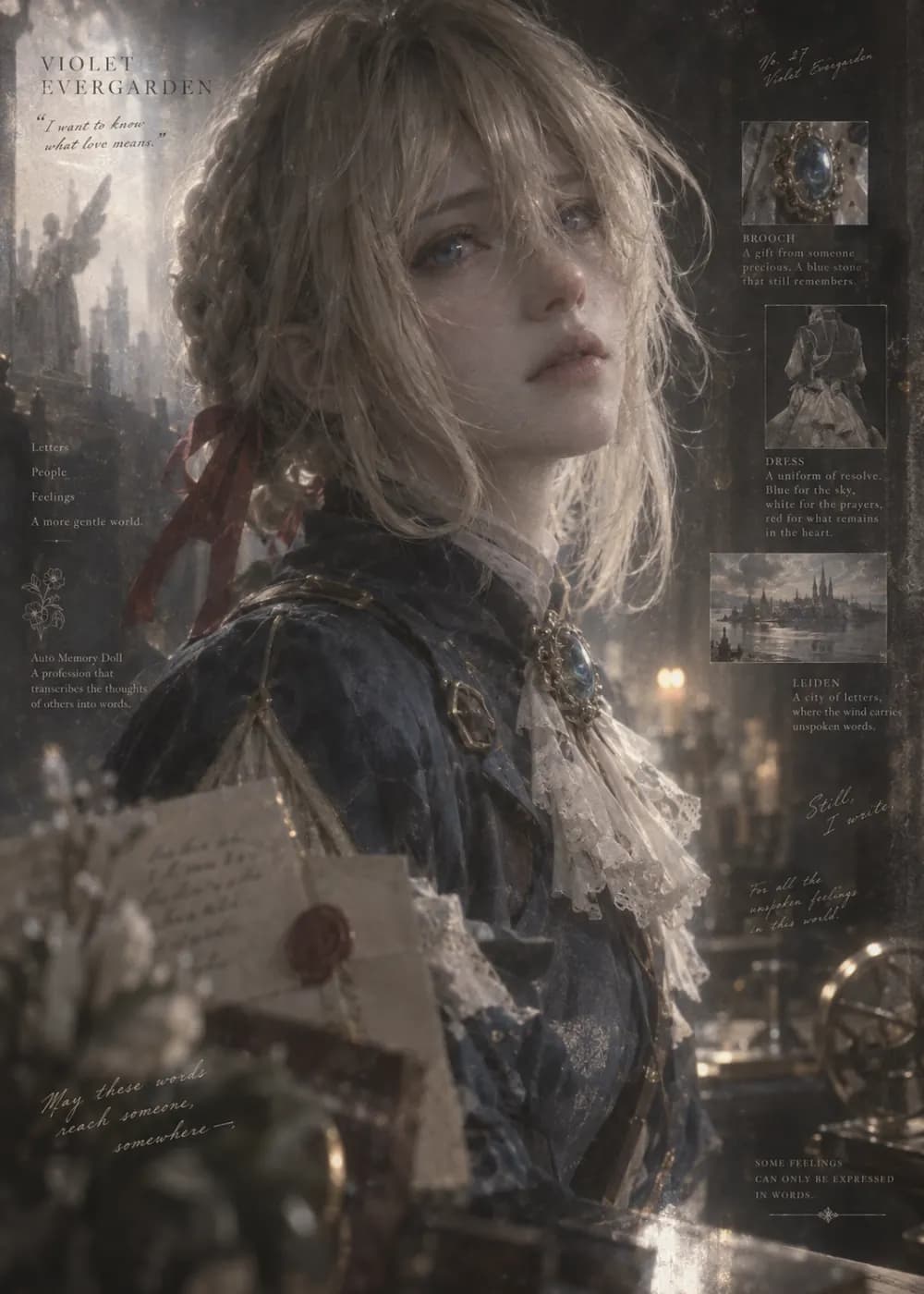
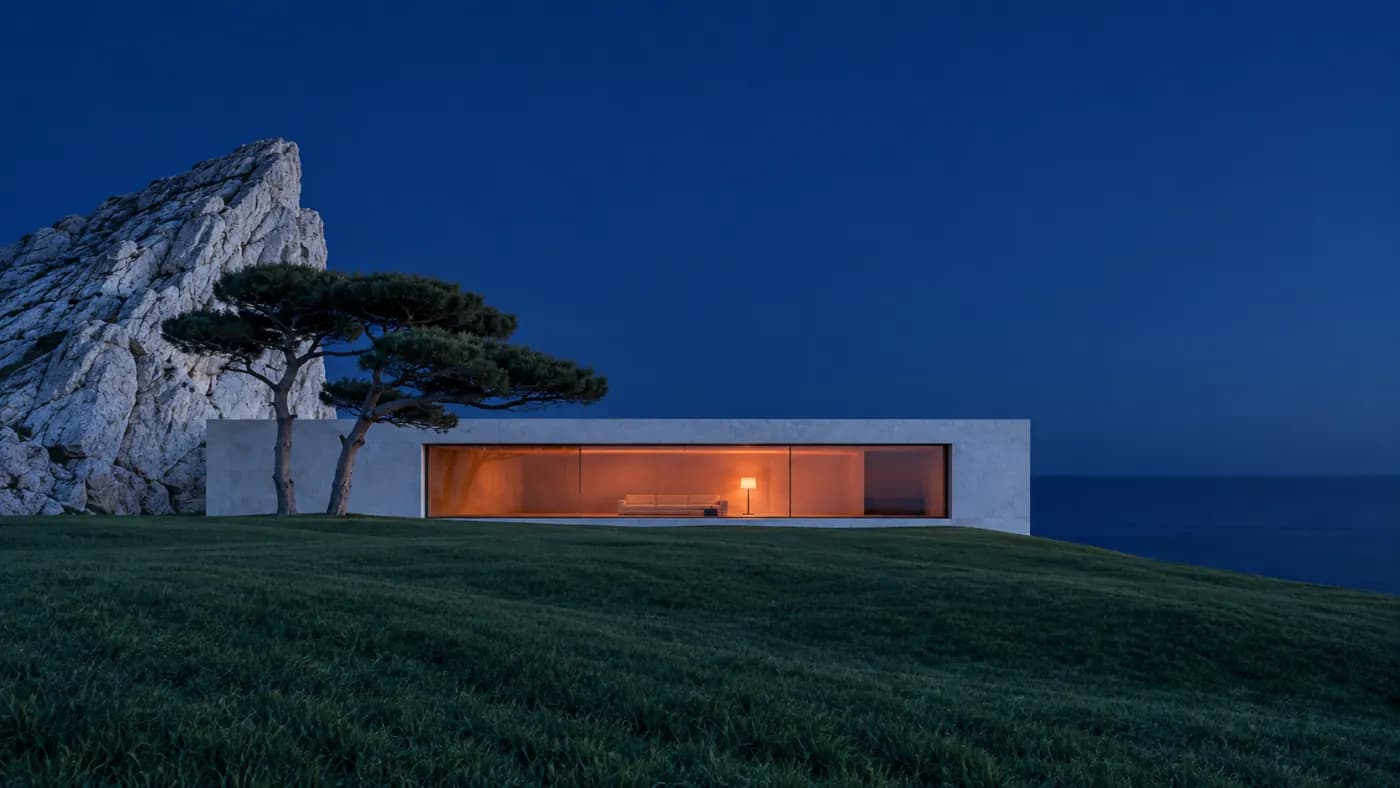
Seedream 5 Pro AI Image Generator
Create images from a written brief with Seedream 5 Pro. Build an art direction that you can repeat across drafts: composition, palette, lighting and subject treatment.
Your prompt and settings follow you through sign-in. Review them before generating.
Start with a visual direction
Explore creative references, reuse a scene description and add your own ideas.
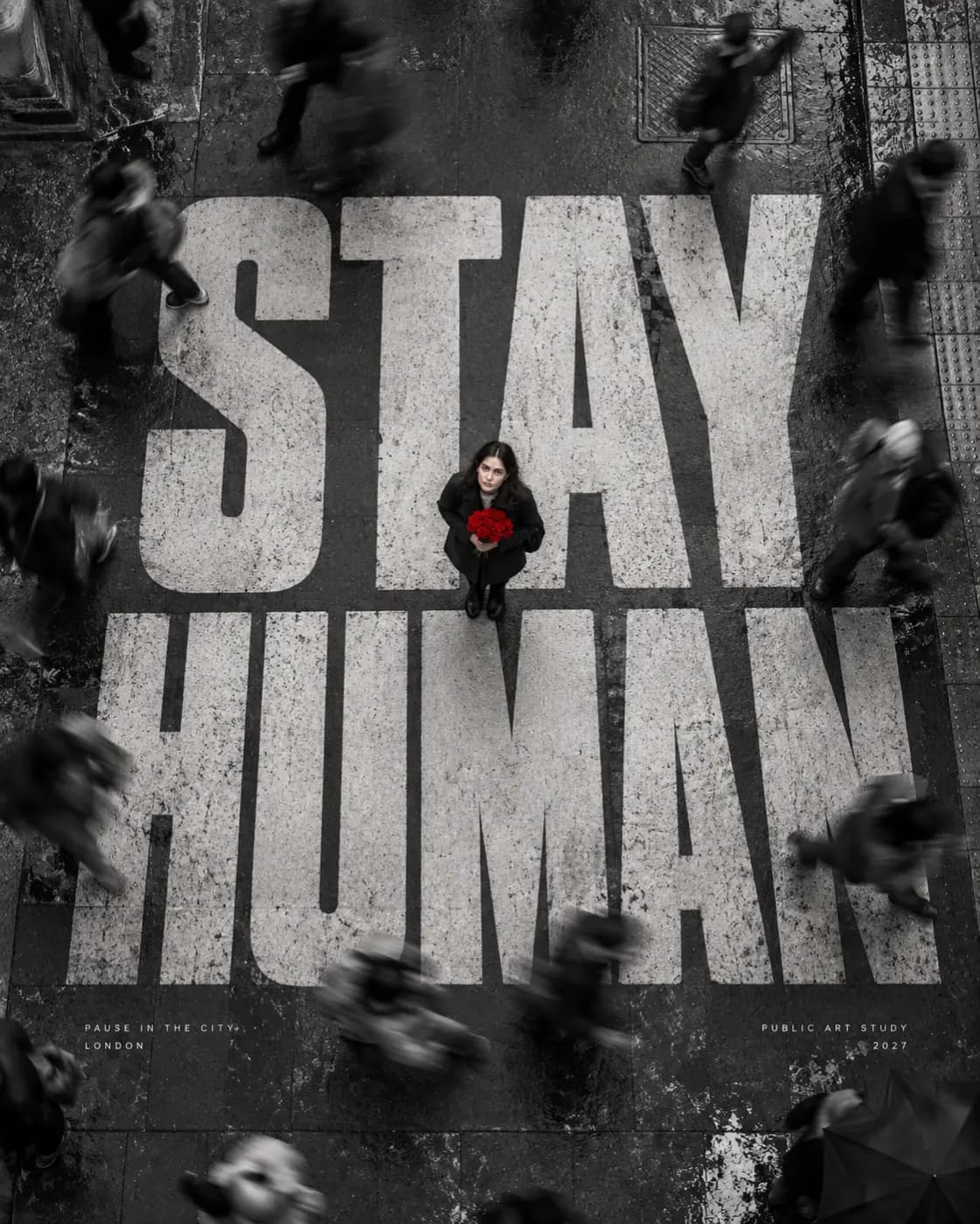
Stay human
A gritty monochrome London street poster with giant STAY HUMAN type and textured walls.
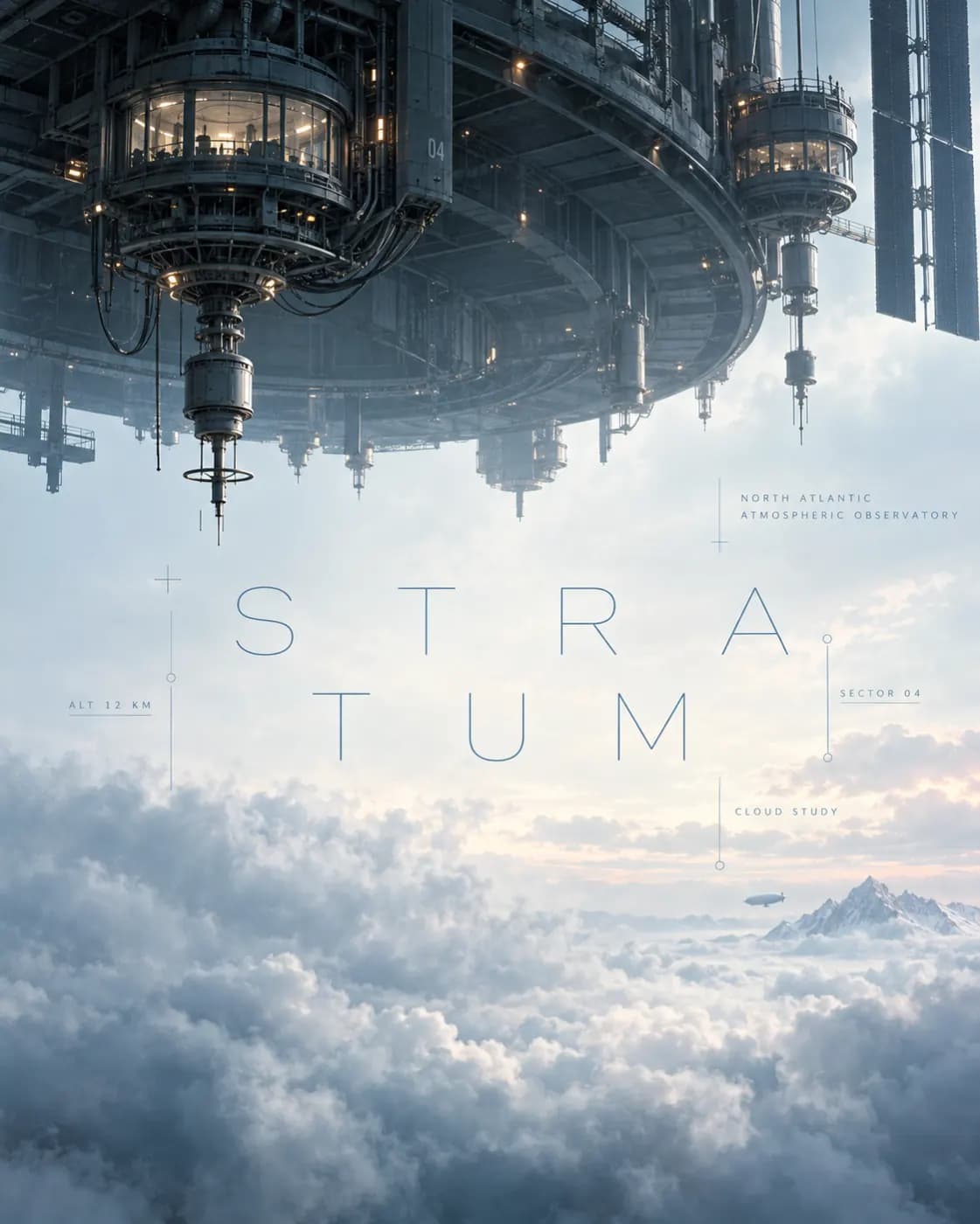
Cloud observatory
An architectural observatory floating over a sea of clouds, restrained editorial poster composition.
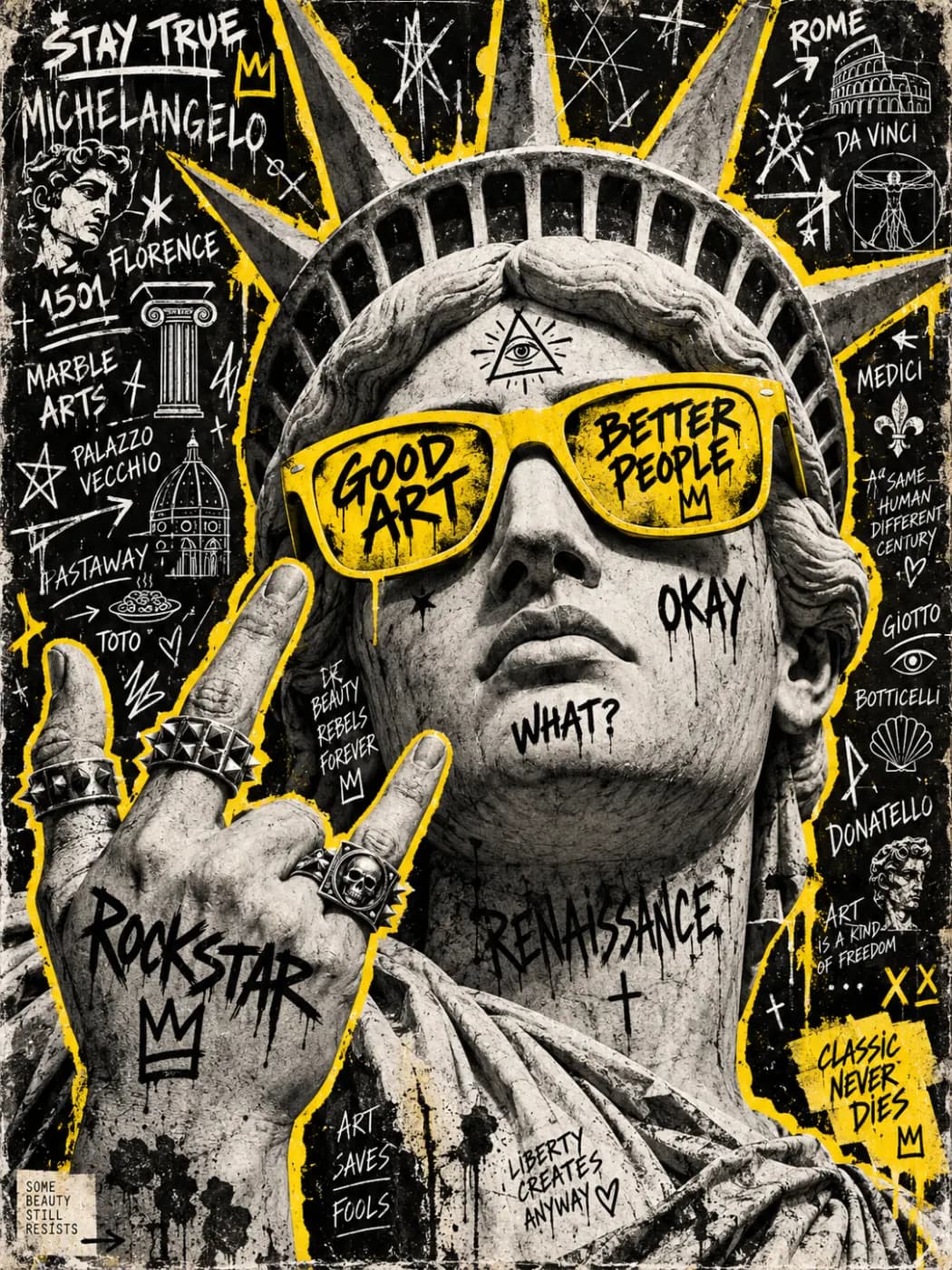
Liberty collage
A street-art poster of the Statue of Liberty, black-and-white print textures and bold yellow accents.
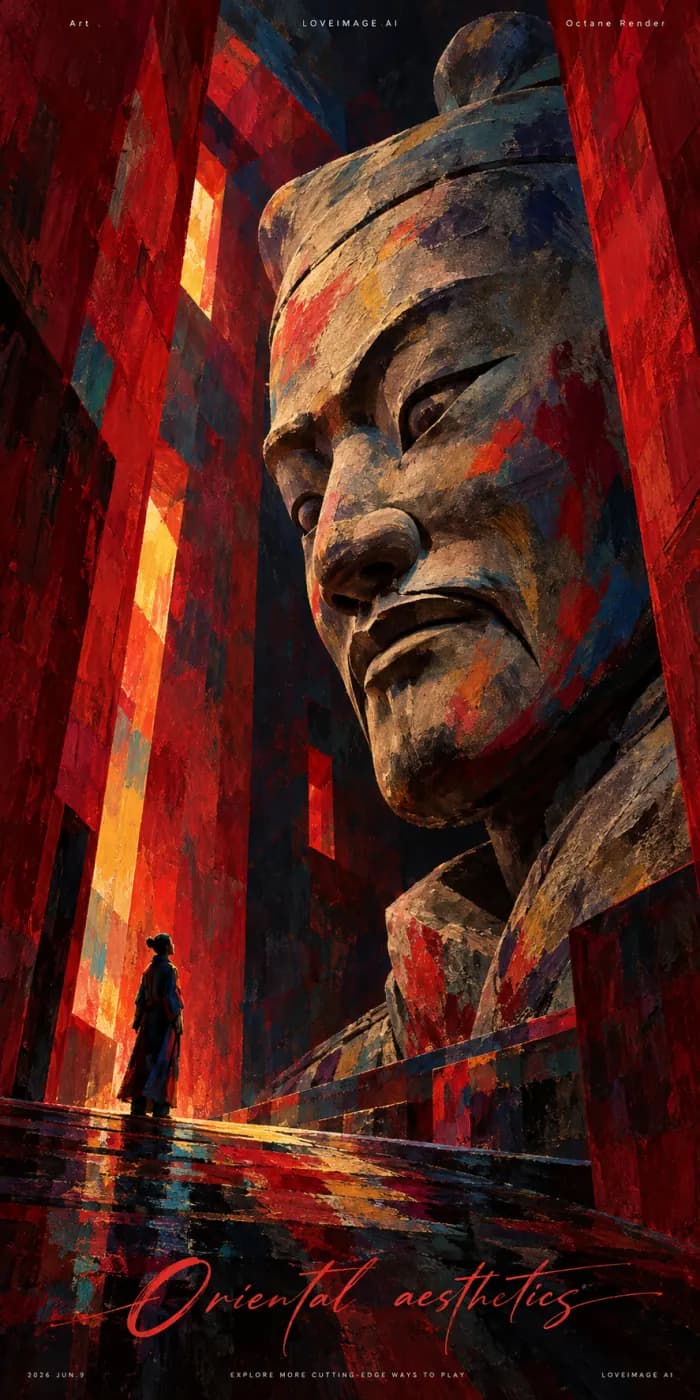
Terracotta portrait
An expressive portrait in terracotta and dark blue, bold fauvist brushwork and rough painted texture.
How to get more from Seedream 5 Pro
Build an art direction that you can repeat across drafts: composition, palette, lighting and subject treatment.
Develop a visual direction
Start with an editorial scene, product setting or campaign concept. Decide which visual qualities belong to the project, such as restrained color, soft light or a clearly defined background.
Keep the art direction stable
Write the palette, lighting and framing once, then change one subject or arrangement at a time. When working from a reference, explain which aspects guide the new image rather than asking for a vague similar style.
Compare drafts with the same checklist
Review color balance, texture, subject proportions and usable space for layout. Keep the strongest direction and refine its weakest detail instead of changing the entire brief each time.
Seedream 5 Pro at a glance
What this model actually accepts. The studio shows exactly these options when it is selected — nothing more, nothing it would reject.
ByteDance's top still model
Open Seedream 5 Pro in the studio →- Made by
- ByteDance
- Output
- Still images
- Aspect ratios
- 1:1 · 4:3 · 3:4 · 3:2 · 2:3 · 16:9 · 9:16
- Resolution
- 1K · 2K
- Reference image
- Not used
- Price
- 20 credits per image
How to use Seedream 5 Pro on LoveImage
- STEP 01Write the brief
Write the palette, lighting and framing once, then change one subject or arrangement at a time. When working from a reference, explain which aspects guide the new image rather than asking for a vague similar style.
- STEP 02Choose available settings
Available here: 1K / 2K. These are the settings enabled in this workspace, not an exhaustive list of the provider’s options.
- STEP 03Review the result
Review color balance, texture, subject proportions and usable space for layout. Keep the strongest direction and refine its weakest detail instead of changing the entire brief each time.
Seedream 5 Pro on LoveImage: questions people ask
Start with an editorial scene, product setting or campaign concept. Decide which visual qualities belong to the project, such as restrained color, soft light or a clearly defined background.
Available here: 1K / 2K. These are the settings enabled in this workspace, not an exhaustive list of the provider’s options.
1:1 · 4:3 · 3:4 · 3:2 · 2:3 · 16:9 · 9:16
Write the palette, lighting and framing once, then change one subject or arrangement at a time. When working from a reference, explain which aspects guide the new image rather than asking for a vague similar style.
Upload one reference image in the workspace, then choose a compatible image-to-image or image-to-video model. Available settings depend on that model.
Review color balance, texture, subject proportions and usable space for layout. Keep the strongest direction and refine its weakest detail instead of changing the entire brief each time.
The cost depends on the model, settings and output count. The workspace shows the credit cost before submission; check that estimate for your selected configuration.
Select the model in the workspace and describe your scene. Add a reference image when needed, choose your settings and review the credit cost before generating.