Hailuo 3 AI Video Generator
Create video clips from a written brief with Hailuo 3. Use a compact visual brief to explore a scene, then refine the parts that matter for the final cut.
Video generation is on paid plans. Your prompt and settings follow you through sign-in. See plans
Start with a visual direction
Choose a storyboard scene, then describe the action and camera movement.

Space cat
A curious cat peering over a planet, star-filled deep space and playful cinematic lighting.
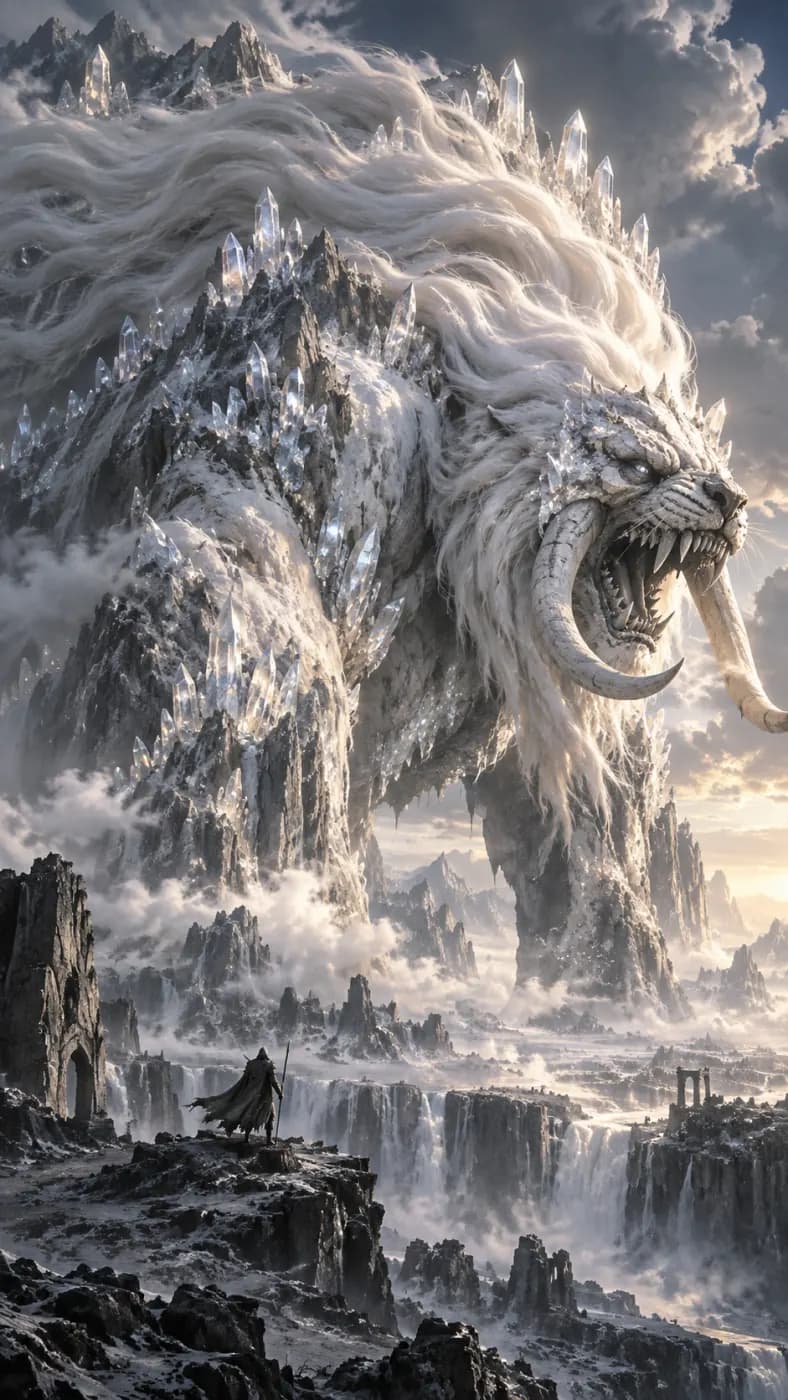
Storm creature
An immense pale fantasy creature amid storm clouds and silver lightning, cinematic wide view.

Meteor lake
A luminous fantasy figure at a mirror lake beneath a violet meteor-filled sky.

Particle burst
A luminous particle explosion against deep black, golden light trails radiating from a bright center.
How to get more from Hailuo 3
Use a compact visual brief to explore a scene, then refine the parts that matter for the final cut.
Explore one visual idea
A landscape reveal, a character reaction or a short establishing shot can help you settle a direction. Define what a successful take must show before spending time on extra atmosphere.
Prioritize the subject and framing
Put the main subject and action first, followed by shot distance, light and camera motion. Avoid contradictory instructions such as a locked camera and an orbit in the same shot.
Review the silhouette and scene
Check whether the subject remains recognizable and whether background objects shift unexpectedly. If the composition works but an action fails, keep the framing description and simplify the movement.
Hailuo 3 at a glance
What this model actually accepts. The studio shows exactly these options when it is selected — nothing more, nothing it would reject.
Hailuo 3 up to 2K, 4, 6 or 10 seconds
Open Hailuo 3 in the studio →- Made by
- MiniMax
- Output
- Video clips
- Aspect ratios
- 16:9 · 9:16 · 1:1
- Resolution
- 768p · 2K
- Clip length
- 4s · 6s · 10s
- Soundtrack
- Silent
- Reference image
- Not used
- Price
- 27 credits per second of footage
How to use Hailuo 3 on LoveImage
- STEP 01Write the brief
Put the main subject and action first, followed by shot distance, light and camera motion. Avoid contradictory instructions such as a locked camera and an orbit in the same shot.
- STEP 02Choose available settings
Available here: 768p / 2K. These are the settings enabled in this workspace, not an exhaustive list of the provider’s options.
- STEP 03Review the result
Check whether the subject remains recognizable and whether background objects shift unexpectedly. If the composition works but an action fails, keep the framing description and simplify the movement.
Hailuo 3 on LoveImage: questions people ask
A landscape reveal, a character reaction or a short establishing shot can help you settle a direction. Define what a successful take must show before spending time on extra atmosphere.
Available here: 768p / 2K. These are the settings enabled in this workspace, not an exhaustive list of the provider’s options.
16:9 · 9:16 · 1:1
4s / 6s / 10s
Upload one reference image in the workspace, then choose a compatible image-to-image or image-to-video model. Available settings depend on that model.
This configuration has no audio toggle. Review the output and add a soundtrack separately if needed.
The cost depends on the model, settings and output count. The workspace shows the credit cost before submission; check that estimate for your selected configuration.
Select the model in the workspace and describe your scene. Add a reference image when needed, choose your settings and review the credit cost before generating.