Wan 2.7 AI Video Generator
Use Wan 2.7 for a short text-led scene or animate a single reference image.
Video generation is on paid plans. Your prompt and settings follow you through sign-in. See plans
Start with a visual direction
Choose a storyboard scene, then describe the action and camera movement.
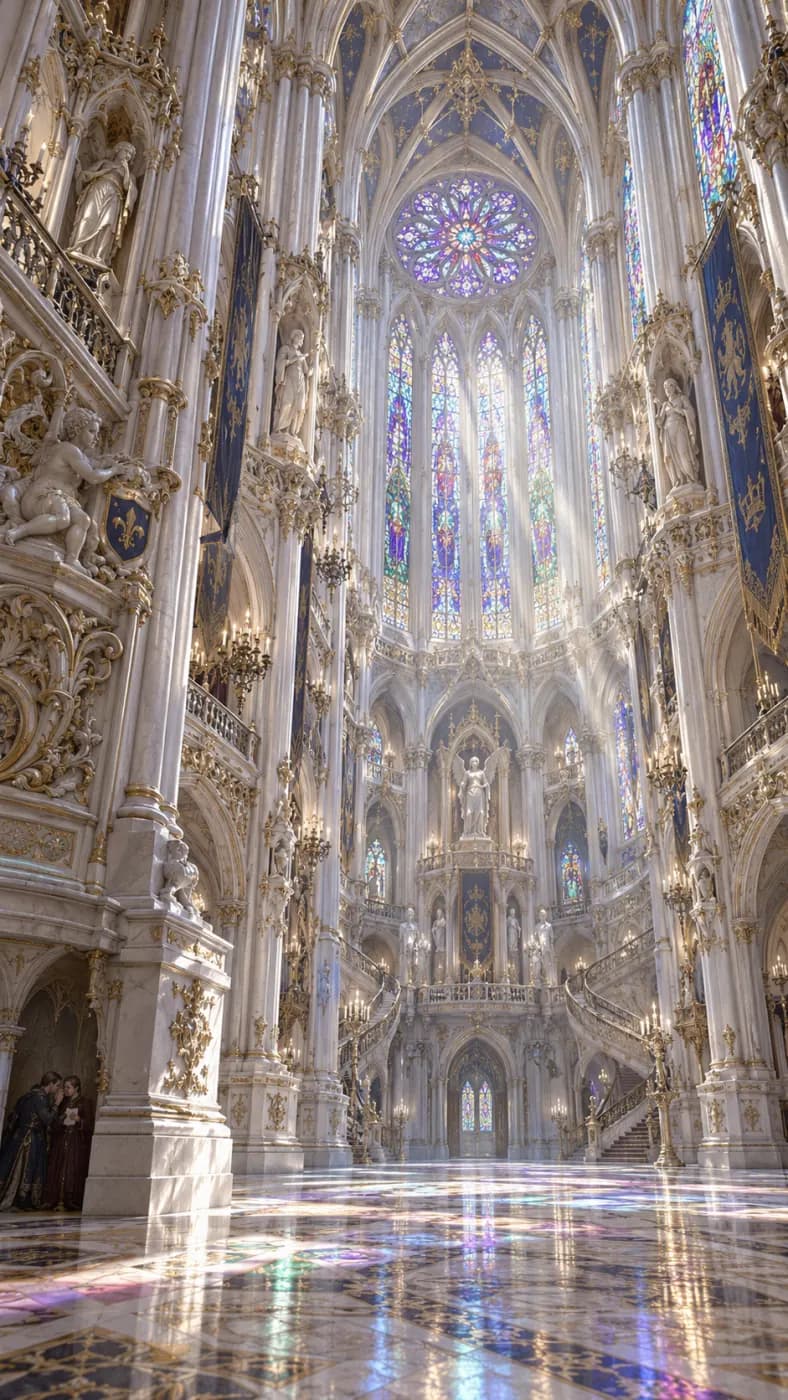
Gothic light
A luminous white-and-gold Gothic interior, stained glass and intricate vaulted ceilings.
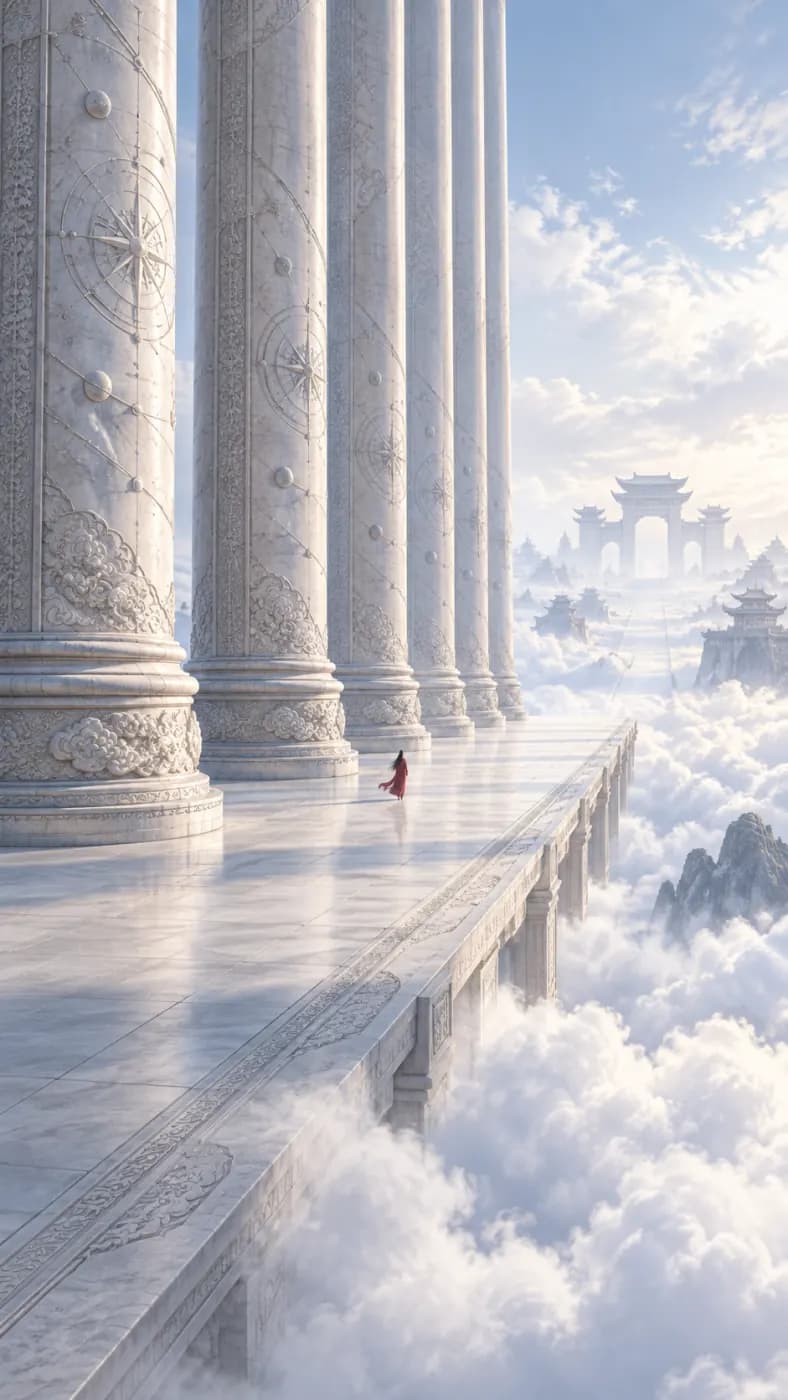
Cloud colonnade
Tall classical columns rising through soft clouds, luminous sky, monumental scale.
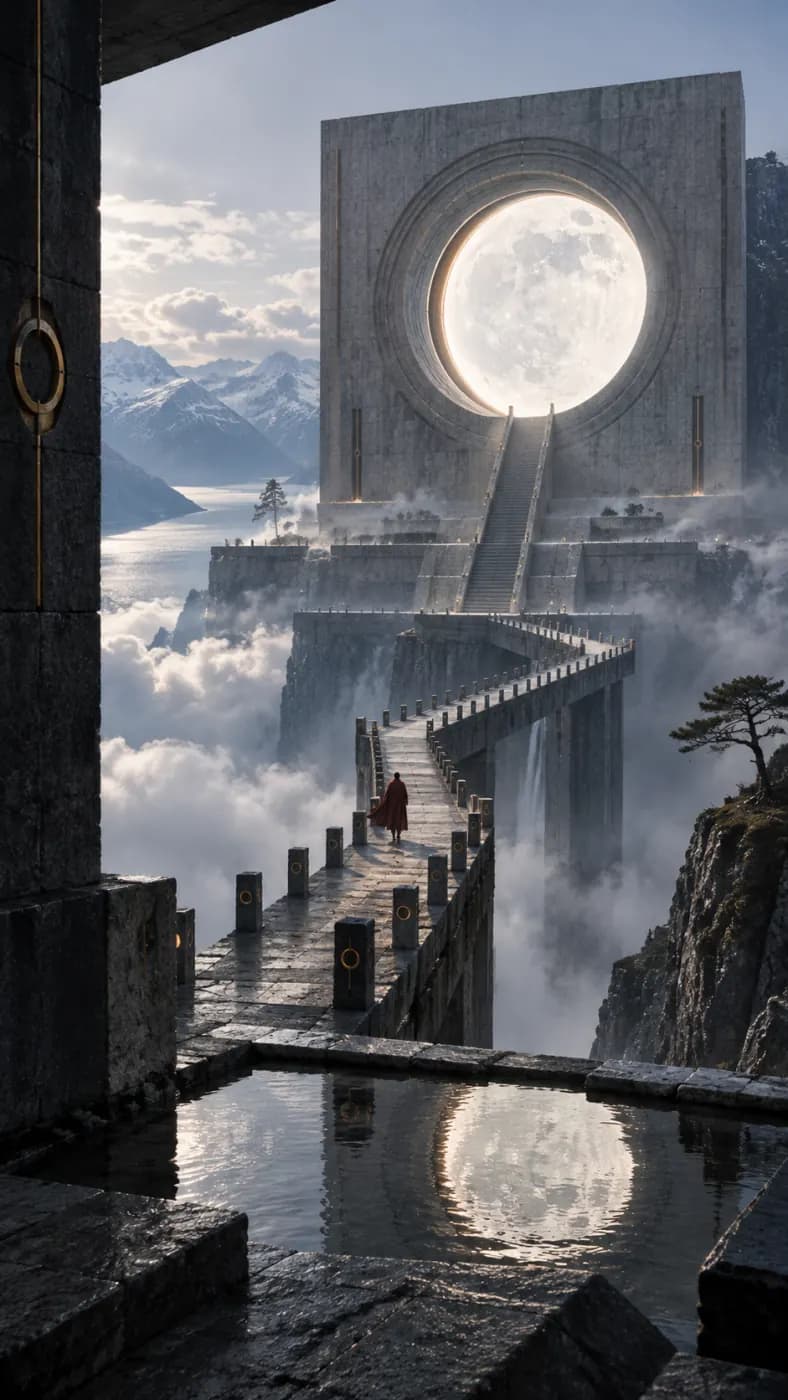
Lunar sanctuary
A Nordic architectural sanctuary under a full moon, white stone, still water and quiet shadows.
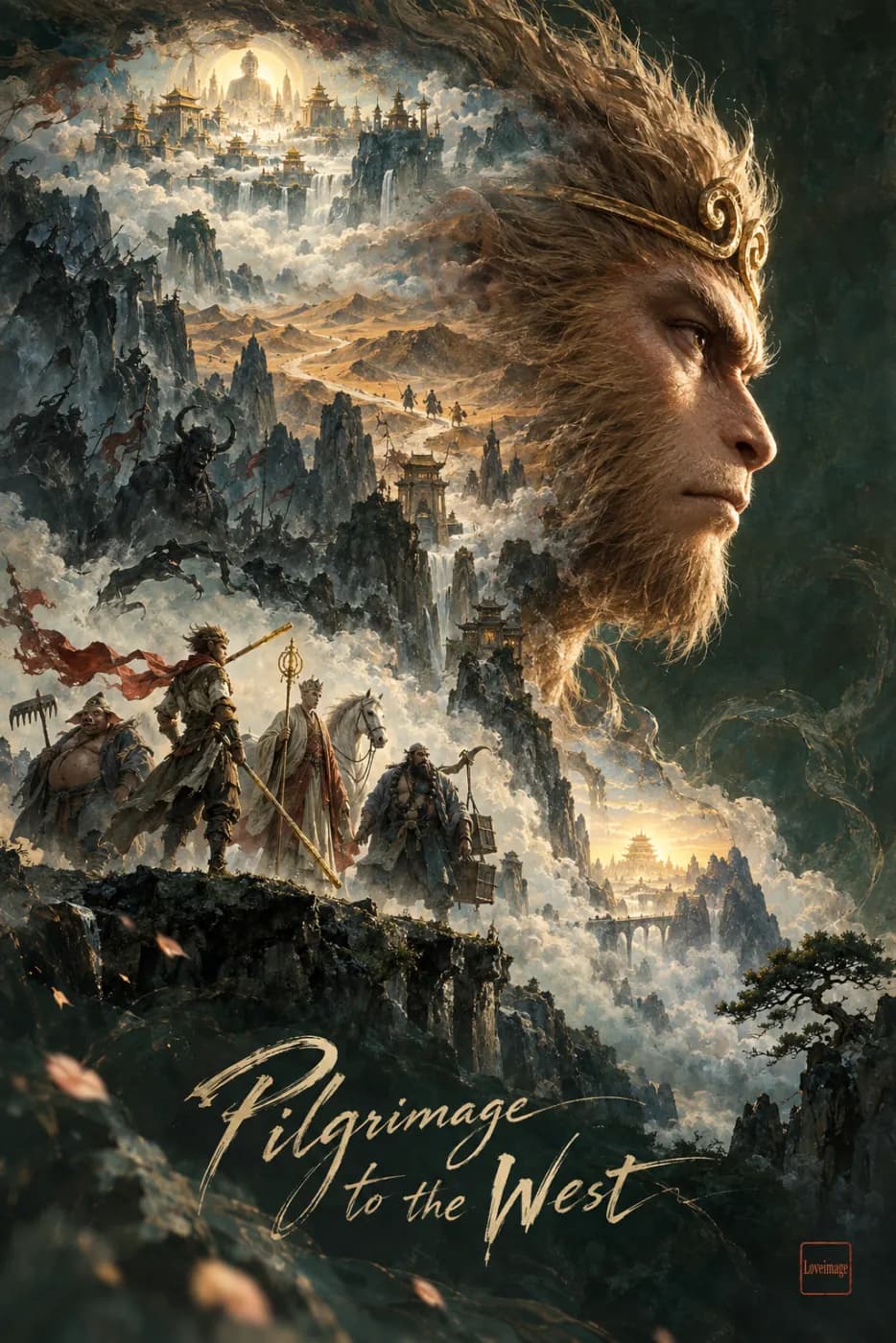
Fantasy journey
A sweeping fantasy landscape with a towering figure, flowing clouds and painterly earth tones.
How to get more from Wan 2.7
Use Wan 2.7 for a short text-led scene or animate a single reference image.
Choose the starting point
Start with text for a new composition. Switch to the image-to-video version when you want an uploaded picture to establish the first frame and the visible subject.
Describe one clear action
Name the subject, setting and movement, then describe the camera separately. Begin with a short 720p draft and inspect its motion before spending credits on a longer 1080p version.
Review continuity
Compare the opening and closing frames for unwanted changes to faces, objects and backgrounds. Simplify conflicting motion instructions and change one part of the prompt between attempts.
Wan 2.7 at a glance
What this model actually accepts. The studio shows exactly these options when it is selected — nothing more, nothing it would reject.
Text-to-video · 720p/1080p
Open Wan 2.7 in the studio →- Made by
- Alibaba
- Output
- Video clips
- Aspect ratios
- 16:9 · 9:16 · 1:1 · 4:3 · 3:4
- Resolution
- 720p · 1080p
- Clip length
- 2s · 5s · 10s · 15s
- Soundtrack
- Silent
- Reference image
- Not used
- Price
- 54 credits per second of footage
How to use Wan 2.7 on LoveImage
- STEP 01Open the studio
Sign in and pick a tool — text to image, image to video, whichever fits the job.
- STEP 02Select Wan 2.7
It is in the model list with its strengths noted. Switch to another model any time; your prompt stays.
- STEP 03Prompt and render
Same prompt box, same settings. Cost shows before you commit; progress streams live.
- STEP 04Keep the winner
Download, reuse the prompt, or push the result into the next tool.
Wan 2.7 on LoveImage: questions people ask
Create a video from text or select Wan 2.7 Image to Video to animate an uploaded image.
Choose 720p or 1080p. The credit estimate changes with resolution and duration.
This integration offers 2, 5, 10 and 15 second clips.
Yes. Use Image to Video with the Wan 2.7 image variant and upload one reference image.
Text to video offers 16:9, 9:16 and 1:1. The image variant follows the uploaded frame.
This page provides text and single-image generation. Video editing and video reference inputs are not available here.
The studio shows the estimated credit total before you submit. Longer clips and higher resolutions use more credits.
Describe a subject, an action and the camera movement. Start with one scene and refine it after reviewing the result.