Seedance 1.5 Pro AI Video Generator
Create video clips from a written brief with Seedance 1.5 Pro. Organize the prompt around the action’s timing, especially when a subject and camera move together.
Video generation is on paid plans. Your prompt and settings follow you through sign-in. See plans
Start with a visual direction
Choose a storyboard scene, then describe the action and camera movement.

Lisbon afternoon
A playful anime scene in a sunny Lisbon street, a smiling girl, cats and colorful buildings.

Winter anime
An anime character in a snowy forest, blue-white backlight and softly falling snow.
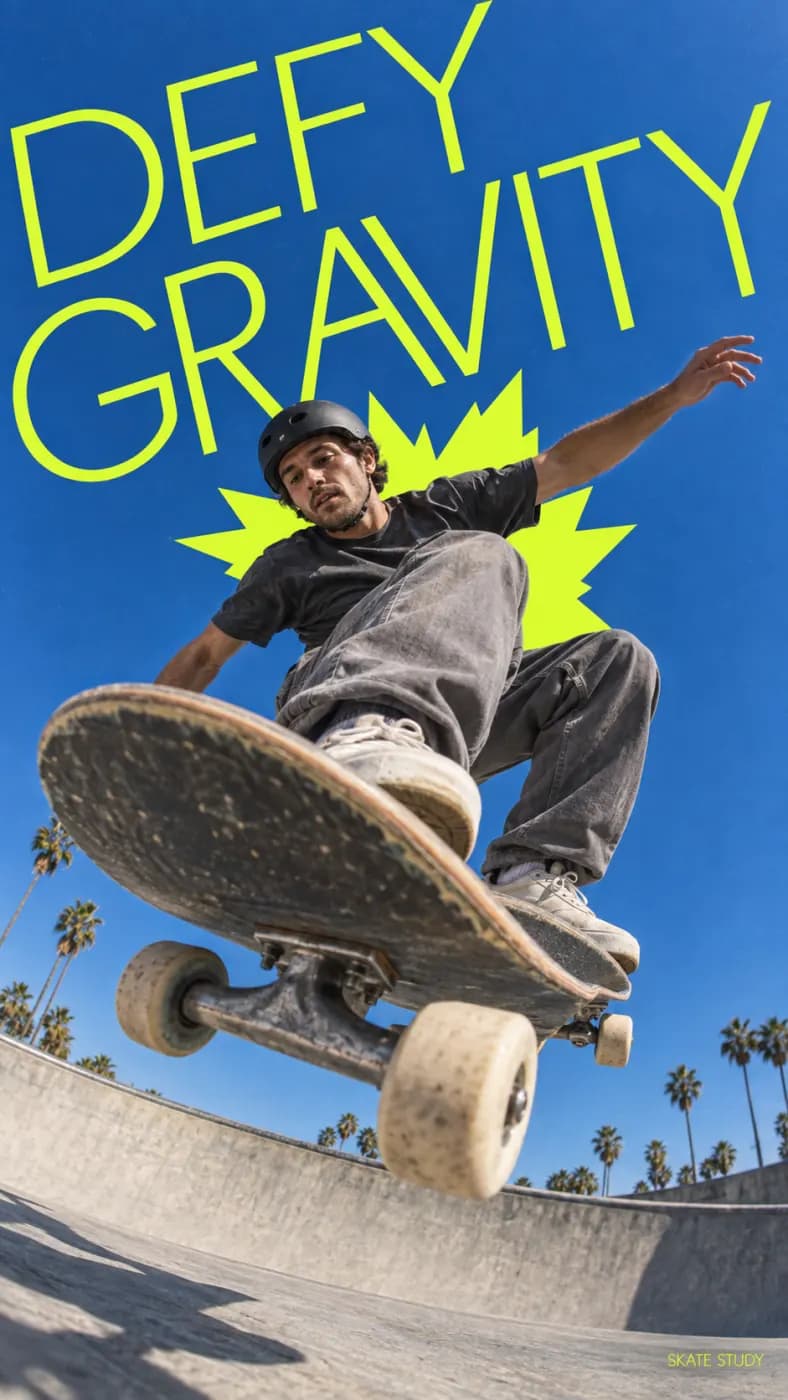
Defy gravity
A skateboarder suspended in midair against blue sky, energetic DEFY GRAVITY poster lettering.

Phoenix forest
A traveler and a fiery phoenix in an ancient forest, sparks and warm light in the canopy.
How to get more from Seedance 1.5 Pro
Organize the prompt around the action’s timing, especially when a subject and camera move together.
Break an idea into a short action
Try a walk past the camera, a reveal behind an object or a product moving into light. Choose one action with a readable beginning and finish before attempting a longer sequence.
Give movement a simple sequence
Use clear timing language such as “starts still, then turns, then holds.” State the camera move separately. For an image reference, describe the intended motion instead of redescribing every visible detail.
Check pace before increasing detail
Watch for rushed actions, pauses in the wrong place and unintended camera changes. Refine the timing first; only then add textures, atmosphere or more detailed lighting instructions.
Seedance 1.5 Pro at a glance
What this model actually accepts. The studio shows exactly these options when it is selected — nothing more, nothing it would reject.
Strong physics, 480p to 1080p, optional audio
Open Seedance 1.5 Pro in the studio →- Made by
- ByteDance
- Output
- Video clips
- Aspect ratios
- 16:9 · 9:16 · 1:1
- Resolution
- 480p · 720p · 1080p
- Clip length
- 8s · 10s
- Soundtrack
- Optional, generated with the picture
- Reference image
- Not used
- Price
- 24 credits per second of footage
How to use Seedance 1.5 Pro on LoveImage
- STEP 01Write the brief
Use clear timing language such as “starts still, then turns, then holds.” State the camera move separately. For an image reference, describe the intended motion instead of redescribing every visible detail.
- STEP 02Choose available settings
Available here: 480p / 720p / 1080p. These are the settings enabled in this workspace, not an exhaustive list of the provider’s options.
- STEP 03Review the result
Watch for rushed actions, pauses in the wrong place and unintended camera changes. Refine the timing first; only then add textures, atmosphere or more detailed lighting instructions.
Seedance 1.5 Pro on LoveImage: questions people ask
Try a walk past the camera, a reveal behind an object or a product moving into light. Choose one action with a readable beginning and finish before attempting a longer sequence.
Available here: 480p / 720p / 1080p. These are the settings enabled in this workspace, not an exhaustive list of the provider’s options.
16:9 · 9:16 · 1:1
8s / 10s
Upload one reference image in the workspace, then choose a compatible image-to-image or image-to-video model. Available settings depend on that model.
You can turn generated audio on or off before submitting.
The cost depends on the model, settings and output count. The workspace shows the credit cost before submission; check that estimate for your selected configuration.
Select the model in the workspace and describe your scene. Add a reference image when needed, choose your settings and review the credit cost before generating.