Text to Image
Describe it and have it — photoreal or illustrated, up to 4K, with lettering that reads and hands that are hands.
Your prompt and settings follow you through sign-in. Review them before generating.
Start with a visual direction
Explore creative references, reuse a scene description and add your own ideas.
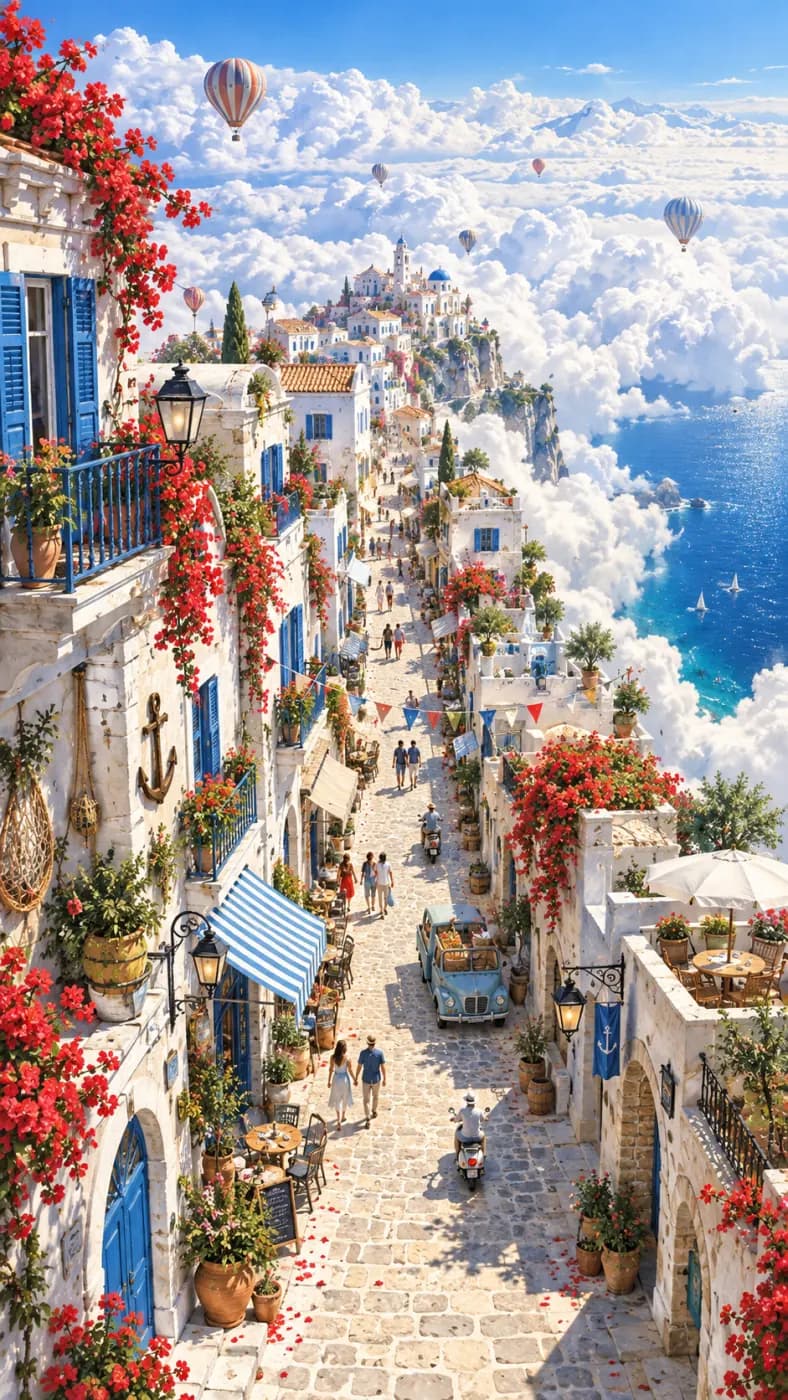
Hillside town
A sunlit Mediterranean hillside town, winding streets, flowers and hand-painted textures.
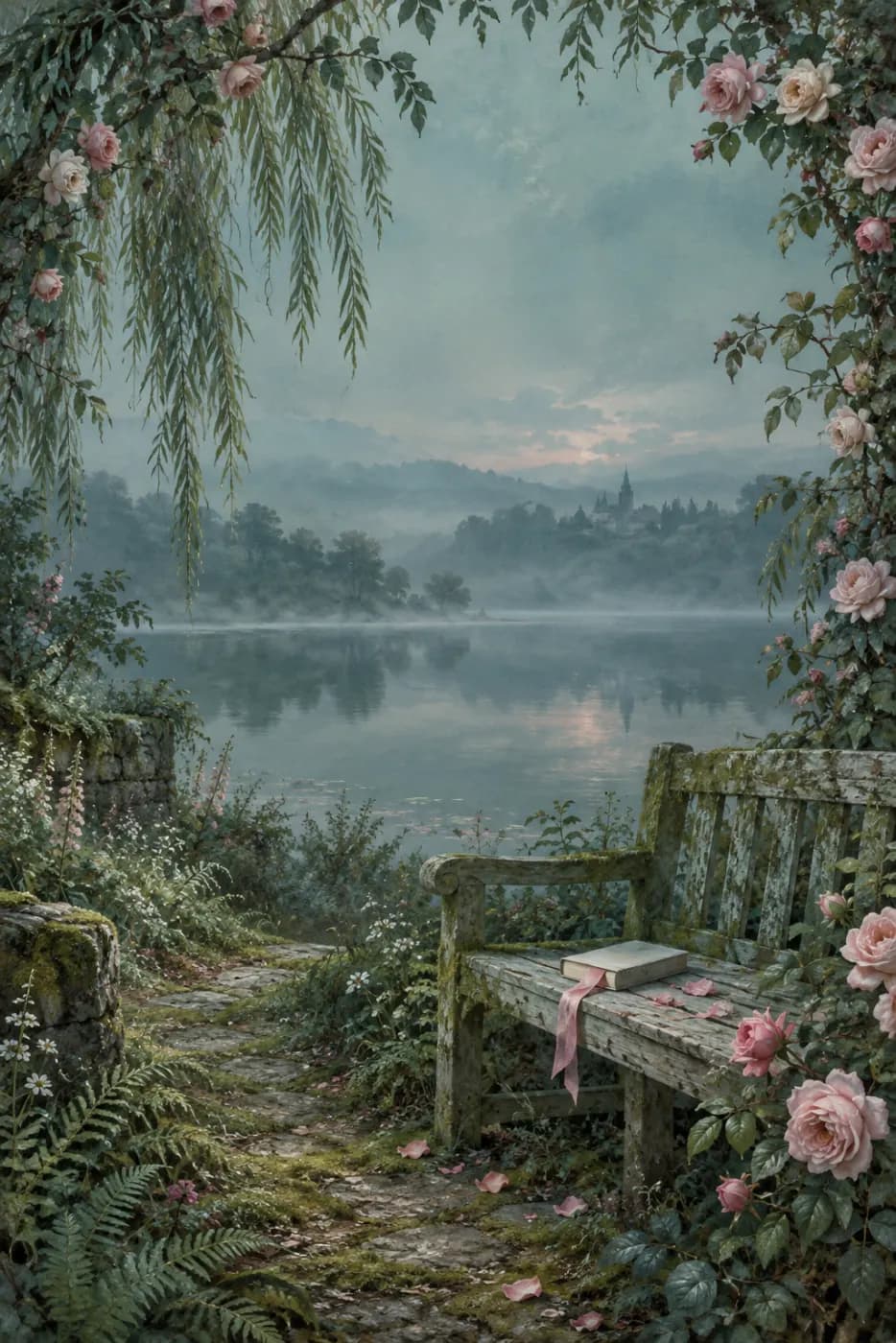
Garden cover
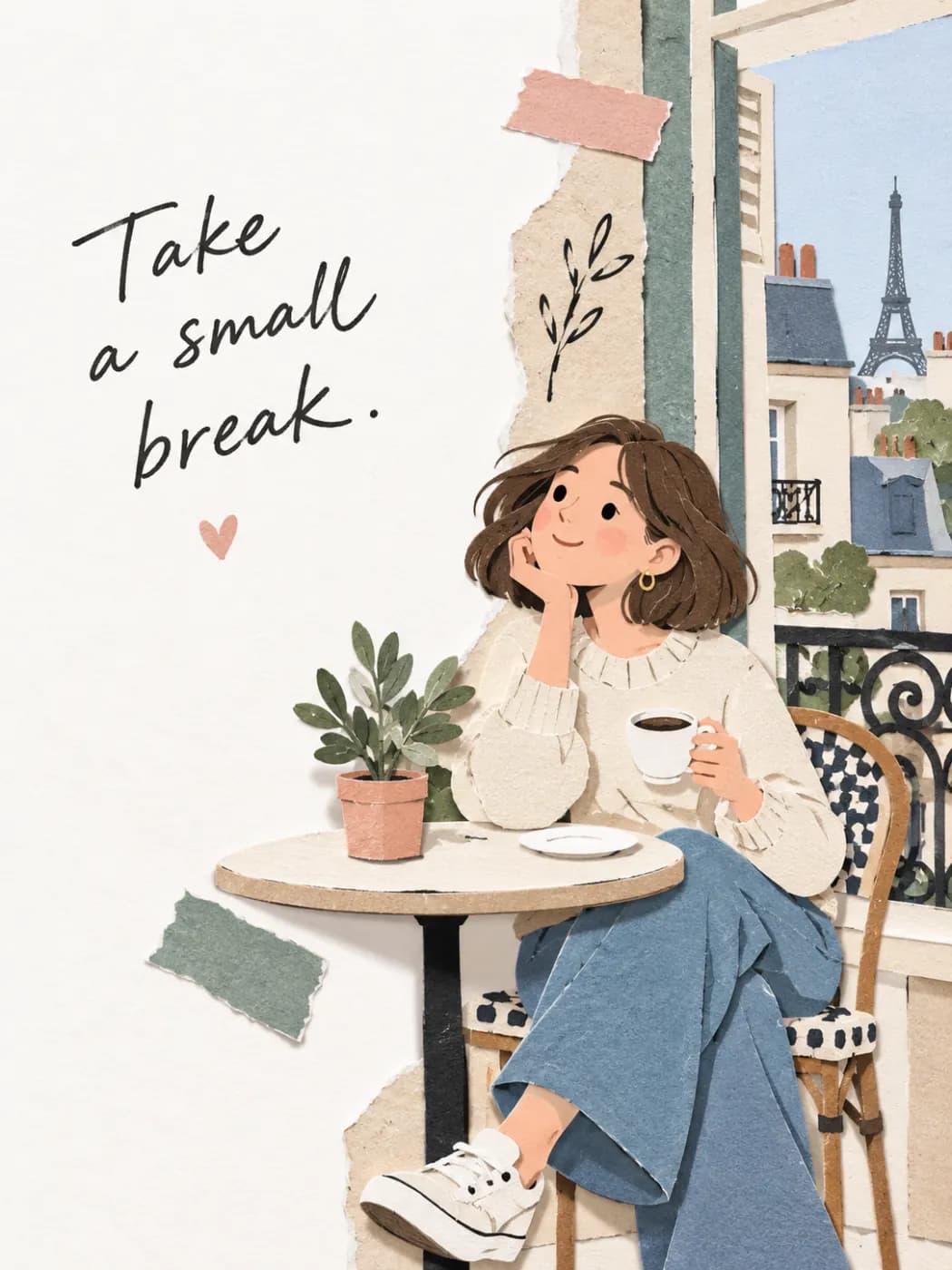
A romantic garden book cover, roses, still water and a softly painted path.
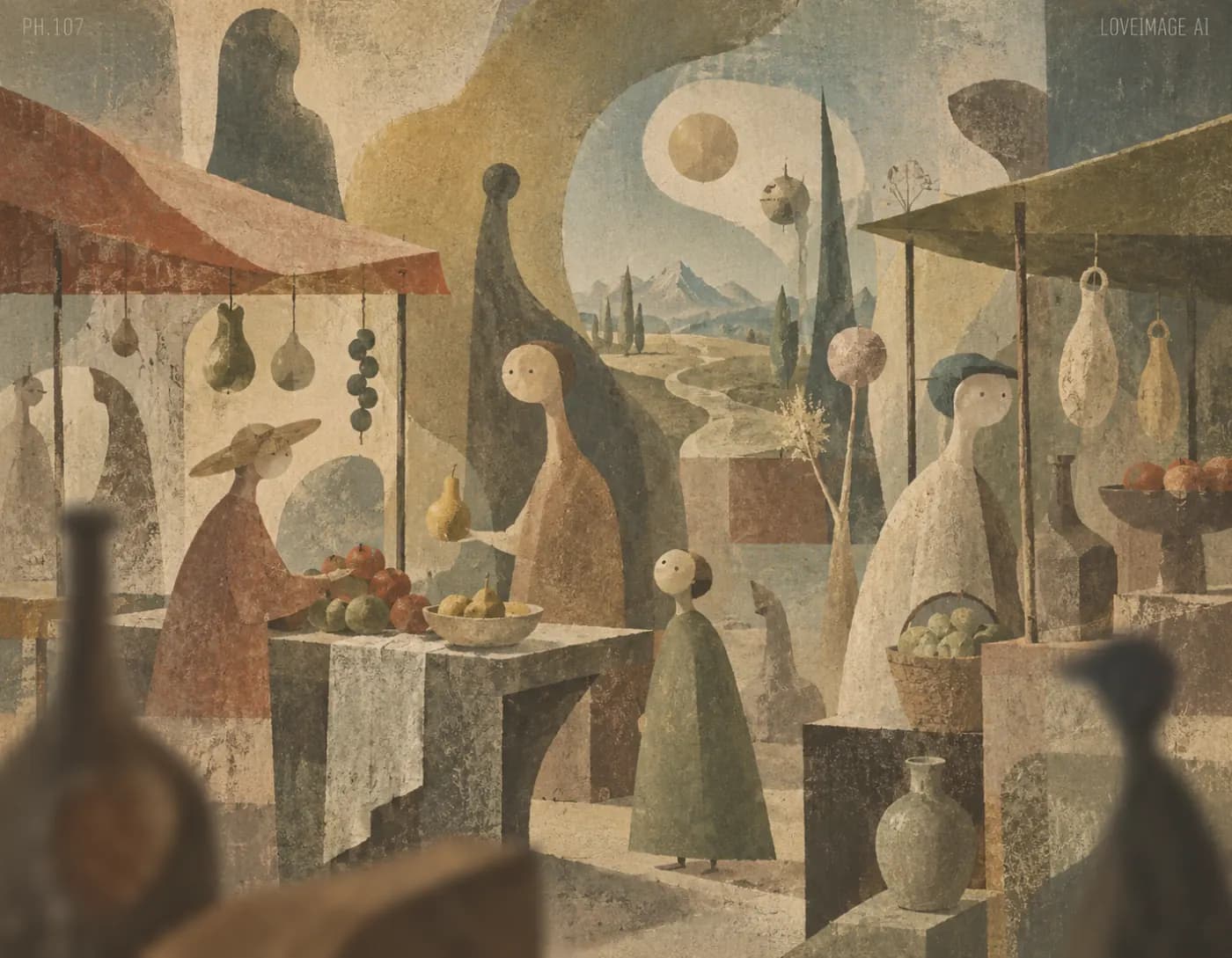
Surreal market
A surreal market painted in warm earth tones, architectural arches and small figures.
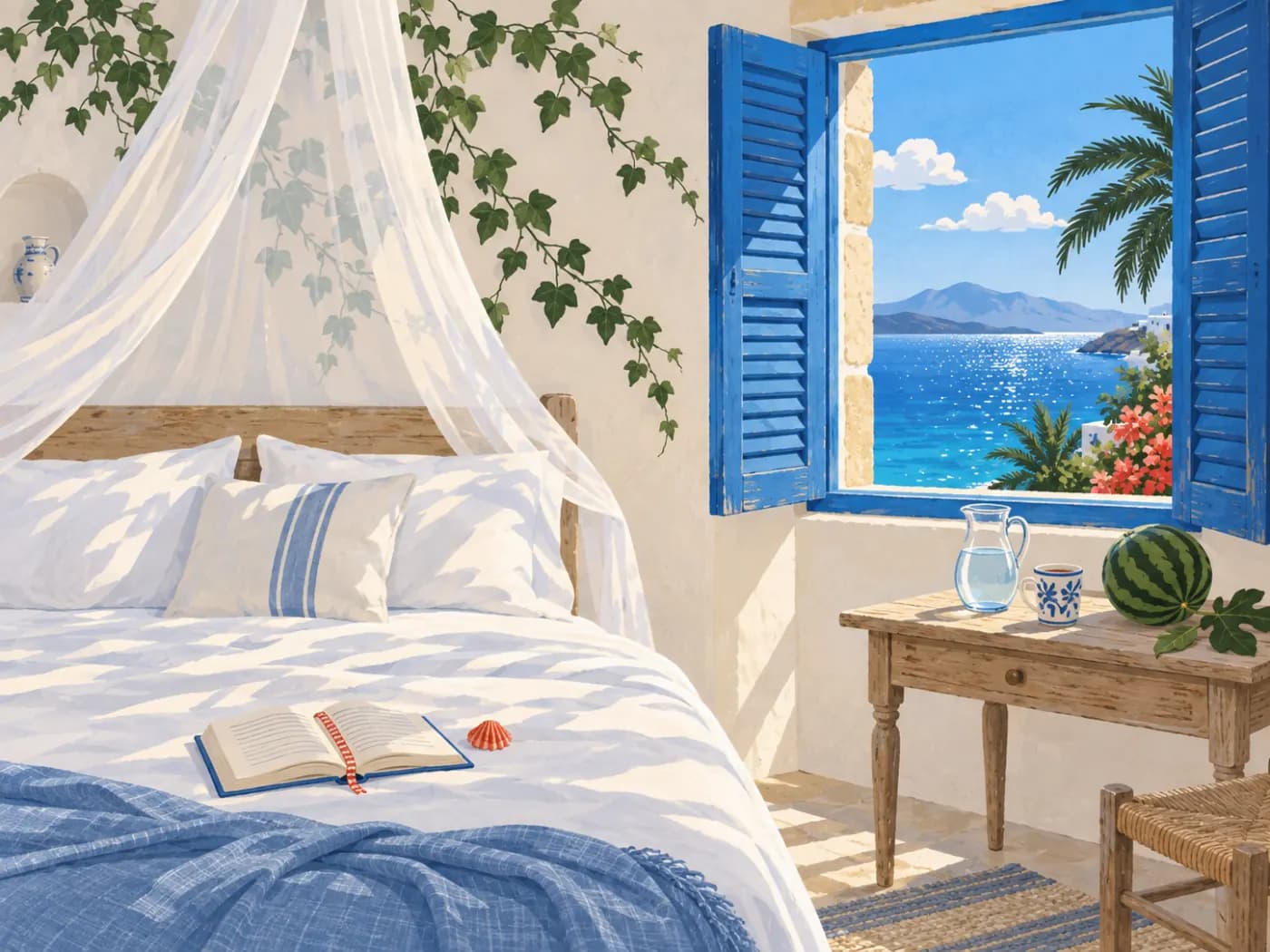
Coastal bedroom
An airy Mediterranean bedroom illustration, blue shutters, white linen and soft sea light.
Why Text to Image on LoveImage
GPT Image 2 for legible text, Nano Banana Pro for 4K detail, Imagen 4 Fast for cheap exploration, Seedream 5 Pro for wide ratios. Same prompt, switch models, pick a look.
Render at 1K to iterate, then 2K or 4K for print, hero banners and anything a client will zoom into.
GPT Image 2 renders lettering on signs, packaging and posters accurately — the single most-requested fix in AI imaging.
Cinematic, Editorial, Anime, Product and Documentary presets tune the whole result, not just a filter on top.
Up to four outputs per run. Same seed for a controlled variation, random seed for range.
Erase, inpaint, remove the background or upscale the result from the same feed. No round-trip through another app.
Models, one subscription
Providers under one key
Maximum output
How to use Text to Image
- STEP 01Describe the image
Subject, setting, light, lens. Concrete beats clever: “overhead flat lay, terracotta cups on raw linen, soft window light” gets you there first time.
- STEP 02Choose ratio and quality
Choose from the ratios and quality levels supported by your model, then review the credit estimate before generating.
- STEP 03Pick a model and a style
Photoreal or illustrated, warm or clinical. Not sure? Batch four and let the results decide.
- STEP 04Refine and download
Reuse the prompt with one change, inpaint a detail, upscale — then download a PNG with no watermark.
Where Text to Image earns its keep
E-commerce
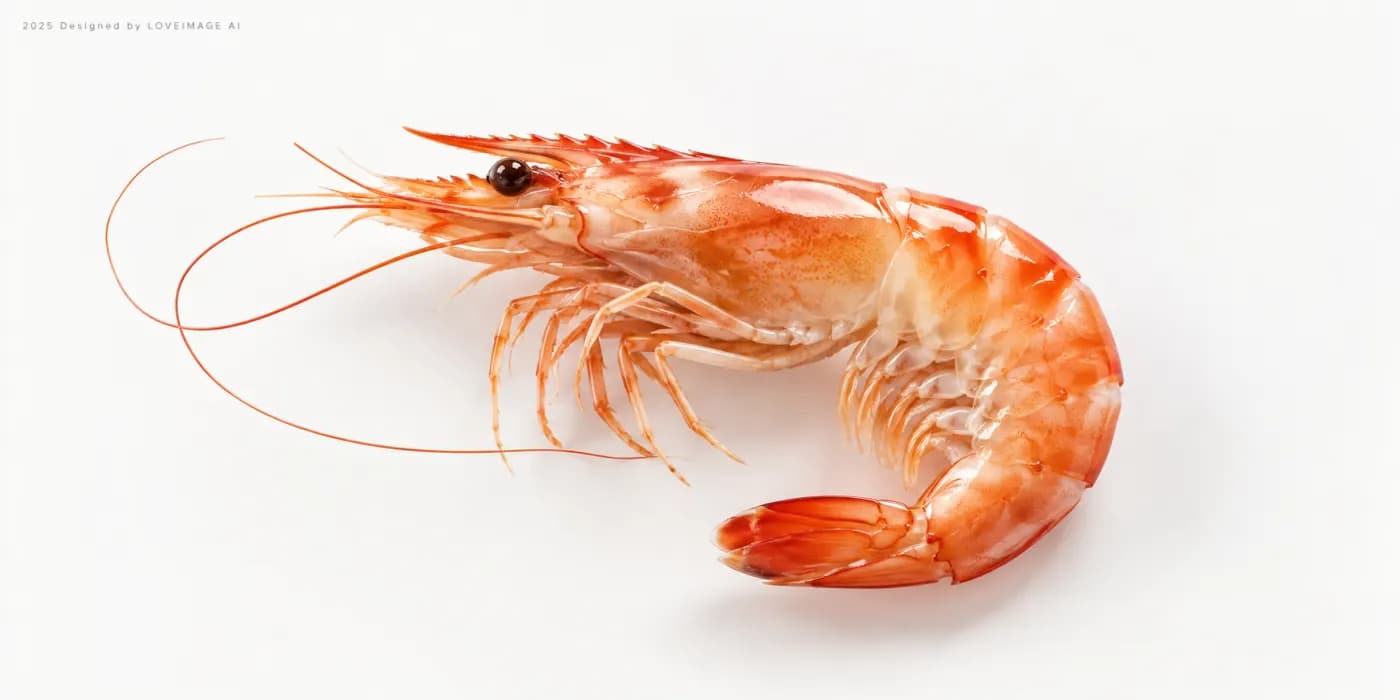
Listing images, lifestyle shots and packshots without booking a studio for each SKU.
Marketing and ads
Ten hero-image candidates by lunch. Test them, keep the winner, upscale it.
Editorial and publishing
Cover art and illustration on deadline, in a consistent house style.
Concept and design
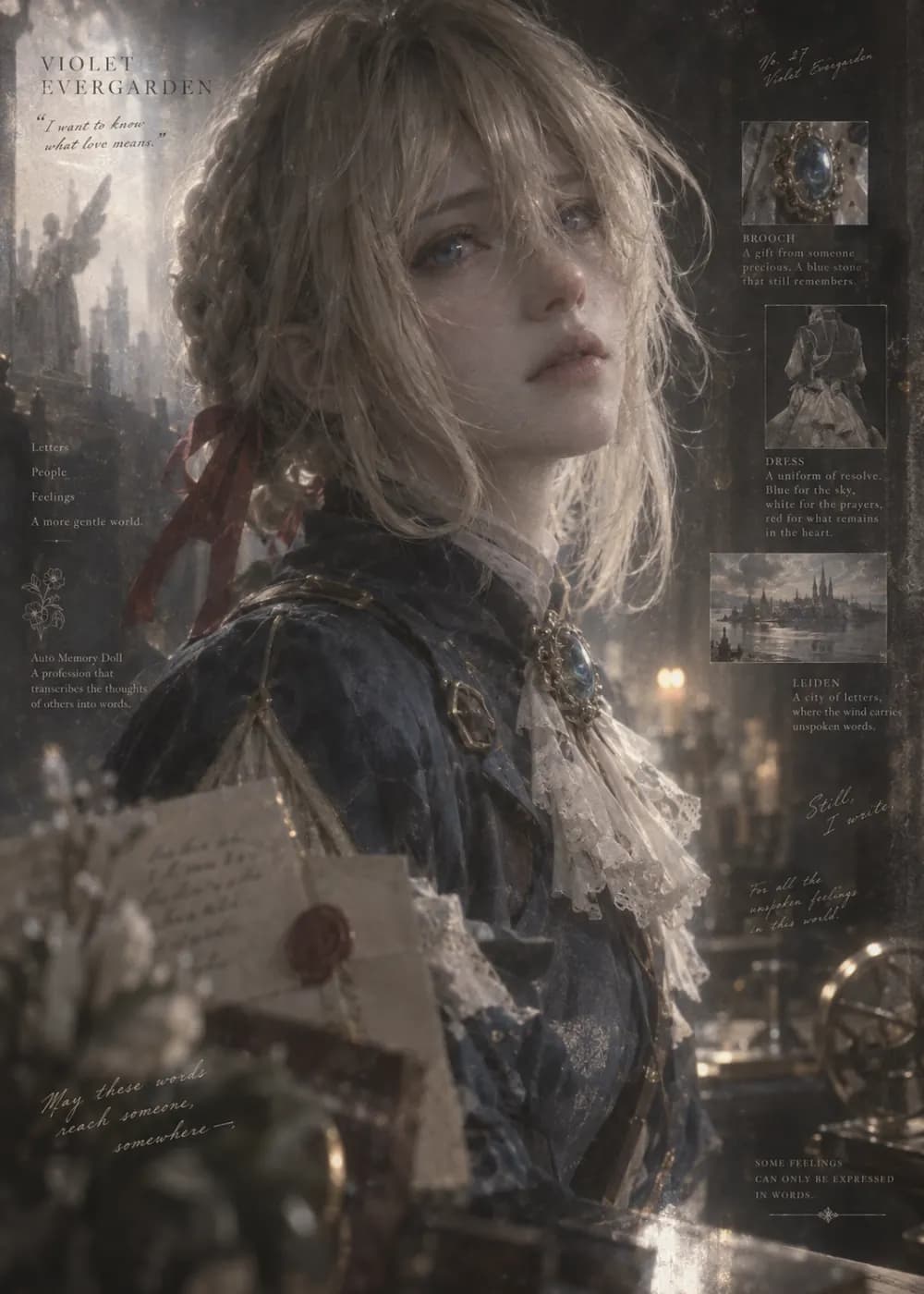
Mood boards, environment concepts and character explorations before anything is committed.
Social
On-brand visuals every day, sized for each platform from one prompt.
4K output holds up on posters, packaging and point-of-sale.
Built for people who ship
Run one prompt across models from different providers and keep the take that reads best — no second subscription, no re-typing.
Ratios, resolutions and clip lengths come from each model's own limits, so what you pick is what renders.
A failed job is refunded automatically. You are charged for output, not for attempts.
Text to Image: questions people ask
Be concrete about subject, setting, light and lens; skip stacked adjectives. “Overhead flat lay, terracotta cups on raw linen, soft window light, 50mm” lands first time. Put any words that must appear in quotes.
GPT Image 2 for anything with text. Imagen 4 Fast for fast, cheap exploration. Nano Banana Pro for 4K detail. Seedream 5 Pro for the widest ratio range. Batch all four on one prompt to see.
1K, 2K or 4K at render time; free accounts render at 1K. Any image can be upscaled to 4K afterwards.
GPT Image 2 does — signs, packaging, posters. Put the exact words in quotes. If one word slips, inpaint that word rather than regenerating.
Generate once, then use Image to Image with that result as the reference and lock the seed. Change only the parts of the prompt that need to change.
Same prompt plus same seed gives the same image; change one word to get a controlled variation. Shuffle the seed for range.
Credits depend on the model, settings and output count. Review the live estimate before generating. New accounts get free starter credits for selected image models; other models and video need a paid plan.
No watermark on any plan. Commercial rights on paid plans; free-plan images are for personal, non-commercial use.